
What is Firebase Studio?
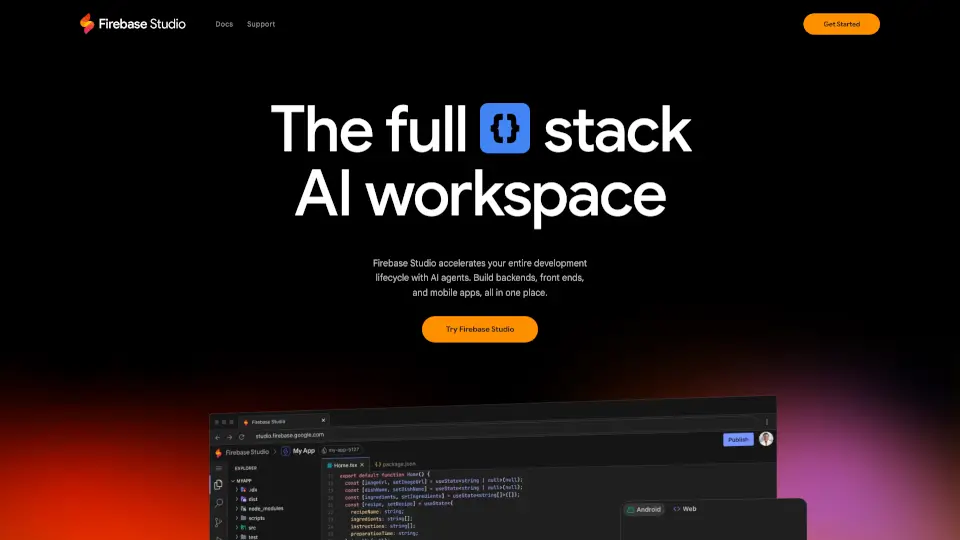
Firebase Studio is a web-based workspace designed to simplify full-stack application development. It combines the latest generative AI from Gemini with cloud emulators and app previews, making it easier to build, test, and deploy apps. Whether you're working on backends, frontends, or mobile apps, Firebase Studio offers a seamless experience for developers of all skill levels.
What are the features of Firebase Studio?
- AI-Powered Development: Use Gemini AI to assist with coding, debugging, testing, and refactoring.
- App Prototyping: Quickly create new apps using natural language, mockups, or templates from popular frameworks.
- Collaboration Tools: Share workspaces with team members and provide preview links for early testers.
- End-to-End Testing: Optimize your apps with web previews, Android emulators, and extensions from the Open VSX Registry.
- Deployment & Monitoring: Easily publish apps to Firebase Hosting, Cloud Run, or custom infrastructure and monitor their performance.
- Customizable Environment: Tailor your workspace with Nix support.
What are the use cases of Firebase Studio?
- Building New Apps: Start from scratch with AI-powered prototyping or templates.
- Importing Projects: Bring in existing repositories from GitHub, GitLab, Bitbucket, or your local machine.
- Collaborating with Teams: Work together in real-time, regardless of coding experience.
- Deploying Apps: Publish and monitor apps with just a few clicks.
How to use Firebase Studio?
- Sign Up: Join the Google Developer Program for early access to advanced features.
- Import or Create: Bring in your existing project or use the App Prototyping agent to start fresh.
- Develop with AI: Let Gemini assist you with coding, debugging, and testing.
- Preview & Test: Use built-in emulators and previews to see how your app looks and works.
- Deploy: Publish your app to Firebase Hosting, Cloud Run, or your preferred platform.