

FF Designer logo

FF Designer

4.0
(0 Reviews)
El Salvador33.89%

FlutterFlow is a visual app builder that lets you design, prototype, and deploy native Flutter apps without writing code, with full code export and backend integration.

Verified by SeekTool
FF Designer

FF Designer Product Information

What is FF Designer?

FlutterFlow is a visual development platform that lets you build native mobile and web apps using Flutter without writing code from scratch. It combines a drag-and-drop editor with powerful customization options, so you can design professional-grade interfaces, add logic, and deploy directly to app stores or the web—all in one place. Whether you're a beginner exploring app creation or a developer looking to speed up prototyping, FlutterFlow gives you a friendly, visual way to bring your ideas to life.

What are the features of FF Designer?

  • Visual Drag-and-Drop Builder: Design your app’s UI by simply dragging components onto a canvas, with real-time preview on desktop, tablet, and phone.
  • Custom Code & Logic: Add custom Flutter widgets, write backend logic with Firebase or Supabase, and integrate APIs without leaving the editor.
  • Built-in Backend Integration: Connect directly to Firebase (Auth, Firestore, Cloud Functions) or Supabase, plus REST API support for external services.
  • Code Export & Full Ownership: Export clean, production-ready Flutter code at any time, so you own your app entirely and can modify it outside the platform.
  • Team Collaboration: Work with teammates in real-time, share projects, and manage version history—perfect for agencies or small teams.
  • Responsive & Adaptive Layout: Automatically adjust your app’s layout for different screen sizes, with breakpoints and responsive widgets built in.

What are the use cases of FF Designer?

  • Entrepreneurs building a MVP: Quickly test a business idea by creating a functional app prototype without hiring a developer.
  • Freelancers delivering client projects: Design and launch custom apps for clients faster, with exportable code for future maintenance.
  • Students learning Flutter: Experiment with app design visually, then examine the generated code to understand Flutter structure.
  • Agencies scaling app production: Use reusable components and team collaboration to build multiple apps efficiently.
  • Existing businesses adding a mobile app: Connect FlutterFlow to your existing backend (Firebase or API) to create a companion app for your web service.

How to use FF Designer?

  • Step 1: Sign up for a free account at designer.flutterflow.io, then click “Create New Project” to choose a template or start blank.
  • Step 2: Use the component panel on the left to drag UI elements (buttons, text, images, lists) onto the canvas and arrange them.
  • Step 3: Set up your backend by clicking the “Firebase” or “Supabase” tab, authenticating, and configuring collections or tables.
  • Step 4: Add navigation and logic by connecting pages with “Action Blocks” (e.g., “on tap” → navigate to another page, or call an API).
  • Step 5: Preview your app on different devices using the built-in emulator, then export the code or deploy directly to the App Store/Google Play via the “Publish” tab.
Do you like this tool?

Upvote to help others discover it!

FF Designer Alternatives

FlutterFlow AI Gen

FlutterFlow AI Gen

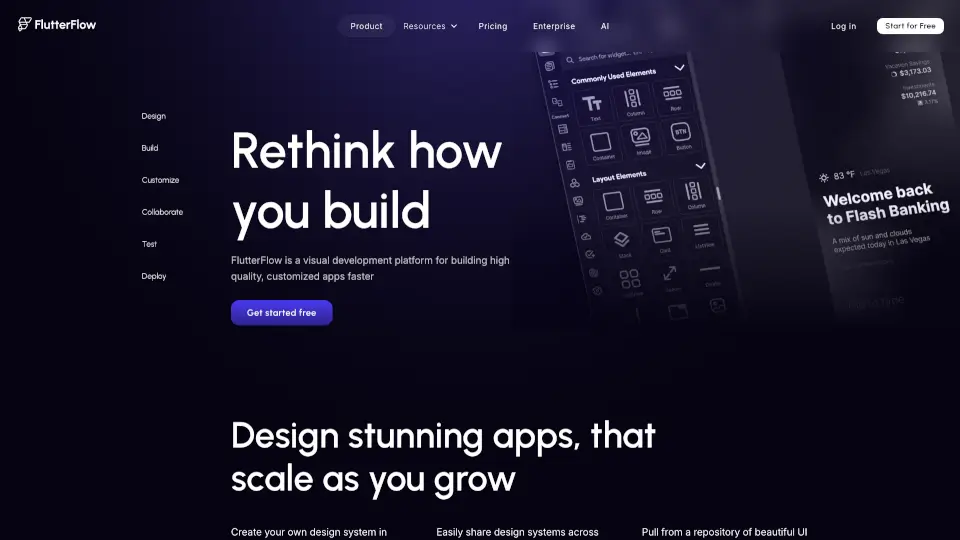
FlutterFlow is a visual development platform that helps you build high-quality, cross-platform apps faster. With live data integration, customization options, and easy deployment, it’s perfect for startups, designers, and developers.

US
18.51%
2.2M
5.0
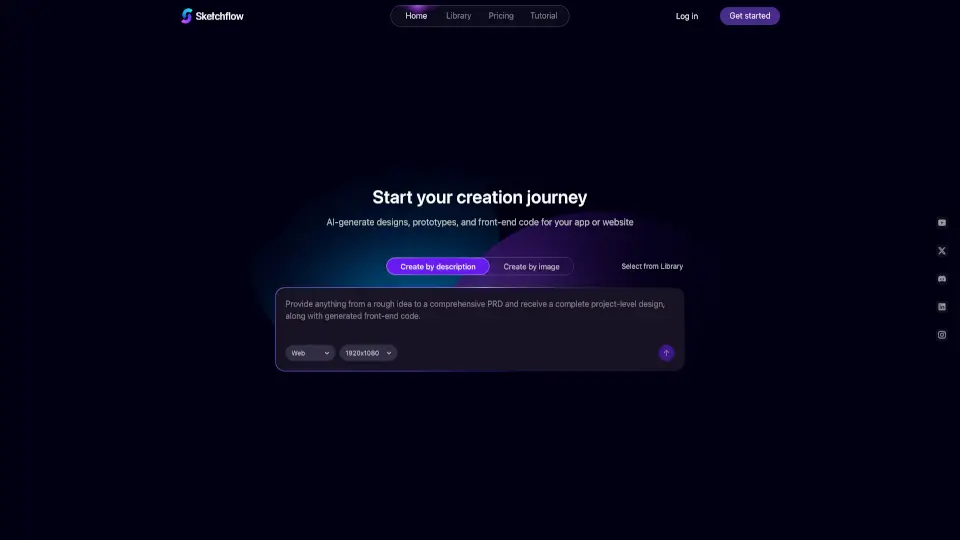
Sketchflow AI

Sketchflow AI

Sketchflow uses AI to generate designs, prototypes, and front-end code for web and mobile apps, making it easy to turn your ideas into live products in minutes.

NG
23.68%
7.7K
3.0
Floot

Floot

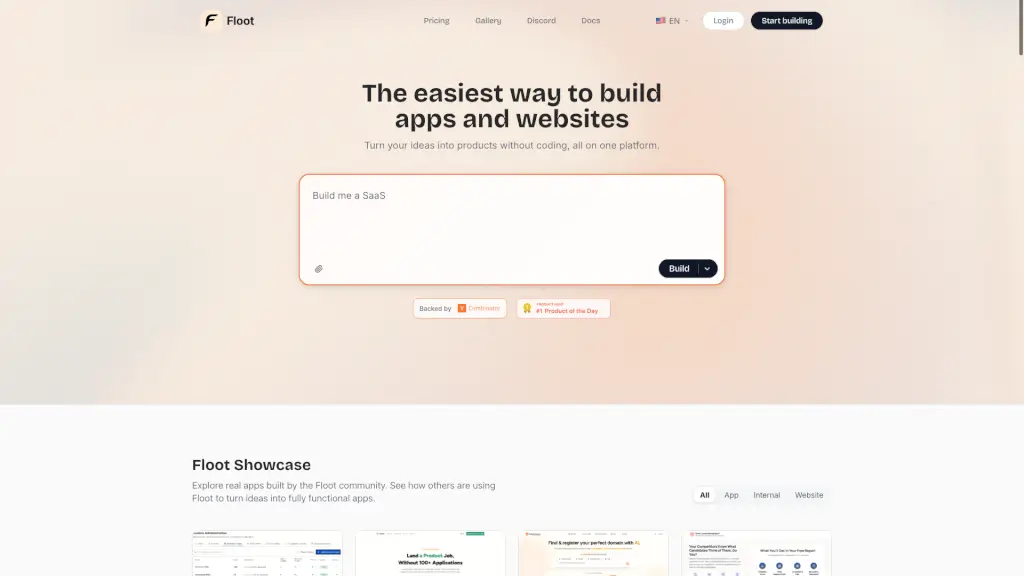
Floot is the easiest no-code platform to build fully functional, SEO-friendly websites and apps without writing a single line of code.

US
44.45%
129.4K
5.0
Bravo Studio

Bravo Studio

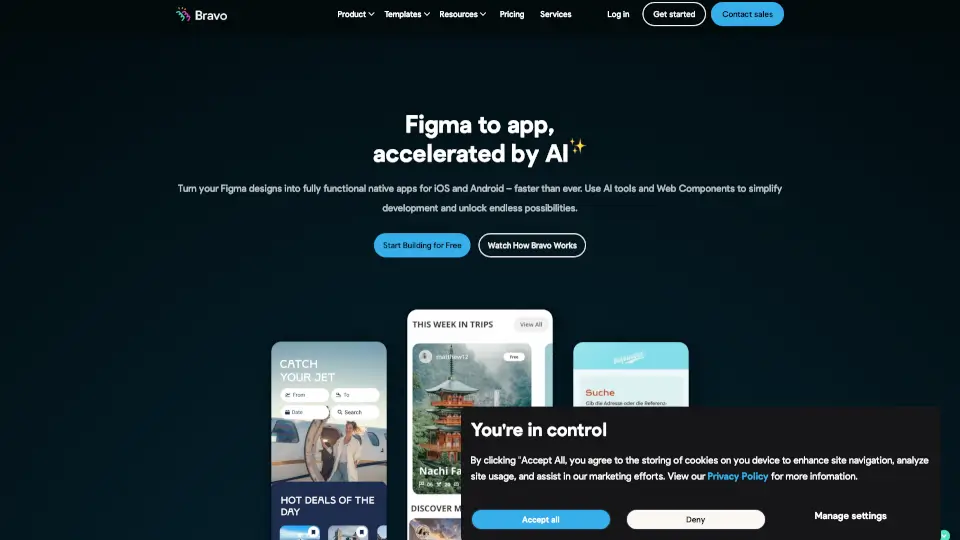
Bravo Studio is the ultimate no-code platform for turning Figma designs into native mobile apps. With AI-powered tools, web components, and API integrations, it’s perfect for designers and creators who want to build apps without coding.

US
26.31%
27.4K
4.0
Frontly

Frontly

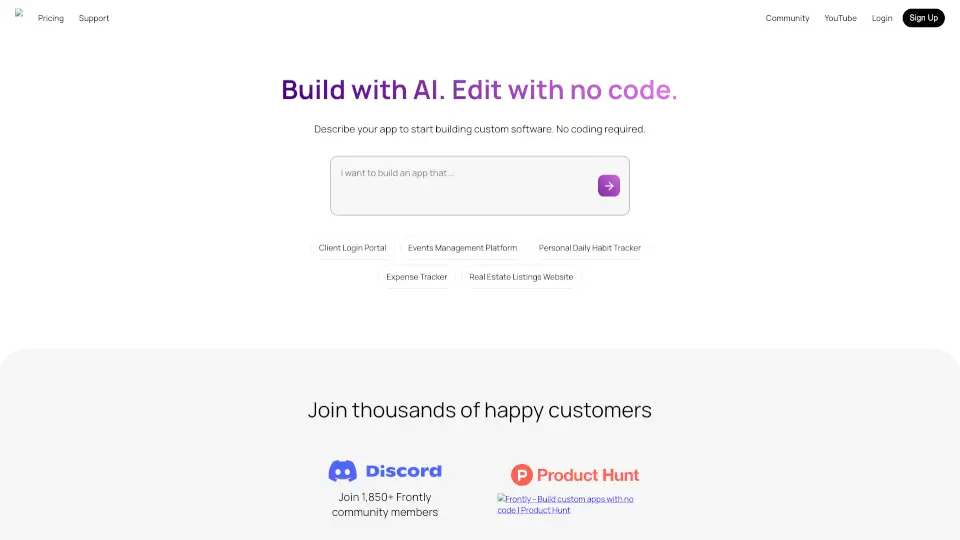
Frontly is a powerful no-code app builder that lets you create custom apps with ease, featuring AI integration, modern UI, and granular access control.

US
26.63%
8.3K
3.0
PixelFree Studio

PixelFree Studio

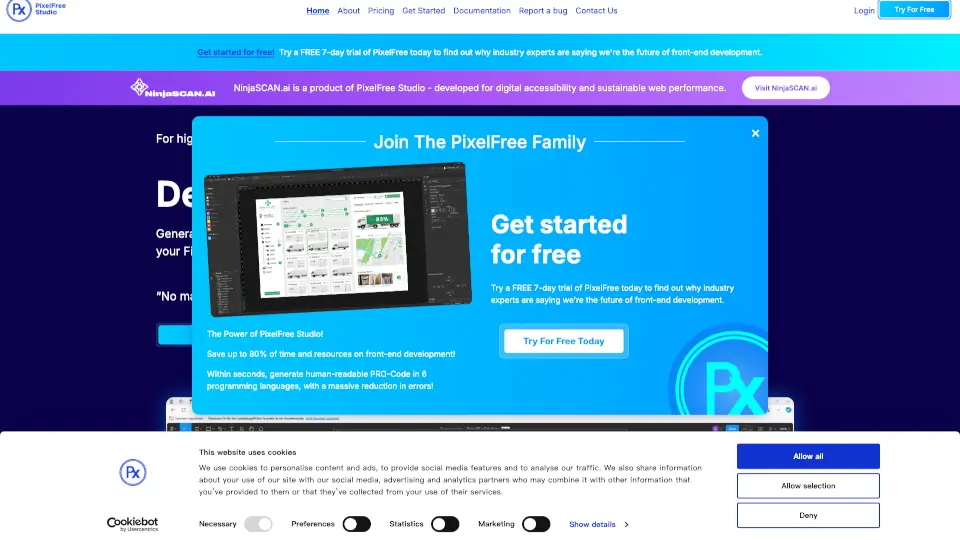
Transform your designs into functional code with PixelFree Studio, the low-code platform that saves you time and resources while delivering high-quality, customizable applications.

US
30.50%
4.6K
3.0
VibeCode

VibeCode

Vibecode is an AI-powered mobile app builder that lets you design, build, and publish professional-grade apps to the App Store without any coding.

US
30.52%
236.2K
5.0
Superapp

Superapp

Superapp lets anyone build real, native iOS apps for iPhone and other Apple devices using AI—no coding, no developers, just your idea.

US
22.37%
45.0K
4.0

FF Designer Related Other Categories

FF Designer Traffic Analysis

💡 Insights

🌱
Emerging Tool
10K-100K monthly visits. Niche or new tool with potential unique value.
📉
Traffic Decline
Significant traffic drop recently. Check for alternatives.
💎
High Stickiness
Low bounce rate (21%) and deep engagement (18.0 pages/visit). Excellent user experience.
🎯
Strong Brand
68% direct traffic. High user loyalty.
  • Monthly Visits

    18.64K

  • Bounce Rate

    20.84%

  • Pages Per Visit

    17.99

  • Visit Duration

    00:08:57

  • Global Rank

    0

  • Country Rank

    0

Visits Over Time

Traffic Sources

Direct68.01%
Search Organic14.47%
Referrals9.96%
Social Organic3.44%
Mail3.20%
Display Ads0.92%
Gen Ai0.00%
Search Paid0.00%
Social Paid0.00%
Affiliate0.00%

Top Keywords

1
flutterflow designer
CPC$19.56
470Traffic
2
flutter design
170Traffic
3
flutterflow desing
100Traffic
4
fluter desinger
100Traffic
5
flutter flow ui design
90Traffic

Top Regions

RegionPercentage
El Salvador
El Salvador
33.89%
Philippines
Philippines
14.05%
India
India
9.98%
United States
United States
7.38%
Brazil
Brazil
5.84%
Low
High

Powered by SimilarWeb

FF Designer FAQ

Do I need to know how to code to use FlutterFlow?

No, you can build a complete app without writing any code. But if you’re familiar with Flutter, you can also add custom widgets or edit the exported code later.

Can I export the app code and stop using FlutterFlow?

Yes, you can export the full Flutter project at any time. You own the code, so you can continue developing it outside the platform with no restrictions.

Does FlutterFlow support both iOS and Android?

Yes, because it generates Flutter code, your app runs natively on both iOS and Android. It also supports web deployment.

How much does FlutterFlow cost?

It offers a free tier with limited features and public projects. Paid plans start around $30/month for private projects, custom branding, and advanced integrations.

Can I connect my existing database or API?

Absolutely. You can connect to Firebase, Supabase, or any REST API by adding custom endpoints. It also supports JSON and custom authentication.

Is FlutterFlow good for large-scale production apps?

It’s suitable for many production apps, especially those with standard UI and backend needs. For extremely complex logic, you may want to export the code and add custom Flutter code.

FF Designer Reviews

0

0

0 Reviews
Sign Into leave a review

Recent Reviews

No reviews yet

FF Designer Embed

Use website badges to drive community support for SeekTool.ai. They are easy to embed in your homepage or footer.

Light
Dark
FF Designer - Featured on SeekTool.aiFF Designer - Featured on SeekTool.ai
How to install?