
What is Superapp?
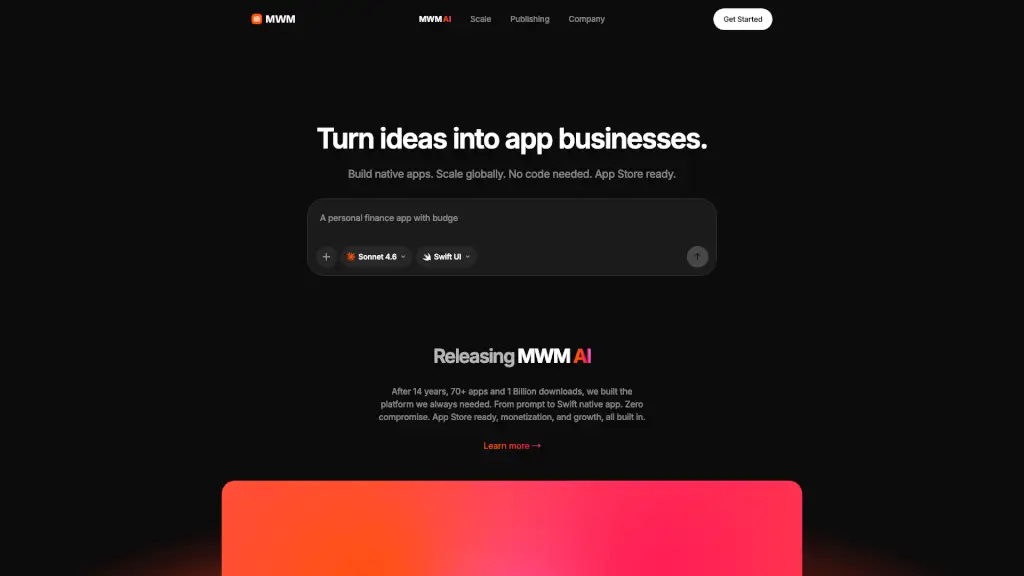
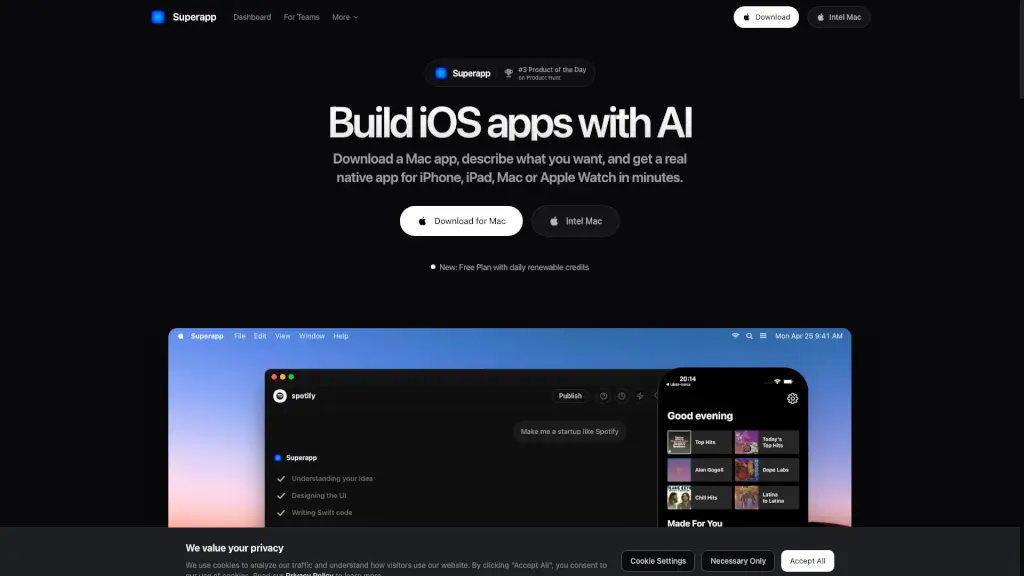
Tired of needing to code or hire expensive developers just to build an iPhone app? Superapp changes the game by letting you create real, native iOS apps using only your words—no programming required. Powered by AI, Superapp turns your simple app idea into a fully functional app for iPhone, iPad, Apple Watch, or Mac in minutes, not months.
Whether you're a student with a side hustle, a small business owner, or a non-technical founder, Superapp gives you the tools to go from concept to App Store submission without writing a single line of Swift. It’s built specifically for Apple’s ecosystem, so your app runs smoothly, looks professional, and meets Apple’s strict guidelines—all while saving you time and money.
What are the features of Superapp?
- AI-Powered App Building: Describe your app in plain English, and Superapp generates production-ready native Swift code automatically.
- True Native iOS Apps: Unlike web wrappers or cross-platform tools, Superapp builds real iOS apps that run natively on Apple devices with full access to system features.
- Multi-Device Support: Create apps for iPhone, iPad, Apple Watch, and Mac from a single project—no extra work needed.
- App Store Ready: Publish directly to the App Store from the app with guided submission support from the Superapp team.
- Free Plan Available: Start building right away with 5 free daily credits that renew every day—perfect for testing ideas.
- Mac-Based Workflow: Runs as a native Mac app, integrating seamlessly with Xcode and the iOS Simulator for accurate previews and builds.
What are the use cases of Superapp?
- A fitness coach creates a workout tracker app to share with clients—without knowing how to code.
- A parent builds a photo journal app that pairs images with voice notes, inspired by memories of their child’s first steps.
- An indie creator launches a subscription reminder tool (like Subtrack) to help users avoid unwanted auto-renewals.
- A student develops a campus event finder app for their university in under a week.
- A small retailer turns their website into a branded iOS shopping app with push notifications and offline access.
- A hobbyist designs a personal habit tracker that syncs across iPhone and Apple Watch.
How to use Superapp?
- Download and install the Superapp Mac app from the official website.
- Make sure you have the latest version of Xcode installed (Superapp will guide you if it’s missing).
- Open Superapp and describe your app idea in simple, clear language—like “a to-do list with reminders and dark mode.”
- Review and refine the AI-generated screens and features using the built-in editor.
- Preview your app in the iOS Simulator to test functionality before publishing.
- Click “Publish” to submit your app to the App Store—Superapp walks you through each step.