What is Floot?
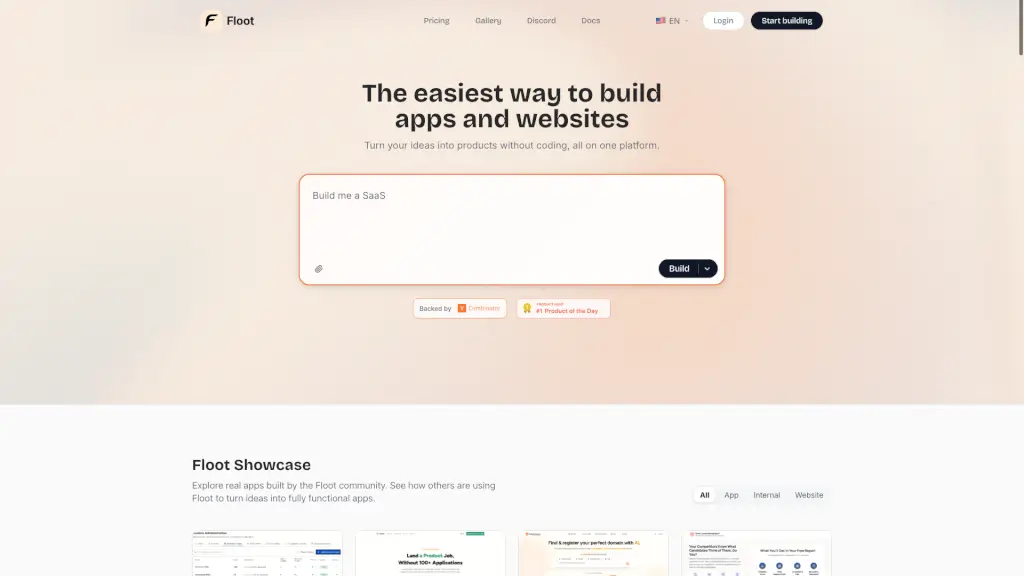
Floot is an all-in-one platform that lets anyone—no coding skills needed—turn ideas into real websites and apps fast. Just describe what you want, and Floot builds it for you. Whether you're launching a business tool, a mobile app, or a personal project, Floot handles the tech so you can focus on your vision.
Unlike other AI builders that create basic, non-functional prototypes, Floot delivers fully featured, production-ready apps with built-in hosting, databases, user management, and SEO tools—all from a single dashboard. Plus, if something goes wrong, Floot automatically fixes errors behind the scenes, and real human support is always just a chat away.
What are the features of Floot?
- No-Code App & Website Builder: Describe your idea in plain English, and Floot generates a working app or site instantly.
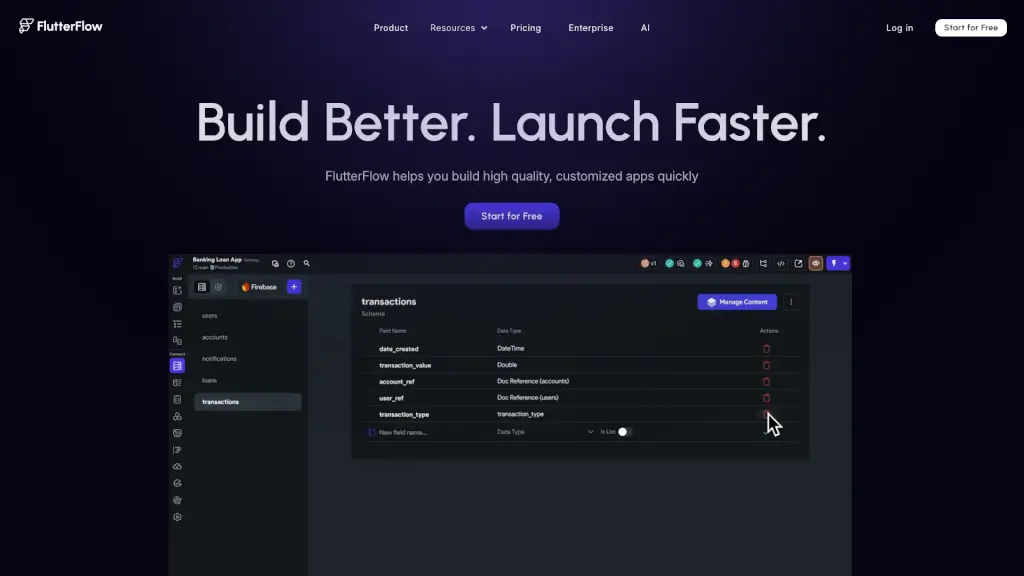
- Built-In Backend & Database: Every project includes a visual database editor and managed backend—no external services needed.
- One-Click Hosting & Custom Domains: Go live in seconds with optimized, scalable hosting and easy domain setup.
- Mobile App Export: Turn your web app into a native Android or iOS project ready for app store submission.
- Smart Error Correction: Floot detects and auto-fixes bugs or broken connections without manual troubleshooting.
- Full SEO Toolkit: Includes server-side rendering, sitemaps, meta tags, and analytics to help your app rank on Google.
- Live Human Support: Get instant help via chat or calls—no waiting for forums or tickets.
- 100+ Integrations: Connect to Stripe, Twilio, email services, and more with guided setup.
What are the use cases of Floot?
- Build a custom MSP business management system to streamline client operations
- Create a high-governance HR talent marketplace for contract and permanent hiring
- Launch direct booking websites for travel, rentals, or services
- Develop an internal company tool like a habit tracker or fleet monitoring dashboard
- Replace expensive agency work with a self-built vendor management app
- Generate creative tools like an image-to-pattern converter for designers
- Rapidly prototype SaaS products for client demos or MVP testing
How to use Floot?
- Start by clicking “Start building” and describe your app idea in simple terms.
- Use the visual editor to drag, drop, or draw changes—move buttons, edit headlines, or add sections.
- Add user login, roles, and data tables using the built-in database editor—no SQL required.
- Enable SEO features like sitemaps and meta previews with one click to boost visibility.
- Connect third-party services (like Stripe) through Floot’s guided integration wizard.
- Publish instantly with one-click hosting or export your code for mobile app stores.