
Firebase Studio logo

Firebase Studio

5.0
(0 Reviews)
India15.86%

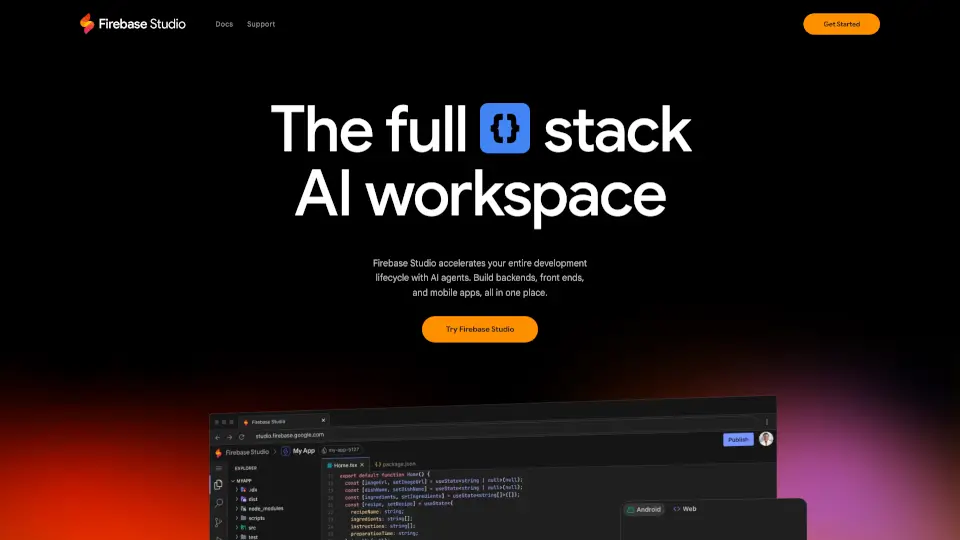
Firebase Studio is an AI-powered workspace that simplifies full-stack development, from building to deploying apps, with collaboration and testing tools.

Verified by SeekTool
Social Media:
Firebase Studio

Firebase Studio Product Information

What is Firebase Studio?

Firebase Studio is a web-based workspace designed to simplify full-stack application development. It combines the latest generative AI from Gemini with cloud emulators and app previews, making it easier to build, test, and deploy apps. Whether you're working on backends, frontends, or mobile apps, Firebase Studio offers a seamless experience for developers of all skill levels.

What are the features of Firebase Studio?

  • AI-Powered Development: Use Gemini AI to assist with coding, debugging, testing, and refactoring.
  • App Prototyping: Quickly create new apps using natural language, mockups, or templates from popular frameworks.
  • Collaboration Tools: Share workspaces with team members and provide preview links for early testers.
  • End-to-End Testing: Optimize your apps with web previews, Android emulators, and extensions from the Open VSX Registry.
  • Deployment & Monitoring: Easily publish apps to Firebase Hosting, Cloud Run, or custom infrastructure and monitor their performance.
  • Customizable Environment: Tailor your workspace with Nix support.

What are the use cases of Firebase Studio?

  • Building New Apps: Start from scratch with AI-powered prototyping or templates.
  • Importing Projects: Bring in existing repositories from GitHub, GitLab, Bitbucket, or your local machine.
  • Collaborating with Teams: Work together in real-time, regardless of coding experience.
  • Deploying Apps: Publish and monitor apps with just a few clicks.

How to use Firebase Studio?

  1. Sign Up: Join the Google Developer Program for early access to advanced features.
  2. Import or Create: Bring in your existing project or use the App Prototyping agent to start fresh.
  3. Develop with AI: Let Gemini assist you with coding, debugging, and testing.
  4. Preview & Test: Use built-in emulators and previews to see how your app looks and works.
  5. Deploy: Publish your app to Firebase Hosting, Cloud Run, or your preferred platform.
Do you like this tool?

Upvote to help others discover it!

Firebase Studio Alternatives

Google AI Studio

Build powerful applications with Gemini AI models quickly and easily.

US
12.08%
117.0M
5.0
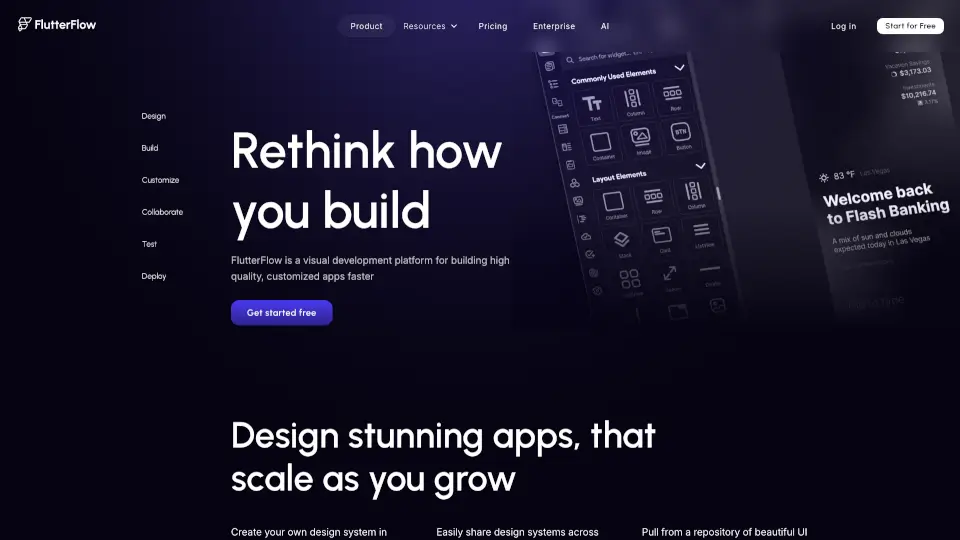
FlutterFlow AI Gen

FlutterFlow is a visual development platform that helps you build high-quality, cross-platform apps faster. With live data integration, customization options, and easy deployment, it’s perfect for startups, designers, and developers.

US
15.33%
2.1M
5.0
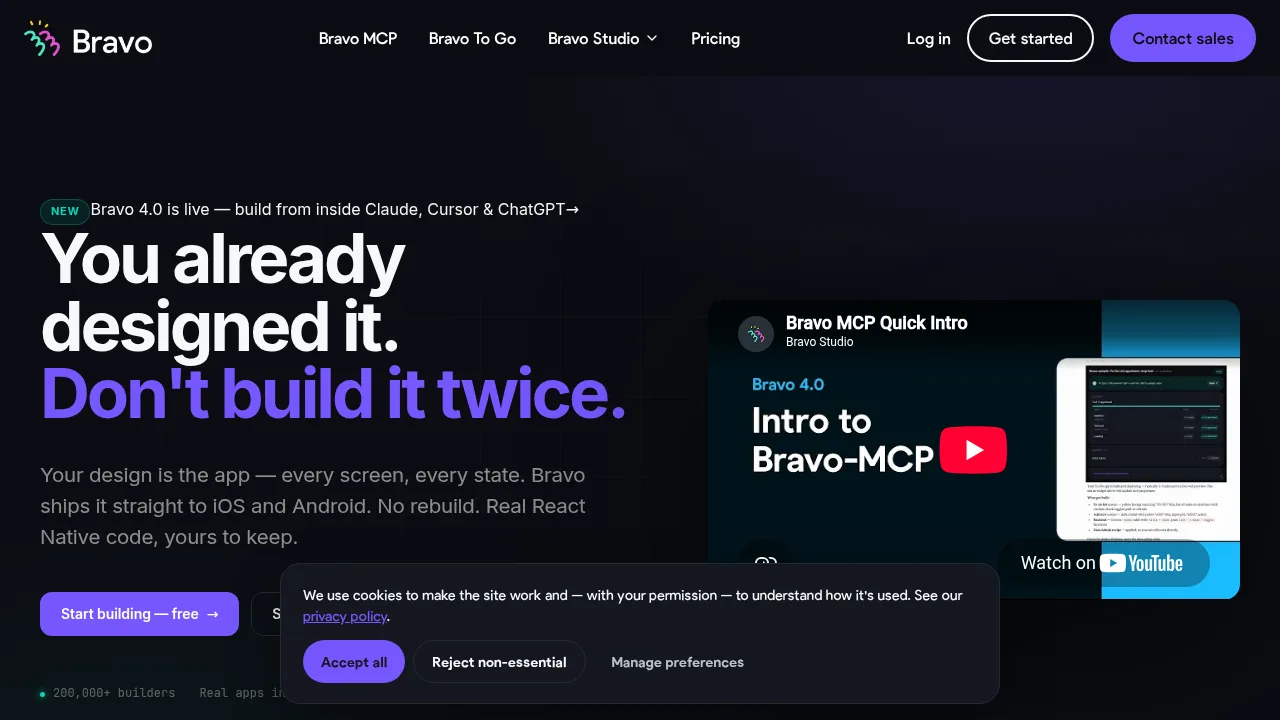
Bravo Studio

Bravo Studio is the ultimate no-code platform for turning Figma designs into native mobile apps. With AI-powered tools, web components, and API integrations, it’s perfect for designers and creators who want to build apps without coding.

US
17.42%
26.7K
4.0
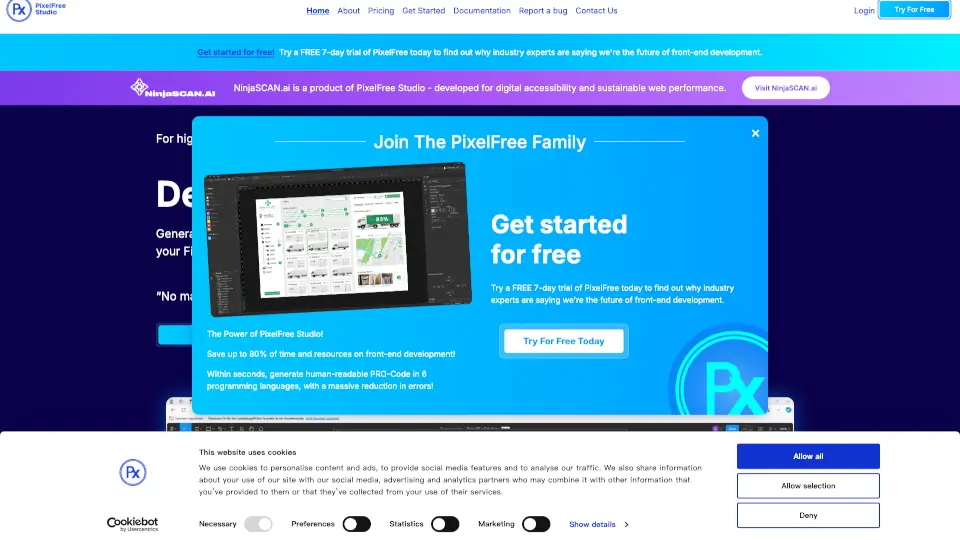
PixelFree Studio

Transform your designs into functional code with PixelFree Studio, the low-code platform that saves you time and resources while delivering high-quality, customizable applications.

IN
17.61%
9.4K
3.0
Lazy AI

Lazy AI is the go-to app builder for creating full-stack web apps and prototypes quickly and efficiently. With top-tier integrations and instant deployment, it’s perfect for SaaS, AI agents, APIs, and internal tools.

BR
27.93%
10.2K
4.0
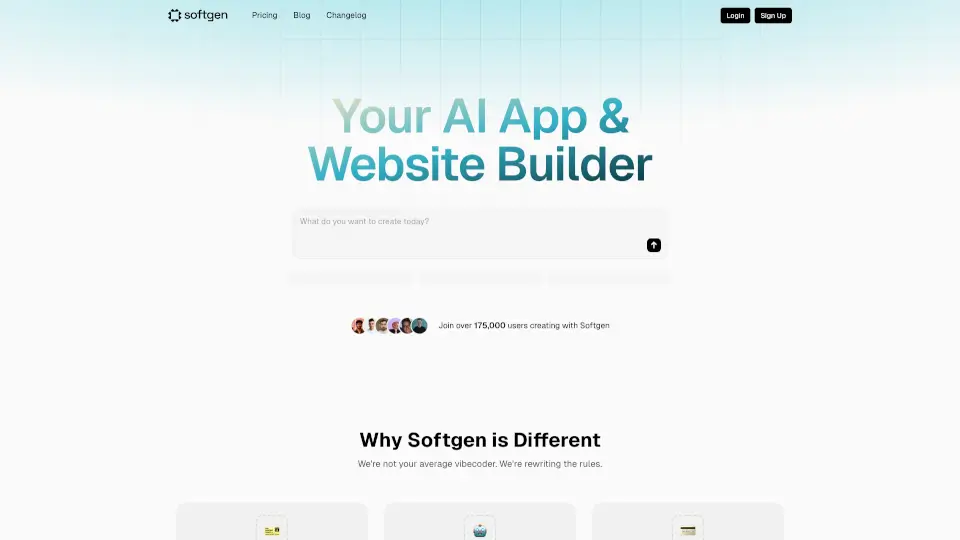
Softgen.ai

Softgen is an AI-powered web app builder that helps you create stunning, full-stack apps without coding. Describe your vision, and our AI handles the rest—code, design, and even real-time previews. ---

IN
11.72%
52.7K
5.0
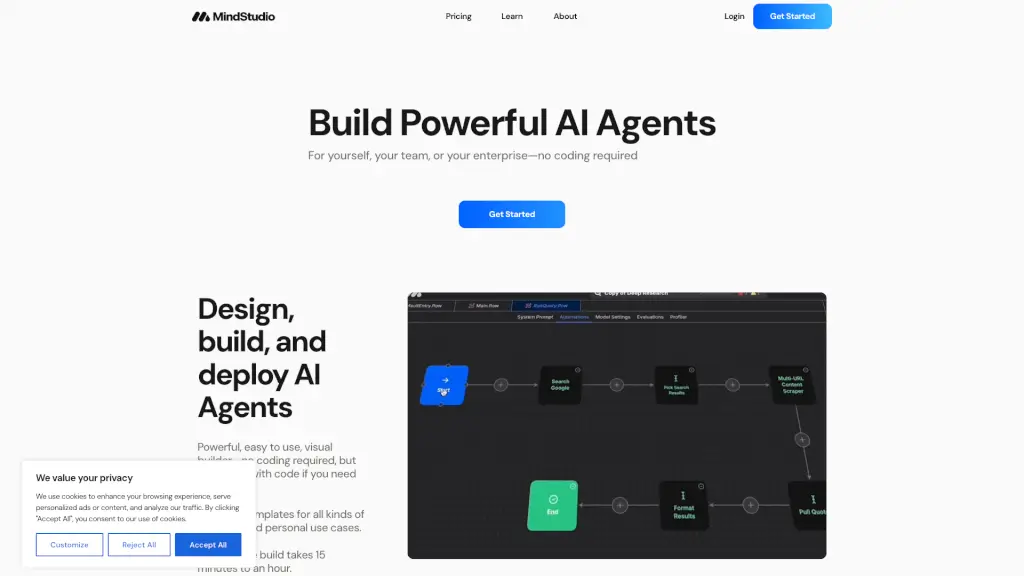
MindStudio

MindStudio lets anyone build, deploy, and scale intelligent AI agents—no coding required—with 200+ models, 1,000+ integrations, and enterprise-grade security.

US
24.42%
1.6M
5.0
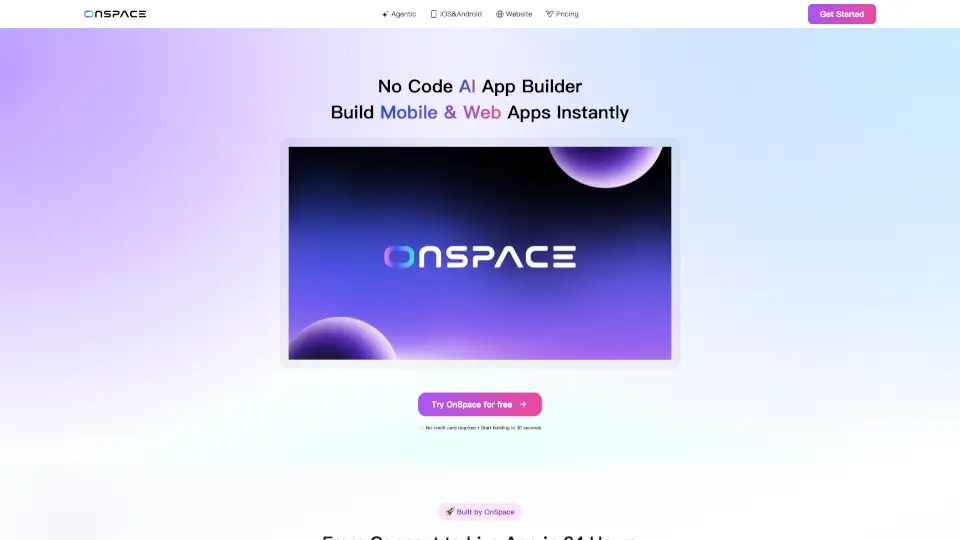
OnSpace.AI: App Builder AI No-code Platform

OnSpace.AI is a no-code AI app builder that lets anyone create and launch mobile or web apps quickly, with powerful features and no coding required.

UZ
19.44%
411.2K
5.0

Firebase Studio Related Other Categories

Firebase Studio Traffic Analysis

💡 Insights

Medium Scale
100K-1M monthly visits. Growing tool with active development.
⚠️
Slight Decline
Traffic has slightly decreased recently.
👍
Good Experience
Bounce rate of 54%. Users are willing to explore features.
🌐
Global Reach
Balanced user distribution worldwide.
  • Monthly Visits

    496.69K

  • Bounce Rate

    54.29%

  • Pages Per Visit

    1.42

  • Visit Duration

    00:00:18

  • Global Rank

    127195

  • Country Rank

    46104

Visits Over Time

Traffic Sources

SearchOrganic49.24%
Direct42.97%
GenAi4.59%
Referrals1.97%
SocialOrganic0.75%
DisplayAds0.28%
Mail0.19%
SearchPaid0.00%
SocialPaid0.00%
Affiliate0.00%

Top Keywords

1
firebase
CPC$2.13
52.43KTraffic
2
firebase studio
CPC$1.97
42.05KTraffic
3
firebase console
CPC$2.25
2.22KTraffic
4
google firebase
CPC$2.80
1.88KTraffic
5
google firebase studio
CPC$0.68
1.35KTraffic

Top Regions

RegionPercentage
India
India
15.86%
United States
United States
7.97%
Brazil
Brazil
5.97%
Pakistan
Pakistan
5.85%
Indonesia
Indonesia
2.93%
Low
High

Powered by SimilarWeb

Firebase Studio FAQ

What is Firebase Studio?

Firebase Studio is a web-based workspace for full-stack app development, powered by AI and cloud emulators.

Can I use my existing projects?

Yes, you can import projects from GitHub, GitLab, Bitbucket, or your local machine.

How does AI assist in development?

Gemini AI helps with coding, debugging, testing, and refactoring, making development faster and easier.

Can I collaborate with others?

Yes, you can share workspaces and provide preview links for team members and testers.

Where can I deploy my apps?

You can deploy to Firebase Hosting, Cloud Run, or your own custom infrastructure.

Firebase Studio Reviews

0

0

0 Reviews
Sign Into leave a review

Recent Reviews

No reviews yet

Firebase Studio Embed

Use website badges to drive community support for SeekTool.ai. They are easy to embed in your homepage or footer.

Light
Dark
Firebase Studio - Featured on SeekTool.aiFirebase Studio - Featured on SeekTool.ai
How to install?