
What is Chatwoot?
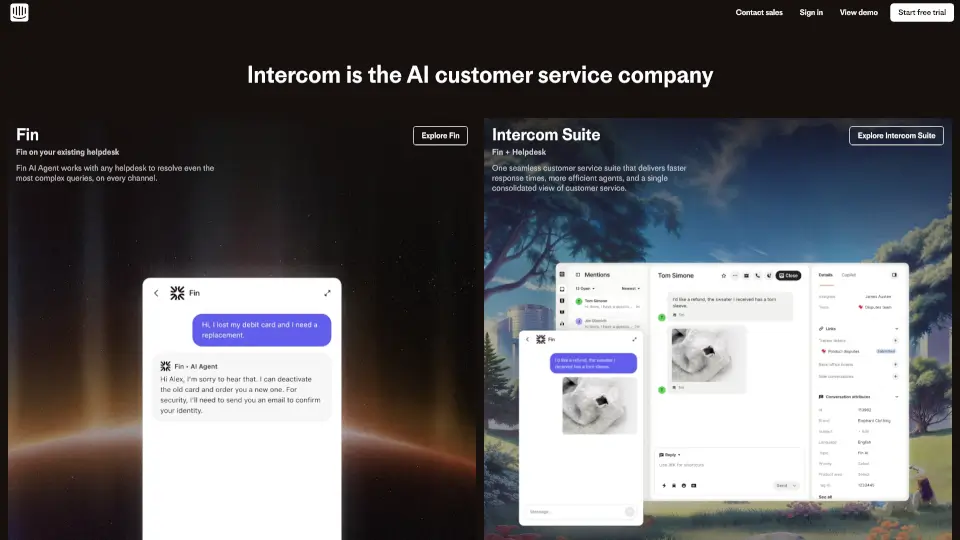
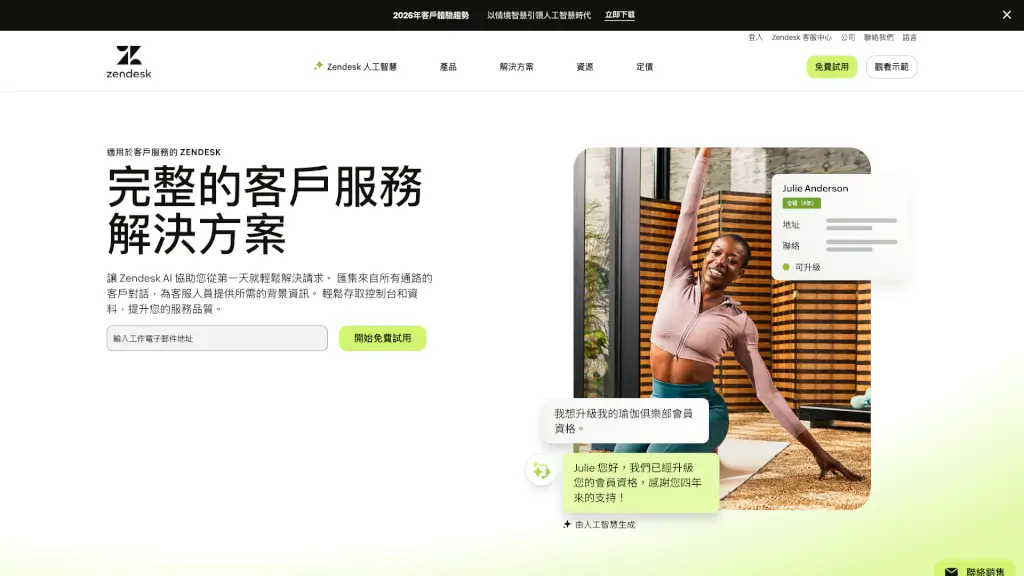
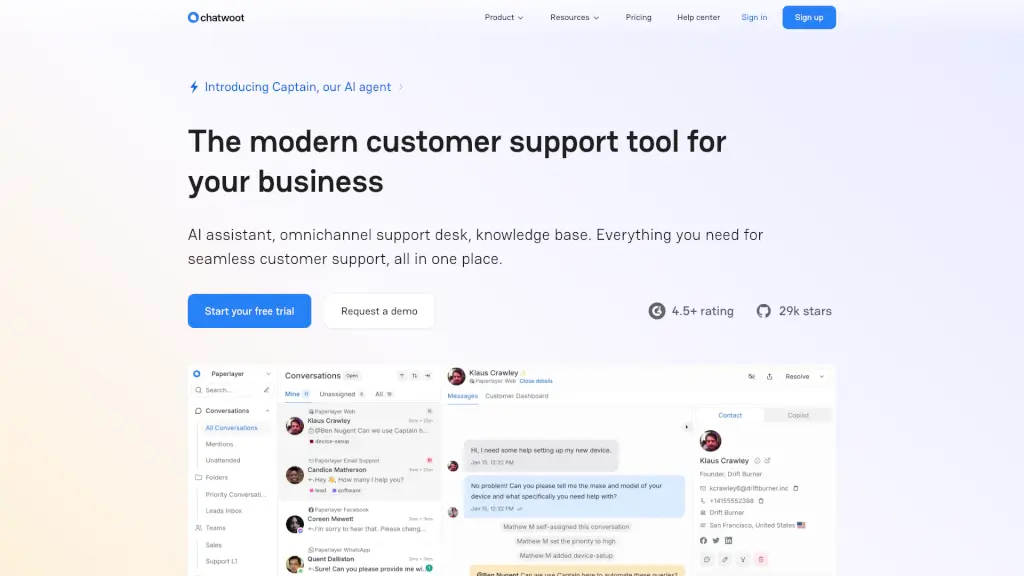
Chatwoot is a modern, open-source customer support platform that gives businesses full control over how they connect with customers—without locking data into a big vendor’s system. Whether you want to self-host on your own servers or use their secure cloud, Chatwoot offers a privacy-first alternative to tools like Intercom and Zendesk.
What really sets Chatwoot apart is its built-in AI assistant, Captain, which helps reduce repetitive work by answering common questions, suggesting smart replies, and even translating messages so your team can support customers in their native language. With omnichannel support for live chat, email, WhatsApp, Instagram, Facebook, and more—all in one dashboard—it’s designed for teams that want efficiency, flexibility, and ownership of their customer data.
What are the features of Chatwoot?
- Captain AI Assistant: Automates responses using your help center and past conversations to cut down ticket volume.
- Omnichannel Inbox: Manage live chat, email, WhatsApp, Instagram, Facebook, Telegram, and Line from a single dashboard.
- Self-Hosted Option: Deploy on your own infrastructure for full data control and compliance (GDPR, HIPAA-ready).
- Customizable Live Chat Widget: Match colors, text, and design to your brand for a seamless user experience.
- Built-in Help Center: Create branded knowledge bases with AI-powered search and multi-portal support.
- Captain Copilot: Gives agents real-time reply suggestions, access to past chats, and instant help article lookups.
- Developer-Friendly API: Build custom integrations and automate workflows using robust public APIs.
- SOC 2 Type II Compliant Cloud: Enterprise-grade security if you choose their hosted option.
What are the use cases of Chatwoot?
- An e-commerce store uses Chatwoot to handle pre-sale questions via live chat and post-purchase support over WhatsApp—all tracked in one place.
- A SaaS company self-hosts Chatwoot to stay compliant with strict data regulations while offering 24/7 support through their help center and email.
- A global startup leverages Captain’s translation feature to respond to customers in Spanish, French, and Japanese without hiring multilingual agents.
- A nonprofit manages volunteer inquiries across Facebook Messenger and Instagram DMs using a unified inbox.
- A tech agency builds a custom integration via Chatwoot’s API to sync support tickets with their internal CRM.
- A small business owner replaces expensive tools like Zendesk with Chatwoot’s free open-source version to save costs without losing features.
How to use Chatwoot?
- Sign up for a free trial at chatwoot.com or download the open-source version from GitHub to self-host.
- Connect your communication channels (website chat, email, WhatsApp, etc.) through the intuitive setup wizard.
- Customize your live chat widget’s look and feel under “Settings > Channels > Web Widget.”
- Train Captain by adding FAQs and articles to your Help Center—this powers its automated responses.
- Enable Copilot in agent settings to get AI-powered reply suggestions during live conversations.
- Use the API documentation to build custom automations or integrate with tools like Slack, Zapier, or your own database.