
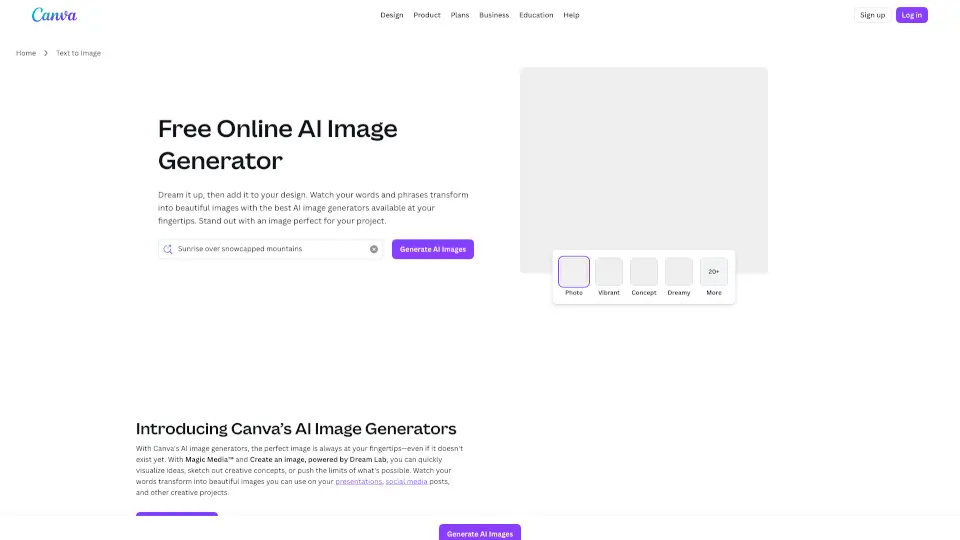
What is Canva Text to Image?
Canva’s AI Image Generator turns your words into stunning visuals in seconds—no design skills needed. Whether you’re crafting social posts, presentations, or marketing materials, this free online tool helps you create unique, eye-catching images from simple text prompts. Powered by Magic Media™ and Dream Lab, it’s perfect for students, creators, entrepreneurs, and teams who want to bring ideas to life fast.
With access to multiple art styles like Watercolor, Neon, Filmic, Retrowave, and more, you can generate everything from photorealistic scenes to whimsical illustrations. Plus, all AI-generated images can be edited, enhanced, and dropped directly into any Canva design—making creativity seamless and fun.
What are the features of Canva Text to Image?
- Text to Image: Type a description and instantly generate custom images in dozens of artistic styles.
- Create an Image (with reference): Upload a photo to guide composition, then reimagine it with new textures, aesthetics, or objects using Dream Lab.
- Multiple Art Styles: Choose from 20+ visual modes including Color Pencil, 3D, Concept Art, and Neon for tailored results.
- Magic Edit & Magic Eraser: Refine your AI image by editing objects with text prompts or removing unwanted elements in one click.
- Commercial Use Allowed: Use generated images for personal or business projects (following Canva’s AI Terms).
- Built-in Photo Editor: Enhance lighting, apply filters, add text, or remove backgrounds without leaving Canva.
What are the use cases of Canva Text to Image?
- A small business owner creates branded social media graphics featuring custom product mockups.
- A teacher generates engaging storybook illustrations for classroom lessons.
- A student designs a vibrant poster for a school project using dreamy, AI-created backgrounds.
- A content creator produces themed YouTube thumbnails in Retrowave style without hiring an artist.
- An entrepreneur builds a full pitch deck with consistent, on-brand AI-generated visuals.
- A nonprofit crafts compelling campaign imagery that reflects their mission—fast and affordably.
How to use Canva Text to Image?
- Start a new design or open an existing project in Canva.
- Click “Elements” in the editor sidebar, then scroll to “AI image generator” (or search “Create an image” on the homepage).
- Enter a detailed text prompt—specificity improves results (e.g., “a golden retriever wearing sunglasses on a beach at sunset, watercolor style”).
- Select your preferred art style and aspect ratio before generating.
- Once created, use Canva’s editing tools to refine, resize, or enhance your image.
- Download as PNG/JPG or drop it straight into your design for immediate use.