What is DreamStudio?
DreamStudio by Stability AI is a powerful, user-friendly platform that lets anyone create stunning AI-generated images from simple text prompts. Whether you're a designer, marketer, or just exploring your creativity, DreamStudio turns your ideas into high-quality visuals in seconds—no artistic skills required.
Built on Stability AI’s cutting-edge Stable Diffusion technology, DreamStudio offers fast rendering, precise control, and professional-grade output. It’s perfect for generating everything from social media graphics to concept art, all while giving you the freedom to experiment risk-free during its beta phase.
What are the features of DreamStudio?
- Text-to-Image Generation: Turn written descriptions into detailed, realistic, or stylized images using advanced AI.
- Prompt Guidance & Suggestions: Get real-time tips to refine your prompts for better, more accurate results.
- High-Resolution Output: Create images up to 1024x1024 pixels with crisp detail suitable for digital and print use.
- Style & Aspect Ratio Control: Choose from multiple artistic styles and customize image dimensions for different platforms.
- Fast Rendering Speed: Generate images in seconds, not minutes, thanks to optimized cloud processing.
- Free Credits to Start: New users receive free credits to explore the platform without upfront cost.
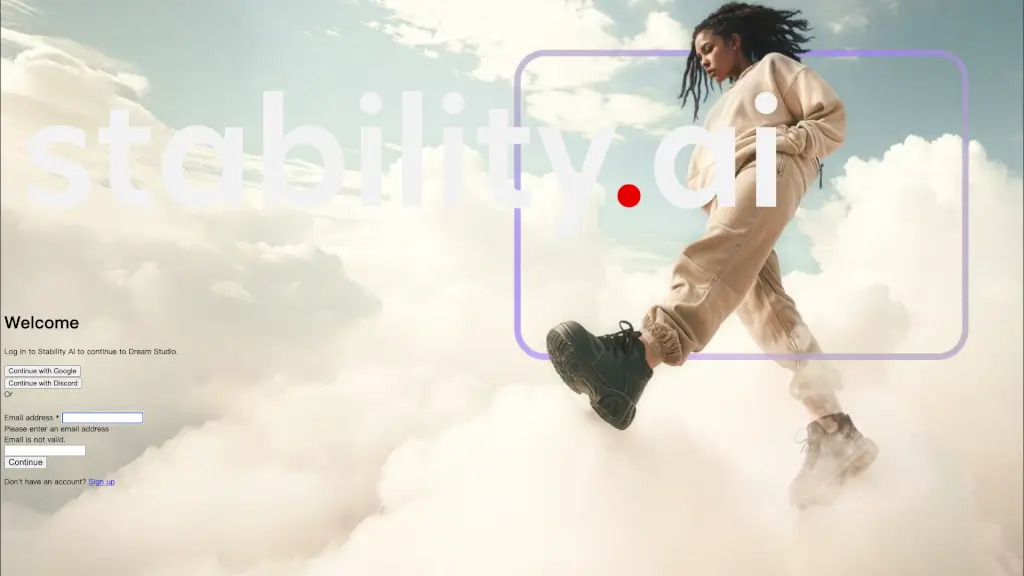
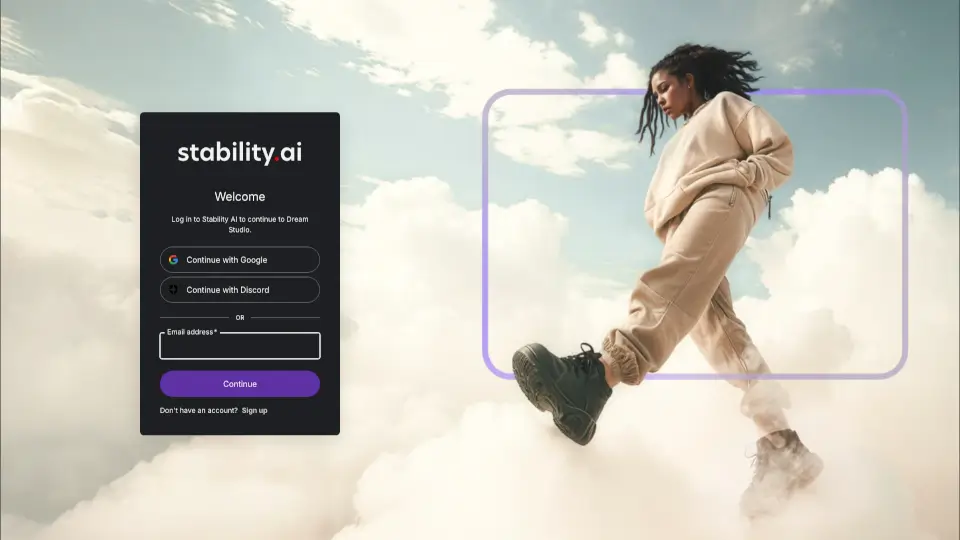
- Google & Discord Login: Sign in quickly using existing accounts—no password hassle.
What are the use cases of DreamStudio?
- Design eye-catching social media posts for Instagram, Twitter, or TikTok without hiring a graphic designer.
- Create unique concept art for games, films, or storytelling projects during early development.
- Generate custom illustrations for blogs, newsletters, or marketing campaigns in minutes.
- Produce product mockups or visual ideas for client pitches when physical prototypes aren’t ready.
- Explore creative writing prompts by visualizing scenes or characters described in text.
- Build mood boards or visual references for interior design, fashion, or branding projects.
How to use DreamStudio?
- Go to https://beta.dreamstudio.ai and click Log in (use email, Google, or Discord).
- Enter a clear, descriptive text prompt—like “a cyberpunk cat wearing neon goggles, digital art style.”
- Adjust settings like image size, style, or number of outputs based on your needs.
- Click Generate and wait a few seconds for your AI-created image to appear.
- Download your image or refine the prompt for even better results.
- Monitor your credit balance; free credits are provided, but additional usage may require payment.