
Adobe Premiere Pro logo

Adobe Premiere Pro

9
5.0
(0 Reviews)
United States26.27%

Adobe Premiere Pro is the industry-standard professional video editing software for crafting high-quality videos with precision, creativity, and AI-powered efficiency.

Added on: 2025.03.14 · Updated on: 2026.06.03
Adobe Premiere Pro

Adobe Premiere Pro Product Information

What is Adobe Premiere Pro?

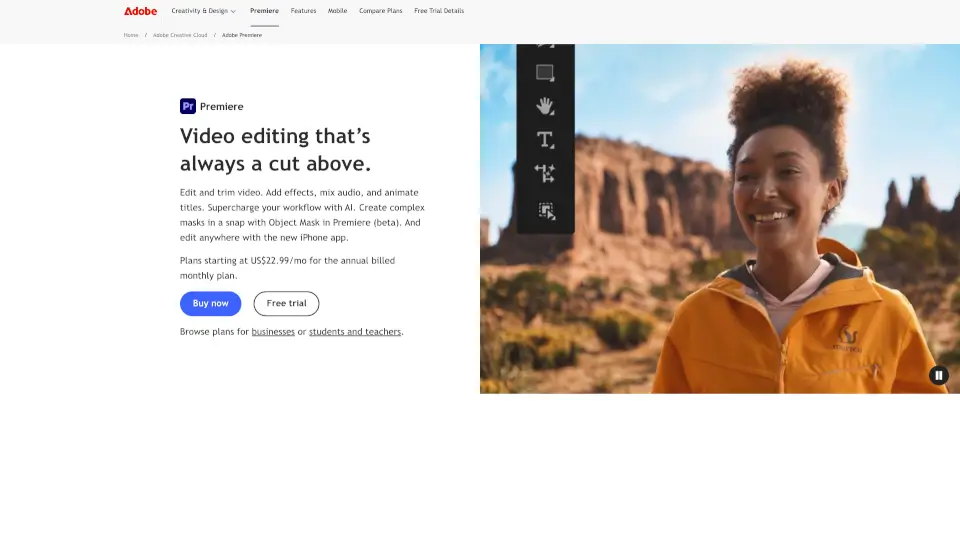
Adobe Premiere Pro is the go-to professional video editing software for creators who want to turn raw footage into polished, compelling stories. Whether you're editing a short film, YouTube video, or commercial, Premiere gives you frame-accurate control over every cut, color grade, and sound mix. Trusted by editors in Hollywood and indie studios alike, it’s built for precision, creativity, and real-world workflows.

With smart AI-powered tools, layered audio editing, cinematic color correction, and seamless integration with other Adobe apps like After Effects and Photoshop, Premiere helps you work faster without sacrificing quality. It’s not just about trimming clips—it’s about shaping your vision from start to finish and delivering results that meet industry standards.

What are the features of Adobe Premiere Pro?

  • Frame-Accurate Editing: Cut and trim with pixel-perfect precision for smooth, professional transitions.
  • AI-Powered Tools: Use Adobe Sensei AI to auto-reframe, transcribe speech, and speed up repetitive tasks.
  • Advanced Audio Mixing: Layer, balance, and enhance soundtracks using integrated audio tools or Adobe Audition.
  • Cinematic Color Grading: Apply professional-grade Lumetri Color tools for mood, tone, and visual consistency.
  • Scroll-Stopping Effects: Access thousands of built-in transitions, titles, and motion graphics templates.
  • Cross-Device Workflow: Start editing on desktop and continue on your phone with Premiere Rush (mobile companion app).
  • Seamless Creative Cloud Integration: Work smoothly with After Effects, Photoshop, Media Encoder, and Adobe Stock.

What are the use cases of Adobe Premiere Pro?

  • Editing vlogs or YouTube content with dynamic cuts and branded graphics
  • Producing short films or documentaries with multi-cam support and color grading
  • Creating social media ads with auto-reframing for vertical and square formats
  • Compiling wedding or event videos with synchronized audio and smooth transitions
  • Developing corporate training videos using voice-to-text captions and clean layouts
  • Collaborating remotely with teams via shared projects and cloud storage

How to use Adobe Premiere Pro?

  • Start with a free trial to explore the interface and test basic editing tools.
  • Organize your media in bins before editing to keep your project tidy and efficient.
  • Use the Essential Sound panel to quickly clean up dialogue or balance background music.
  • Apply Auto Reframe to automatically adjust horizontal footage for Instagram or TikTok.
  • Export directly to social platforms or save in broadcast-ready formats using Media Encoder.
  • Save time by using keyboard shortcuts—Premiere supports fully customizable hotkeys.
Do you like this tool?

Upvote to help others discover it!

Adobe Premiere Pro Alternatives

PowerDirector

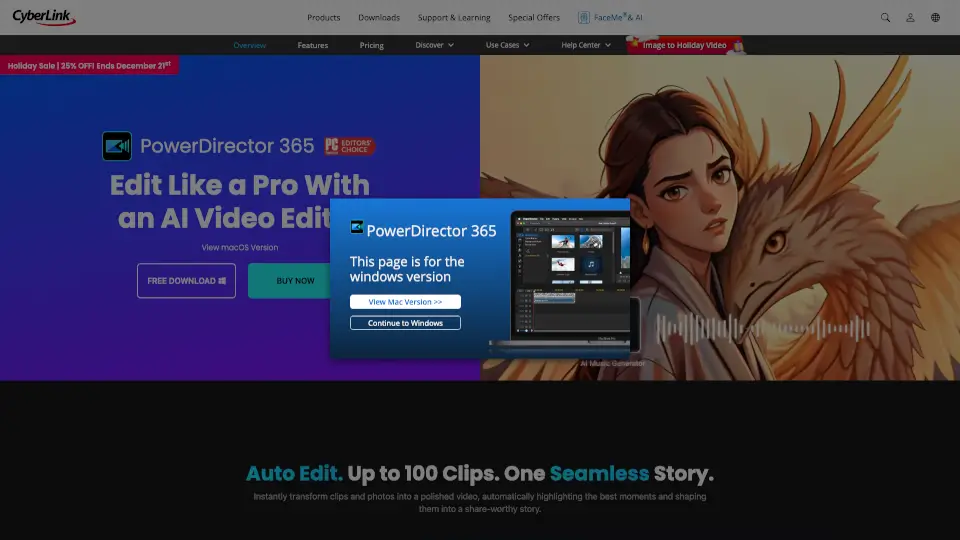
PowerDirector 365 is a versatile video editor that uses AI tools to simplify editing and create stunning videos for all skill levels.

JP
41.30%
|
3.4M
|
5.0
Adobe Express

Adobe Express is the ultimate tool for easy and professional content creation, offering AI-powered features, quick edits, and cross-platform flexibility.

US
26.27%
|
370.4M
|
5.0
Vimeo AI

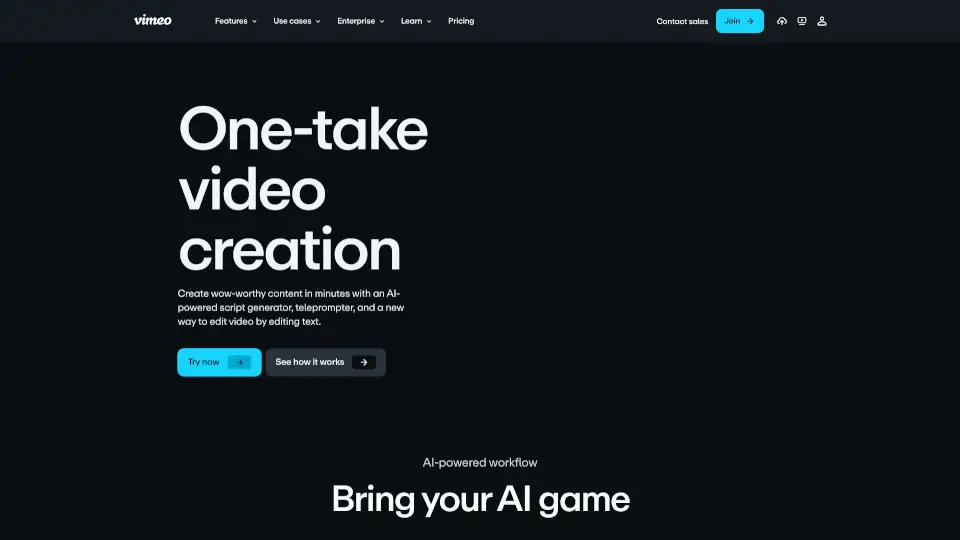
Vimeo’s AI-powered video tools let anyone create, edit, and share professional-quality videos in one take—fast, easy, and without prior experience.

US
36.59%
|
54.8M
|
5.0
Veed.io

VEED is an all-in-one AI video creation platform that turns ideas into branded, engaging videos with auto-subtitles, dubbing, and editing—perfect for marketers and solopreneurs.

IN
12.38%
|
10.9M
|
5.0
Eddie AI

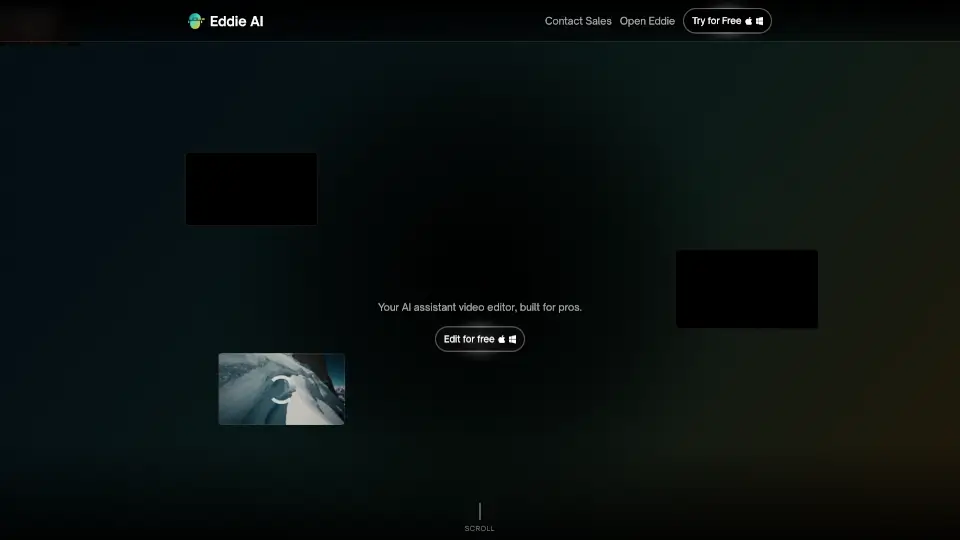
Eddie is an easy-to-use AI video editor that helps you quickly cut and refine videos from interviews or any footage. Export your work to popular formats and enjoy a smooth editing experience whether on desktop or web.

US
40.05%
|
85.8K
|
5.0
Lightworks

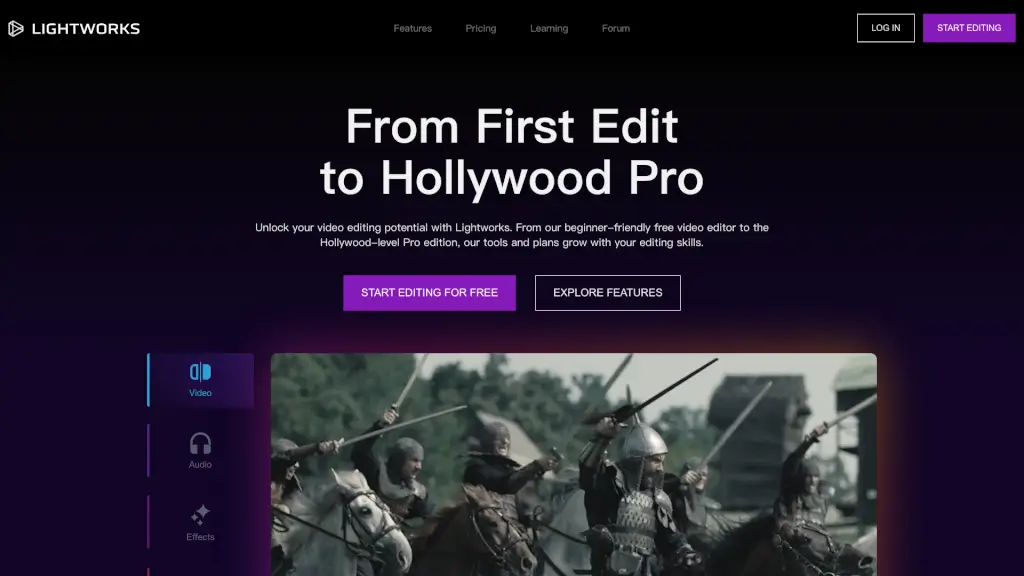
Lightworks is a versatile and user-friendly video editing software that caters to all levels, from beginners to Hollywood pros, offering a range of features from basic to advanced, and seamless sharing and collaboration options.

US
8.32%
|
211.5K
|
5.0
DaVinci Resolve

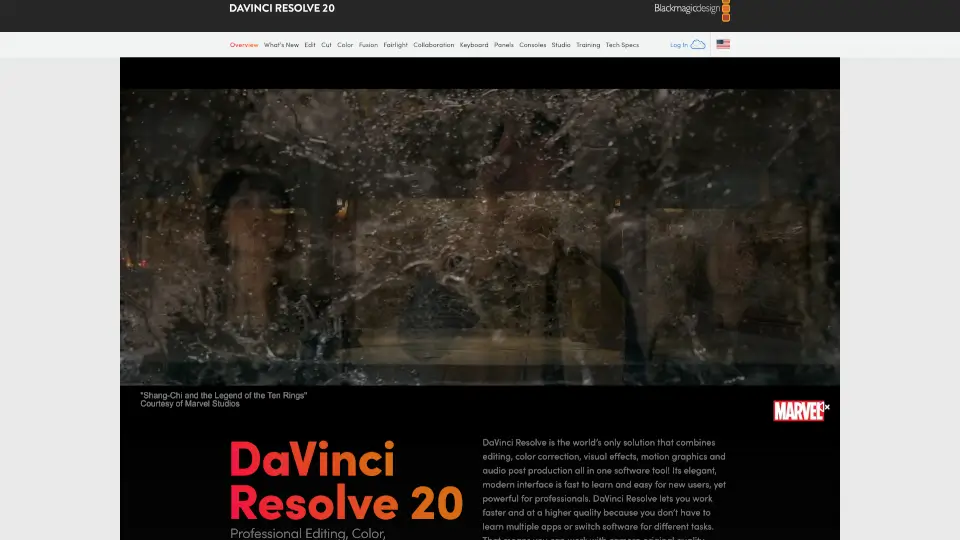
DaVinci Resolve is the world’s only all-in-one post-production software combining editing, color, VFX, audio, and photo tools—free to download and used by Hollywood pros.

US
18.51%
|
6.3M
|
5.0
Clipchamp

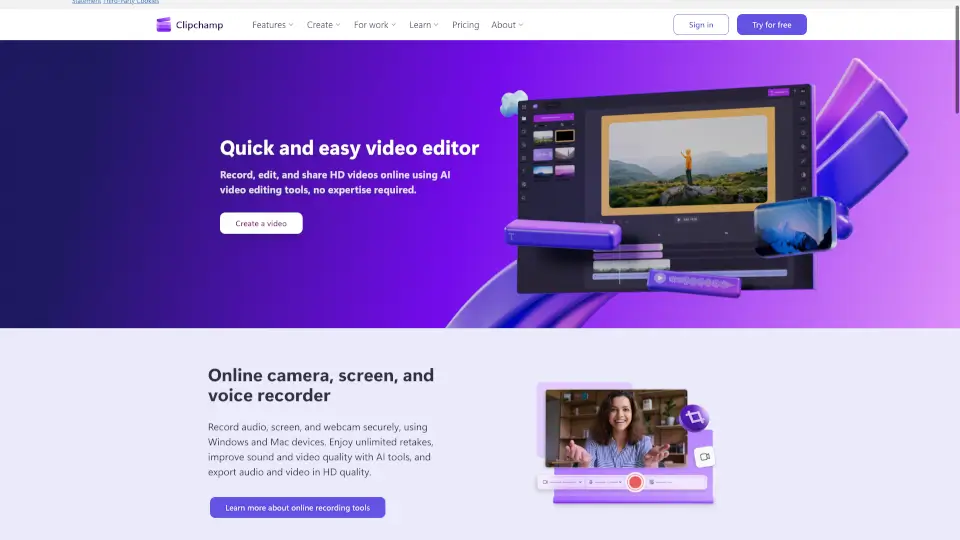
Clipchamp is a user-friendly video editor that makes creating professional videos a breeze. With AI-powered tools and royalty-free content, it’s perfect for social media, business, and personal projects.

US
13.17%
|
6.9M
|
5.0
Adobe Premiere Pro Related Other Categories

Adobe Premiere Pro Traffic Analysis

💡 Insights

🚀
Super High Traffic
Over 10M monthly visits. A market leader with extremely high user trust.
⚠️
Slight Decline
Traffic has slightly decreased recently.
👍
Good Experience
Bounce rate of 43%. Users are willing to explore features.
  • Monthly Visits

    370.41M

  • Bounce Rate

    43.46%

  • Pages Per Visit

    4.77

  • Visit Duration

    00:03:29

  • Global Rank

    85

  • Country Rank

    86

Visits Over Time

Traffic Sources

Direct38.52%
Search37.36%
Referrals7.86%
Social7.17%
Paid4.31%
Mail3.31%

Top Keywords

1
adobe
CPC$3.05
3.40MTraffic
2
adobe podcast
CPC$0.51
1.62MTraffic
3
adobe express
CPC$1.44
1.58MTraffic
4
adobe stock
CPC$0.90
1.41MTraffic
5
adobe firefly
CPC$1.36
1.03MTraffic

Top Regions

RegionPercentage
United States
United States
26.27%
India
India
7.29%
Japan
Japan
6.29%
Brazil
Brazil
5.11%
United Kingdom
United Kingdom
3.79%
Low
High

Adobe Premiere Pro FAQ

Is there a free version of Adobe Premiere?

Can I use Premiere on my phone?

How much does Adobe Premiere cost?

Do I need other Adobe apps to use Premiere?

Is Premiere good for beginners?

Can I extend short clips or fill gaps in my timeline?

Adobe Premiere Pro Reviews

0

0

0 Reviews
Sign Into leave a review

Recent Reviews

No reviews yet

Adobe Premiere Pro Embed

Use website badges to drive community support for SeekTool.ai. They are easy to embed in your homepage or footer.

Light
Dark
Adobe Premiere Pro - Featured on SeekTool.aiAdobe Premiere Pro - Featured on SeekTool.ai
How to install?

Looking for Adobe Premiere Pro Alternatives?

Compare top AI tools similar to Adobe Premiere Pro. Find the best option for your needs.

View Alternatives

Reviews

0.0

Share your experience with this tool...

Trending

Featured

Subscribe to our AI Newsletter

Get the top AI stories delivered to your inbox weekly.