
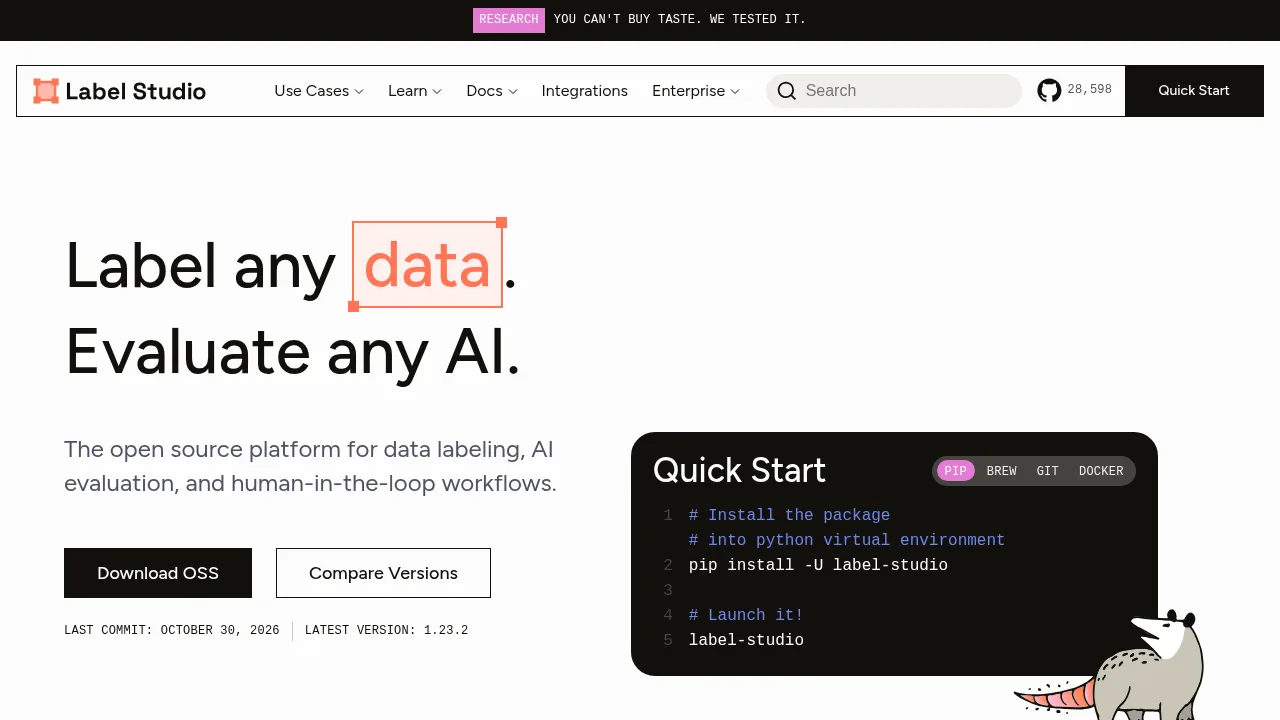
What is Label Studio?
Label Studio is an open-source platform for data labeling, AI evaluation, and human-in-the-loop workflows. It supports computer vision, NLP, audio, time series, and multi-modal data. The software is self-hosted via pip, Homebrew, Git, or Docker and accessed locally through a web browser.
What are the features of Label Studio?
- Multi-modal data supportLabels images, text, PDFs, audio, time series, and combined modalities such as dialogue processing or optical character recognition.
- AI evaluation toolsSupports LLM evaluations with custom rubrics and side-by-side comparisons, RLHF preference collection, and RAG retrieval grading.
- Programmable interfacesOffers an API, Python SDK, and webhooks to create projects, stream predictions, and trigger active learning or training workflows.
- Customizable layoutsUses configurable tags and templates to adapt the labeling interface to specific data types and evaluation criteria.
- Storage and model integrationSyncs data from external storage and connects machine learning models for AI-assisted pre-labeling and continuous evaluation.
What are the use cases of Label Studio?
- Object detectionAnnotates objects on images using bounding boxes, polygons, circles, and keypoints.
- Speaker diarizationPartitions an input audio stream into homogeneous segments according to speaker identity.
- Agentic trace reviewConnects observability tools to enable human-in-the-loop review of agent traces.
How to use Label Studio?
- Install the packageRun
pip install -U label-studioinside a Python virtual environment. - Launch the serverExecute the
label-studiocommand to start the application. - Open the interfaceVisit
http://localhost:8080/in a web browser to access the platform.
Label Studio Pricing Information:
- Community EditionOpen source; available for download and self-hosting.
- EnterpriseOffered by HumanSignal; pricing is not stated in the source.