
What is Kaze AI?
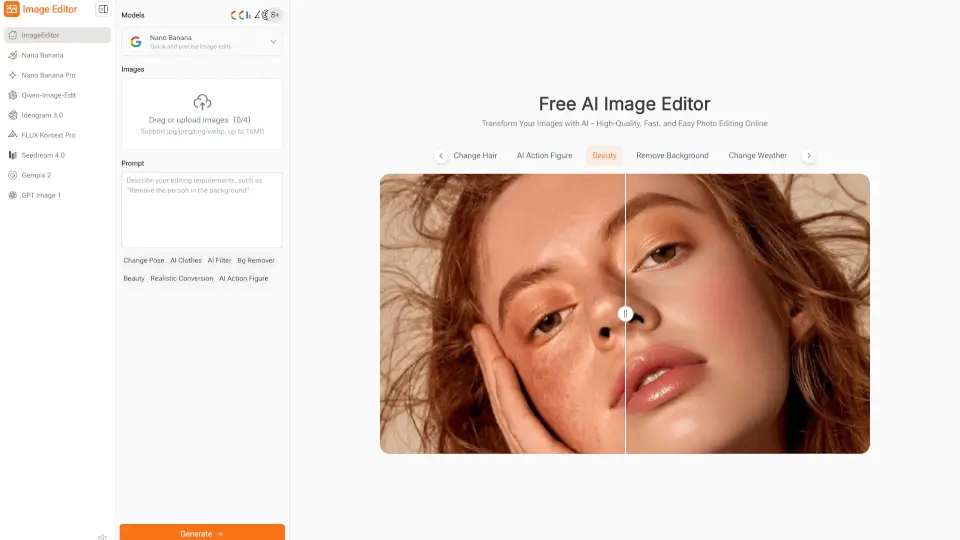
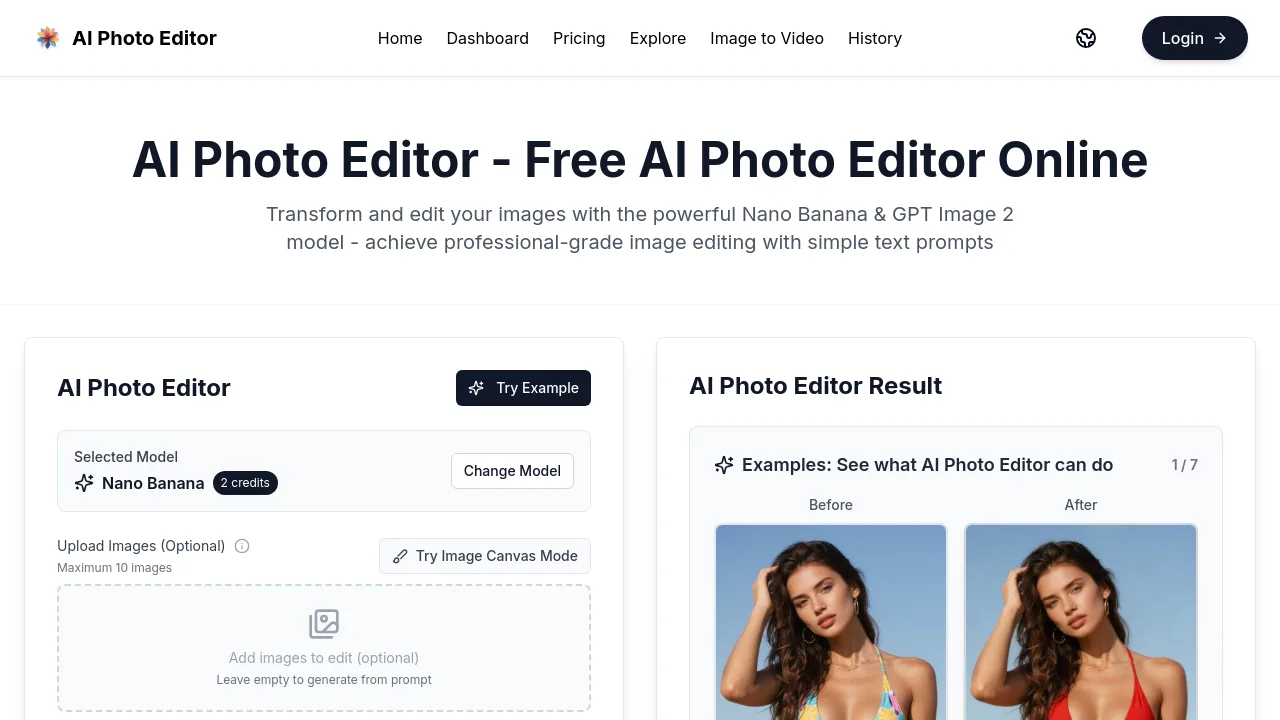
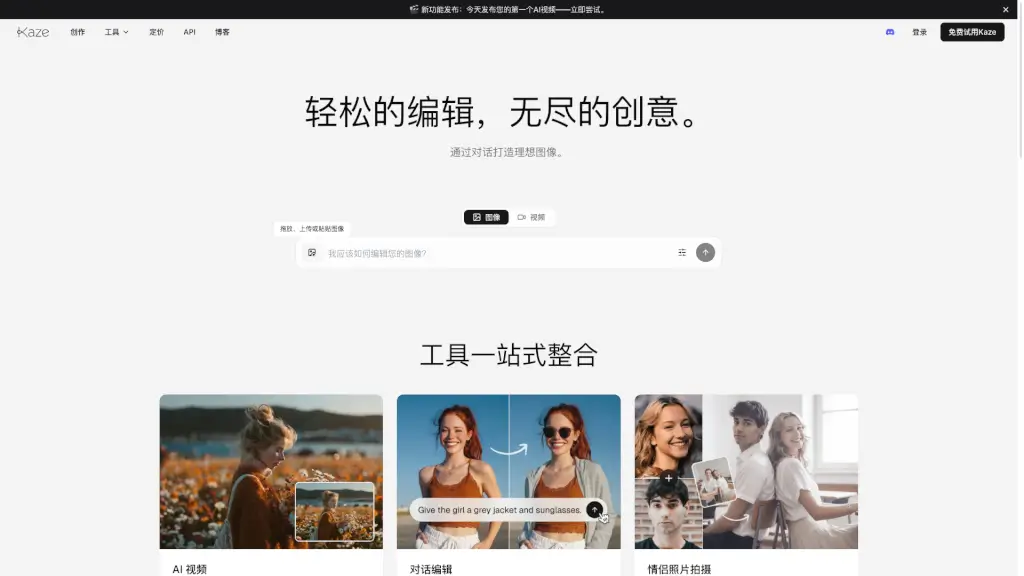
Kaze AI is a powerful and user-friendly online image editing tool that lets you do everything from removing watermarks to editing your body shape. Whether you're looking to enhance your social media posts or restore old family photos, Kaze AI has got you covered. With its intuitive interface and advanced AI capabilities, you can transform any image in just a few clicks, making it perfect for both beginners and experienced users.
What are the features of Kaze AI?
- Body EditorReshape and refine your body in photos to achieve a more natural and flattering look.
- Watermark RemovalEffortlessly remove unwanted watermarks from images, restoring them to their original state.
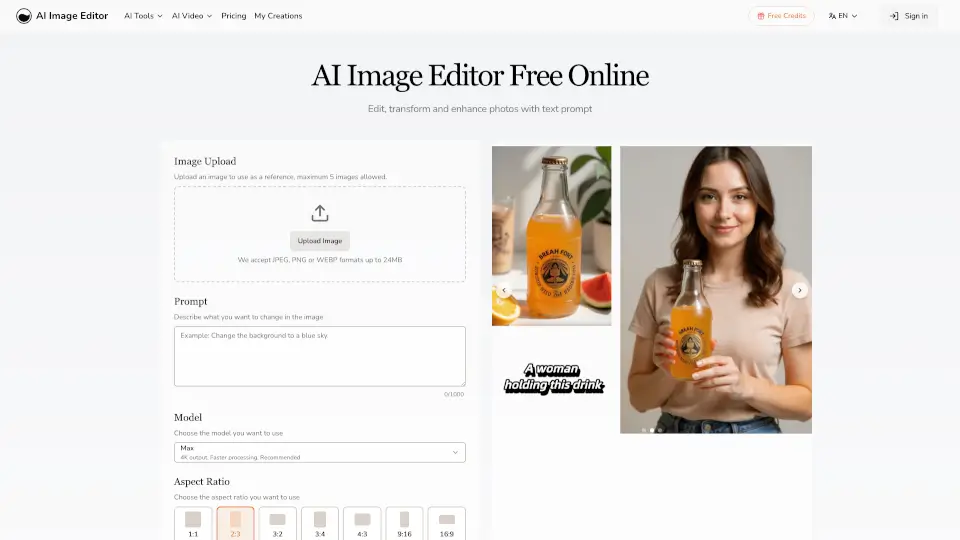
- Conversation EditingUse simple text prompts to edit images, turning your ideas into professional-grade results.
- Inspiration CopyTransfer the style of a reference image to your own photo, creating a unique and personalized look.
- AI Video CreationConvert still images into engaging videos, perfect for sharing on platforms like TikTok, Instagram, and YouTube.
- Photo RestorationBring old and damaged photos back to life with AI-driven restoration technology.
What are the use cases of Kaze AI?
- Social Media EnhancementEdit and enhance your photos before posting on Instagram, Facebook, or TikTok.
- Professional PortraitsCreate polished and professional-looking portraits for business or personal use.
- Creative ProjectsExperiment with different styles and effects to create unique and artistic images.
- Family PhotosRestore and enhance old family photos to preserve memories.
- Marketing MaterialsRemove watermarks and enhance product images for marketing and advertising.
- Personal BrandingCustomize and personalize your images to build a strong personal brand.
How to use Kaze AI?
- Upload your image by dragging and dropping it into the editor or using the upload button.
- Choose the specific tool you need, such as the Body Editor or Watermark Removal.
- Follow the on-screen instructions to apply the desired edits.
- Preview your changes and make any necessary adjustments.
- Once satisfied, download the edited image directly to your device.