
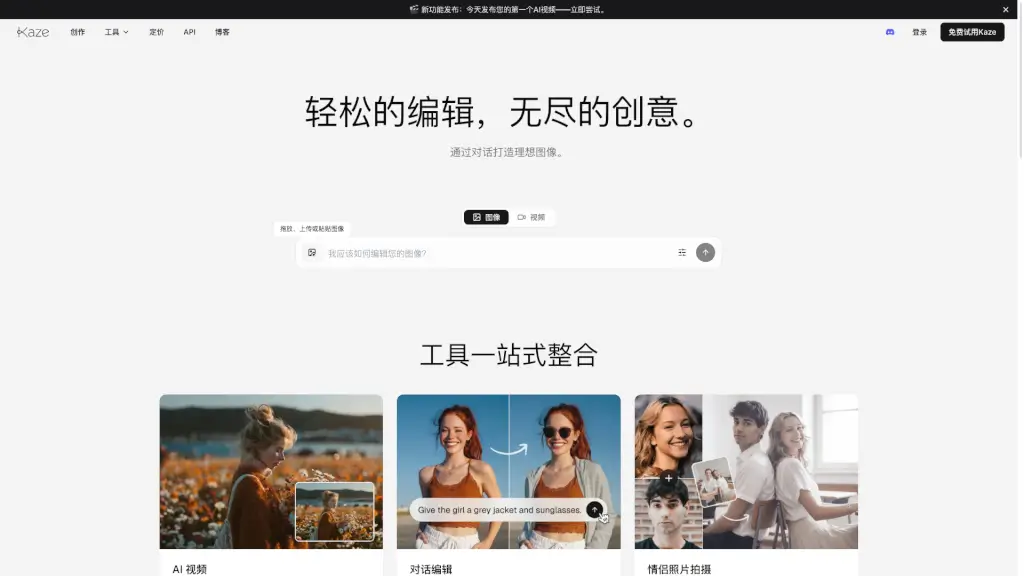
What is Kaze AI?
Kaze AI is a powerful and user-friendly online image editing tool that lets you do everything from removing watermarks to editing your body shape. Whether you're looking to enhance your social media posts or restore old family photos, Kaze AI has got you covered. With its intuitive interface and advanced AI capabilities, you can transform any image in just a few clicks, making it perfect for both beginners and experienced users.
What are the features of Kaze AI?
- Body Editor: Reshape and refine your body in photos to achieve a more natural and flattering look.
- Watermark Removal: Effortlessly remove unwanted watermarks from images, restoring them to their original state.
- Conversation Editing: Use simple text prompts to edit images, turning your ideas into professional-grade results.
- Inspiration Copy: Transfer the style of a reference image to your own photo, creating a unique and personalized look.
- AI Video Creation: Convert still images into engaging videos, perfect for sharing on platforms like TikTok, Instagram, and YouTube.
- Photo Restoration: Bring old and damaged photos back to life with AI-driven restoration technology.
What are the use cases of Kaze AI?
- Social Media Enhancement: Edit and enhance your photos before posting on Instagram, Facebook, or TikTok.
- Professional Portraits: Create polished and professional-looking portraits for business or personal use.
- Creative Projects: Experiment with different styles and effects to create unique and artistic images.
- Family Photos: Restore and enhance old family photos to preserve memories.
- Marketing Materials: Remove watermarks and enhance product images for marketing and advertising.
- Personal Branding: Customize and personalize your images to build a strong personal brand.
How to use Kaze AI?
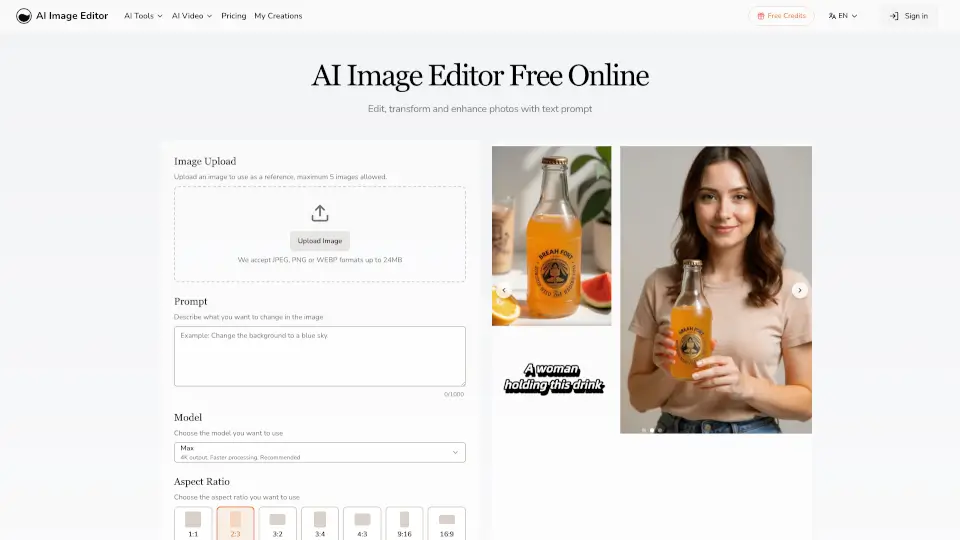
- Upload your image by dragging and dropping it into the editor or using the upload button.
- Choose the specific tool you need, such as the Body Editor or Watermark Removal.
- Follow the on-screen instructions to apply the desired edits.
- Preview your changes and make any necessary adjustments.
- Once satisfied, download the edited image directly to your device.