CleanShot X logo

CleanShot X

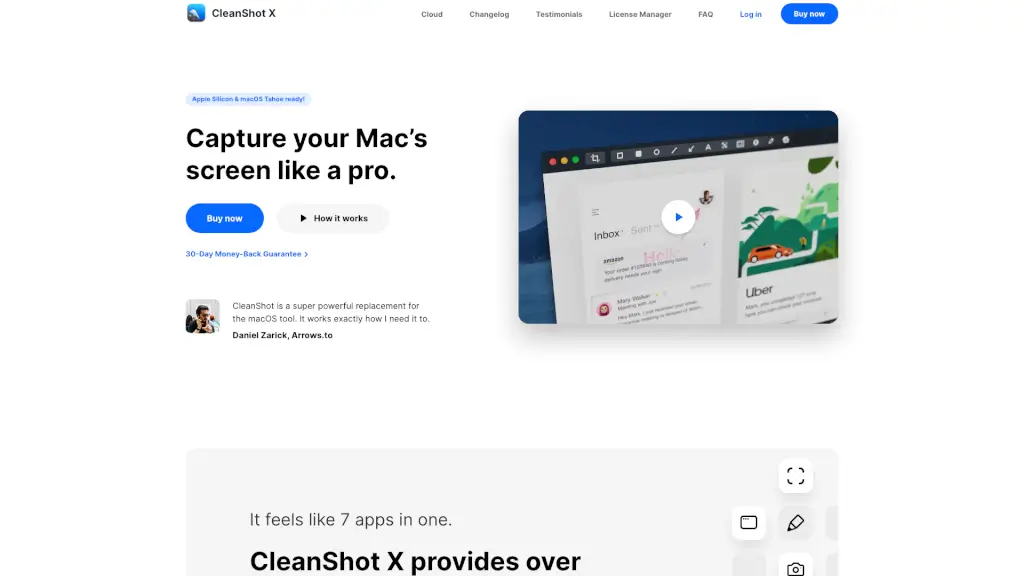
CleanShot X for Mac is the ultimate all-in-one screenshot and screen recording tool that replaces macOS’s basic utilities with pro-level features for capturing, editing, and sharing visuals effortlessly.

Social Media:
CleanShot X

CleanShot X Product Information

What is CleanShot X?

Tired of juggling multiple apps just to take a screenshot or record your screen? CleanShot X for Mac is the all-in-one solution that replaces macOS’s basic tools with powerful, intuitive features designed for real-world workflows. Whether you're a developer, designer, teacher, or remote worker, CleanShot X helps you capture, annotate, and share visuals faster and cleaner than ever.

From scrolling screenshots of long web pages to polished screen recordings with webcam and audio, CleanShot X handles it all—without slowing you down. Plus, it works flawlessly on Apple Silicon Macs and supports the latest macOS Sonoma (formerly Tahoe), so you’re always ready to capture like a pro.

What are the features of CleanShot X?

  • Scrolling Capture
    Grab entire web pages, chat logs, or code snippets—even if they don’t fit on your screen.
  • Advanced Annotation Tools
    Highlight, blur, draw, or add text in seconds with an editor users say “beats any other.”
  • Screen Recording with Webcam & Audio
    Record your screen, microphone, system audio, mouse clicks, and keystrokes—all in one go.
  • Desktop Clutter Control
    Instantly hide desktop icons or set custom wallpapers for clean, professional-looking shots.
  • On-Device OCR Text Recognition
    Copy text from images or scanned documents instantly—no internet needed.
  • Quick Access Overlay
    Save, copy, or drag screenshots directly into other apps without leaving your workflow.
  • Pin Screenshots
    Keep important references floating above all windows with adjustable size and opacity.
  • Built-in Cloud Sharing (Optional)
    Upload and share with a single click—no account required to use core features.

What are the use cases of CleanShot X?

  • A developer captures a full GitHub issue thread using scrolling capture and annotates bugs before sending to their team.
  • A YouTuber records a tutorial with webcam overlay, system audio, and highlighted mouse clicks for clarity.
  • A designer creates social media posts by adding custom backgrounds and margins to screenshots in seconds.
  • A teacher hides desktop icons and uses the self-timer to capture a clean demo for students during screen sharing.
  • A support agent uses OCR to extract text from a user’s error message screenshot and quickly responds with a fix.
  • A remote worker pins a reference image while writing documentation, keeping it visible but non-intrusive.

How to use CleanShot X?

  • Press your shortcut (default: Cmd + Shift + 5) to open CleanShot X’s capture menu.
  • Choose between region, window, full screen, scrolling capture, or screen recording.
  • After capturing, use the annotation toolbar to highlight, blur, or add shapes/text instantly.
  • Drag your screenshot directly from the preview overlay into Slack, email, or Notes—no saving first needed.
  • Enable “Hide Desktop Icons” in preferences for distraction-free captures during meetings or demos.
  • Use the Pin feature to float a screenshot while working across other apps.
Do you like this tool?

Upvote to help others discover it!

CleanShot X Alternatives

Camtasia online

Camtasia online

TechSmith’s Camtasia online is a free, browser-based screen recorder for Mac and Windows. Record, edit, and share videos with no watermarks or limits.

US
51.55%
800.3K
0
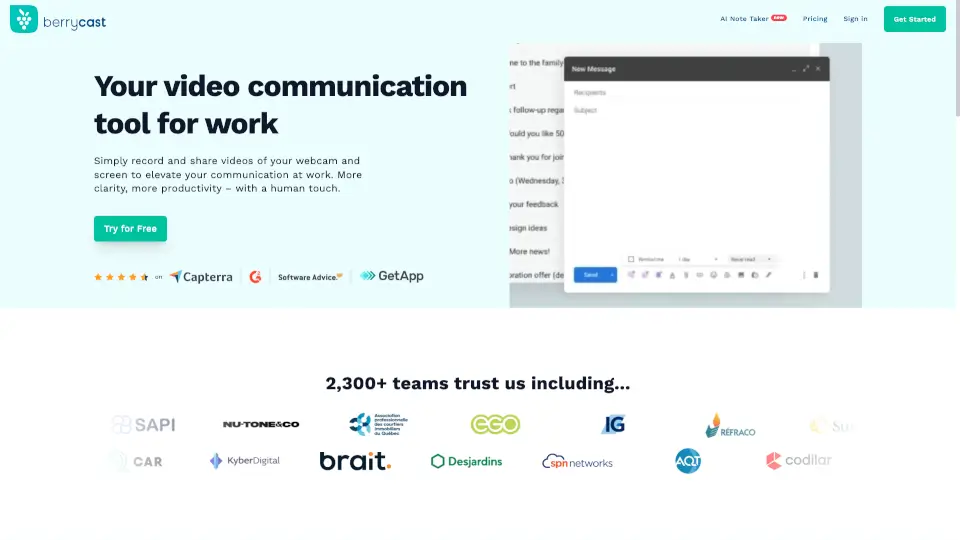
Berrycast

Berrycast

Berrycast is the best free screen recorder for Windows and Mac, combining easy video messaging with AI-powered transcripts and summaries for clearer, faster work communication.

US
49.31%
23.4K
0
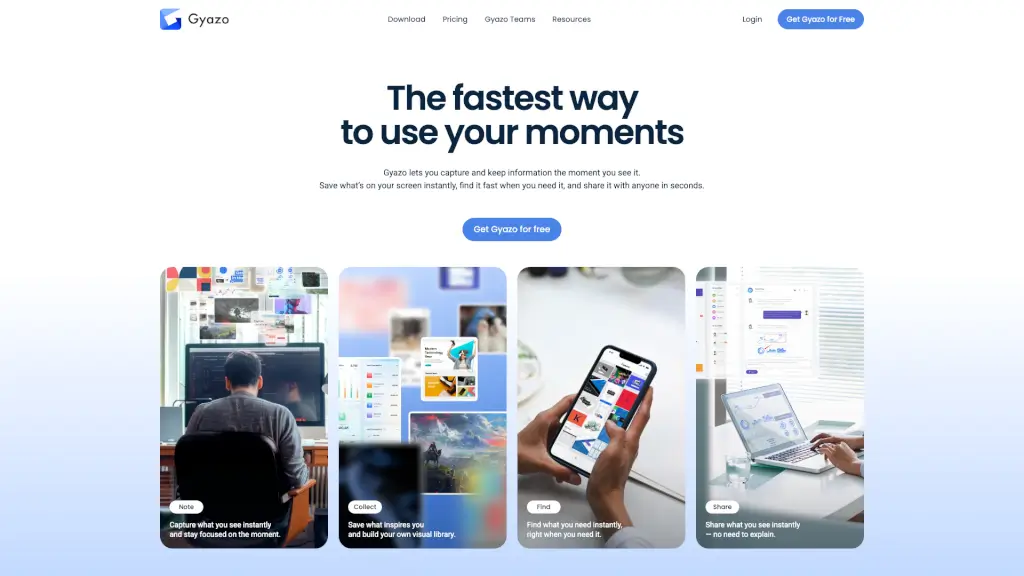
Gyazo

Gyazo

Gyazo is the fastest way to capture, organize, and share screenshots and screen recordings with instant cloud links and smart search.

US
36.04%
8.2M
0
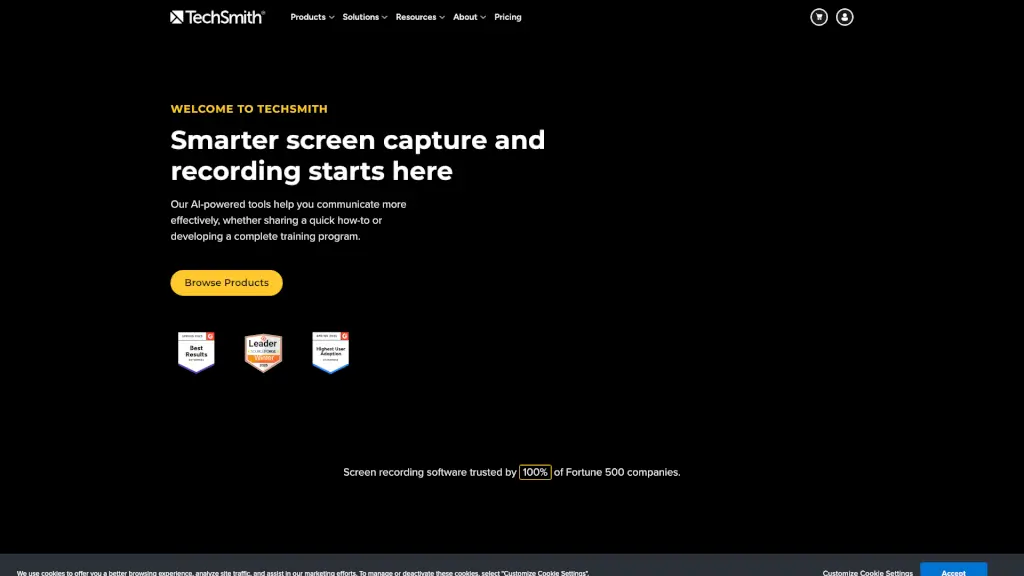
TechSmith

TechSmith

TechSmith's Snagit and Camtasia make screen recording and capture easy and effective, helping you create and share high-quality content.

US
51.55%
800.3K
0
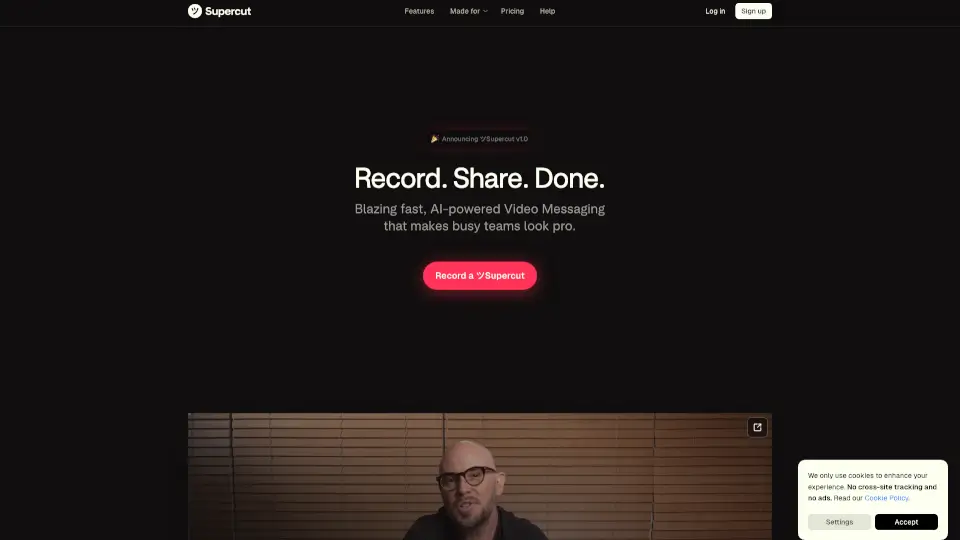
Supercut

Supercut

Supercut makes screen recording effortless and professional—perfect for teams who want to communicate clearly without wasting time.

US
39.84%
91.5K
0
Tella

Tella

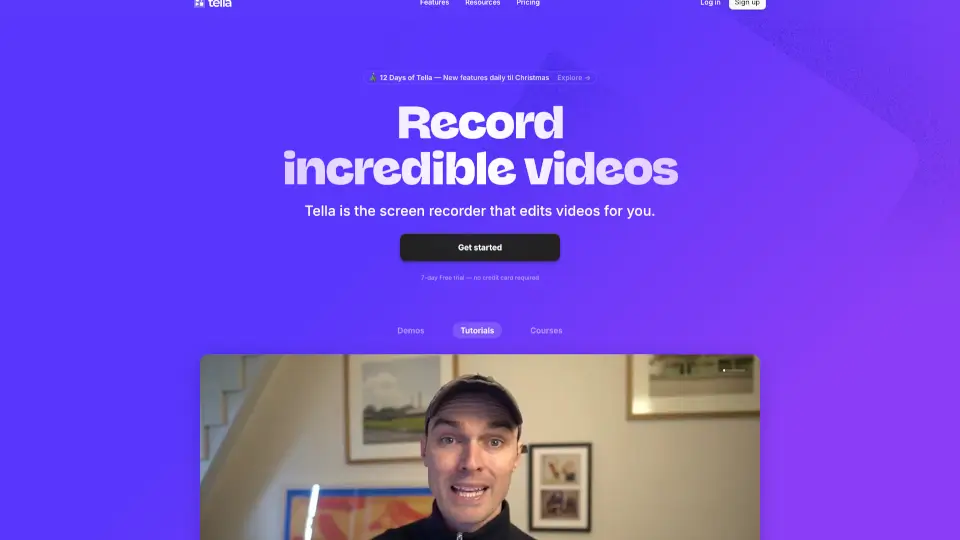
Tella is the easiest screen recorder for Mac & Windows, perfect for demos, tutorials, and courses. With AI-powered editing and 4K exports, it’s like having a pro editor in your pocket.

US
24.00%
272.8K
0
RecCloud

RecCloud

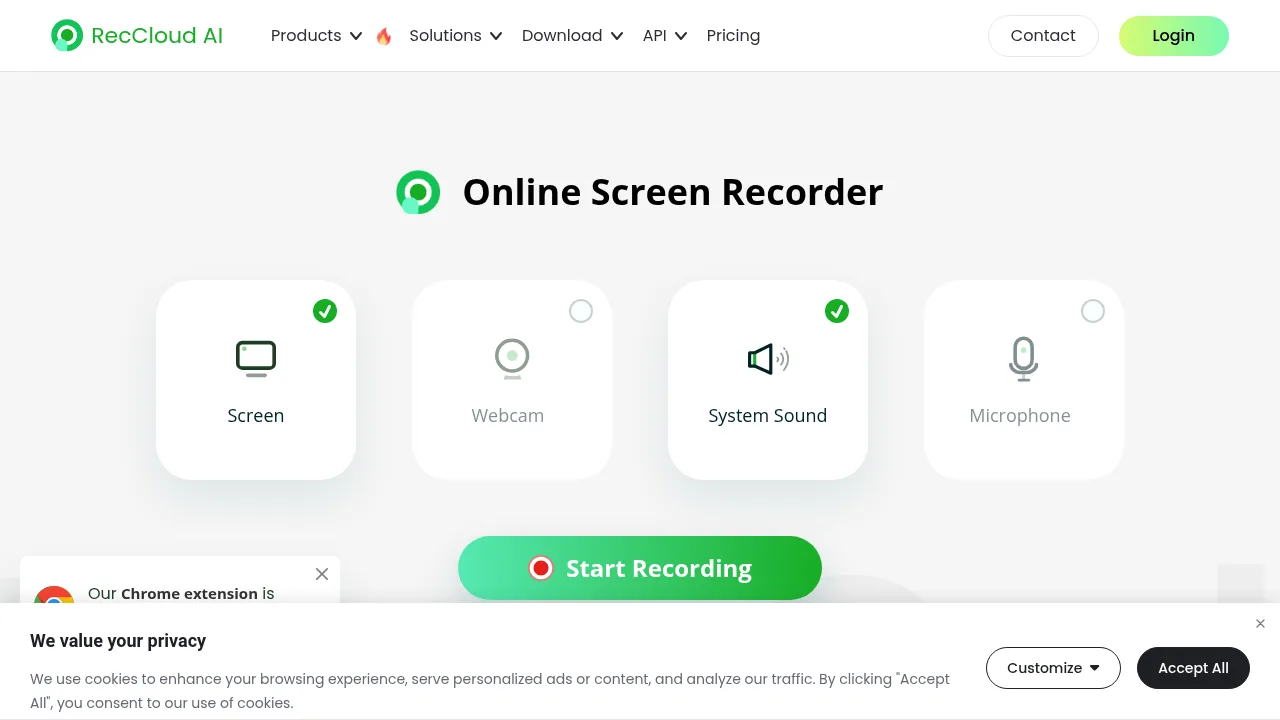
RecCloud provides browser-based screen recording capped at 1 minute for free users, alongside AI tools for transcription, translation, and video editing.

US
15.40%
441.0K
0
Komodo

Komodo

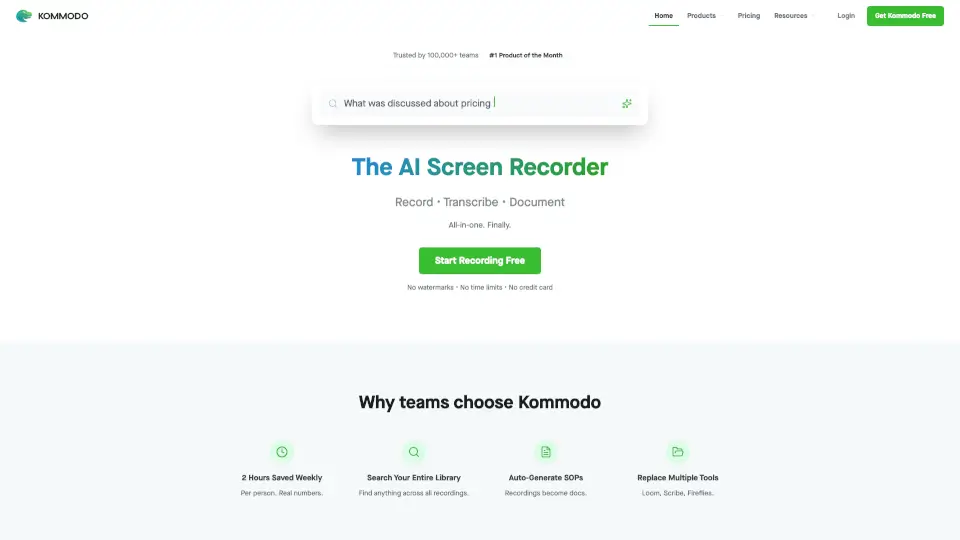
Kommodo is an AI screen recorder that automatically transcribes recordings, generates meeting summaries, and creates step-by-step guides, trusted by 100,000+ users with no watermarks or time limits.

US
52.32%
16.2K
0

CleanShot X Related Other Categories

CleanShot X Traffic Analysis

Website traffic estimates for cleanshot.com. Visits are not unique users or product usage.

Data month: 2026-10

💡 Insights

⭐
Medium Scale
Estimated monthly visits exceed 100,000 and are at most 1 million.
📉
Traffic Decline
Estimated visits decreased 24.7% from the previous month.
👍
Bounce rate below 60%
The estimated bounce rate is 45%.
🎯
Direct-led traffic
Direct traffic accounts for 51% of estimated visits.
  • Monthly Visits

    233.54K

  • Bounce Rate

    44.67%

  • Pages Per Visit

    2.14

  • Visit Duration

    00:02:09

  • Global Rank

    201025

  • Country Rank

    142712

Visits Over Time

Traffic Sources

Direct51.17%
Search Organic26.48%
Social Organic9.79%
Referrals8.48%
Mail2.17%
Gen Ai1.06%
Affiliate0.48%
Display Ads0.18%
Search Paid0.12%
Social Paid0.09%

Top Keywords

1
cleanshot x
CPC$1.37
16.69KTraffic
2
cleanshot
CPC$2.09
13.80KTraffic
3
cleanshotx
CPC$2.62
3.16KTraffic
4
clean shot x
CPC$2.94
2.32KTraffic
5
clean shot
1.55KTraffic

Top Regions

RegionPercentage
United States
United States
28.72%
United Kingdom
United Kingdom
8.97%
India
India
5.91%
Poland
Poland
5.54%
France
France
4.09%
Low
High

Powered by SimilarWeb

CleanShot X FAQ

Do I need a CleanShot Cloud account to use the app?

No! All core features—including screenshots, scrolling capture, annotation, screen recording, and OCR—work offline without any account.

Does CleanShot X work on Apple Silicon Macs and macOS Sonoma?

Yes! CleanShot X is fully optimized for Apple Silicon and compatible with the latest macOS Sonoma (formerly referred to as "Tahoe" in early previews).

Can I record my screen with both microphone and system audio?

Absolutely. CleanShot X lets you record microphone audio, macOS system audio, your webcam, and even highlight mouse clicks and keystrokes—all in one recording.

Is there a money-back guarantee?

Yes! CleanShot X comes with a 30-day money-back guarantee, so you can try it risk-free.

How do I capture something that doesn’t fit on my screen?

Use the Scrolling Capture feature—it works in any scrollable app (like browsers, Messages, or code editors) to grab the full content in one image.

Can I extract text from a screenshot?

Yes! CleanShot X includes fast, on-device OCR (optical character recognition) so you can copy text from images or scanned documents instantly.

CleanShot X Reviews

0
0 Reviews
Sign Into leave a review

Recent Reviews

No reviews yet

CleanShot X Embed

Use website badges to drive community support for SeekTool.ai. They are easy to embed in your homepage or footer.

Light
Dark
CleanShot X - Featured on SeekTool.aiCleanShot X - Featured on SeekTool.ai
How to install?

Category Rankings

Ranked by monthly traffic