
What is ChatBot?
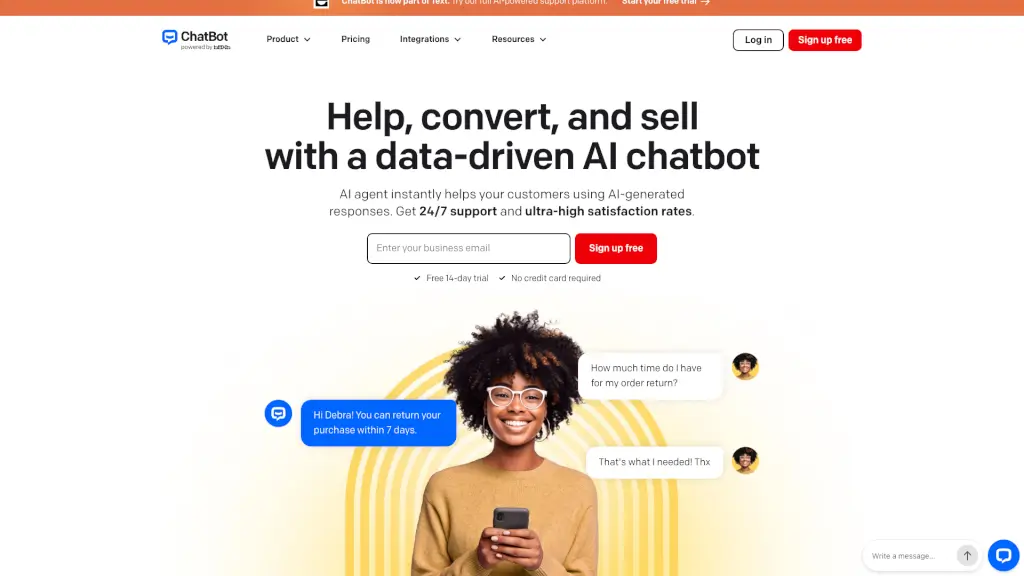
ChatBot by Text is an AI-powered chatbot platform that helps businesses automate customer support, boost sales, and engage website visitors 24/7. Instead of leaving customers waiting or losing them to cart abandonment, ChatBot uses generative AI trained on your own content—like your website, help docs, or product pages—to deliver accurate, on-brand answers instantly.
Whether you run an online store, a SaaS company, or a service-based business, ChatBot acts like your best employee: always available, never sleeps, and ready to answer questions, recommend products, or hand off complex issues to your team when needed. With over 35,000 brands already using it, including big names like Wembley Stadium and Hairlust, it’s proven to save time, increase revenue, and improve customer satisfaction—all without coding.
What are the features of ChatBot?
- AI-Powered Customer Service: Delivers instant, context-aware responses based on your business knowledge.
- Multichannel Support: Works across your website, Facebook Messenger, SMS, Shopify, Slack, and more—all from one inbox.
- Sales-Driven Conversations: Detects buying signals (like hesitation at checkout) and offers discounts or product suggestions to recover lost sales.
- No-Code Setup: Just paste your website URL, and ChatBot builds a knowledge base in minutes—no developer needed.
- Seamless Human Handoff: Automatically transfers chats to your team for high-value or complex conversations.
- Advanced AI Training: Continuously learns from your content and improves response accuracy over time.
- Built-in Analytics: Track performance, user feedback, and conversation trends to optimize your bot.
- Compliance-Ready: Easily add consent prompts and links to privacy policies to meet legal requirements.
What are the use cases of ChatBot?
- An eCommerce store uses ChatBot to answer shipping, return, and product questions—reducing support tickets by 40% and recovering abandoned carts with timely discount offers.
- A marketing agency deploys ChatBot on client websites to qualify leads 24/7 and pass hot prospects directly to their CRM.
- A university automates FAQs about admissions, course schedules, and campus resources, freeing staff for deeper student interactions.
- A healthcare clinic uses the bot to handle appointment scheduling, insurance queries, and pre-visit instructions while staying HIPAA-compliant.
- A retail brand engages window shoppers on its site with personalized product recommendations based on browsing behavior.
- An enterprise SaaS company scales customer onboarding by letting ChatBot guide new users through setup using their knowledge base.
How to use ChatBot?
- Step 1: Sign up for the free 14-day trial (no credit card needed) and connect your website URL or upload key documents.
- Step 2: Customize your AI agent’s tone, skills, and fallback behavior using the intuitive visual builder.
- Step 3: Embed the chat widget on your site with a simple code snippet—or use one-click integrations for Shopify or WordPress.
- Step 4: Launch and monitor early conversations; refine responses based on real user questions.
- Step 5: Enable multichannel support (Messenger, email, etc.) as you scale.
- Step 6: Set up seamless handoff rules so human agents step in only when necessary.