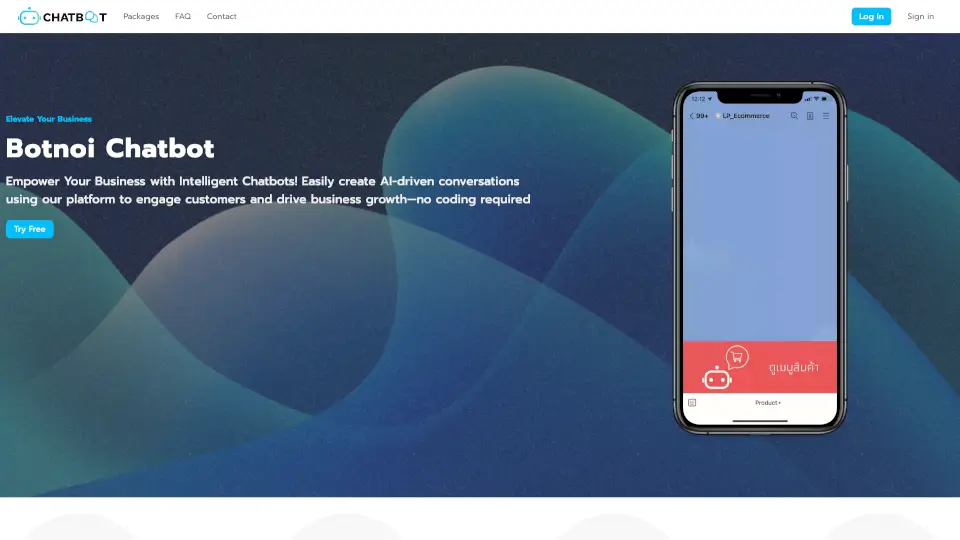
What is Botnoi Chatbot?
Botnoi is an AI chatbot and voicebot platform for businesses that helps automate customer conversations across chat and phone calls. It handles repetitive questions, captures leads, and routes urgent cases 24/7 without requiring coding. The platform connects to LINE, Facebook Messenger, WhatsApp, webchat, and voice calls, making it a practical fit for teams that need to reduce missed calls and response delays without hiring more staff.
What are the features of Botnoi Chatbot?
- Omnichannel AI Agent: Deploy one bot across LINE, Facebook, WhatsApp, webchat, and phone calls consistently, so customers get the same experience everywhere.
- Voicebot for Inbound Calls: Automatically answer and screen phone calls, collect key information, and escalate urgent cases to human agents.
- Agentic Builder with Multi-Agent Workflows: Build a team of role-based agents that work together for end-to-end automation, e.g., a front-line agent handles FAQs and a second agent escalates sales leads.
- Knowledge Base / AI Q&A: Answer questions instantly from uploaded documents, FAQs, or website content. Update knowledge in one click without retraining.
- MCP Tools Integration: Expand the bot’s capabilities by adding external tools (e.g., CRM lookups, calendar booking) with minimal coding.
- Real-Time Analytics Dashboard: Monitor conversation statistics, missed calls, lead quality, and agent performance in real time to measure results.
What are the use cases of Botnoi Chatbot?
- Customer service teams handling high volumes of repetitive chat and phone questions across multiple channels.
- Sales and marketing teams capturing inbound leads after hours or during peak traffic.
- Small businesses that cannot afford full-time staff to answer phones and chat simultaneously.
- Healthcare or insurance clinics needing to triage patient inquiries and schedule appointments via voicebot.
How to use Botnoi Chatbot?
- Start by logging into the Botnoi platform and selecting “Create Agent” to open the Agentic Builder.
- Write a short prompt describing your business goal (e.g., “handle order inquiries”) or pick a pre-built template.
- Connect the agent to your desired channels (LINE, Facebook, WhatsApp, website) in one click.
- Launch the agent and monitor real-time statistics in the dashboard to fine-tune answers and escalation rules.