
What is Atera IT Autopilot?
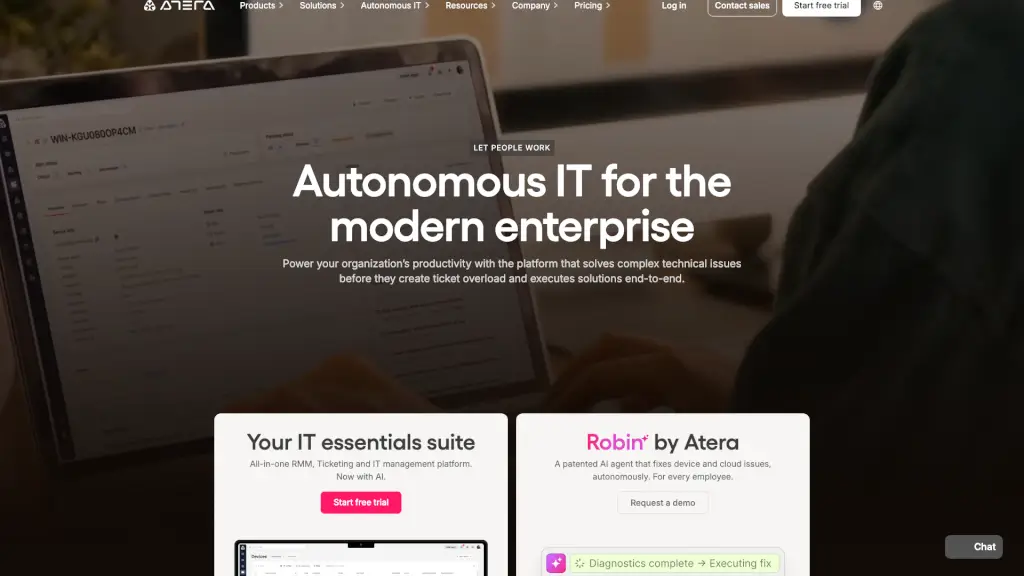
Atera’s IT Autopilot is changing the way IT teams work in 2025. It’s an autonomous IT service agent that takes care of routine tasks, solves IT tickets, and keeps your network running smoothly—day and night. With Atera’s IT Autopilot, you get instant, always-on IT support, so your team can focus on bigger projects instead of repetitive work.
What are the features of Atera IT Autopilot?
- Autonomous IT Agent: Handles IT requests and routine tasks without human help.
- 24/7 Instant Support: Provides round-the-clock support, reducing response time to nearly zero.
- Conversational AI: Engages users through chat, email, Slack, and Teams with human-like interactions.
- Smart Assistance: Searches your knowledge base for personalized, step-by-step answers.
- Device & Cloud Support: Diagnoses and fixes issues on devices and in the cloud.
- Proactive Monitoring: Spots and solves problems before they disrupt your workflow.
- Whitelisted Software Management: Installs and updates approved software instantly.
- Seamless Escalation: Escalates complex issues to technicians with a full summary.
- Reporting & Analytics: Tracks performance so you can optimize your IT operations.
- Easy Integrations: Connects with popular enterprise tools and third-party apps.
What are the use cases of Atera IT Autopilot?
- IT Departments: Reduce ticket volume and free up your team for strategic work.
- Managed Service Providers (MSPs): Deliver fast, reliable IT support at scale.
- Education: Keep school systems running smoothly with 24/7 monitoring.
- Healthcare: Ensure critical systems stay online for patient care.
- Retail & Manufacturing: Minimize downtime and keep operations efficient.
- Finance & Government: Maintain security and compliance with automated IT management.
How to use Atera IT Autopilot?
- Sign up for a free trial or request a demo on the Atera website.
- Set up your IT Autopilot agent and connect it to your systems.
- Customize the agent’s permissions, escalation rules, and integrations.
- Let Autopilot handle routine tickets, troubleshooting, and software management.
- Monitor performance and adjust settings as needed using the analytics dashboard.