
YouTube Transcript logo

YouTube Transcript

5.0
(0 Reviews)
United States26.39%

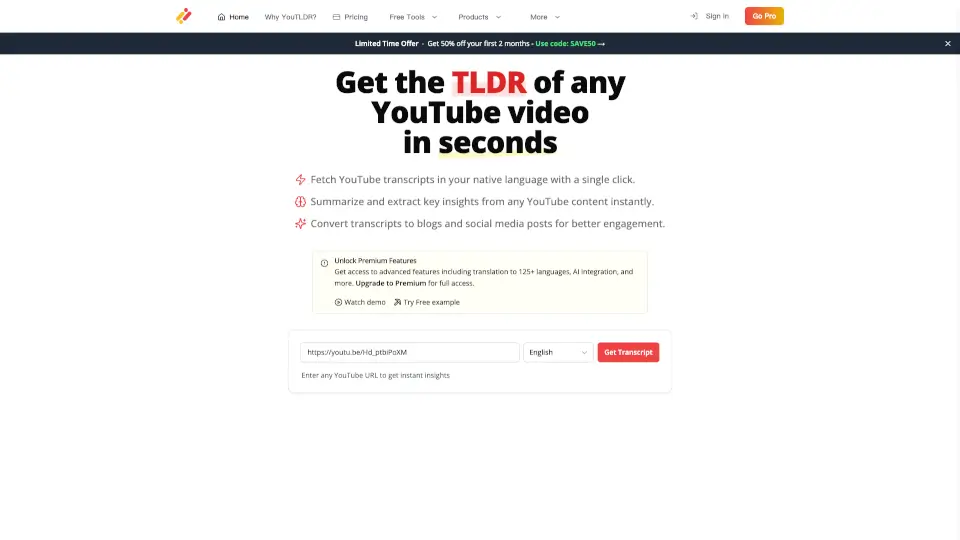
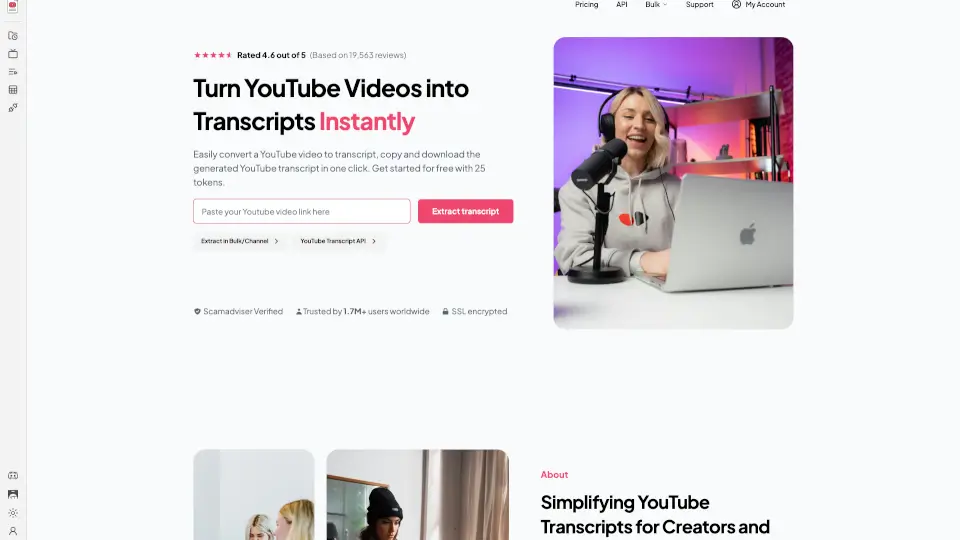
The YouTube Transcript Generator is a free, fast, and reliable tool for extracting and downloading YouTube video transcripts, perfect for students, content creators, and professionals.

Verified by SeekTool
Social Media:

YouTube Transcript Product Information

What is YouTube Transcript?

Welcome to the YouTube Transcript Generator, your go-to tool for turning YouTube videos into readable text. Whether you're a student, content creator, or just someone who prefers reading over watching, this free and easy-to-use tool is here to help. With just a few clicks, you can extract and download video transcripts, making it perfect for accessibility, SEO, and content creation. No more spending hours transcribing videos—let our tool do the work for you!

What are the features of YouTube Transcript?

  • Free Extraction: Easily extract up to 225 YouTube transcripts at no cost, with no sign-ups required.
  • Fast and Reliable: Get accurate transcripts in seconds, ensuring you can move from video to text without any hassle.
  • Summarize with AI: Turn long YouTube transcripts into clear, concise summaries instantly, perfect for quick notes, blogs, or social posts.
  • Works on Any Public Video: Extract transcripts from any publicly available YouTube video, regardless of the channel or topic.
  • Easy Copy & Download: Quickly copy or download your YouTube transcript with one click, making it simple to save, share, or repurpose your content anytime.
  • Clean, Organized Output: Get neatly formatted transcripts that are easy to read, edit, or repurpose into other content.

What are the use cases of YouTube Transcript?

  • For Students: Quickly generate transcripts for lecture videos to review and study at your own pace.
  • For Content Creators: Repurpose video content into blog posts, articles, or social media updates.
  • For Marketers: Analyze competitor content and extract insights from industry thought leaders for market research.
  • For Educators: Provide accessible learning materials for students who prefer reading or need transcripts for accessibility reasons.
  • For Researchers: Easily extract and analyze data from YouTube videos for your research projects.
  • For Journalists & Writers: Summarize and quote from interviews, speeches, and other video content for your articles.

How to use YouTube Transcript?

  • Visit the YouTube Transcript Generator website.
  • Paste the YouTube video URL into the provided field.
  • Click the "Extract Transcript" button.
  • Once the transcript is generated, you can copy, download, or summarize it as needed.
  • For bulk extraction, use the "Extract in Bulk/Channel" feature to process multiple videos at once.

YouTube Transcript Contact Email:

[email protected]

Do you like this tool?

Upvote to help others discover it!

YouTube Transcript Alternatives

YouTube Summarized

YouTube Summarized is the ultimate tool for quick, accurate, and ad-free YouTube video summaries. Perfect for students, researchers, and casual learners alike.

VN
9.70%
3.0
YTSummary

YTSummary is a powerful YouTube video summarizer that uses AI to provide quick, detailed, and visual summaries, helping you save time and learn efficiently.

US
37.23%
4.3K
3.0
Transcriptly

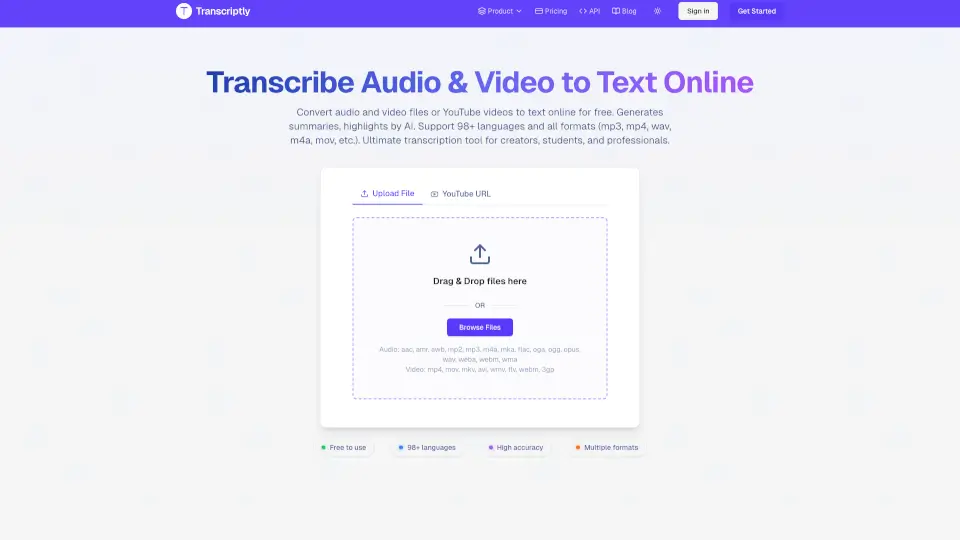
Transcriptly is a free, fast, and accurate audio and video to text converter supporting 98+ languages and multiple formats—ideal for creators, students, and professionals.

IN
7.49%
121.4K
5.0
you-tldr

you-tldr cuts through video fluff, giving you instant summaries, translations, and repurposable content—perfect for students, creators, and busy pros.

US
11.41%
58.0K
5.0
ChatGPT for YouTube

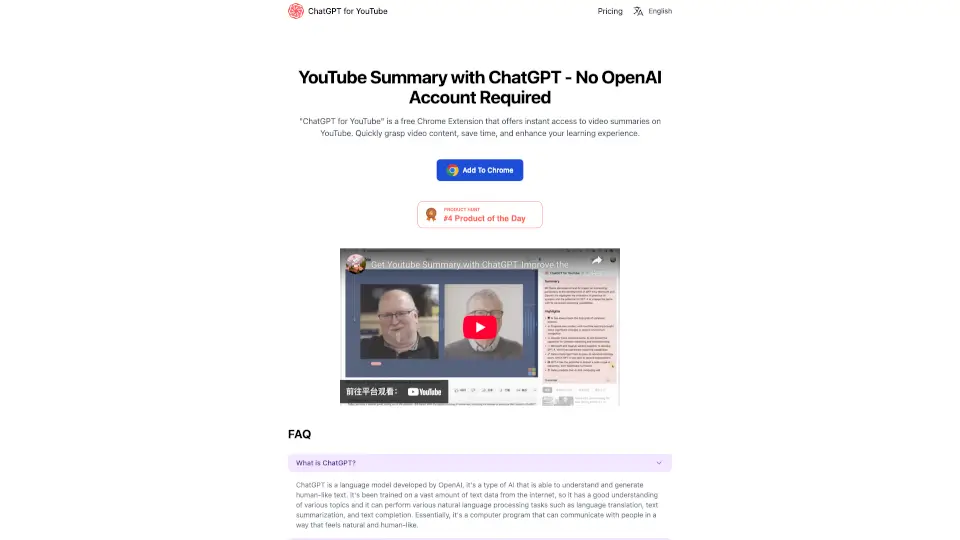
AI Summary for YouTube delivers instant, no-signup video summaries right in your browser—saving time and boosting learning without requiring an AI account or API key.

US
13.22%
39.6K
4.0
Noiz

Noiz's AI YouTube Video Summarizer instantly creates concise, timestamped summaries in 41 languages, saving you hours of watching every day.

US
9.71%
257.2K
5.0
YT Copycat

YT Copycat is an AI-powered tool that transforms YouTube videos into various content formats, saving time and boosting productivity. With multilingual support, lightning-fast processing, and advanced customization, it’s perfect for bloggers, marketers, and content creators.

US
100.00%
194
3.0
Summarize.ing

Summarize.ing is an AI YouTube video summary tool that lets anyone quickly capture key points, mind maps, and segmented summaries from any video by just pasting a link.

ID
9.36%
84.1K
5.0

YouTube Transcript Related Other Categories

YouTube Transcript Traffic Analysis

💡 Insights

📈
High Traffic
Over 1M monthly visits. Widely recognized and stable choice.
➡️
Stable
Traffic remains stable, indicating a mature product.
💎
High Stickiness
Low bounce rate (30%) and deep engagement (5.1 pages/visit). Excellent user experience.
  • Monthly Visits

    1.85M

  • Bounce Rate

    29.89%

  • Pages Per Visit

    5.08

  • Visit Duration

    00:02:18

  • Global Rank

    24759

  • Country Rank

    7439

Visits Over Time

Traffic Sources

SearchOrganic54.43%
Direct35.38%
SocialOrganic6.35%
Referrals1.78%
GenAi1.70%
Mail0.26%
SocialPaid0.05%
DisplayAds0.03%
SearchPaid0.01%
Affiliate0.00%

Top Keywords

1
youtube transcript
CPC$0.49
146.65KTraffic
2
youtube transcript extractor
CPC$0.43
44.17KTraffic
3
youtube to transcript
CPC$0.50
34.65KTraffic
4
youtube transcript generator
CPC$0.55
26.10KTraffic
5
youtube video transcript
CPC$0.45
26.07KTraffic

Top Regions

RegionPercentage
United States
United States
26.39%
India
India
9.50%
United Kingdom
United Kingdom
6.25%
Vietnam
Vietnam
5.61%
Indonesia
Indonesia
3.70%
Low
High

Powered by SimilarWeb

YouTube Transcript FAQ

Can I generate YouTube video transcripts?

Yes, you can easily generate YouTube video transcripts using our tool. Just paste the video URL and click "Extract Transcript."

What is YouTube Transcript?

YouTube Transcript is a tool that allows you to extract and download the text (transcript) from YouTube videos, making it easier to read, share, or repurpose the content.

Can I generate a summary of a YouTube video transcript?

Yes, our tool includes an AI-powered summarization feature that can turn long transcripts into clear, concise summaries.

How do I use YouTube Transcript?

Simply visit our website, paste the YouTube video URL, and click "Extract Transcript." You can then copy, download, or summarize the transcript as needed.

Is YouTube Transcript free to use?

Yes, our tool is free to use for up to 225 transcripts. Additional features and higher limits are available with premium plans.

YouTube Transcript Reviews

0

0

0 Reviews
Sign Into leave a review

Recent Reviews

No reviews yet

YouTube Transcript Embed

Use website badges to drive community support for SeekTool.ai. They are easy to embed in your homepage or footer.

Light
Dark
YouTube Transcript - Featured on SeekTool.aiYouTube Transcript - Featured on SeekTool.ai
How to install?