
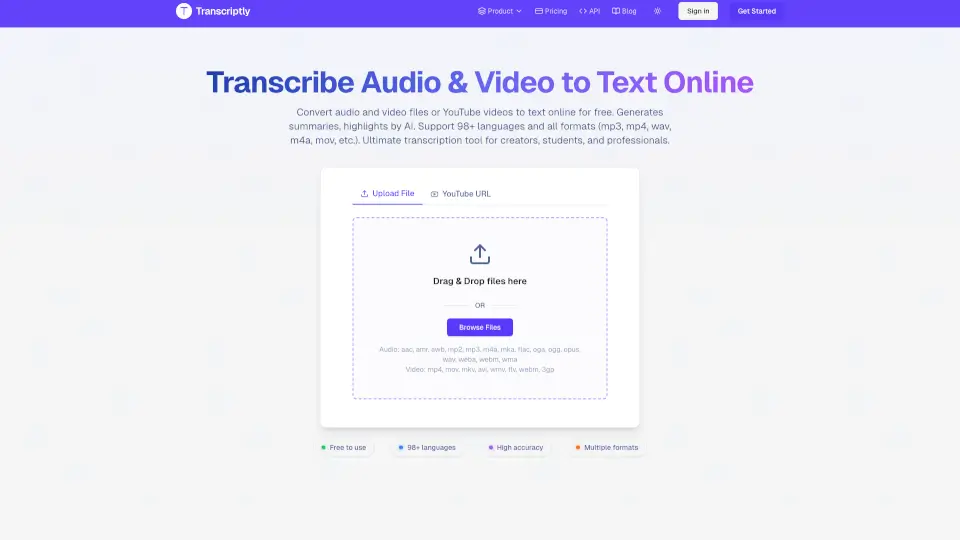
What is Transcriptly?
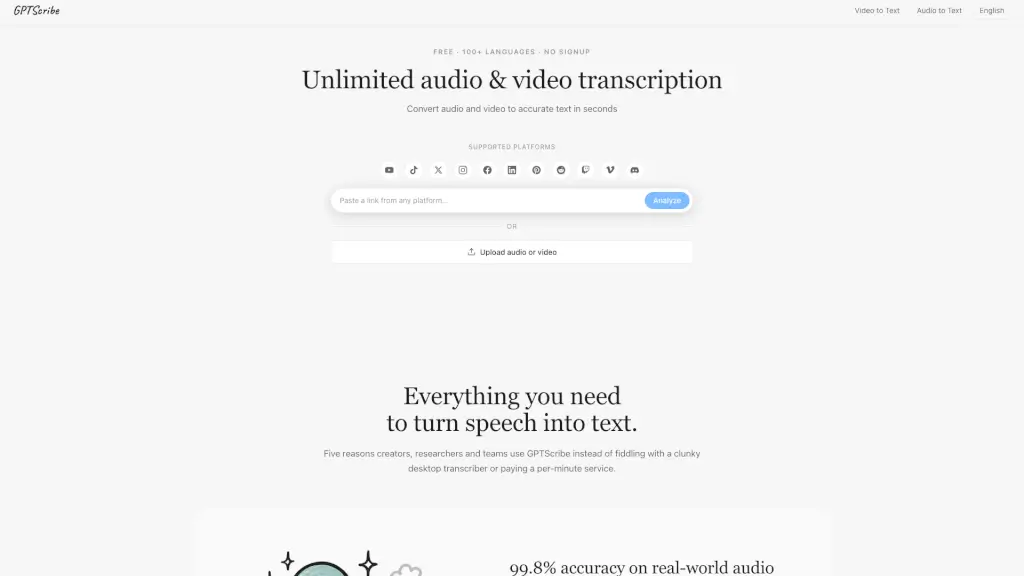
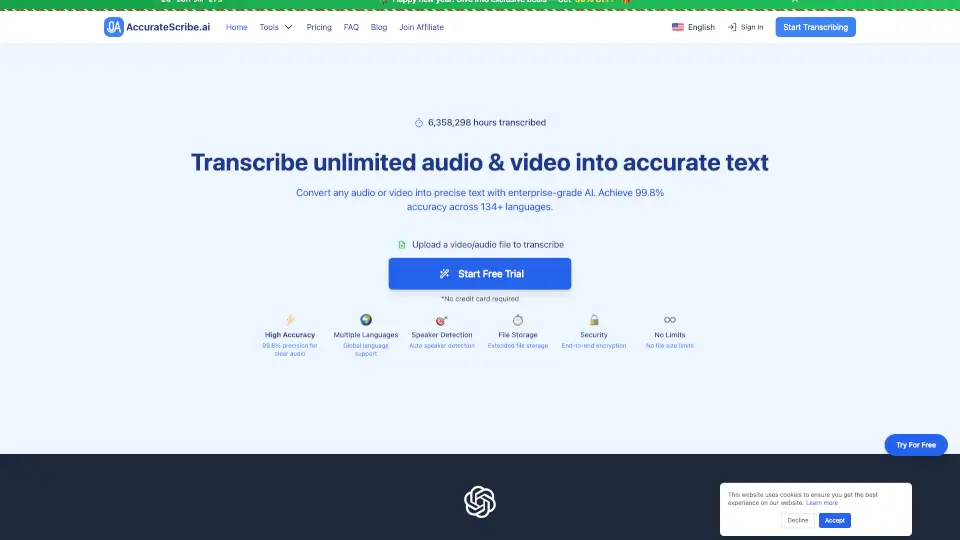
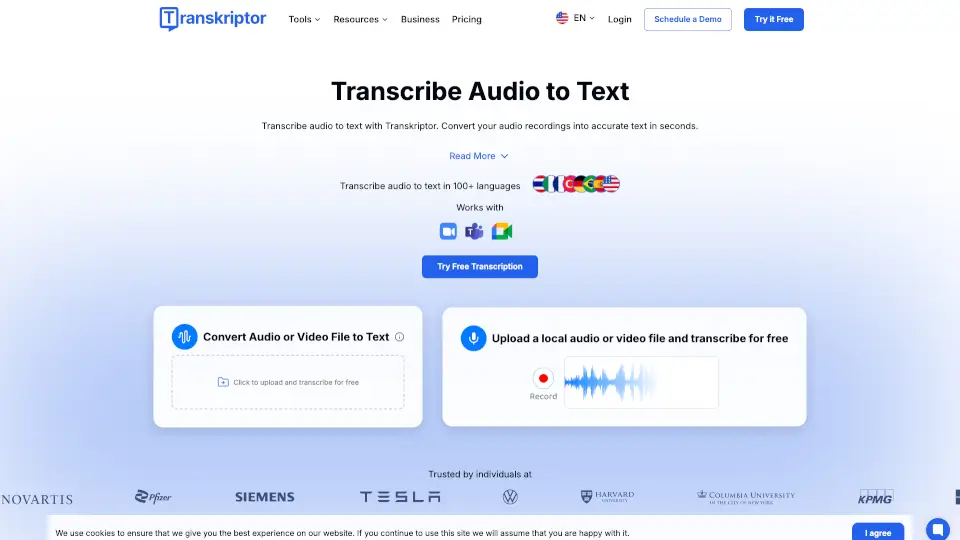
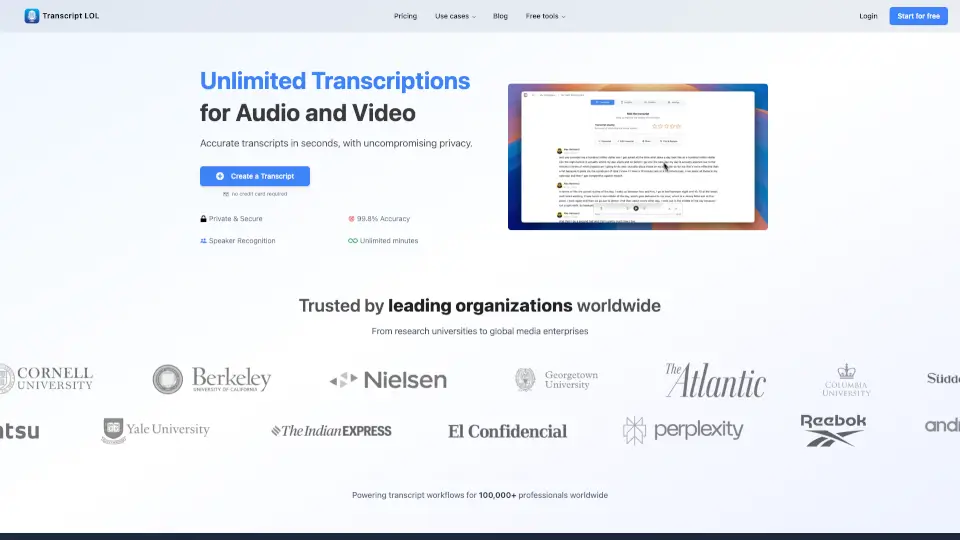
Transcriptly is a free online tool that quickly converts audio and video files—including YouTube videos—into text. It supports over 98 languages and works with popular formats like MP3, MP4, WAV, M4A, and MOV. Whether you’re a student, content creator, or professional, Transcriptly makes transcription fast, easy, and accurate.
What are the features of Transcriptly?
- Free Audio & Video to Text Converter: Transcribe YouTube videos and local files in seconds.
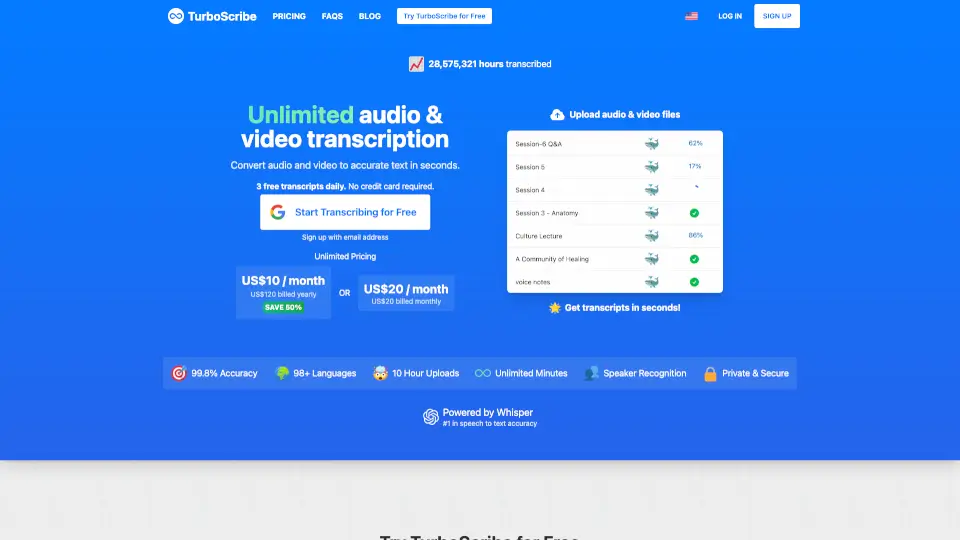
- Supports 98+ Languages: Perfect for international users and language learners.
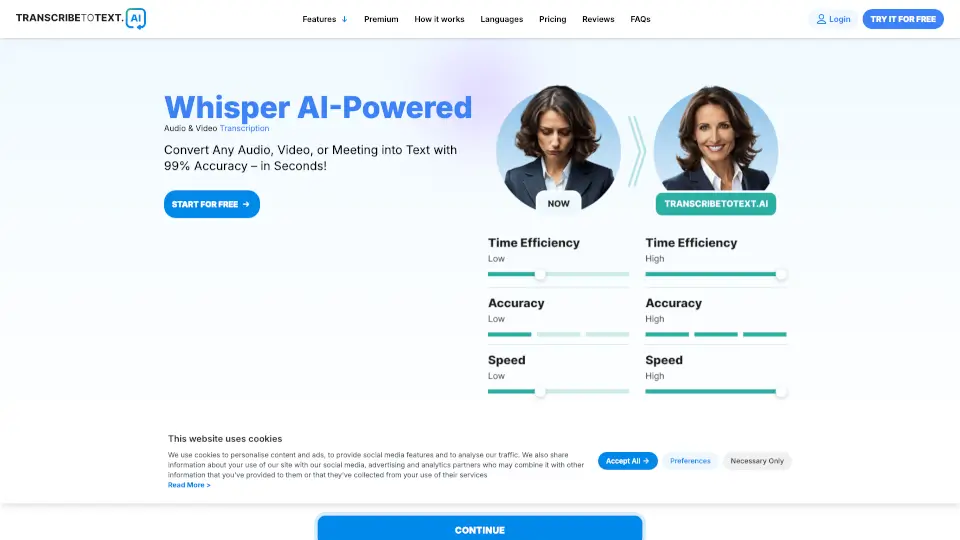
- High Accuracy: AI-powered engine delivers up to 99% accuracy with punctuation, timestamps, and speaker detection.
- Multiple Formats: Upload MP3, MP4, WAV, M4A, MOV, and more.
- Fast Processing: Get transcripts almost instantly, even for long files.
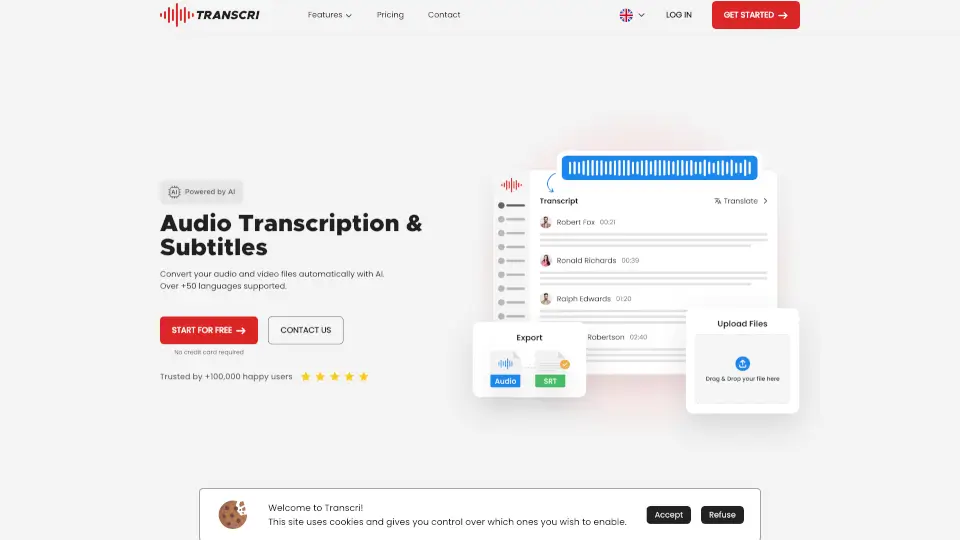
- Download Options: Export transcripts in SRT, VTT, TXT, CSV, PDF, DOCX, and more.
- Interactive Transcript Analysis: Chat with your transcript, summarize, and extract key points.
- API Access: Batch process transcripts for professional and developer use.
- Secure & Private: Files are encrypted and deleted after processing.
What are the use cases of Transcriptly?
- Students & Researchers: Turn lectures and interviews into searchable study material.
- Content Creators & Podcasters: Create subtitles, captions, and repurpose video content for blogs or social media.
- Journalists & Writers: Instantly extract quotes and insights from interviews.
- Businesses & Marketers: Analyze webinars, product demos, and competitor videos for strategy and SEO.
How to use Transcriptly?
- Transcribe YouTube Videos: Paste the YouTube URL, select your language, and get your transcript.
- Transcribe Local Files: Upload your audio or video file (up to 2GB or 10 hours), and download the text in your preferred format.
- Export & Edit: Download transcripts in multiple formats for editing or sharing.
- Use the API: Developers can batch process transcripts for large projects.