
What is Transcriptly?
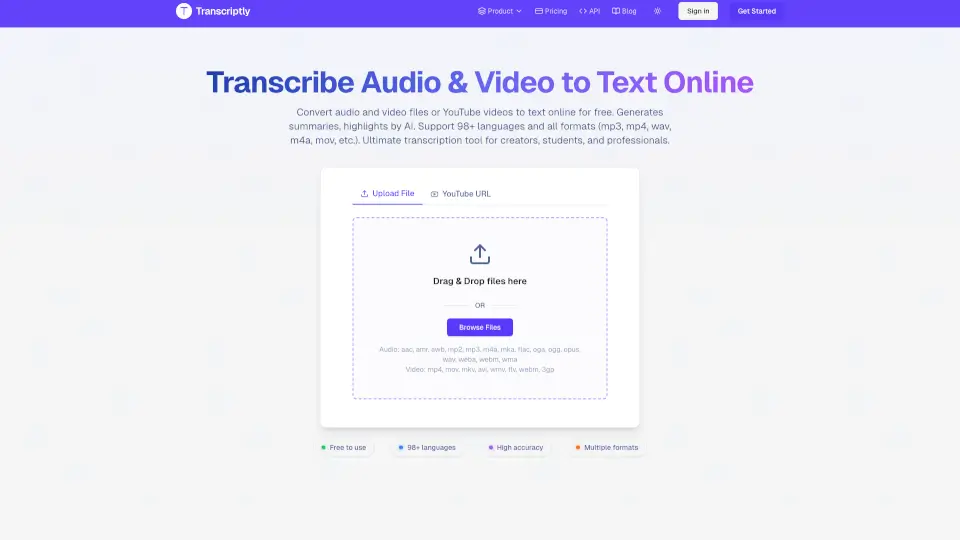
Transcriptly is a free online tool that quickly converts audio and video files—including YouTube videos—into text. It supports over 98 languages and works with popular formats like MP3, MP4, WAV, M4A, and MOV. Whether you’re a student, content creator, or professional, Transcriptly makes transcription fast, easy, and accurate.
What are the features of Transcriptly?
- Free Audio & Video to Text ConverterTranscribe YouTube videos and local files in seconds.
- Supports 98+ LanguagesPerfect for international users and language learners.
- High AccuracyAI-powered engine delivers up to 99% accuracy with punctuation, timestamps, and speaker detection.
- Multiple FormatsUpload MP3, MP4, WAV, M4A, MOV, and more.
- Fast ProcessingGet transcripts almost instantly, even for long files.
- Download OptionsExport transcripts in SRT, VTT, TXT, CSV, PDF, DOCX, and more.
- Interactive Transcript AnalysisChat with your transcript, summarize, and extract key points.
- API AccessBatch process transcripts for professional and developer use.
- Secure & PrivateFiles are encrypted and deleted after processing.
What are the use cases of Transcriptly?
- Students & ResearchersTurn lectures and interviews into searchable study material.
- Content Creators & PodcastersCreate subtitles, captions, and repurpose video content for blogs or social media.
- Journalists & WritersInstantly extract quotes and insights from interviews.
- Businesses & MarketersAnalyze webinars, product demos, and competitor videos for strategy and SEO.
How to use Transcriptly?
- Transcribe YouTube VideosPaste the YouTube URL, select your language, and get your transcript.
- Transcribe Local FilesUpload your audio or video file (up to 2GB or 10 hours), and download the text in your preferred format.
- Export & EditDownload transcripts in multiple formats for editing or sharing.
- Use the APIDevelopers can batch process transcripts for large projects.