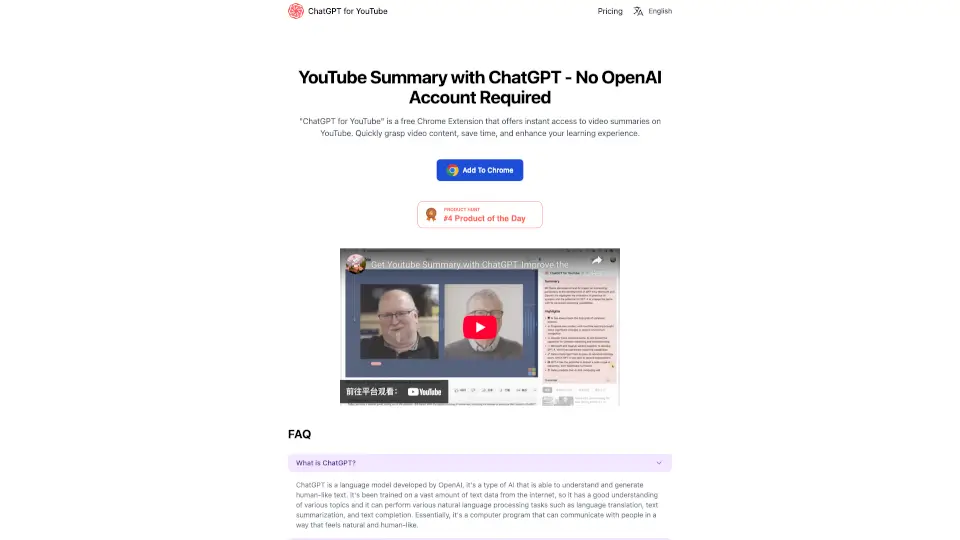
What is ChatGPT for YouTube?
Tired of watching long YouTube videos just to find one key point? AI Summary for YouTube is a free Chrome extension that instantly generates clear, concise summaries of any YouTube video—no sign-up, no API keys, and no hassle. Whether you're a student researching for class, a professional staying updated, or just someone short on time, this tool helps you grasp the main ideas in seconds, not minutes.
Built with simplicity in mind, it works right inside your browser while you browse YouTube. You get quick access to AI-powered insights without leaving the page or sharing personal data. It’s perfect for boosting productivity and making your learning or research sessions way more efficient.
What are the features of ChatGPT for YouTube?
- No Account RequiredUse instantly—no AI platform account or API key needed
- Free Weekly QuotasGet 7 free summaries per week to start
- One-Click SummarizationJust click the extension icon on any YouTube video to generate a summary
- Pro Upgrade OptionUnlock unlimited summaries with a paid subscription
- Privacy-FriendlyNo login means less data shared and faster access
- Clean, Simple InterfaceEasy-to-read summaries without clutter or distractions
What are the use cases of ChatGPT for YouTube?
- Students quickly reviewing lecture or tutorial videos before exams
- Professionals skimming industry updates or conference talks during busy workdays
- Researchers scanning multiple YouTube sources for relevant content
- Content creators analyzing competitor videos for inspiration
- Language learners using summaries to better understand spoken English
- Anyone avoiding clickbait by checking if a video’s actually worth watching
How to use ChatGPT for YouTube?
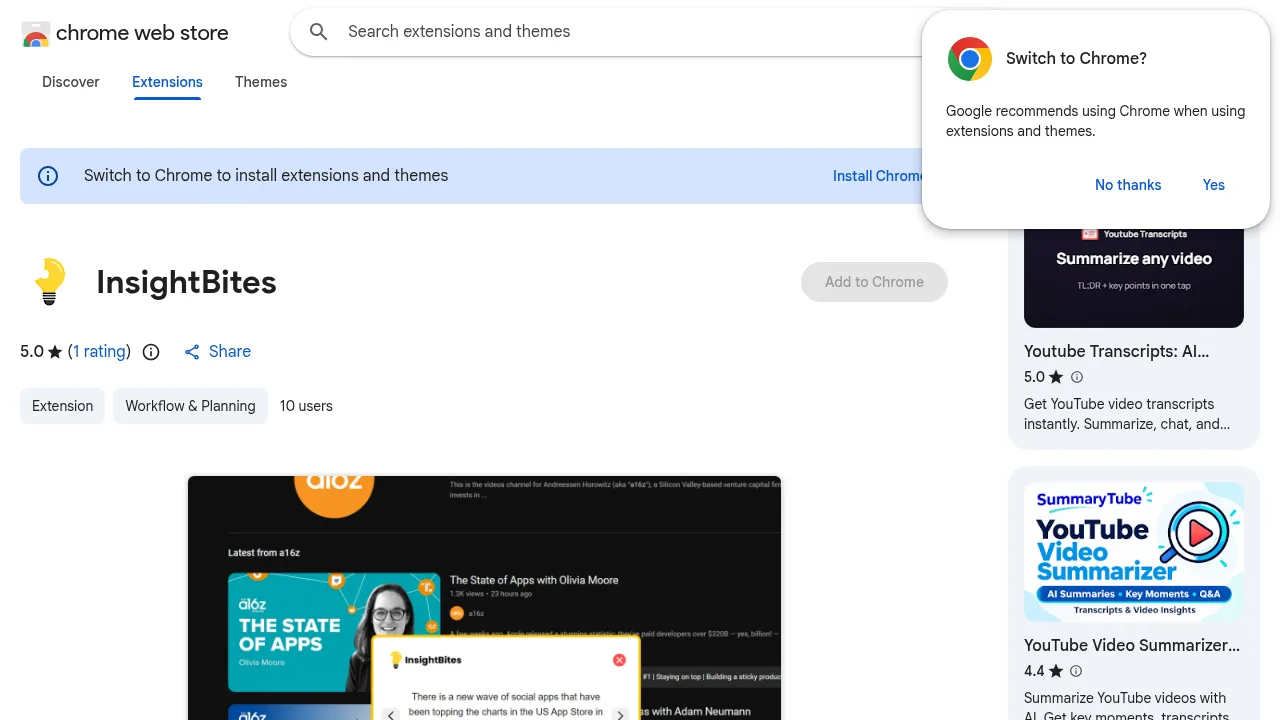
- Install the “AI Summary for YouTube” extension from the Chrome Web Store
- Open any YouTube video you’d like summarized
- Click the extension icon in your browser toolbar
- Wait a few seconds—your AI-generated summary appears instantly
- If you run out of free weekly uses, visit the website to upgrade or wait for your quota to reset
- Manage or cancel your subscription anytime via your profile page