
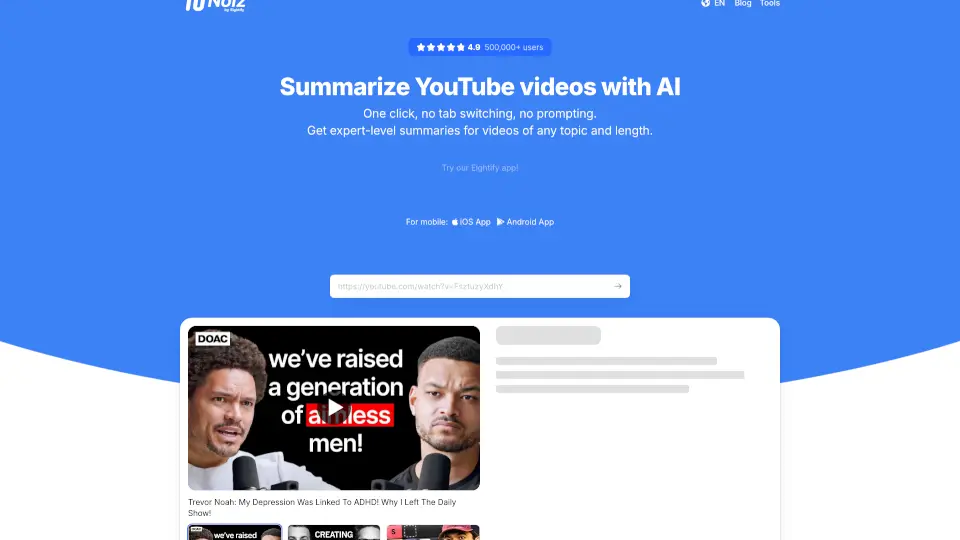
What is Noiz?
Meet Noiz's YouTube Video Summarizer AI – your shortcut to skipping the fluff and getting straight to the key points of any YouTube video. Whether you're a student cramming for exams, a content creator hunting for inspiration, or just someone who values their time, this tool uses smart AI to generate instant, timestamped summaries in over 40 languages. No more watching hour-long videos just to find one useful insight. One click, no tab switching, no prompting – just expert-level summaries in seconds.
What are the features of Noiz?
- Key Ideas Extraction: Get the main takeaways as a list or Q&A, brief or as detailed as you need.
- Smart Summaries with Timestamps: Generate precise, time-stamped summaries in 41 languages – perfect for skipping to the important parts.
- Video to Text: Convert any YouTube video into accurate, readable text for notes or research.
- One-Click Magic: No extra prompts or logins – just click the Noiz button on any YouTube page and get your summary.
- Long Video Support: Processes videos up to 12 hours long – from short clips to full courses.
- Quality Filter & Trend Navigator: Identify valuable content fast and spot trending topics with a weekly top-100 video list.
What are the use cases of Noiz?
- Students & Lifelong Learners: Summarize lectures, tutorials, and documentaries to learn faster and take better notes.
- Content Creators: Extract ideas and insights from competitor videos to fuel your own projects without watching everything.
- Professionals & Researchers: Speed up research by getting the gist of long conference talks, product demos, or industry news.
- Busy Professionals: Skim through podcasts, webinars, and vlogs during a coffee break – get the key points in minutes.
- Multilingual Users: Understand non-English videos by reading accurate translated summaries in your preferred language.
How to use Noiz?
- Install the Noiz extension – click the "Install" button to add it to Chrome from the Chrome Web Store.
- Go to YouTube and choose any video (or podcast) you want to summarize.
- Click the Noiz button that appears on the video page – your AI summary will be generated instantly.
- Customize your summary – choose between list, Q&A, brief, or detailed format as needed.
- Use on mobile – grab the iOS or Android app for on-the-go summaries.