
What is Summarize.ing?
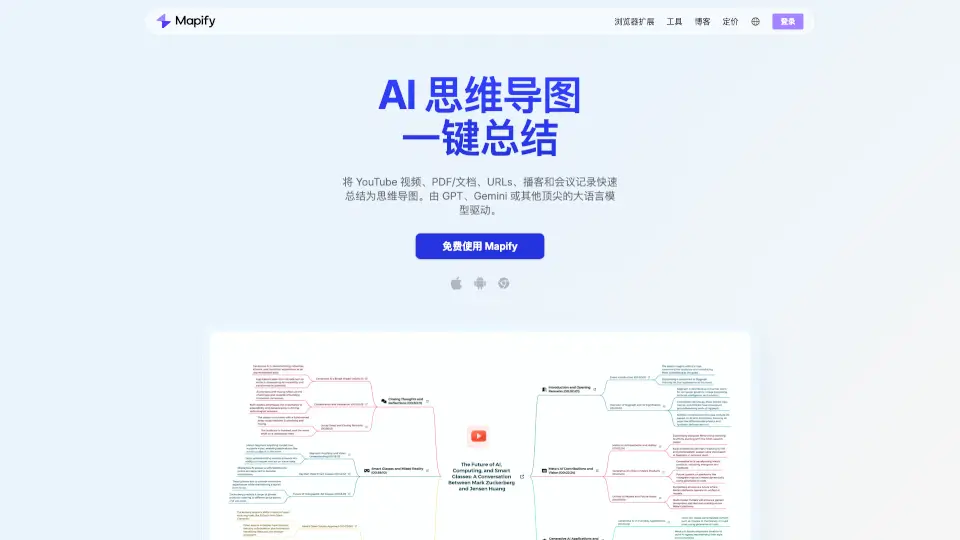
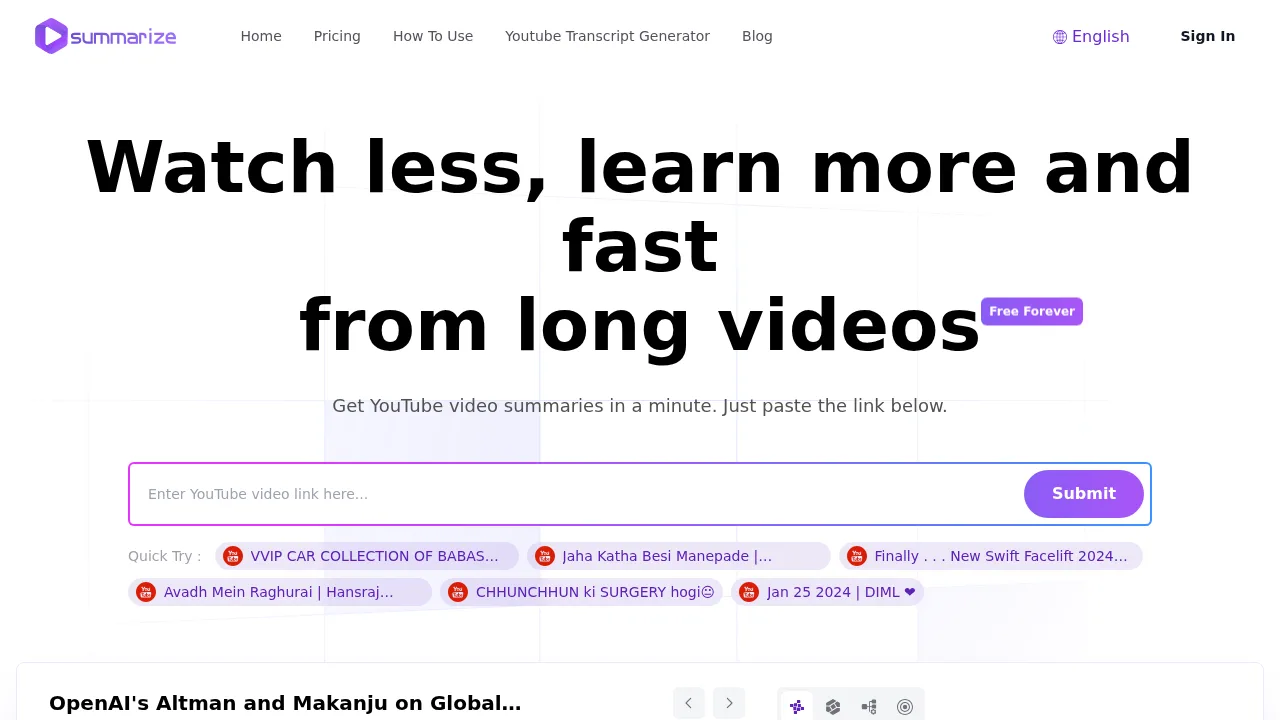
Summarize.ing is a web-based tool that generates AI summaries of YouTube videos using Claude 3.5 Sonnet. Users paste a video URL to receive structured digests including highlights, mind maps, and extracted questions within approximately one minute. Standard summarization is free, with premium features planned for future release.
What are the features of Summarize.ing?
- Multi-format outputProduces text summaries, detailed highlights, and mind maps from a submitted YouTube video URL.
- Segmented breakdownsDivides the summary into distinct sections for easier navigation of tutorials or educational content.
- Concept extractionIdentifies and explains main concepts and keywords found in the video.
- Generated Q&ACreates 8-10 key questions and answers based on the video content.
- AI modelUses Claude 3.5 Sonnet to process the video transcript.
What are the use cases of Summarize.ing?
- Reviewing lengthy technology, marketing, economics, or wellness videos without watching the full runtime.
- Extracting specific tutorial steps or guide segments through segmented summaries.
- Reinforcing understanding of complex lectures using generated questions and answers.
How to use Summarize.ing?
Web workflow:
- Copy the URL of the target YouTube video.
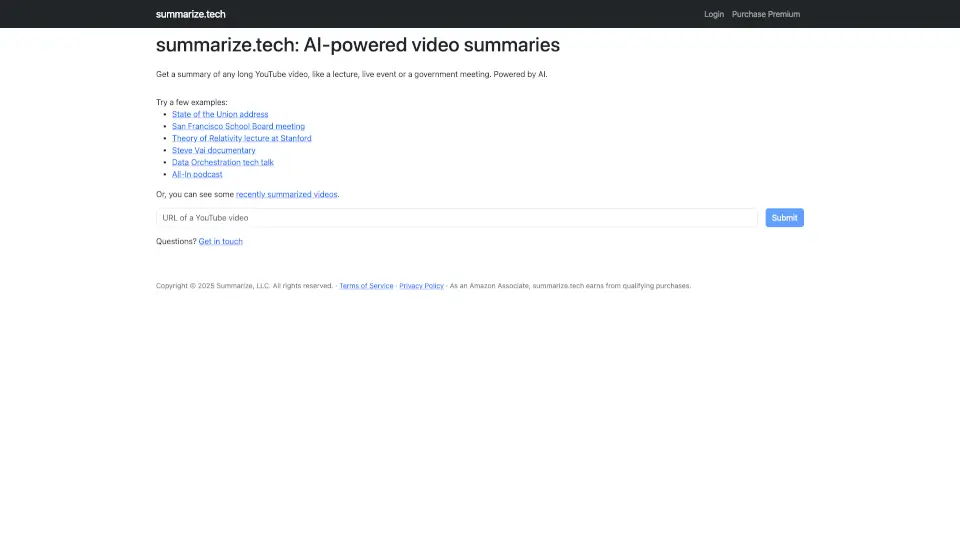
- Paste the URL into the input field on the Summarize.ing website.
- Click Submit to start processing.
- Wait approximately one minute for the summary, highlights, and mind map to appear.
Summarize.ing Pricing Information:
- Standard use: Free; covers basic video summarization.
- Premium plans: Planned for future release at an unspecified fee for additional analysis and content options.