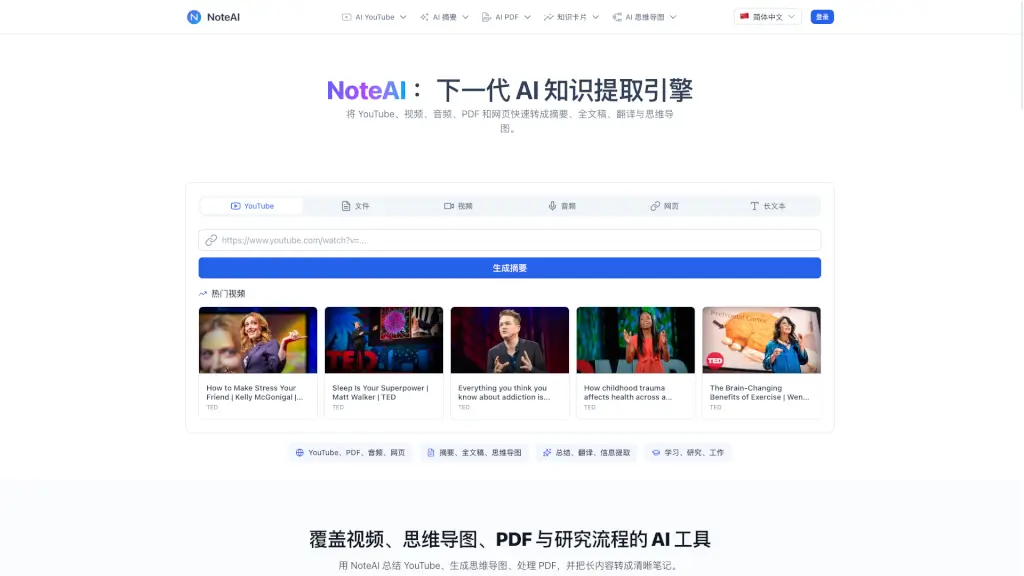
What is NoteAI?
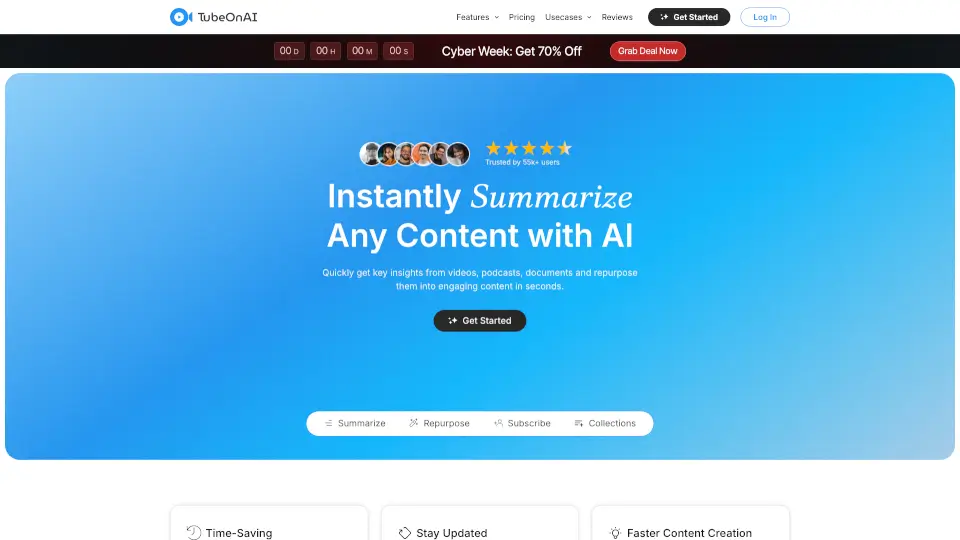
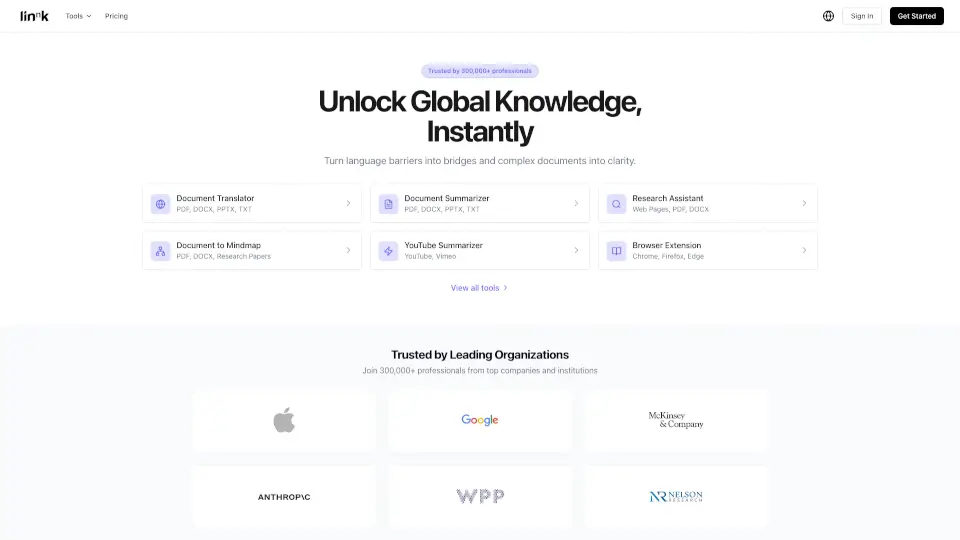
Hey, are you tired of spending hours watching long YouTube videos, reading dense PDFs, or listening to lengthy podcasts just to find the key points? NoteAI is your next-gen AI-powered knowledge extraction engine. It quickly turns YouTube videos, PDFs, audio files, web pages, and long-form text into clear summaries, full transcripts, translations, and even mind maps. Whether you're a student cramming for exams, a researcher digging through papers, or a professional trying to stay on top of information, NoteAI helps you learn smarter, not harder.
What are the features of NoteAI?
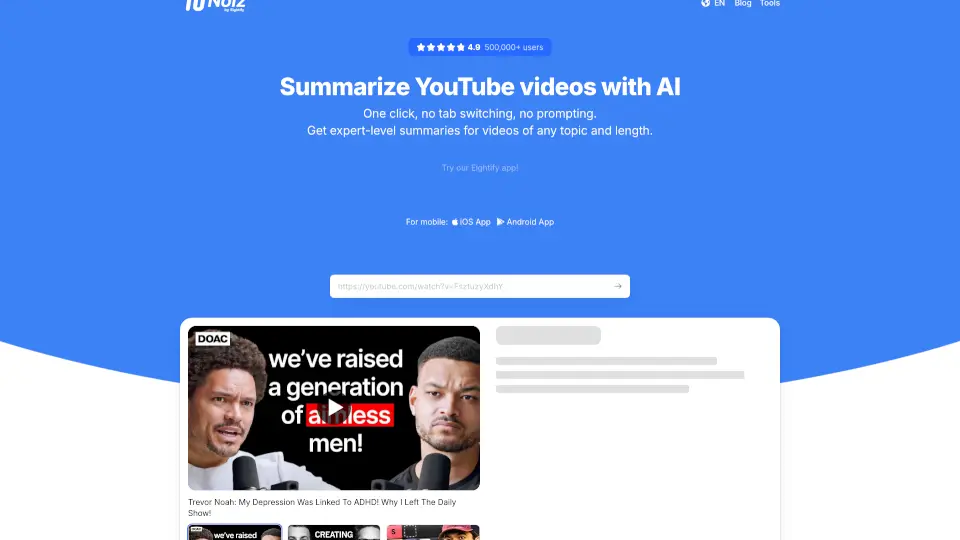
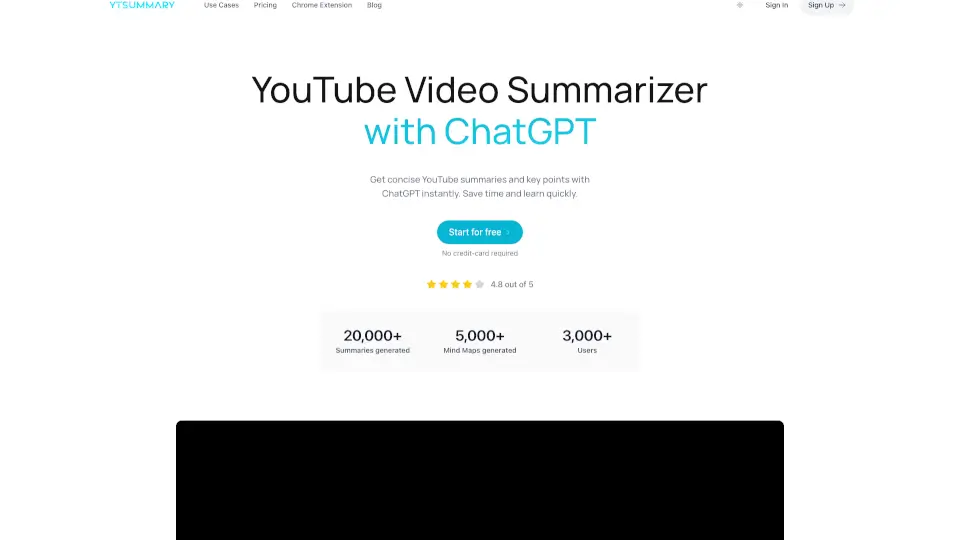
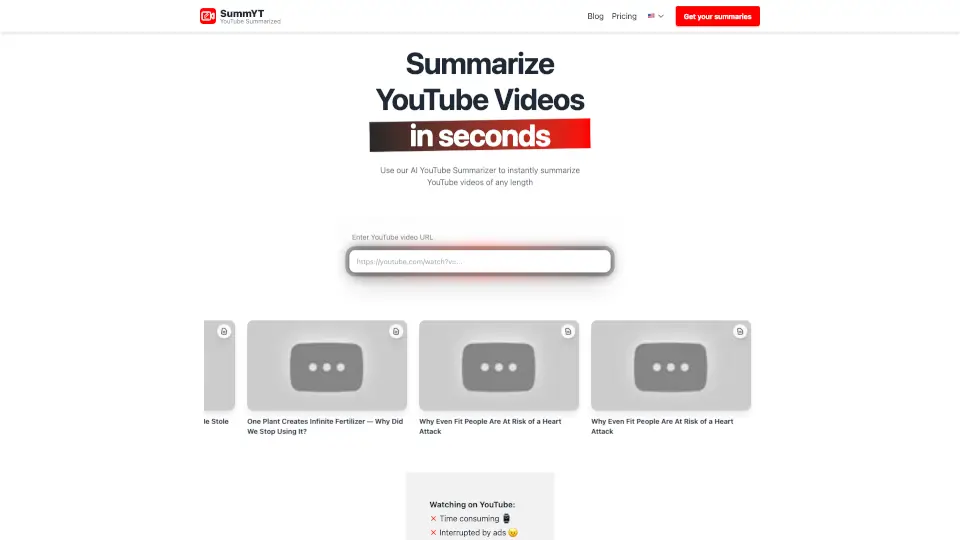
- AI YouTube Summarizer: Get fast, structured summaries of any YouTube video. Generate full transcripts, timestamps, and key takeaways. Export subtitles (SRT/TXT) or even convert video to MP3/MP4 audio.
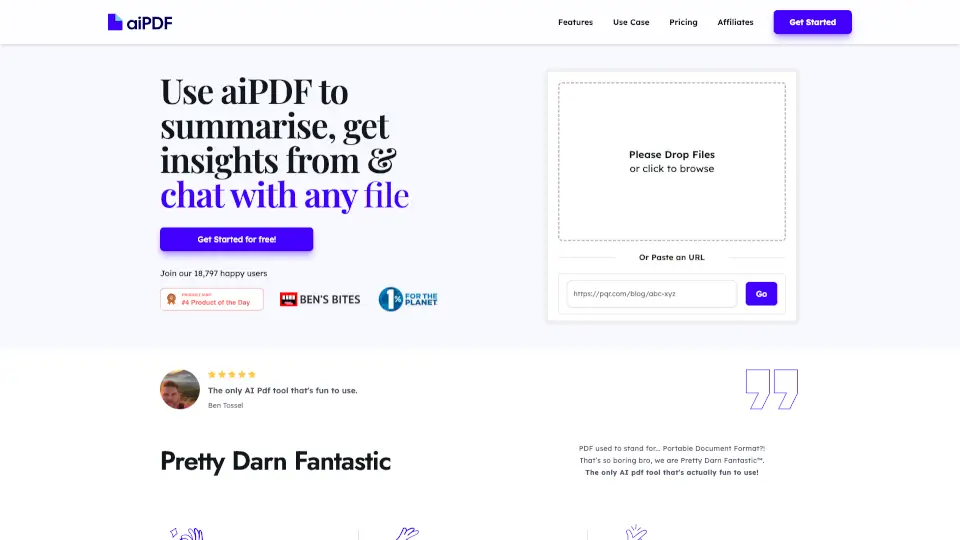
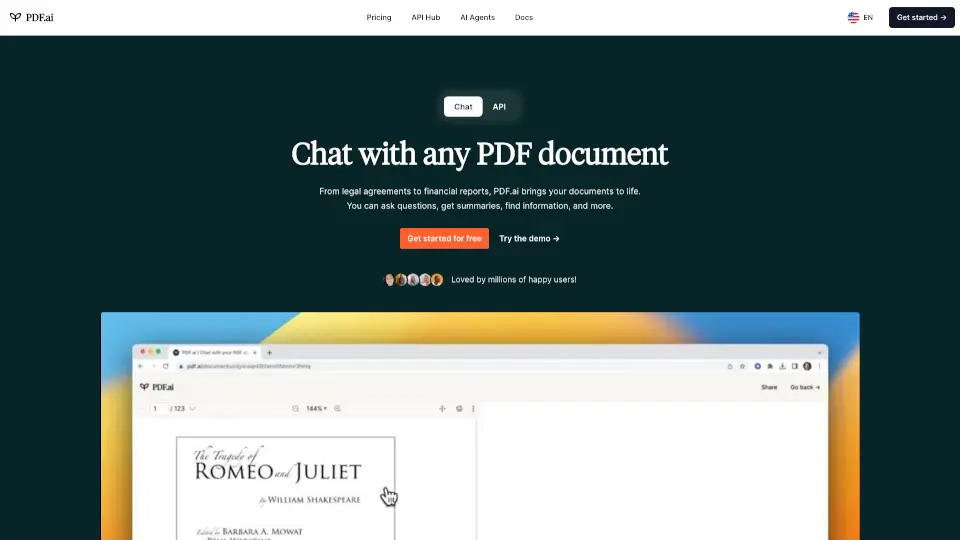
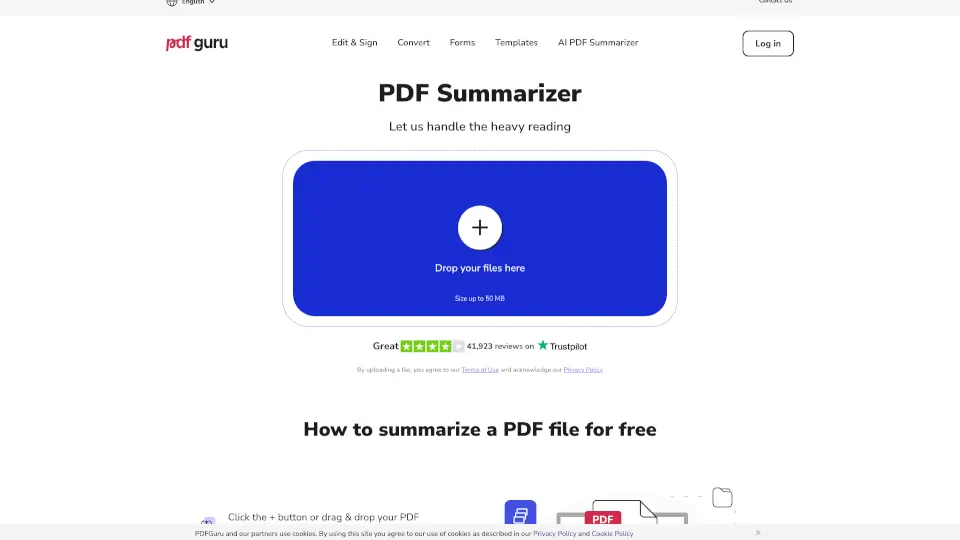
- AI PDF Reader & Chat: Upload any PDF and ask questions directly. The AI reads the document and provides answers with citations. You can also use the PDF translator for side-by-side comparison with original formatting preserved.
- AI Mind Map Generator: Transform any content—YouTube videos, PDFs, articles, or notes—into a visual, editable mind map. Great for reviewing complex topics at a glance.
- Multi-Format Support: Beyond YouTube and PDF, NoteAI handles audio files (podcasts, meetings), images (screenshots, slides), and web pages. It extracts text, key points, and visual data.
- Transcript & Export Options: Generate full text transcripts for videos and audio. Export your summaries, mind maps, and notes in various formats like Word, PPT, Excel, TXT, and MD.
- OCR for Scanned PDFs: Extract readable text from scanned documents and image-based PDFs using multi-language OCR, making them searchable and usable.
What are the use cases of NoteAI?
- For Students: Quickly summarize course lectures from YouTube, turn slides into study notes, and create mind maps for exam review. Ask questions about your PDF textbooks directly.
- For Researchers: Extract core arguments, evidence, and key findings from research papers, interviews, and recorded talks. Use the PDF chat to find specific sections without reading the whole document.
- For Professionals: Summarize long meeting recordings, webinars, and business reports into actionable items and briefs. Build a searchable knowledge base from your internal documents.
- For Content Creators: Repurpose your own or others' videos, podcasts, and articles into scripts, show notes, subtitles, and social media snippets. Build a library of inspiration.
How to use NoteAI?
- Step 1: Paste a YouTube link, upload a PDF file, or enter a web page URL into NoteAI.
- Step 2: Choose what you want to generate: a summary, a full transcript, a mind map, or a translation.
- Step 3: Click "Generate" and wait a few seconds. The AI processes your content and returns the result.
- Step 4: Review the output. You can download it (e.g., SRT, TXT, MP3, or image of the mind map) or copy it directly into your notes.
- Step 5: For deeper dives, use the "Chat" feature to ask follow-up questions about the content.