
What is YouTube Transcript?
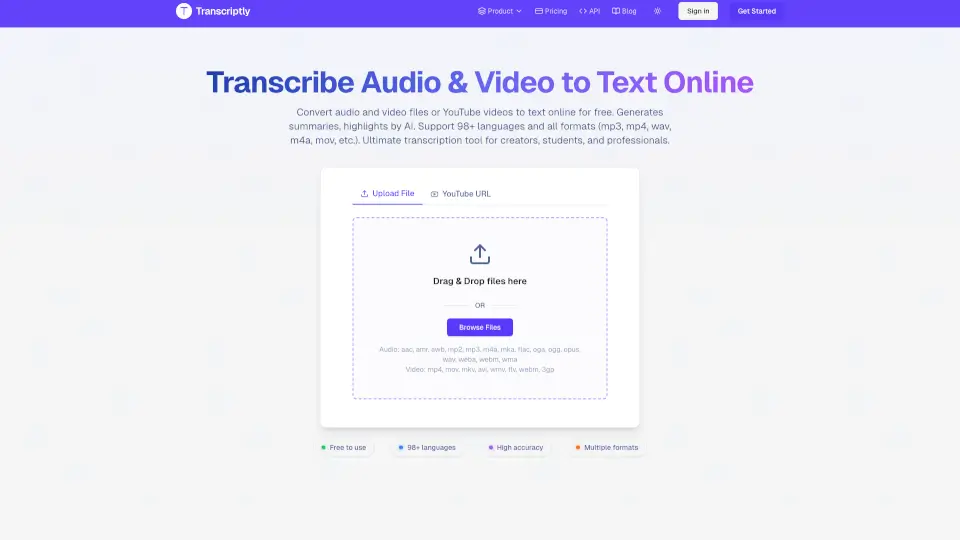
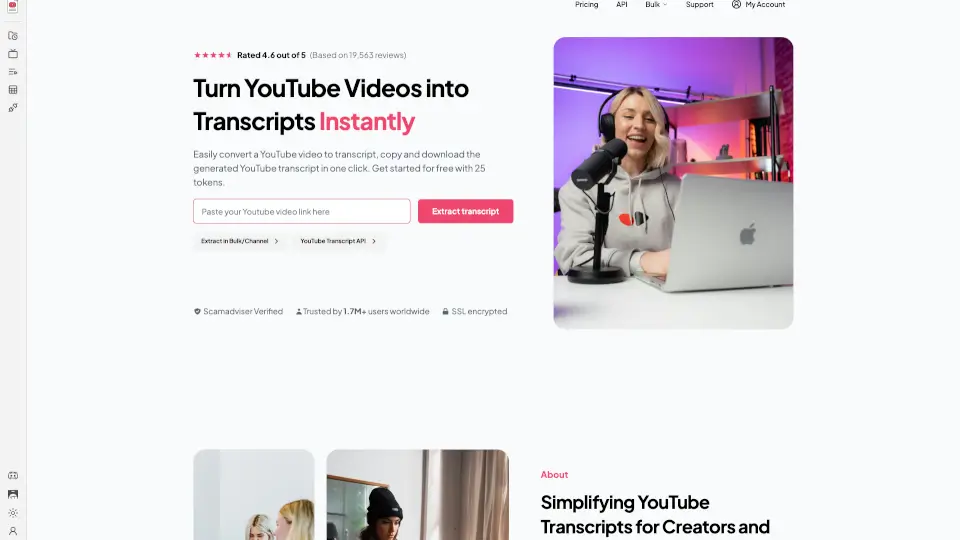
Welcome to the YouTube Transcript Generator, your go-to tool for turning YouTube videos into readable text. Whether you're a student, content creator, or just someone who prefers reading over watching, this free and easy-to-use tool is here to help. With just a few clicks, you can extract and download video transcripts, making it perfect for accessibility, SEO, and content creation. No more spending hours transcribing videos—let our tool do the work for you!
What are the features of YouTube Transcript?
- Free ExtractionEasily extract up to 225 YouTube transcripts at no cost, with no sign-ups required.
- Fast and ReliableGet accurate transcripts in seconds, ensuring you can move from video to text without any hassle.
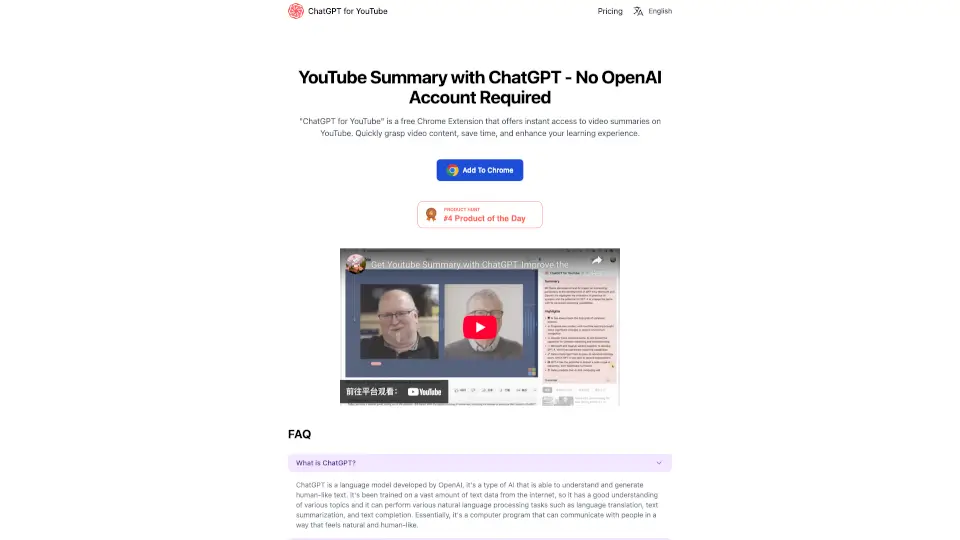
- Summarize with AITurn long YouTube transcripts into clear, concise summaries instantly, perfect for quick notes, blogs, or social posts.
- Works on Any Public VideoExtract transcripts from any publicly available YouTube video, regardless of the channel or topic.
- Easy Copy & DownloadQuickly copy or download your YouTube transcript with one click, making it simple to save, share, or repurpose your content anytime.
- Clean, Organized OutputGet neatly formatted transcripts that are easy to read, edit, or repurpose into other content.
What are the use cases of YouTube Transcript?
- For StudentsQuickly generate transcripts for lecture videos to review and study at your own pace.
- For Content CreatorsRepurpose video content into blog posts, articles, or social media updates.
- For MarketersAnalyze competitor content and extract insights from industry thought leaders for market research.
- For EducatorsProvide accessible learning materials for students who prefer reading or need transcripts for accessibility reasons.
- For ResearchersEasily extract and analyze data from YouTube videos for your research projects.
- For Journalists & WritersSummarize and quote from interviews, speeches, and other video content for your articles.
How to use YouTube Transcript?
- Visit the YouTube Transcript Generator website.
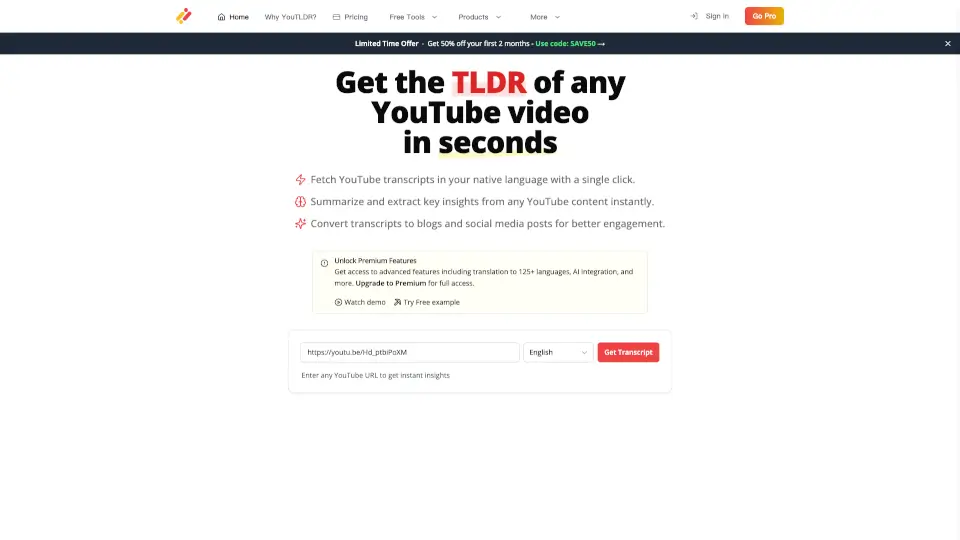
- Paste the YouTube video URL into the provided field.
- Click the "Extract Transcript" button.
- Once the transcript is generated, you can copy, download, or summarize it as needed.
- For bulk extraction, use the "Extract in Bulk/Channel" feature to process multiple videos at once.