
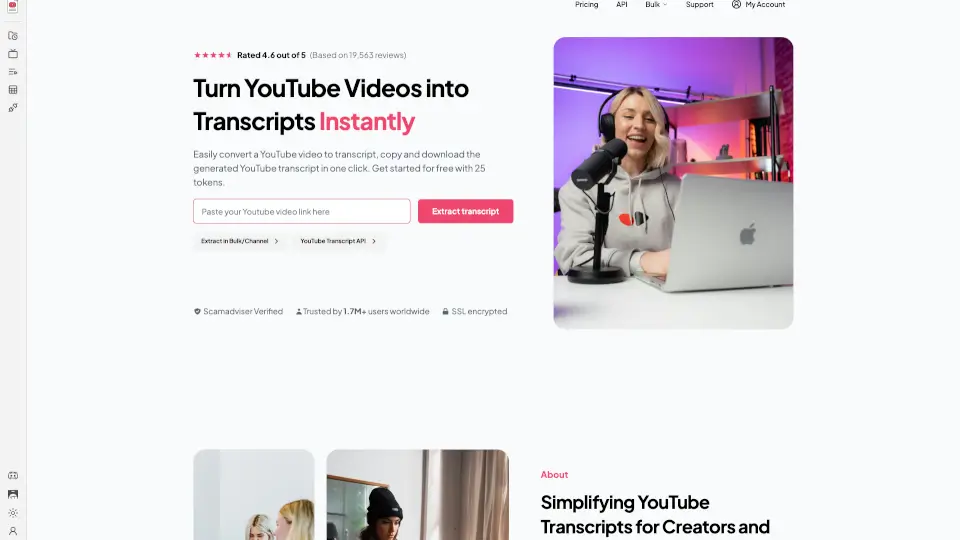
Qu'est-ce que YouTube Transcript ?
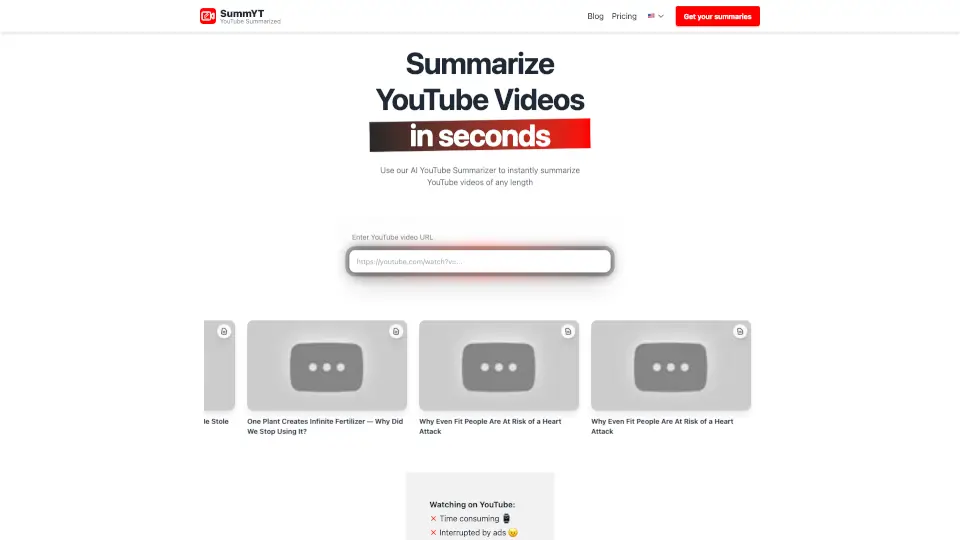
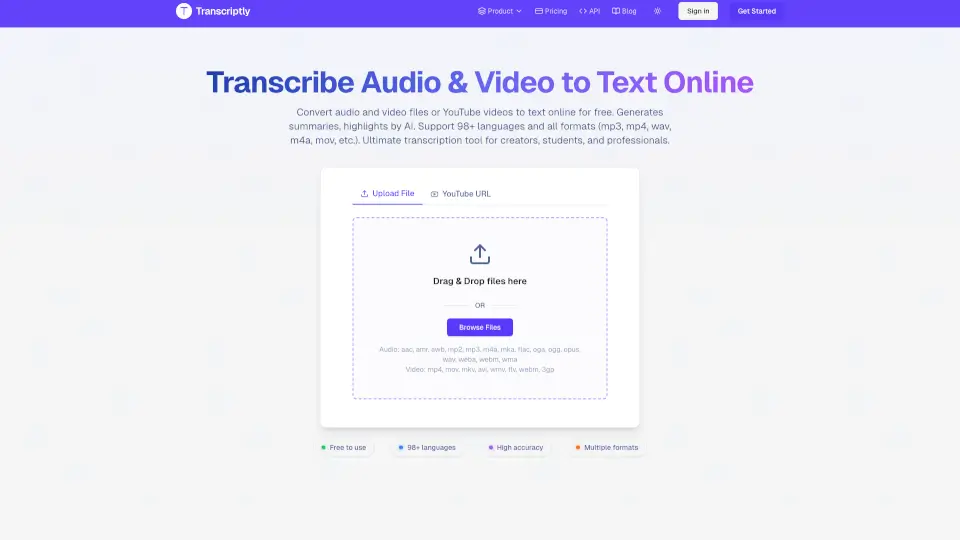
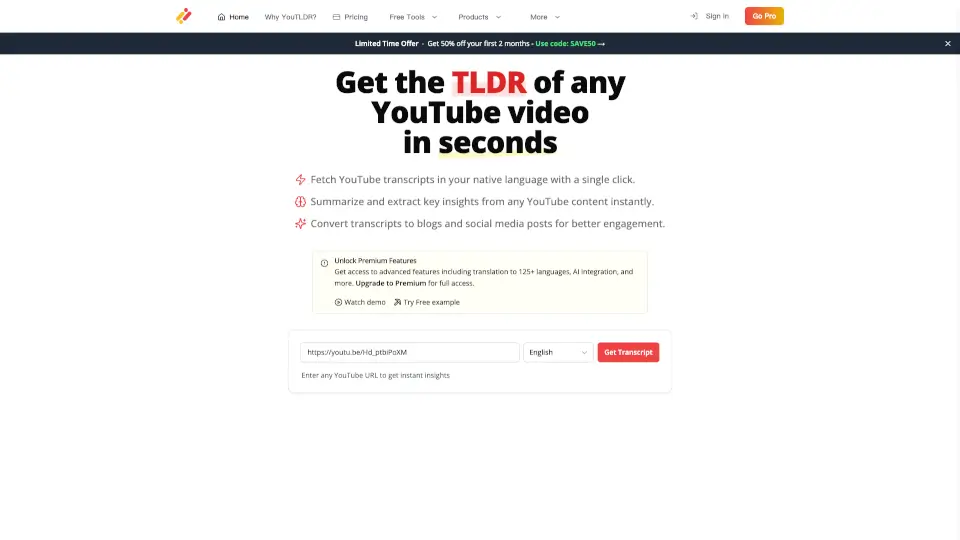
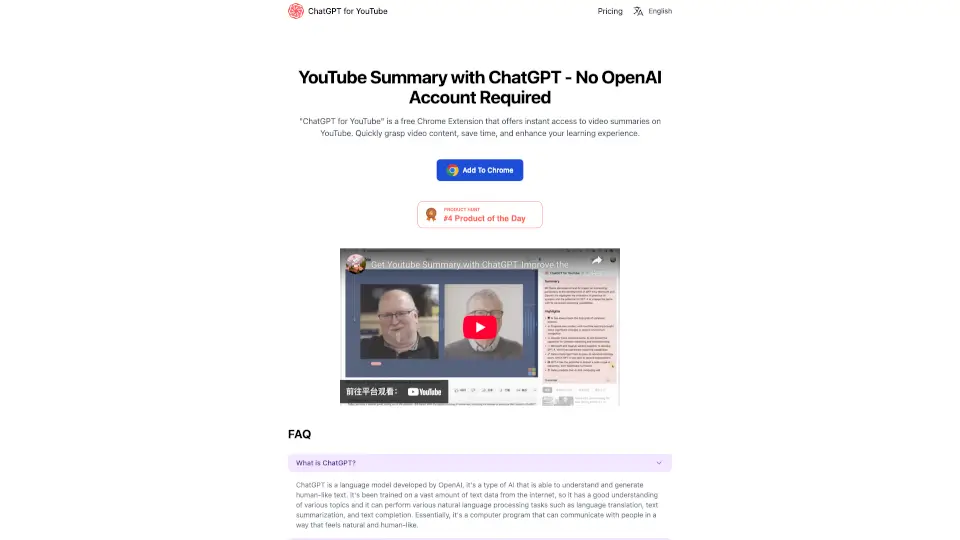
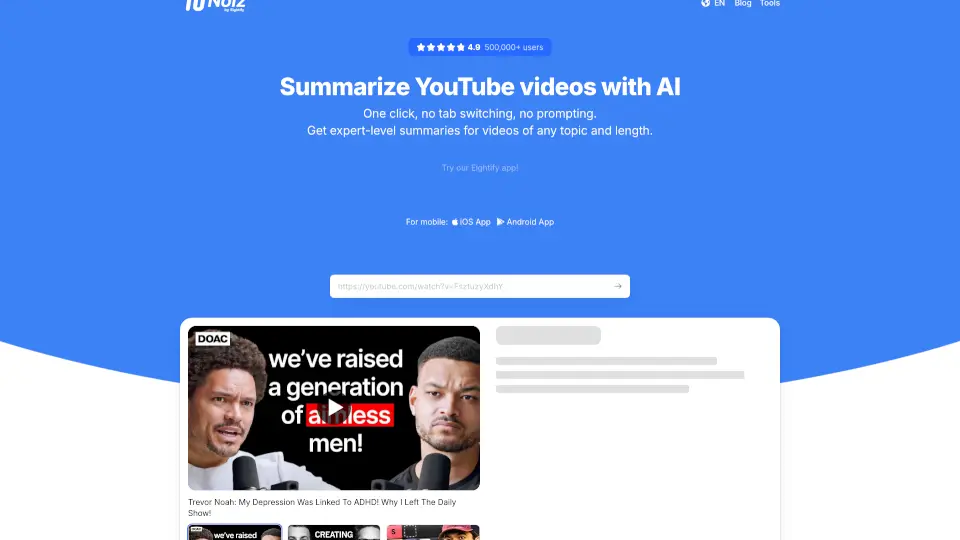
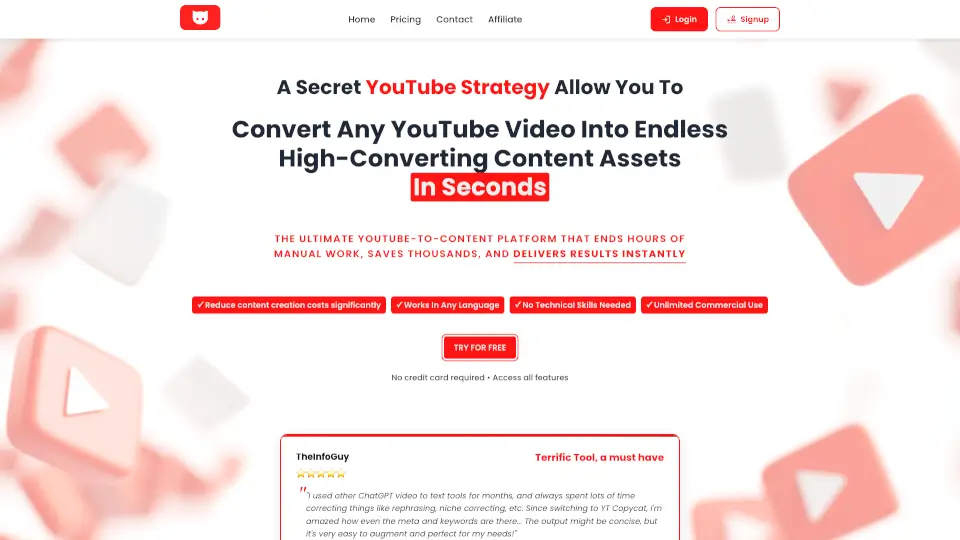
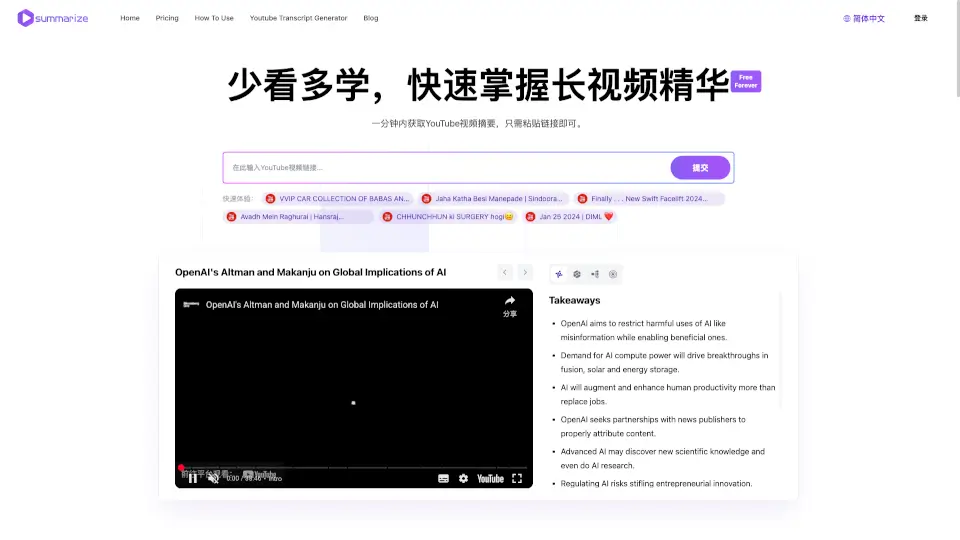
Transformez vos vidéos YouTube en transcriptions instantanées avec notre outil gratuit. Que vous soyez un étudiant, un créateur de contenu, ou un professionnel, cet outil est conçu pour simplifier l'accessibilité, améliorer le SEO, et faciliter la création de contenu. Avec des fonctionnalités comme l'extraction en masse, la génération de résumés par IA, et une interface intuitive, c'est la solution parfaite pour tous ceux qui cherchent à optimiser leur utilisation de YouTube.
Quelles sont les caractéristiques de YouTube Transcript ?
- Extraction Gratuite: Accédez facilement à jusqu'à 25 transcriptions YouTube sans frais ni inscription.
- Rapide et Fiable: Obtenez des transcriptions précises en quelques secondes, sans complications.
- Résumés par IA: Transformez de longues transcriptions en résumés clairs et concis grâce à l'intelligence artificielle.
- Compatibilité Universelle: Utilisez l'outil sur n'importe quelle vidéo publique, peu importe le canal ou le sujet.
- Copie et Téléchargement Faciles: Copiez ou téléchargez votre transcription en un clic, idéal pour sauvegarder, partager, ou repurposer votre contenu.
- Formatage Net et Organisé: Bénéficiez de transcriptions bien formatées, faciles à lire et à éditer.
Quels sont les cas d'utilisation de YouTube Transcript ?
- Pour les Marketeurs et Entreprises: Analysez le contenu de vos concurrents et extrayez des insights des leaders d'opinion de l'industrie.
- Pour les Créateurs de Contenu et Podcasters: Créez du nouveau contenu, améliorez l'accessibilité, et simplifiez vos workflows.
- Pour les Journalistes et Écrivains: Identifiez les tendances émergentes et les sujets populaires pour vos articles.
- Pour les Chercheurs et Étudiants: Gagnez du temps dans vos recherches et créez des notes détaillées pour vos cours.
- Pour les Éducateurs: Offrez des ressources écrites pour accompagner vos vidéos pédagogiques.
- Pour les Professionnels de la Santé: Documentez les webinaires et conférences pour référence future.
Comment utiliser YouTube Transcript ?
- Collez simplement l'URL de la vidéo YouTube dans l'outil.
- Cliquez sur "Extraire la transcription" pour générer la transcription.
- Utilisez l'option de résumé par IA pour obtenir un aperçu rapide du contenu.
- Copiez ou téléchargez la transcription pour la sauvegarder ou la partager.
- Utilisez les fonctionnalités avancées comme l'extraction en masse pour gérer plusieurs vidéos.