
What is Wonder Studio?
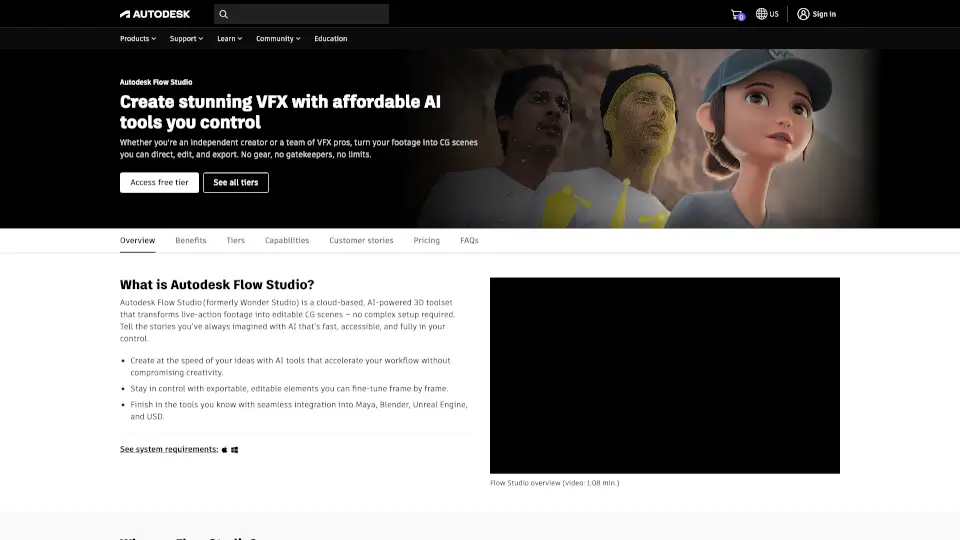
Autodesk Flow Studio (formerly Wonder Studio) is a cloud-based, AI-powered 3D toolset that turns your live-action footage into fully editable CG scenes—no green screens or complex setups needed. Whether you're a solo creator or part of a VFX team, Flow Studio gives you cinematic control over characters, lighting, and motion with just a few clicks.
What makes it special? Instead of wrestling with tedious technical steps, you get AI that works for you—not the other way around. It auto-generates camera tracking, clean plates, alpha masks, and even rigged 3D characters from text or images, so you can focus on storytelling, not software.
What are the features of Wonder Studio?
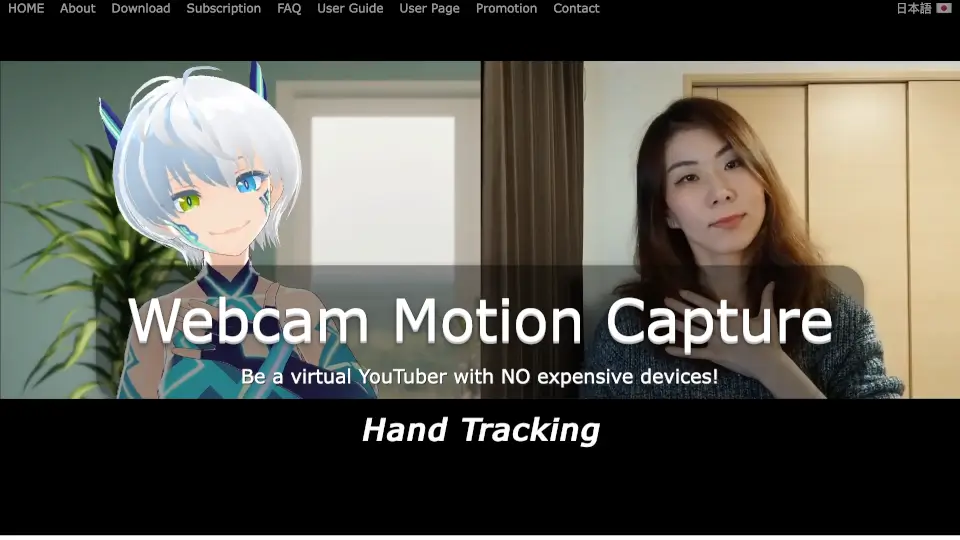
- AI-Driven Motion Capture: Capture realistic facial, body, and hand movements without markers—now with better grounding and smoother 3D motion.
- Live Action to CG Integration: Seamlessly place animated, fully textured 3D characters into real-world footage with automatic lighting and compositing.
- Neural Layer Rendering: Turn raw scenes into cinematic shots using AI-powered rendering that enhances realism instantly.
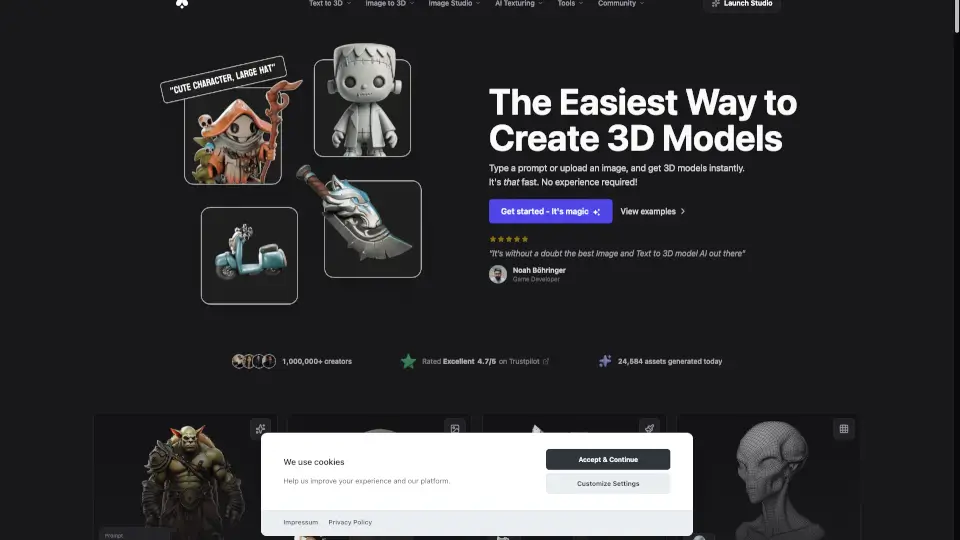
- Text/Image-to-3D Generation: Create ready-to-animate 3D characters from simple prompts or reference images, complete with auto-rigging.
- Flexible Export & USD Support: Export clean plates, mocap data, and tracked cameras directly into Maya, Blender, Unreal Engine, or 3ds Max via Universal Scene Description (USD).
- Next-Gen AI Models: Leverage advanced models like Nano Banana and Trellis 2.0 to generate high-quality assets in one streamlined workflow.
What are the use cases of Wonder Studio?
- Indie filmmakers adding photoreal CG characters to low-budget live-action scenes
- YouTubers creating animated avatars or fantasy elements without VFX expertise
- Game developers rapidly prototyping characters and animations for pre-vis
- Advertising studios producing dynamic product showcases with AI-generated talent
- Educators teaching VFX concepts using intuitive, cloud-based tools
- Social media creators enhancing short-form content with cinematic effects
How to use Wonder Studio?
- Upload your live-action video clip directly to Flow Studio’s cloud workspace.
- Use text or image prompts to generate a 3D character, then auto-rig it for animation.
- Let Flow Studio automatically track the camera, create a clean plate, and composite your CG character into the scene.
- Refine details like lighting, pose, or motion using intuitive controls—no coding required.
- Export your project via USD to continue working in Maya, Blender, Unreal, or other 3D tools.
- Use monthly credits wisely: check the Compare page to understand how many seconds of processing each feature consumes.