
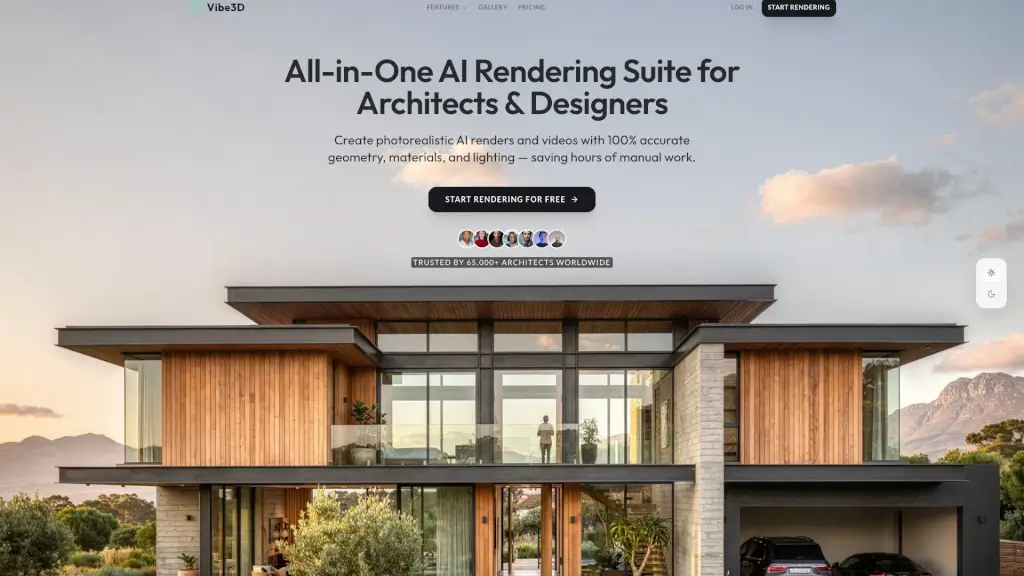
What is Vibe3D?
Vibe3D is a cloud-based AI rendering tool designed specifically for architects and interior designers. It transforms your 3D models into photorealistic renders in just seconds, saving you hours of manual work. Whether you're working on intricate interiors, stunning exteriors, or detailed site plans, Vibe3D ensures that every detail, from lighting to textures, is perfectly captured. With compatibility across popular 3D modeling software like SketchUp, Revit, and more, it's the go-to solution for modern design workflows.
What are the features of Vibe3D?
- High-Fidelity Rendering: Achieve studio-quality architectural rendering with breathtaking realism, accurate lighting, and highly detailed materials.
- HyperReal Rendering: Generate ultra-realistic renders with 100% accurate micro-textures and realistic lighting.
- Flythrough Videos: Effortlessly create smooth, stabilized 3D cinematic walkthroughs without complex video software.
- Render Enhancing: Intelligently enhance low-resolution renders to improve textures, colors, and overall realism.
- One-Click Render Editing: Easily make changes to your renders by typing what you want changed, and let the AI do the rest.
- Pay As You Go Pricing: No expensive monthly subscriptions; pay only for what you generate.
What are the use cases of Vibe3D?
- Interior Design Projects: Capture lighting, shadows, and textures with uncompromised realism for your interior designs.
- Architectural Exteriors: Render your vision in any context, weather, or time of day, ensuring your exteriors look stunning.
- Site Plan Visualization: Visualize fully detailed floorplans and masterplans in seconds, making it easy to present to clients.
- Client Presentations: Impress clients with high-quality, photorealistic renders and cinematic walkthroughs.
- Design Iterations: Quickly make changes and generate new renders, speeding up the design iteration process.
- Educational Projects: Ideal for students and educators who need to create high-quality renders without the need for powerful hardware.
How to use Vibe3D?
- Upload Your 3D Model: Simply upload your 3D model from your preferred software.
- AI Auto-Detects Context: The AI automatically detects the context and prepares the render.
- One-Click Rendering: Click to render and get your photorealistic image in seconds.
- Enhance and Edit: Use the one-click enhancing and editing features to refine your render.
- Generate Flythroughs: Create smooth, stabilized 3D flythrough videos directly from your static renders.
- Download and Share: Download your renders and share them with clients or colleagues.