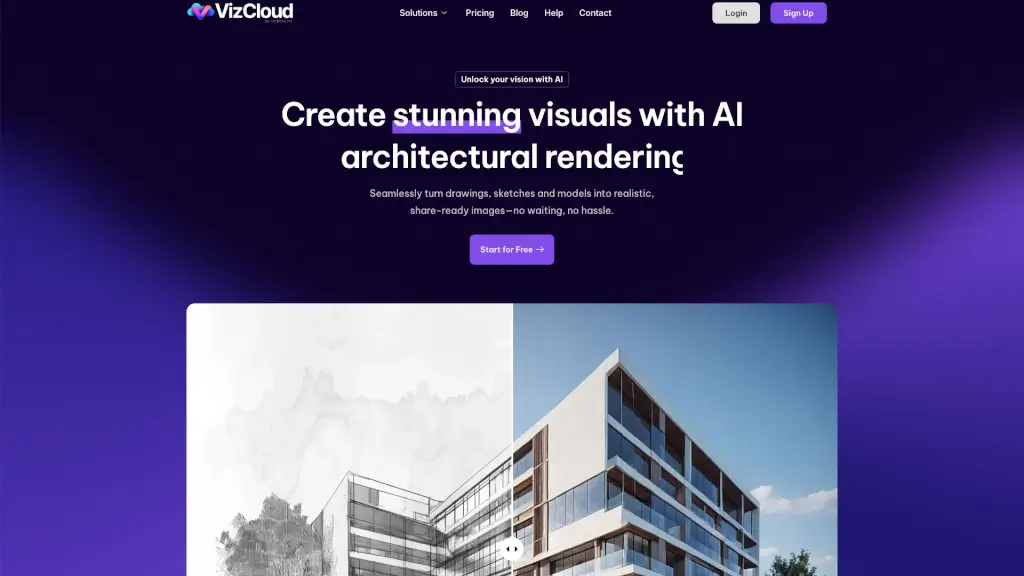
What is VizCloud?
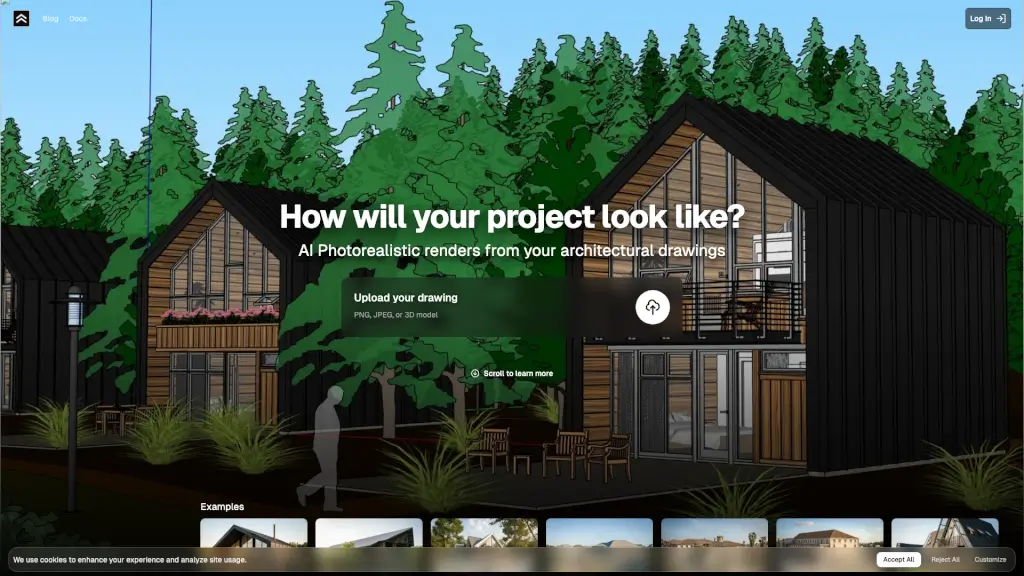
VizCloud is a powerful, user-friendly AI platform designed to help architects, designers, and real estate professionals create stunning, photorealistic visuals in no time. Whether you're starting with a simple sketch or a detailed 3D model, VizCloud's intuitive tools make it easy to transform your ideas into share-ready images. With fast turnaround times and professional-quality results, VizCloud is the perfect solution for anyone looking to elevate their presentations and listings without the hassle of traditional rendering methods.
What are the features of VizCloud?
- Effortless AI Rendering: Upload your sketches, screenshots, or 3D models, and VizCloud’s AI will generate high-quality, photorealistic images in seconds.
- Fast Turnaround: No more waiting hours or days—get your visuals ready in minutes.
- Professional-Quality Results: Get polished, share-ready images that are perfect for client presentations and listings.
- Intuitive Uploads: Easily upload your files with no complicated setup required.
- Flexible Pricing Plans: Choose from affordable, straightforward pricing plans that fit any project size, with no hidden fees.
- AI-Powered Tools: Utilize a suite of AI-powered tools like Viz Exterior, VizInterior, VizStaging, VizStyle, and VizEnhance to bring your designs to life.
What are the use cases of VizCloud?
- Architectural Concepts: Turn your conceptual sketches and 3D models into polished exterior and interior renderings for client presentations and planning.
- Home Design Visualization: Quickly and easily transform residential projects into photorealistic exteriors, ideal for BCIN designers, architectural technologists, and home design specialists.
- Interior Design Showcases: Upload your sketches, mood boards, or rough 3D images to get vivid, client-ready interior visuals in minutes.
- Real Estate Listings: Use AI-powered virtual staging to help buyers visualize their dream space, boosting your listings with fast, cost-effective staging images.
- Design Workflows: Streamline your design process by uploading, rendering, and sharing your visuals all from one powerful platform.
How to use VizCloud?
- Upload Files: Start by uploading your sketches, drawings, or screenshots to the secure VizCloud platform.
- Select Style: Choose from a range of AI rendering and staging tools to fit your project needs.
- Get Results: Download your stunning, share-ready visuals instantly, ready to use in presentations or listings.
- Edit and Enhance: Use VizEdit and VizEnhance to fine-tune and upscale your final images directly on the platform.
- Store and Organize: Keep your images organized in the image storage library, which stores your designs for up to six months.