
What is MyarchitectAI?
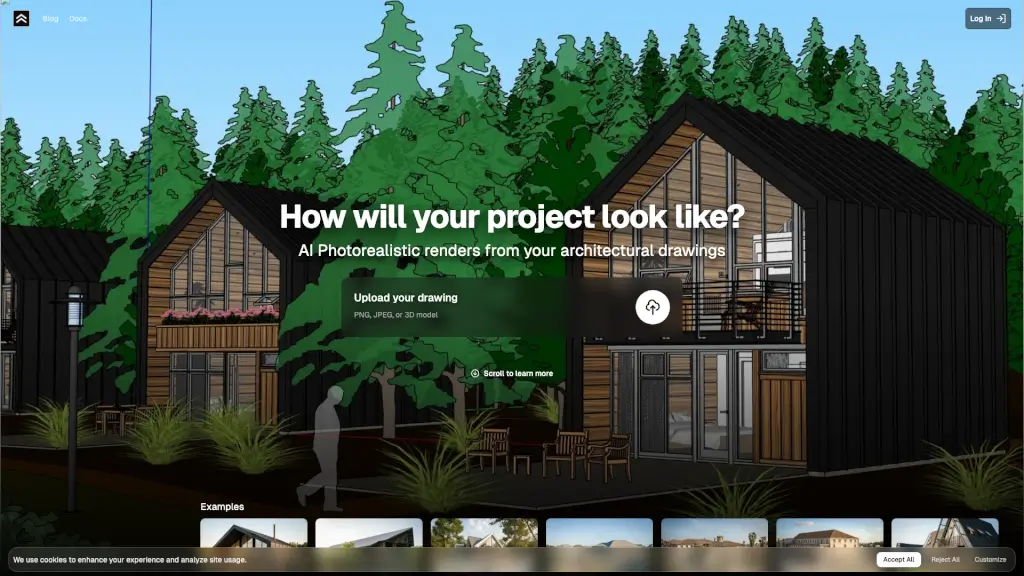
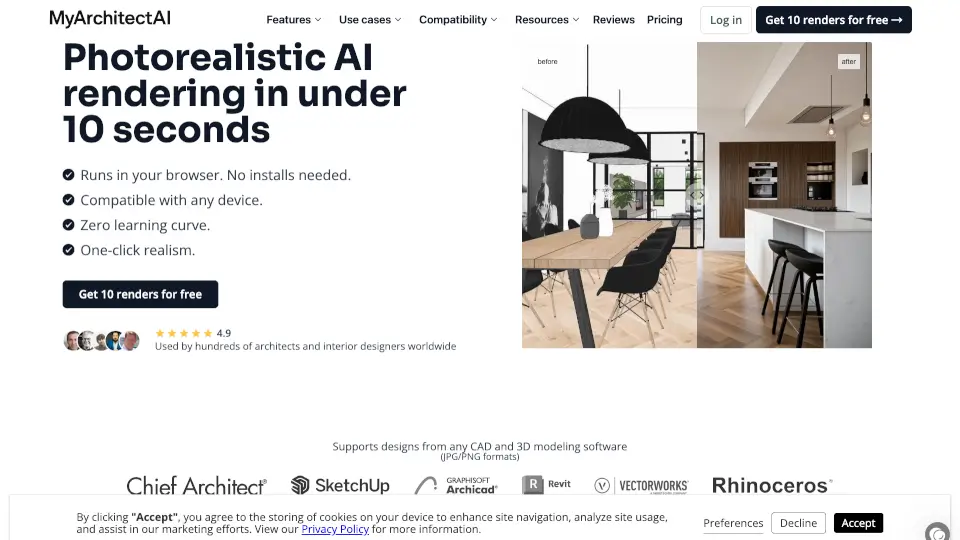
Meet MyArchitectAI, the game-changing AI rendering software that lets you create stunning, photorealistic renders in just seconds. No more waiting for hours or days—just upload your SketchUp or Archicad designs, and let our AI do the magic. Get 10 free renders to start!
What are the features of MyarchitectAI?
- Photorealistic Renders in Seconds: Upload your design and get a photorealistic render in under 10 seconds.
- No Installation Needed: Runs in your browser, so no need to install anything.
- Compatibility with Popular CAD Software: Supports SketchUp, Archicad, Revit, Rhino, Chief Architect, and Vectorworks.
- Style Transfer: Experiment with different styles by uploading a reference image.
- Render Editor: Quickly replace materials, add or remove objects, and change lighting.
- AI Enhancer: Enhance low-resolution renders with one click, making them more detailed and realistic.
What are the use cases of MyarchitectAI?
- Architecture Rendering: Create stunning visuals of your architectural designs.
- Interior Design Rendering: Visualize your interior design concepts with ease.
- Furniture Rendering: Render furniture designs to show clients exactly what they'll get.
- Sketch Rendering: Turn rough sketches into professional-looking renders.
How to use MyarchitectAI?
- Upload Your Design: Start by uploading your design from any CAD or 3D modeling software (JPG/PNG formats).
- Select the Engine: Choose the render engine to make your design photorealistic.
- Generate & Download: Our AI will handle all the details, and you can download your render in 4K resolution.
- Edit Your Render: Enter the render editing mode to test new materials, fix imperfections, and more.
- Enhance Your Render: Use the AI enhancer to improve the details of low-resolution renders.