
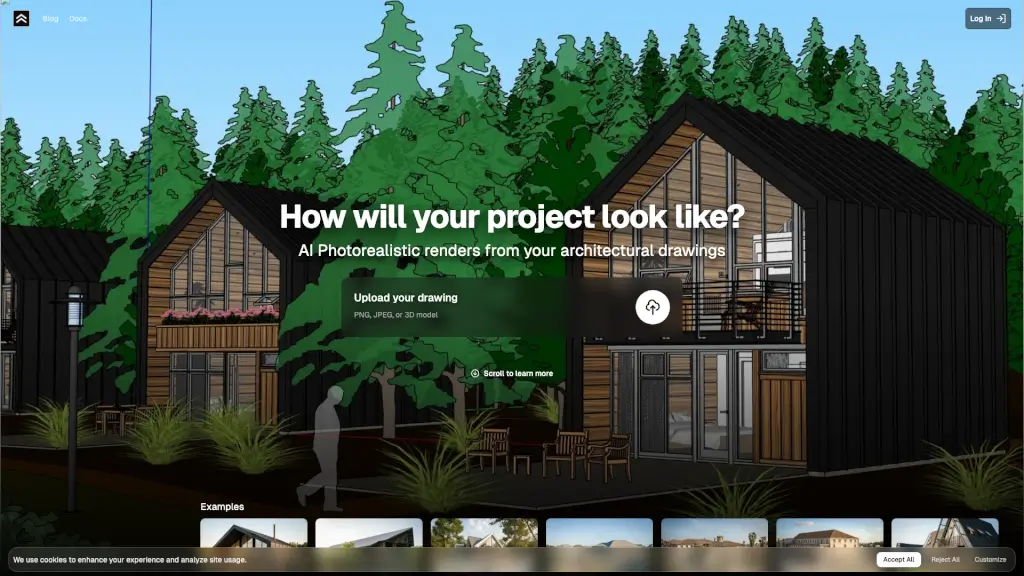
What is Render a House?
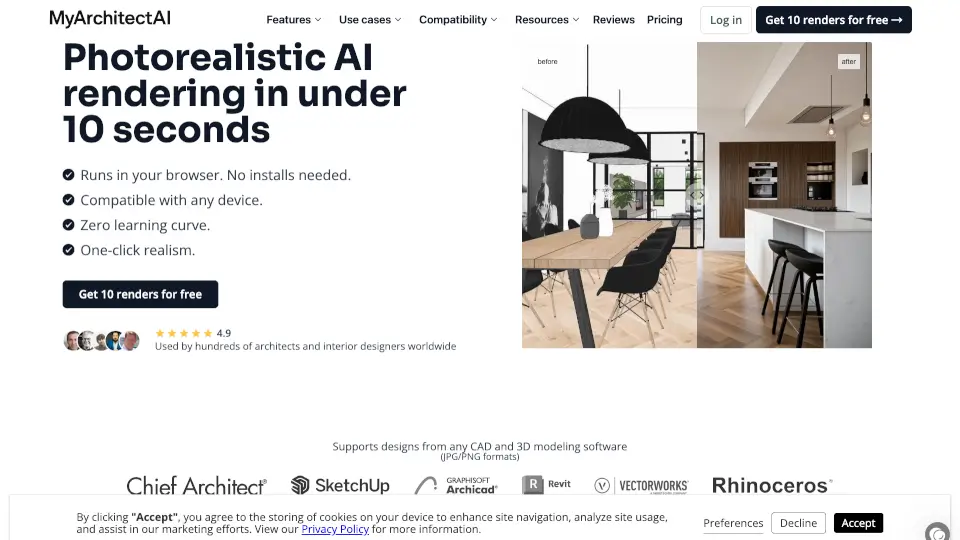
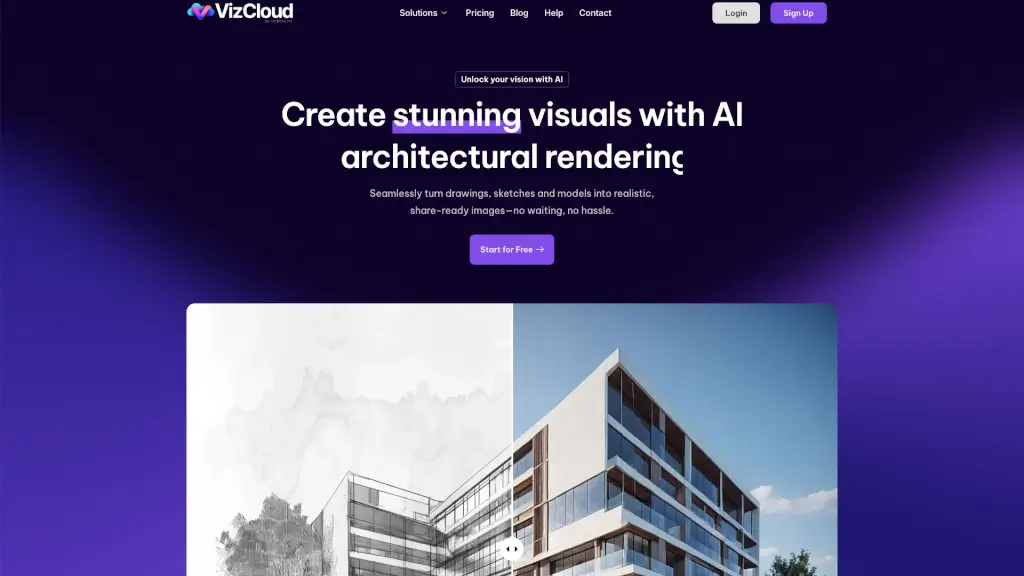
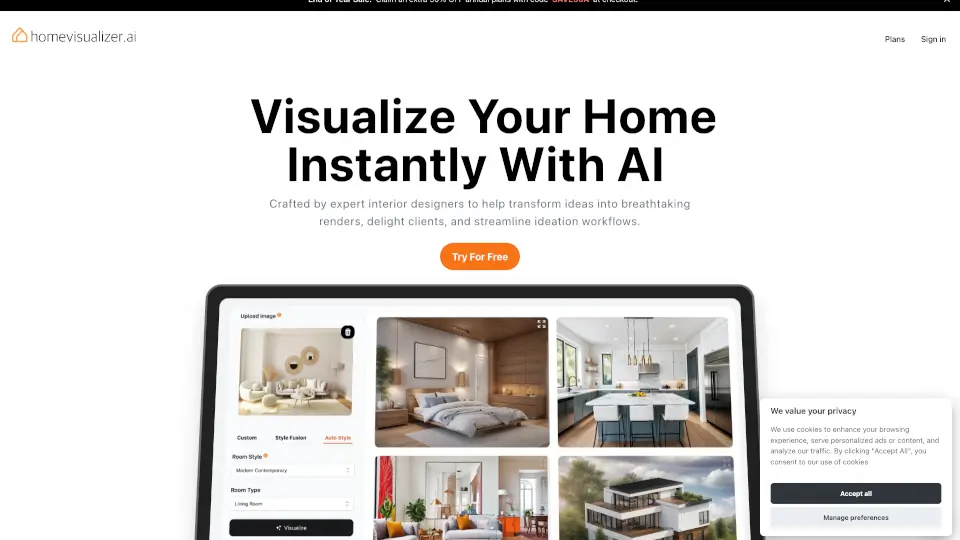
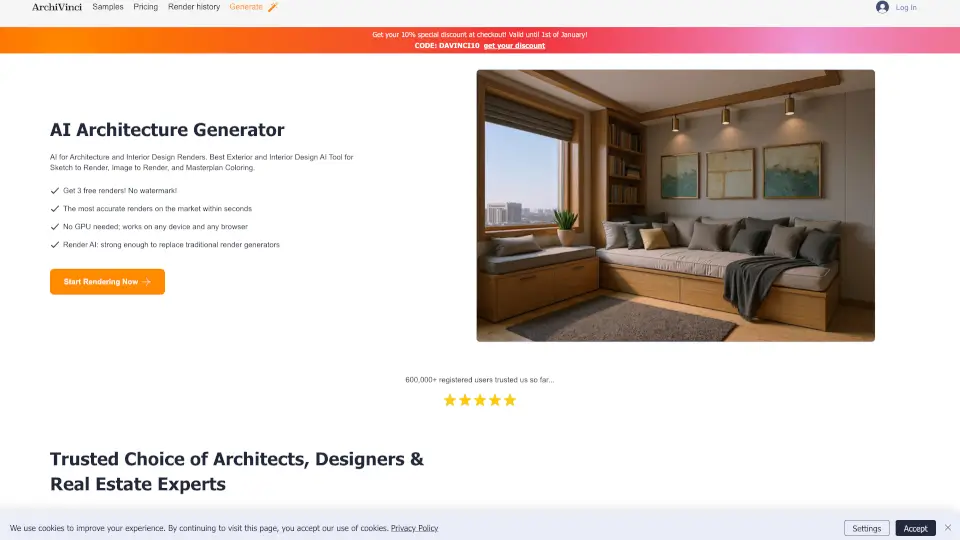
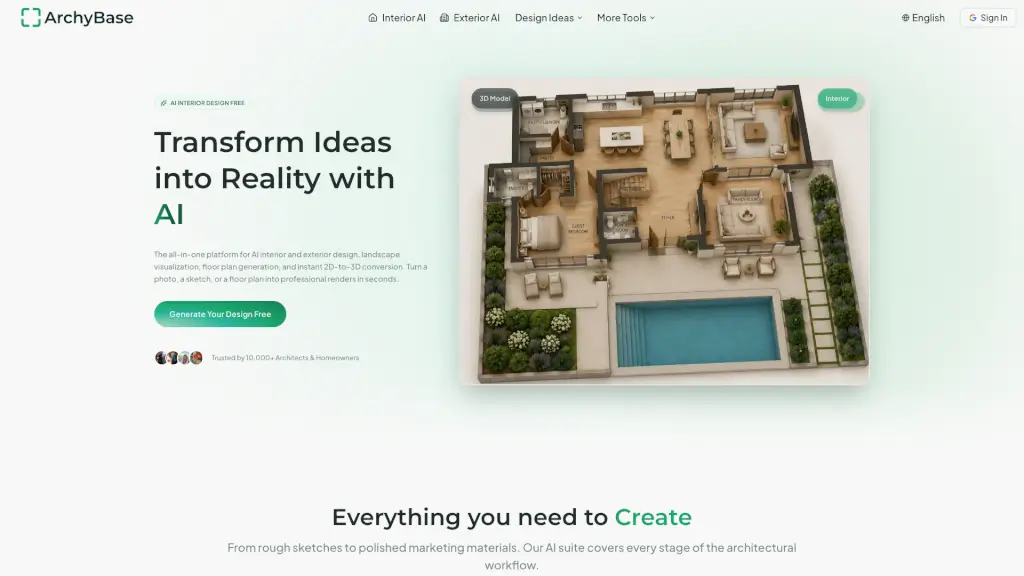
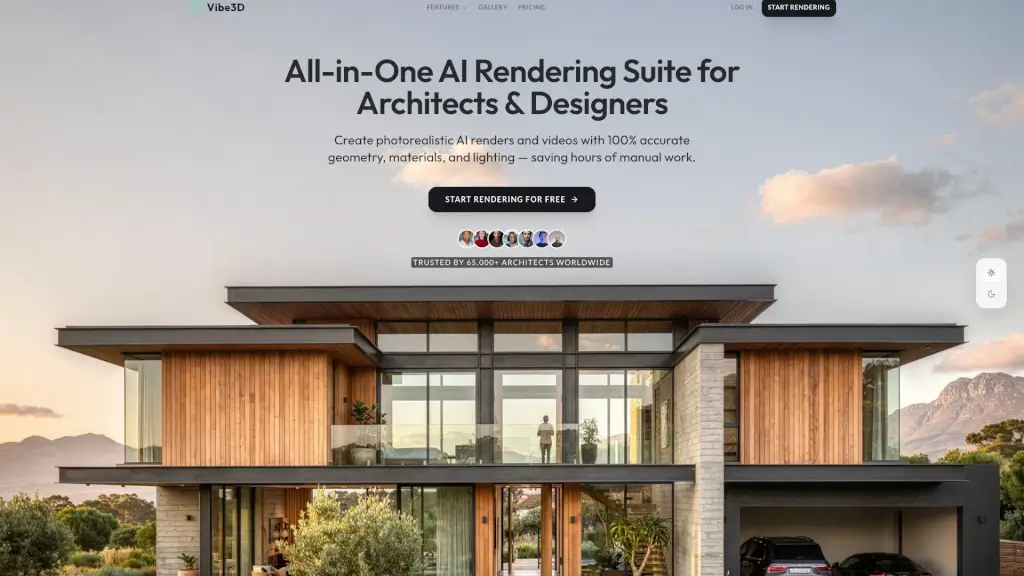
Tired of waiting days for architectural renders? Render a House uses cutting-edge AI to turn your floor plans, sketches, or 3D models into photorealistic visualizations in just 10 seconds. Whether you're an architect, designer, or homeowner, this tool makes professional-grade rendering fast, simple, and accessible—no rendering software or technical skills needed.
With accurate lighting, realistic materials, and true-to-life textures, Render a House helps you show clients exactly how a project will look in real life—day or night, on a beach or in a forest. From concept to presentation-ready image, it’s all done instantly with just a few clicks.
What are the features of Render a House?
- AI-Powered Photorealism: Generates stunning, lifelike renders from basic drawings with intelligent material and lighting interpretation.
- Ultra-Fast Processing: Go from upload to finished render in under 10 seconds, ideal for quick iterations and client feedback.
- Multiple Environment Settings: Choose from Day, Night, Beach, Forest, Countryside, or Suburb scenes to match your project’s context.
- High-Resolution Output: Supports up to 4K renders (Standard and Pro quality) for presentations, portfolios, or marketing.
- Flexible Credit System: Use credits based on render type—Standard (1 credit), Pro (2 credits), 4K (2–4 credits), or video (0.8 credits/sec).
- Generous Free Tier: Get 3 free credits daily forever—no credit card required—to test the tool risk-free.
- Credit Rollover & Limits: Higher plans offer rollover credits (up to 10,000) and unlimited daily usage for professionals.
What are the use cases of Render a House?
- Architects creating client presentations from early-stage sketches
- Real estate developers visualizing unbuilt properties for marketing
- Interior designers showing material and lighting options quickly
- Students submitting photorealistic project visuals for school assignments
- Homeowners previewing renovation ideas before construction begins
- Small design firms needing affordable, high-quality renders without hiring 3D artists
How to use Render a House?
- Upload your architectural drawing as a PNG, JPEG, or 3D model
- Select your preferred environment setting (e.g., Beach, Forest, Night)
- Choose render quality: Standard or Pro, and resolution (2K or 4K)
- Click render—and get your photorealistic image in under 10 seconds
- Edit up to 5 times per day (Free plan) or unlimited (Pro/Studio)
- Download, share, or use directly in client proposals or social media