O que é Unicorn Studio?
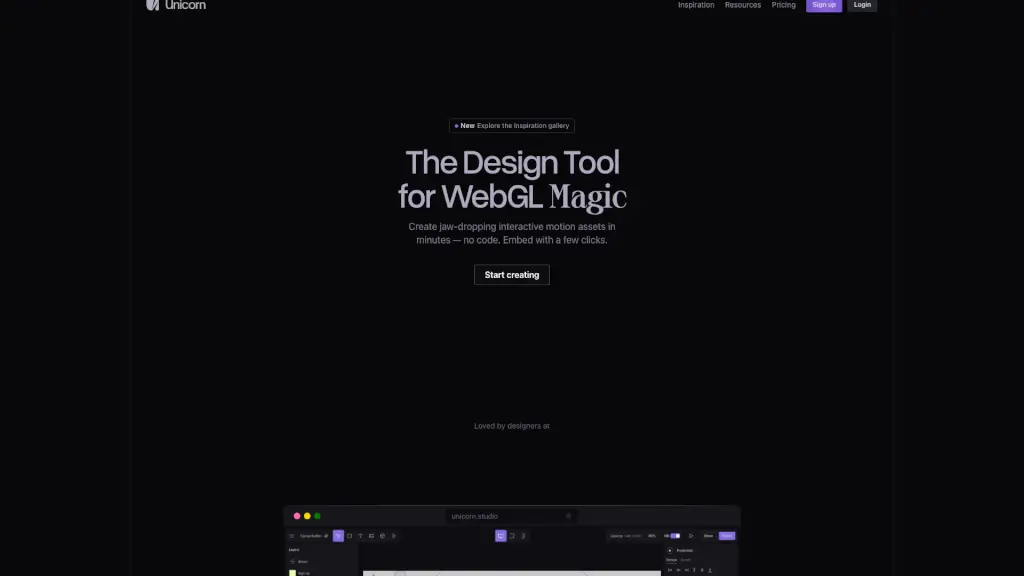
O Unicorn Studio é uma ferramenta sem código que permite designers criarem efeitos WebGL impressionantes em minutos — sem precisar escrever uma única linha de programação. Ideal para quem quer adicionar movimento, interatividade e magia visual a sites, o Unicorn Studio transforma ideias complexas em experiências web fluidas e envolventes, com apenas alguns cliques.
Seja você um designer iniciante ou um profissional experiente, o Unicorn Studio elimina a barreira técnica do WebGL, oferecendo uma interface intuitiva e poderosa. Basta criar seu efeito e incorporá-lo facilmente no Framer, Webflow, Wix, Figma Sites ou qualquer outro site, com desempenho otimizado e carregamento rápido.
Quais são as características de Unicorn Studio?
- 75+ efeitos prontos: Misture, combine e empilhe efeitos visuais como distorções, partículas e transições para criar algo único.
- Eventos baseados em interação: Ative animações com scroll, hover, movimento do mouse, clique e mais — tudo sem código.
- Biblioteca leve (31kb): Carrega rapidamente e não prejudica o desempenho do seu site.
- Exportação de vídeo: Gere vídeos em WebM ou MP4 com controle de codec, perfeitos para apresentações ou redes sociais.
- Editor de shaders integrado: Para usuários avançados, há suporte a GLSL e um editor de código para personalizar shaders.
- Integração fácil: Funciona perfeitamente com Framer, Webflow, Wix, Figma Sites e outros construtores de site.
- Ambiente 100% na nuvem: Nada para instalar — tudo salvo automaticamente online e acessível de qualquer lugar.
- SDK JavaScript: Execute lógica personalizada diretamente no seu site para máxima performance.
Quais são os casos de uso de Unicorn Studio?
- Criar protótipos interativos para apresentar conceitos a clientes com realismo imediato.
- Adicionar efeitos visuais dinâmicos a landing pages de produtos ou campanhas de marketing.
- Desenvolver experiências imersivas para portfólios pessoais ou sites de agências criativas.
- Gerar vídeos de alta qualidade (MP4/WebM) para mostrar animações em redes sociais ou reuniões.
- Experimentar ideias de design ("e se...?") em um ambiente livre e divertido, sem risco técnico.
- Incorporar microinterações sofisticadas em sites já existentes, mesmo sem conhecimento de WebGL.
- Vencer prêmios como o Awwwards com experiências web visualmente inovadoras e performáticas.
Como usar Unicorn Studio?
- Crie uma conta gratuita em unicorn.studio e comece um novo projeto.
- Escolha entre os 75+ efeitos disponíveis e personalize-os com parâmetros visuais simples.
- Defina gatilhos de interação (como scroll ou hover) para controlar quando e como sua animação aparece.
- Use o test suite integrado para garantir que sua cena rode suave em todos os dispositivos.
- Clique em "Embed" e copie o trecho de código para colar no seu site (Framer, Webflow, etc.).
- Atualize para o plano Legend se quiser remover o logo, publicar ilimitadamente e usar modelos 3D personalizados.