Unicorn Studio logo

Unicorn Studio

0
5.0
(0 Reviews)
United States23.33%

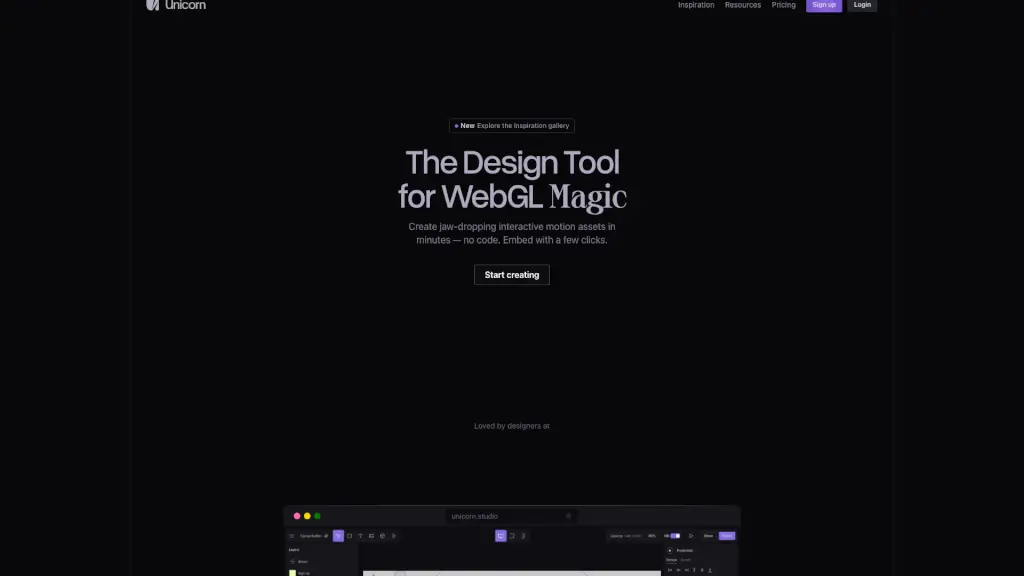
Unicorn Studio is a no-code WebGL tool that empowers designers to create and embed interactive 3D motion experiences in minutes.

Added on: 2026.05.23 · Updated on: 2026.05.23
Social Media:
Unicorn Studio

Unicorn Studio Product Information

What is Unicorn Studio?

Unicorn Studio is a no-code WebGL tool that lets designers create stunning interactive 3D effects, motion graphics, and visual experiences—without writing a single line of code. Whether you're building a portfolio site, a landing page, or a digital art piece, Unicorn Studio turns complex WebGL into something fast, fun, and accessible.

Designed specifically for creatives—not developers—it integrates seamlessly with popular platforms like Framer, Webflow, Wix, and Figma Sites. You can go from idea to embedded interactive experience in minutes, not hours, making it easier than ever to wow clients and users alike.

What are the features of Unicorn Studio?

  • 75+ Built-in Effects: Mix, match, and stack visual effects like particles, distortions, glows, and more for unique results.
  • No-Code Interactivity: Trigger animations with scroll, hover, mouse movement, time, or click—no JavaScript needed.
  • Lightweight & Fast: Only 31kb minified library ensures quick load times and smooth performance.
  • One-Click Embedding: Publish and embed your creations directly into Framer, Webflow, Wix, or any website with a simple code snippet.
  • Video Export: Export your scenes as WebM or MP4 (up to 720p on Free, higher quality on Legend plan) with codec control.
  • Cloud-Based Editor: Work entirely in-browser—no downloads, no installs. All projects auto-save to the cloud.
  • Advanced Options for Pros: Access a built-in code editor for custom shaders and a JavaScript SDK for deeper control when needed.

What are the use cases of Unicorn Studio?

  • A designer quickly prototypes an interactive hero section for a client pitch using scroll-triggered 3D effects.
  • A creative developer adds subtle mouse-following particle animations to a portfolio site without slowing it down.
  • An agency builds award-worthy micro-interactions for a campaign site and exports them as video for social previews.
  • A Webflow freelancer enhances a client’s landing page with hover-reactive visuals that boost engagement.
  • An indie creator experiments with generative art in a browser-based sandbox and shares the result via embed link.
  • A startup founder uses Unicorn Studio to visualize product features interactively—no engineering team required.

How to use Unicorn Studio?

  • Sign up at unicorn.studio and start a new project in the browser-based editor.
  • Choose from 75+ pre-built effects or combine multiple layers to design your scene.
  • Set up triggers like hover, scroll, or mousemove to control when your animation plays.
  • Preview your work in real time using the built-in performance test suite to ensure smoothness.
  • Click “Publish” to generate an embed code—then paste it into Framer, Webflow, Wix, or your custom site.
  • Upgrade to Legend plan if you need logo-free exports, commercial rights, or high-quality video hosting.

Do you like this tool?

Upvote to help others discover it!

Unicorn Studio Alternatives

STUDIO AI

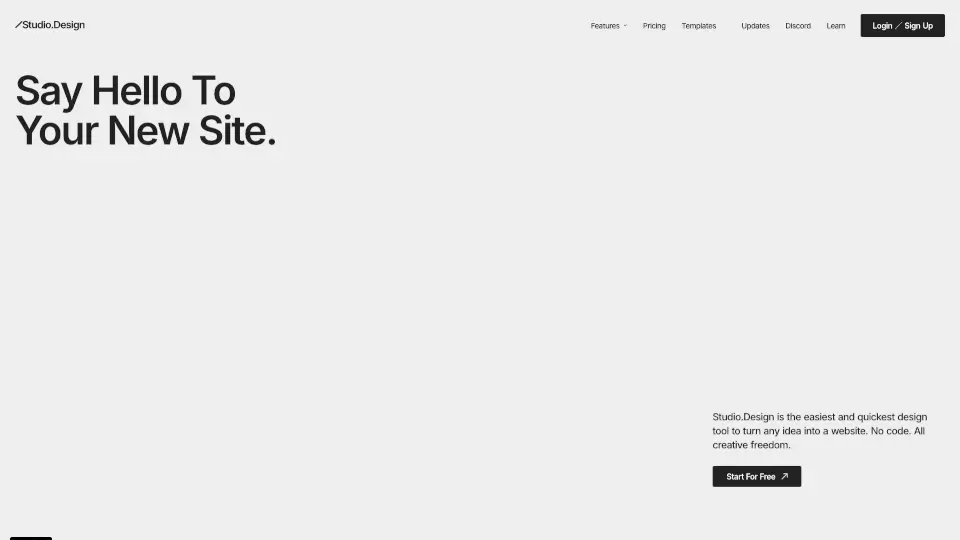
Studio.Design is the ultimate no-code tool for creating beautiful websites with ease. Perfect for portfolios, landing pages, and more, it offers intuitive design tools, real-time collaboration, and one-click publishing.

JP
93.77%
|
700.3K
|
5.0
Spline

Spline is the easiest 3D design tool for creating interactive, browser-based 3D visuals without coding, perfect for modern web designers and UI/UX teams.

IN
21.08%
|
721.9K
|
5.0
Endless Tools

Endless Tools is an all-in-one, no-coding web tool for creating striking 3D visuals, animations, and unique effects, perfect for designers and marketers.

US
41.79%
|
71.4K
|
5.0
PixelFree Studio

Transform your designs into functional code with PixelFree Studio, the low-code platform that saves you time and resources while delivering high-quality, customizable applications.

IN
17.61%
|
9.4K
|
3.0
Jitter

Jitter is a fast and simple web-based motion design tool that lets you create professional animations in minutes, with features like Figma import, intuitive animation, and high-quality exports.

IN
13.54%
|
1.4M
|
5.0
Dora

Dora is the ultimate no-code platform for creating 3D animated websites. With AI-powered tools and intuitive design features, it’s perfect for freelancers, designers, and businesses looking to elevate their web presence.

IN
14.99%
|
82.9K
|
5.0
Wonder Studio

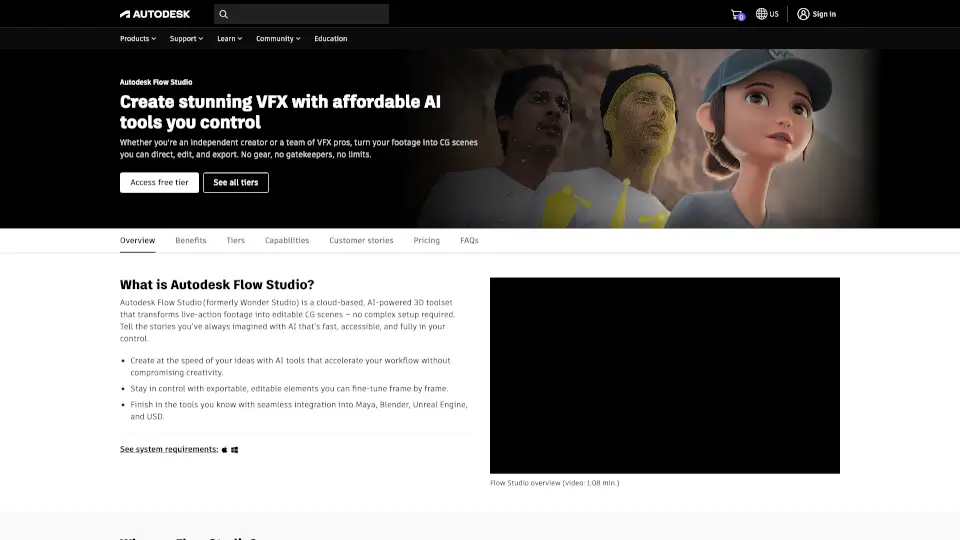
Autodesk Flow Studio is an AI-powered, cloud-based VFX tool that transforms live-action footage into editable CG scenes with full creative control.

US
15.23%
|
28.1K
|
4.0
Anima

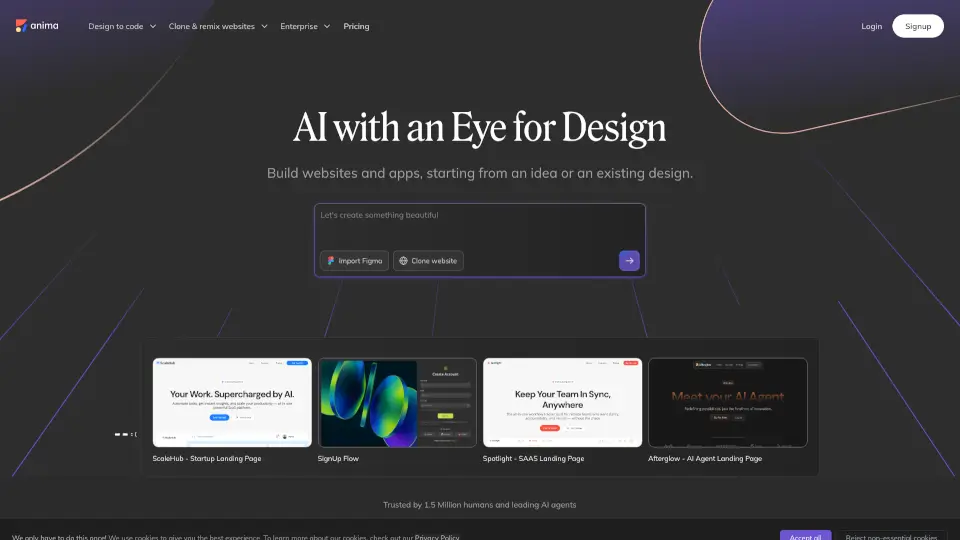
Transform your designs into live web apps with Anima's AI-powered tools.

IN
8.84%
|
309.8K
|
5.0
Unicorn Studio Related Other Categories

Unicorn Studio Traffic Analysis

💡 Insights

Medium Scale
100K-1M monthly visits. Growing tool with active development.
⚠️
Slight Decline
Traffic has slightly decreased recently.
👍
Good Experience
Bounce rate of 41%. Users are willing to explore features.
🎯
Strong Brand
54% direct traffic. High user loyalty.
  • Monthly Visits

    186.04K

  • Bounce Rate

    40.88%

  • Pages Per Visit

    4.99

  • Visit Duration

    00:02:27

  • Global Rank

    173492

  • Country Rank

    34575

Visits Over Time

Traffic Sources

Direct53.93%
SearchOrganic25.14%
SocialOrganic9.56%
Referrals4.51%
GenAi3.74%
DisplayAds1.69%
Mail1.30%
SocialPaid0.11%
SearchPaid0.02%
Affiliate0.00%

Top Keywords

1
unicorn studio
CPC$2.05
18.84KTraffic
2
unicorn
CPC$0.45
950Traffic
3
unicorn studios
850Traffic
4
unicornio estudio
360Traffic
5
unicon studio
330Traffic

Top Regions

RegionPercentage
United States
United States
23.33%
India
India
13.19%
France
France
6.00%
Thailand
Thailand
5.03%
United Kingdom
United Kingdom
4.92%
Low
High

Unicorn Studio FAQ

Do I need to know how to code to use Unicorn Studio?

Which platforms support Unicorn Studio embeds?

What’s the difference between the Free and Legend plans?

Can I export my Unicorn Studio project as a video?

Is Unicorn Studio really only 31kb?

Where are my projects saved?

Unicorn Studio Reviews

0

0

0 Reviews
Sign Into leave a review

Recent Reviews

No reviews yet

Unicorn Studio Embed

Use website badges to drive community support for SeekTool.ai. They are easy to embed in your homepage or footer.

Light
Dark
Unicorn Studio - Featured on SeekTool.aiUnicorn Studio - Featured on SeekTool.ai
How to install?

Looking for Unicorn Studio Alternatives?

Compare top AI tools similar to Unicorn Studio. Find the best option for your needs.

View Alternatives

Reviews

0.0

Share your experience with this tool...

Category Rankings

Ranked by monthly traffic

Trending

Featured

Subscribe to our AI Newsletter

Get the top AI stories delivered to your inbox weekly.