
Google Flow logo

Google Flow

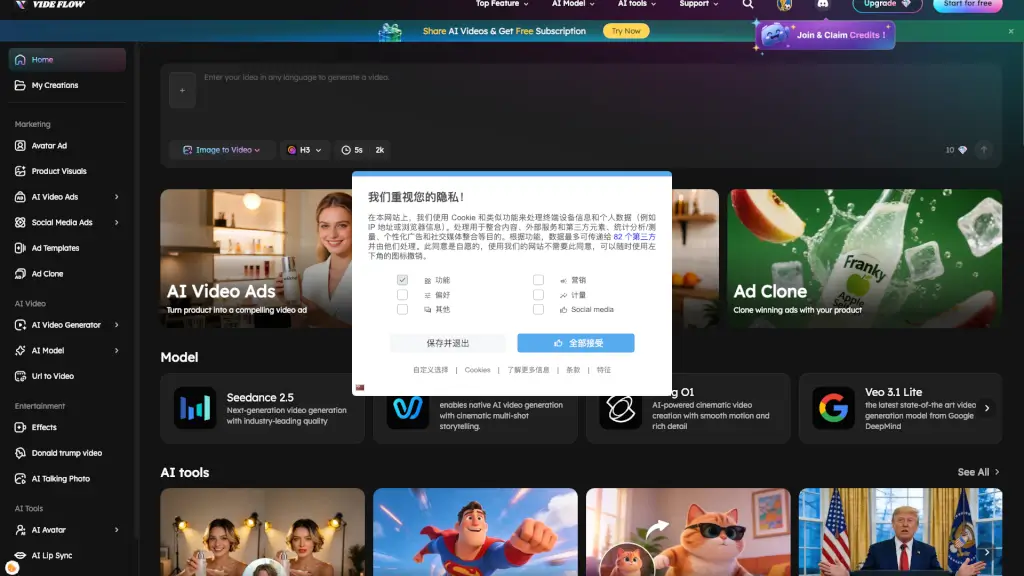
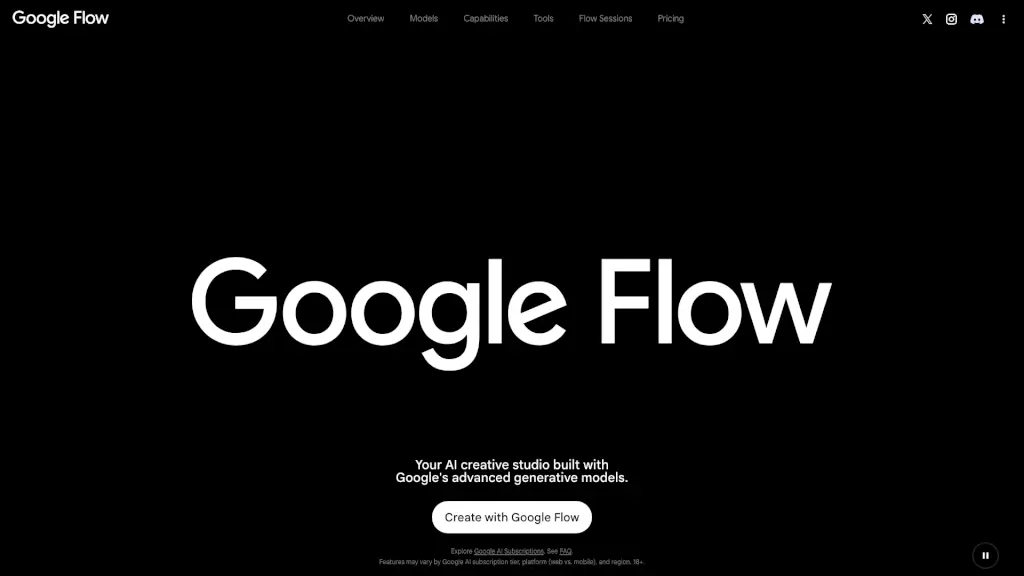
Google Flow is an AI-powered creative studio that transforms ideas into professional videos, images, and custom tools using Google’s advanced generative models.

Social Media:

Google Flow Product Information

What is Google Flow?

Google Flow is your all-in-one AI creative studio built for artists, filmmakers, designers, and creators who want to turn bold ideas into stunning visuals—fast. Powered by Google’s most advanced generative AI models like Gemini Omni, Veo 3.1, and Nano Banana, it lets you generate cinematic videos, high-fidelity images, and custom creative tools using simple prompts or intuitive editing.

Whether you're storyboarding a short film, designing animated text overlays, or experimenting with character backstories, Google Flow acts as your intelligent creative partner. Its built-in AI agent understands your project context and helps you iterate, refine, and scale your work—all while keeping you in the creative flow.

What are the features of Google Flow?

  • Gemini Omni
    Create and edit videos from any input—real footage or AI-generated—with conversational, multimodal editing.
  • Veo 3.1
    Generate realistic, physics-accurate videos with native audio, strong prompt adherence, and professional-grade quality.
  • Nano Banana
    Produce consistent, detailed images with precise control over subjects, text rendering, and composition.
  • Custom AI Tools
    Build, share, and remix creative tools (like Shader Effects or Storyboard Studio) using natural language.
  • Natural Language Editing
    Refine videos and images by describing changes in plain English—no complex software needed.
  • Flow Sessions
    Join an exclusive artist program to collaborate with Google and bring passion projects to life.
  • Tiered Plans
    Choose from free access to premium tiers (Plus, Pro, Ultra) with increasing credits, resolution (up to 4K), and AI capabilities.

What are the use cases of Google Flow?

  • A filmmaker storyboards and animates a short film using Storyboard Studio and Veo 3.1 without hiring a full crew.
  • A graphic designer creates branded social media content with animated Type Overlays and resizes videos instantly using Video Resizer.
  • An indie game developer builds character concepts with Character X-ray and generates environment mockups using Mockup and Scout360.
  • A music artist syncs visuals to beats in real time with Ribbit for live performances or music videos.
  • A digital artist experiments with lo-fi glitch aesthetics using pixelBento and shares their custom tool with others.
  • A student visualizes a poem or narrative by generating consistent characters and scenes across multiple frames.

How to use Google Flow?

  • Sign in with your Google Account to start using Google Flow for free.
  • Choose a model (like Veo 3.1 for video or Nano Banana for images) based on your creative goal.
  • Use natural language prompts to generate or edit content—e.g., “Add rain and thunder to this forest scene.”
  • Explore pre-built tools like Image Editor or Shader Effects to enhance your assets quickly.
  • Upgrade to Google AI Plus, Pro, or Ultra for more credits, higher resolution (1080p/4K), and tool creation rights.
  • Save, remix, or share your projects—and even apply to Flow Sessions if you’re working on a standout creative endeavor.

Do you like this tool?

Upvote to help others discover it!

Google Flow Alternatives

Mitte

Mitte

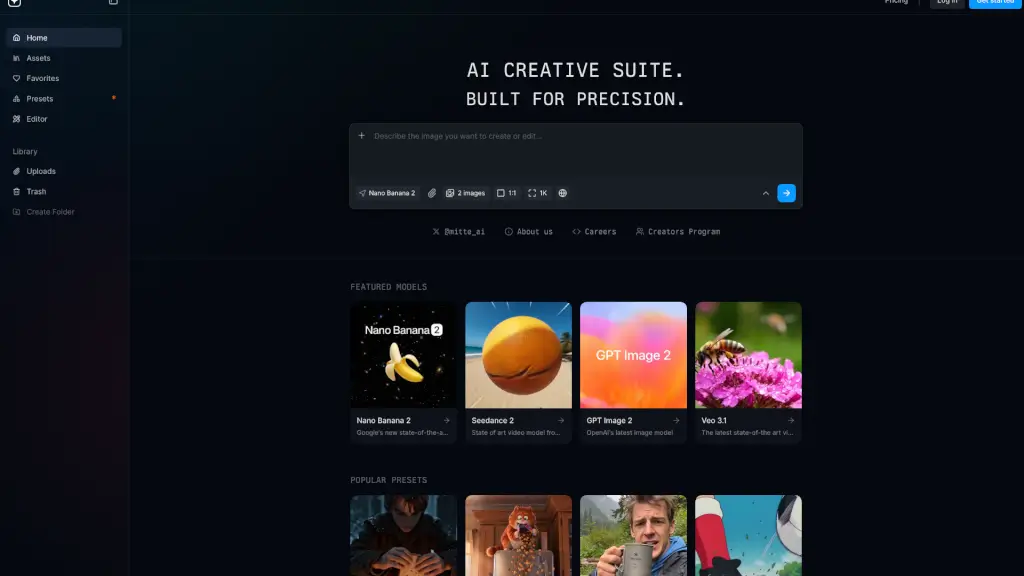
The Mitte AI Creative Suite is a powerful and versatile tool for generating and editing images and videos, perfect for content creators, marketers, and designers.

US
30.45%
129.6K
0
VideoMaker.me

VideoMaker.me

Google Veo 3 is a powerful, easy-to-use AI video generator that turns ideas into stunning, audio-synced videos in seconds. Perfect for creators of all levels! ---

RU
14.91%
162.8K
0
Imagine

Imagine

ImagineArt is the ultimate AI creative suite for generating images, videos, and voice from text—fast, easy, and powerful enough for pros but simple enough for anyone.

IN
23.13%
2.1M
0
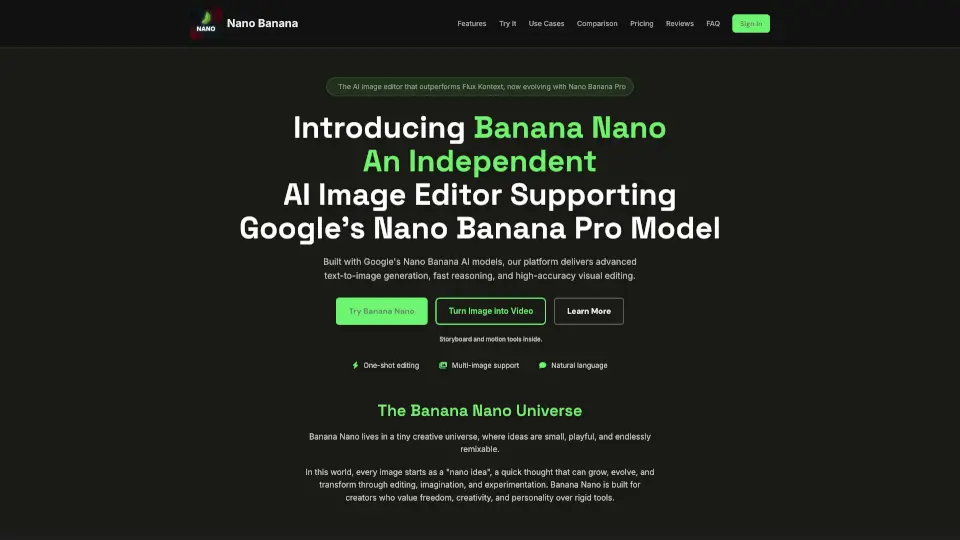
Nano Banana 2

Nano Banana 2

Nano Banana 2 AI is Google's advanced image editor, offering smart, consistent, and realistic AI-powered image editing and generation for creative projects.

US
13.43%
111.8K
0
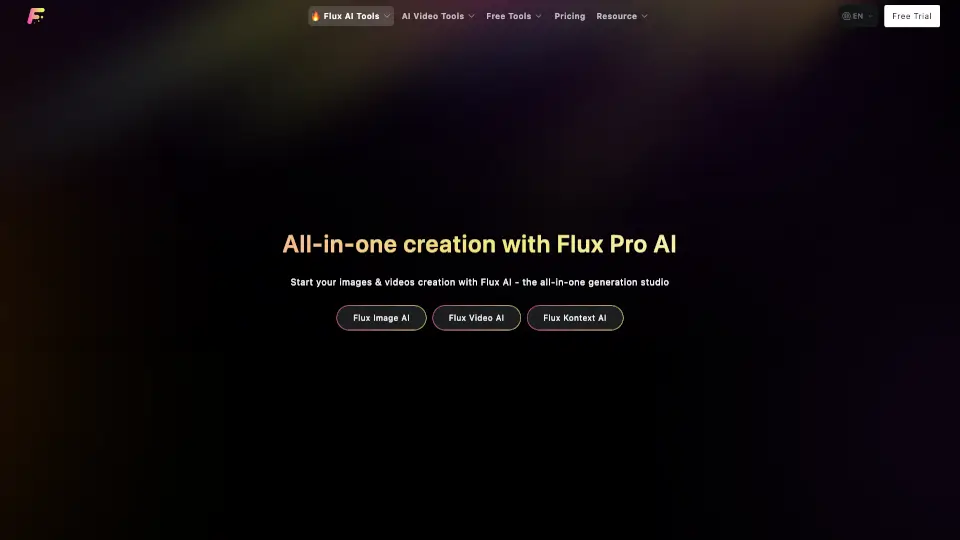
Flux Pro AI

Flux Pro AI

Flux Pro AI is a powerful, user-friendly tool for creating images and videos with AI. Perfect for artists, marketers, and creators.

UA
37.94%
18.8K
0
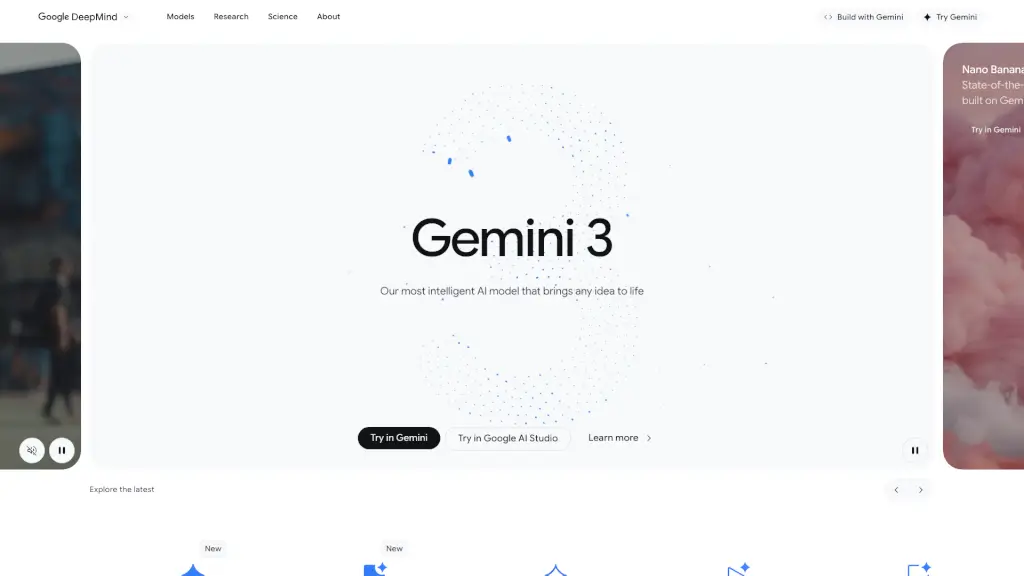
Google DeepMind

Google DeepMind

Google DeepMind offers cutting-edge AI models like Gemini, Nano Banana, and Gemma, designed for creative content generation, scientific research, and more, making AI accessible and beneficial for everyone.

US
22.36%
3.8M
0
Martini Art

Martini Art

Martini Art is an all-in-one AI creative canvas for generating, editing, and collaborating on images and videos using 50+ top models.

US
32.65%
6.6K
0

Google Flow Related Other Categories

Google Flow Traffic Analysis

Website traffic estimates for flow.google. Visits are not unique users or product usage.

💡 Insights

📈
High Traffic
Over 1M monthly visits. Widely recognized and stable choice.
📉
Traffic Decline
Significant traffic drop recently. Check for alternatives.
🎯
Strong Brand
72% direct traffic. High user loyalty.
  • Monthly Visits

    1.17M

  • Bounce Rate

    66.05%

  • Pages Per Visit

    1.43

  • Visit Duration

    00:03:54

  • Global Rank

    65678

  • Country Rank

    11051

Visits Over Time

Traffic Sources

Direct71.75%
Search Organic12.21%
Referrals9.49%
Gen Ai5.91%
Search Paid0.43%
Mail0.18%
Social Organic0.01%
Display Ads0.01%
Affiliate0.01%
Social Paid0.00%

Top Keywords

1
google flow
CPC$0.36
1.87KTraffic
2
flow.google
CPC$0.24
1.77KTraffic
3
flow
CPC$0.43
150Traffic
4
googleflow
CPC$0.44
20Traffic
5
flow.gootle
0Traffic

Top Regions

RegionPercentage
Japan
Japan
35.46%
India
India
29.49%
United States
United States
12.51%
Cambodia
Cambodia
9.17%
Nigeria
Nigeria
7.73%
Low
High

Powered by SimilarWeb

Google Flow FAQ

Who is Google Flow for?

Google Flow is for anyone looking to explore visual ideas and turn them into reality—from filmmakers and fashion designers to digital artists and students creating films, music videos, or experimental art.

How much does it cost to generate images and videos?

Costs vary depending on the model (e.g., Nano Banana vs. Veo 3.1) and output type. Free users get 50 daily credits; paid plans offer more credits and higher limits. See Google’s pricing page for a detailed breakdown.

Where is Google Flow available?

Availability varies by region. Check Google’s official site for the full list of supported countries.

Do I need a subscription to use Google Flow?

No—you can try Google Flow for free with a Google Account. Paid Google AI subscriptions unlock more features, credits, and higher-quality outputs.

Can I create my own tools in Google Flow?

Yes! With Google AI Plus or higher, you can build custom creative tools using natural language and share them with the community.

Google Flow Reviews

0
0 Reviews
Sign Into leave a review

Recent Reviews

No reviews yet

Google Flow Embed

Use website badges to drive community support for SeekTool.ai. They are easy to embed in your homepage or footer.

Light
Dark
Google Flow - Featured on SeekTool.aiGoogle Flow - Featured on SeekTool.ai
How to install?