
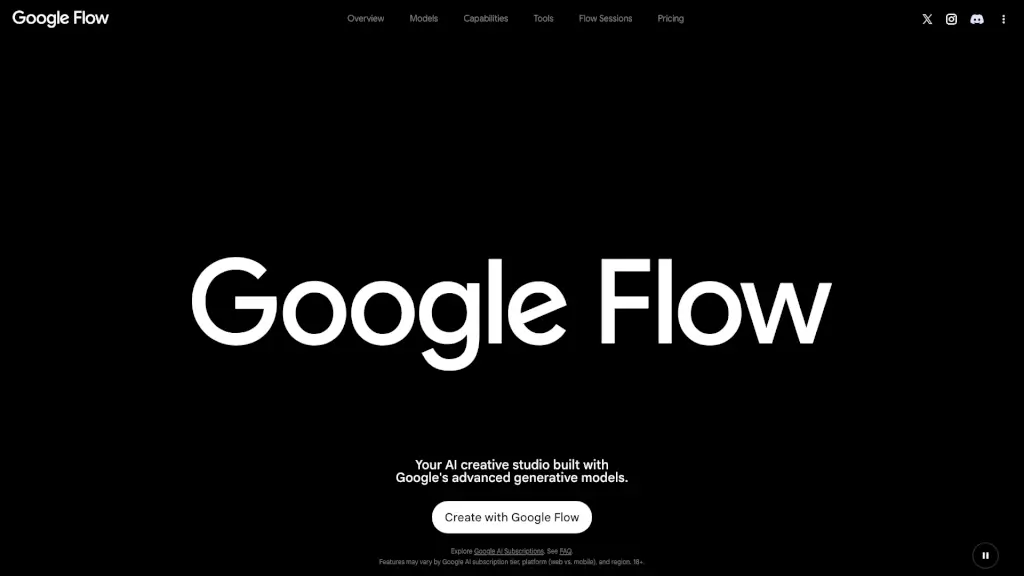
What is Google Flow?
Google Flow is your all-in-one AI creative studio built for artists, filmmakers, designers, and creators who want to turn bold ideas into stunning visuals—fast. Powered by Google’s most advanced generative AI models like Gemini Omni, Veo 3.1, and Nano Banana, it lets you generate cinematic videos, high-fidelity images, and custom creative tools using simple prompts or intuitive editing.
Whether you're storyboarding a short film, designing animated text overlays, or experimenting with character backstories, Google Flow acts as your intelligent creative partner. Its built-in AI agent understands your project context and helps you iterate, refine, and scale your work—all while keeping you in the creative flow.
What are the features of Google Flow?
- Gemini Omni: Create and edit videos from any input—real footage or AI-generated—with conversational, multimodal editing.
- Veo 3.1: Generate realistic, physics-accurate videos with native audio, strong prompt adherence, and professional-grade quality.
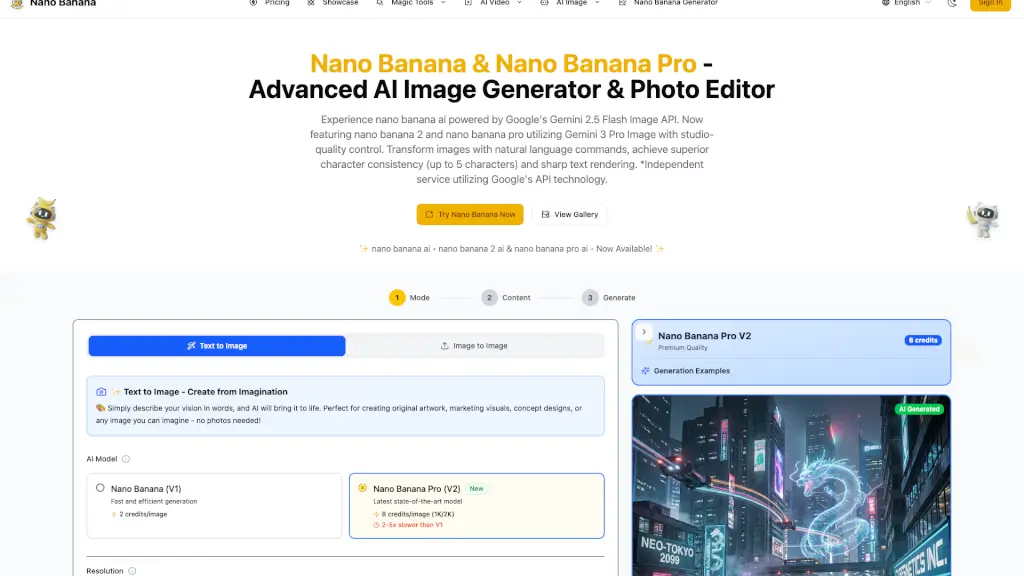
- Nano Banana: Produce consistent, detailed images with precise control over subjects, text rendering, and composition.
- Custom AI Tools: Build, share, and remix creative tools (like Shader Effects or Storyboard Studio) using natural language.
- Natural Language Editing: Refine videos and images by describing changes in plain English—no complex software needed.
- Flow Sessions: Join an exclusive artist program to collaborate with Google and bring passion projects to life.
- Tiered Plans: Choose from free access to premium tiers (Plus, Pro, Ultra) with increasing credits, resolution (up to 4K), and AI capabilities.
What are the use cases of Google Flow?
- A filmmaker storyboards and animates a short film using Storyboard Studio and Veo 3.1 without hiring a full crew.
- A graphic designer creates branded social media content with animated Type Overlays and resizes videos instantly using Video Resizer.
- An indie game developer builds character concepts with Character X-ray and generates environment mockups using Mockup and Scout360.
- A music artist syncs visuals to beats in real time with Ribbit for live performances or music videos.
- A digital artist experiments with lo-fi glitch aesthetics using pixelBento and shares their custom tool with others.
- A student visualizes a poem or narrative by generating consistent characters and scenes across multiple frames.
How to use Google Flow?
- Sign in with your Google Account to start using Google Flow for free.
- Choose a model (like Veo 3.1 for video or Nano Banana for images) based on your creative goal.
- Use natural language prompts to generate or edit content—e.g., “Add rain and thunder to this forest scene.”
- Explore pre-built tools like Image Editor or Shader Effects to enhance your assets quickly.
- Upgrade to Google AI Plus, Pro, or Ultra for more credits, higher resolution (1080p/4K), and tool creation rights.
- Save, remix, or share your projects—and even apply to Flow Sessions if you’re working on a standout creative endeavor.