
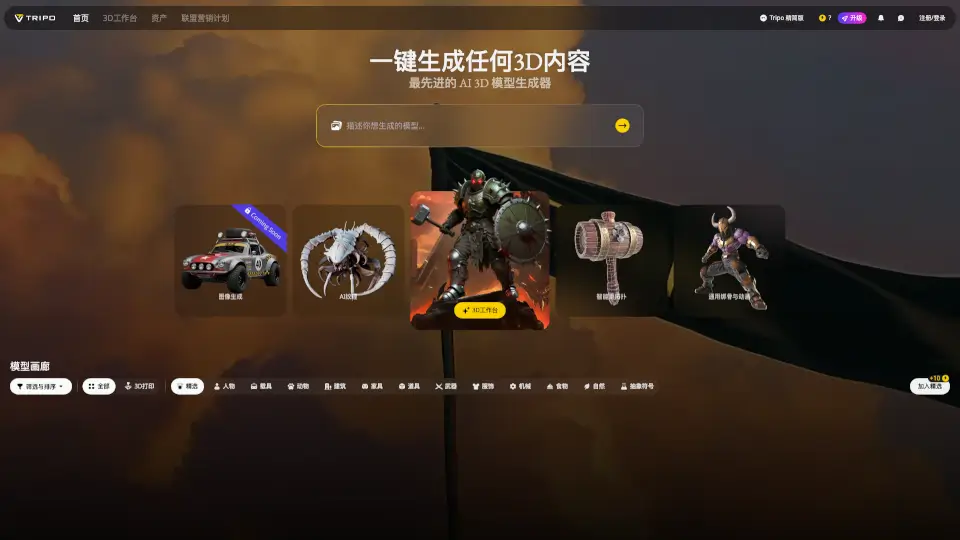
Was ist Tripo3D Studio?
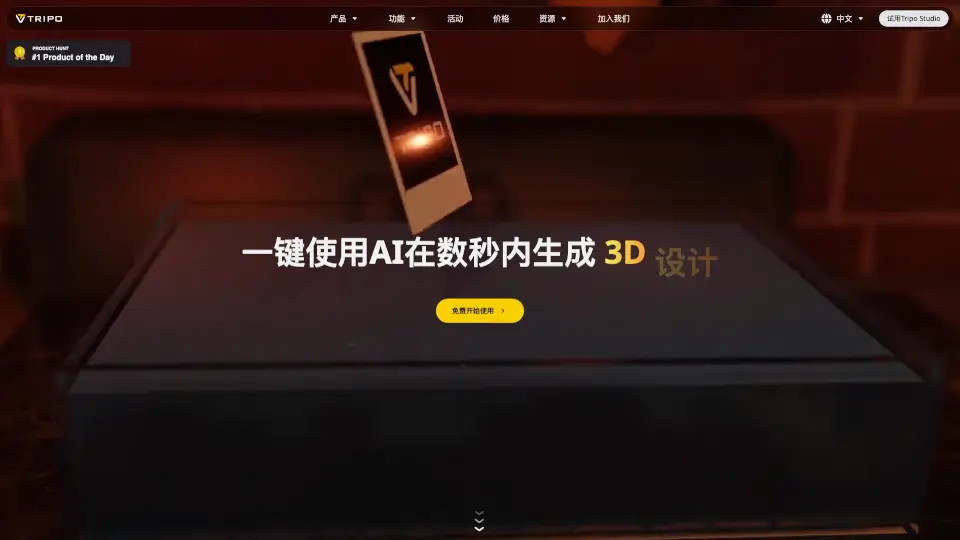
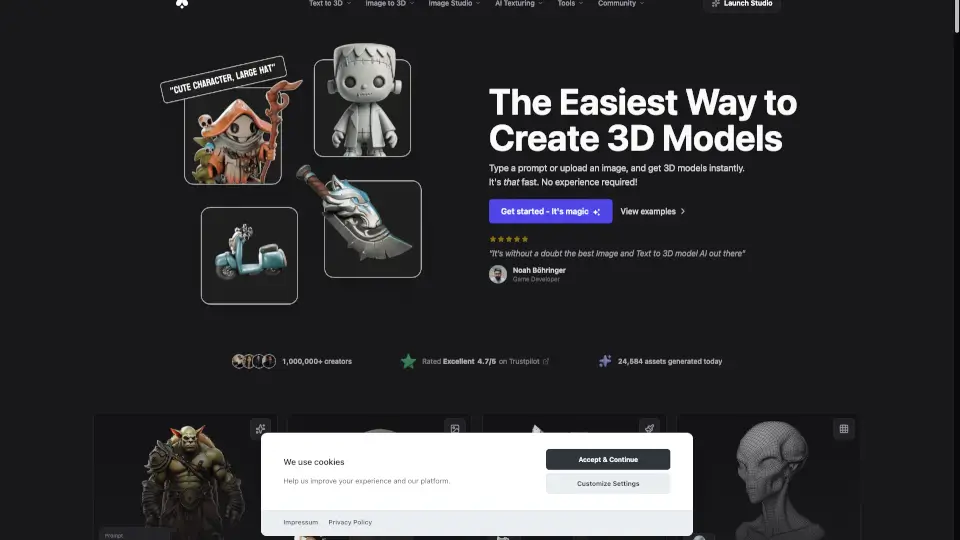
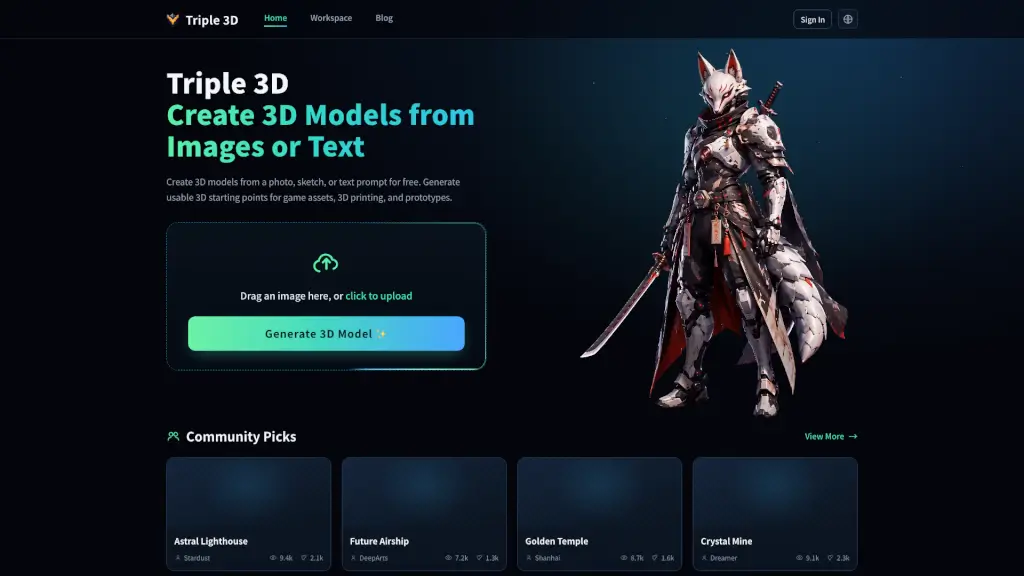
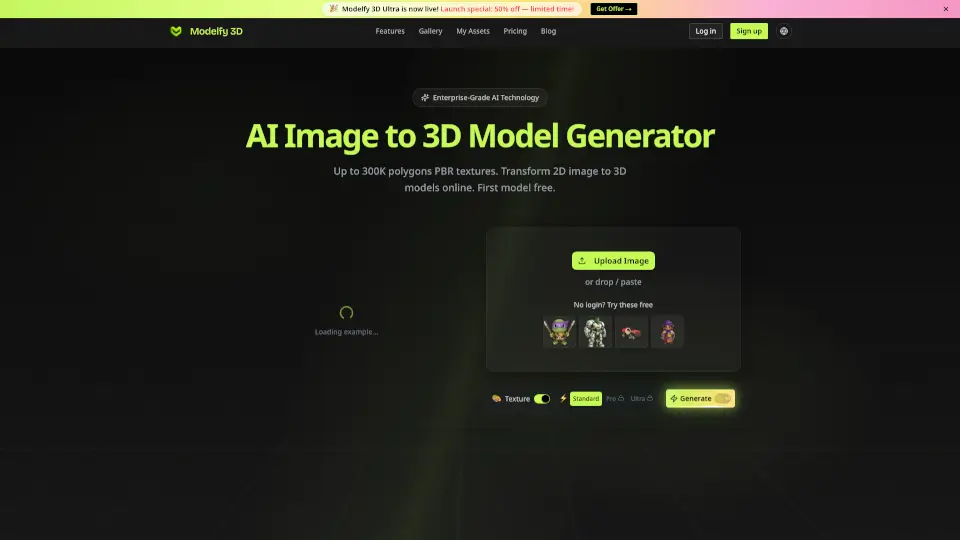
Tripo Studio ist dein neuer AI-gestützter 3D-Arbeitsbereich, der dir die Möglichkeit bietet, 3D-Modelle und -Szenen auf einfache und effiziente Weise zu erstellen. Ob du ein Profi oder ein Anfänger im 3D-Design bist, Tripo Studio bietet dir die Werkzeuge, um deine Kreativität in 3D zum Leben zu erwecken. Mit fortschrittlichen AI-Technologien kannst du schnell und einfach 3D-Inhalte generieren, bearbeiten und animieren.
Was sind die Merkmale von Tripo3D Studio?
- AI-generierte 3D-Modelle: Erstelle komplexes 3D-Content mit nur einem Klick.
- Upload von 3D-Modellen: Lade deine eigenen Modelle hoch und passe sie an.
- Intelligente Retopologie: Optimiere deine 3D-Modelle für eine bessere Leistung.
- Allgemeine Skelettbildung und Animation: Bring deine 3D-Charaktere zum Leben.
- Unterstützung vieler Formate: Arbeite mit GLB, OBJ, FBX, STL und mehr.
- Modellgalerie: Durchsuche und nutze eine Vielzahl vordefinierter 3D-Modelle.
Was sind die Anwendungsfälle von Tripo3D Studio?
- 3D-Druck: Erstelle und bereite 3D-Modelle für den Druck vor.
- Spielentwicklung: Entwickle Charaktere, Objekte und Szenen für Spiele.
- Architekturvisualisierung: Gestalte detaillierte 3D-Modelle von Gebäuden und Räumen.
- Produktgestaltung: Erstelle Prototypen und Visualisierungen für Produkte.
- Animation und Film: Erstelle komplexe 3D-Szenen und Animationen für Filme.
- E-Learning: Erstelle interaktive 3D-Inhalte für Bildungsziele.
Wie benutzt man Tripo3D Studio?
- Melde dich auf der Website an oder registriere dich.
- Wähle die gewünschte Funktion, wie z.B. "AI-generierte 3D-Modelle".
- Lade dein Bild oder 3D-Modell hoch, falls erforderlich.
- Passe die Einstellungen nach Bedarf an.
- Generiere das 3D-Modell und bearbeite es weiter im 3D-Arbeitsbereich.
- Speichere und exportiere dein endgültiges Modell in deinem gewünschten Format.