
Tripo3D Studio logo

Tripo3D Studio

5.0
(0 Reviews)
United States14.62%

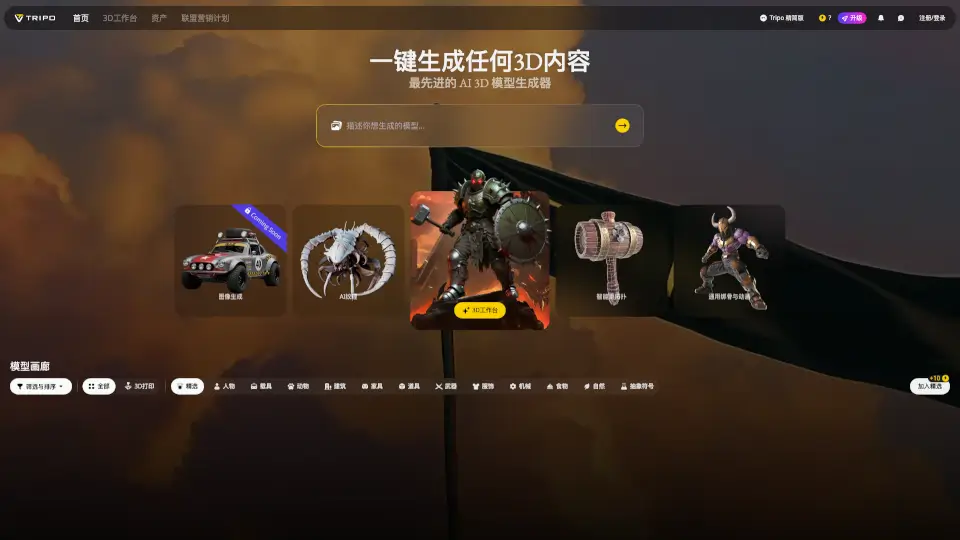
Tripo Studio is a next-generation AI 3D workspace that makes 3D content creation easy and intuitive, with advanced tools for generating, editing, and animating 3D models.

Verified by SeekTool
Social Media:
Tripo3D Studio

Tripo3D Studio Product Information

What is Tripo3D Studio?

Tripo Studio is your next-generation AI 3D workspace, designed to make 3D content creation accessible and intuitive. Whether you're a seasoned 3D artist or just starting out, Tripo Studio offers a powerful yet user-friendly platform to generate, edit, and animate 3D models. With advanced AI-driven tools, you can create stunning 3D assets with ease, all while maintaining full control over the creative process.

What are the features of Tripo3D Studio?

  • AI 3D Model Generation: Quickly generate 3D models from images using state-of-the-art AI technology.
  • 3D Workbench: A versatile workbench that supports GLB, OBJ, FBX, and STL file formats, with a maximum size of 50MB and up to 1 million polygons.
  • Smart Retopology: Automatically optimize your 3D models for better performance and quality.
  • Universal Rigging and Animation: Easily rig and animate your 3D models with built-in tools.
  • Model Gallery: Browse and select from a wide range of pre-made 3D models, categorized by type.

What are the use cases of Tripo3D Studio?

  • Game Development: Create and customize 3D characters, props, and environments for video games.
  • Architectural Visualization: Design and render detailed 3D models of buildings and interiors.
  • Product Design: Develop and refine 3D prototypes for physical products.
  • Educational Content: Generate 3D models for educational materials and presentations.
  • Art and Creative Projects: Experiment with 3D art and animations for personal or professional projects.

How to use Tripo3D Studio?

  • Upload Your Image: Start by uploading an image to generate a 3D model.
  • Edit and Refine: Use the 3D workbench to edit and refine your model, adjusting textures and details as needed.
  • Optimize with Retopology: Apply smart retopology to optimize your model for better performance.
  • Rig and Animate: Use the universal rigging and animation tools to bring your 3D model to life.
  • Save and Export: Save your final 3D model in the desired format and export it for use in your project.

Do you like this tool?

Upvote to help others discover it!

Tripo3D Studio Alternatives

Tripo AI

Tripo AI

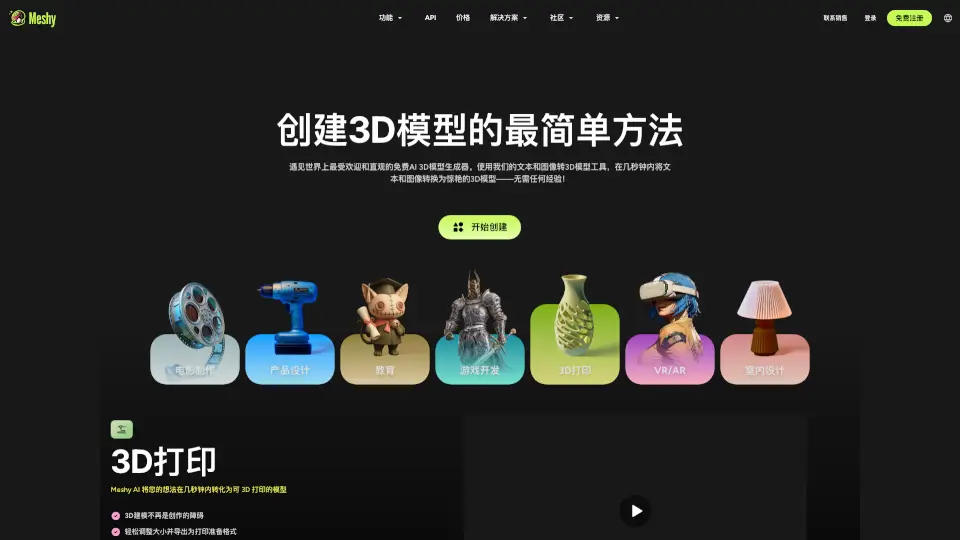
Tripo AI revolutionizes 3D creation with AI-powered speed and quality, perfect for gamers, designers, and creators.

US
14.39%
23.2M
5.0
3D AI Studio

3D AI Studio

3D AI Studio is the fastest way to create 3D models from text or images. Perfect for creators who want speed, quality, and simplicity.

US
21.31%
718.3K
5.0
Triple 3D

Triple 3D

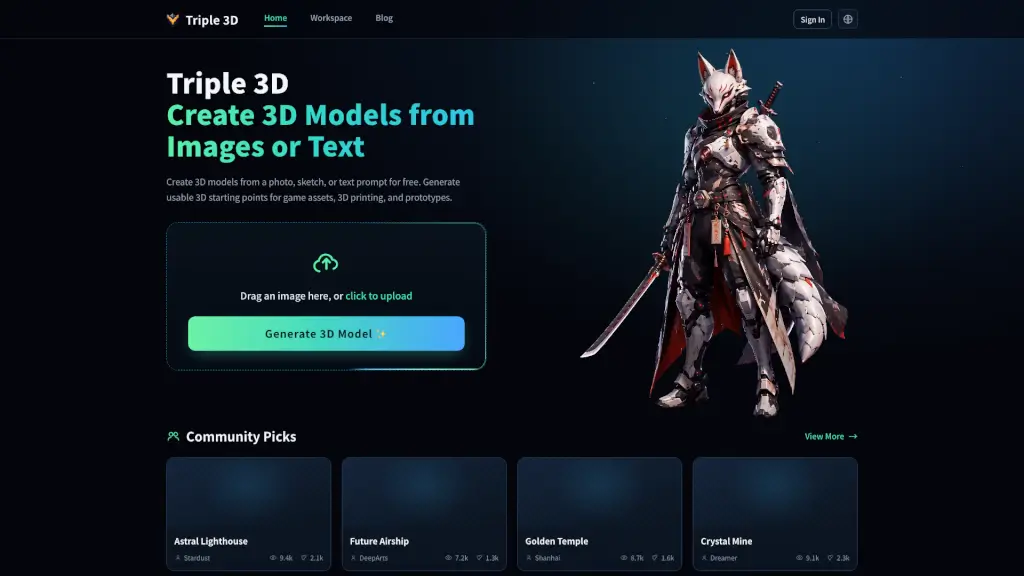
Triple 3D is a free AI tool that creates usable 3D models from images or text prompts for game assets, 3D printing, and creative prototyping.

US
100.00%
1.7K
3.0
Modelfy 3D

Modelfy 3D

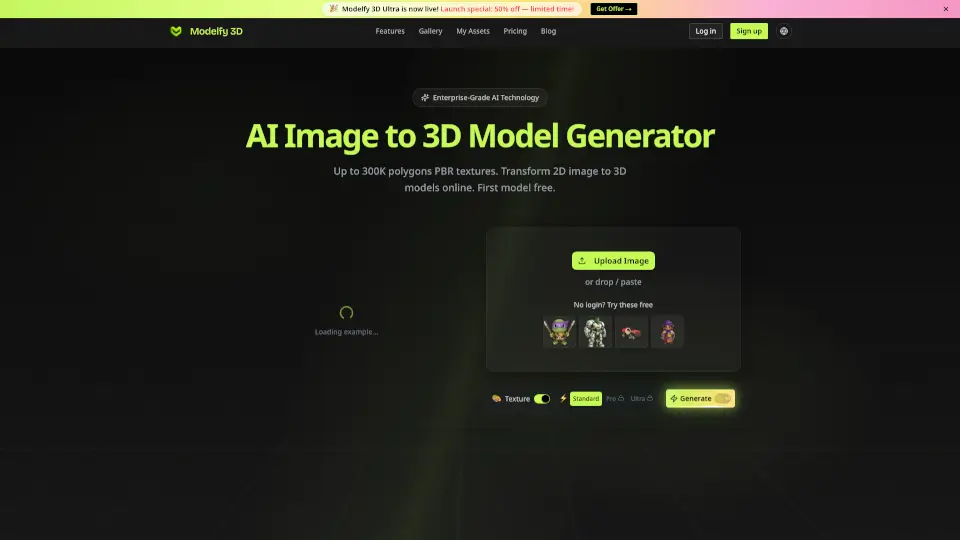
Modelfy 3D is an easy-to-use AI tool that transforms any 2D image into a detailed 3D model in minutes. Perfect for 3D printing, gaming, and professional projects, it offers multiple quality levels, realistic textures, and seamless asset management.

US
17.73%
47.8K
4.0
Fast3D

Fast3D

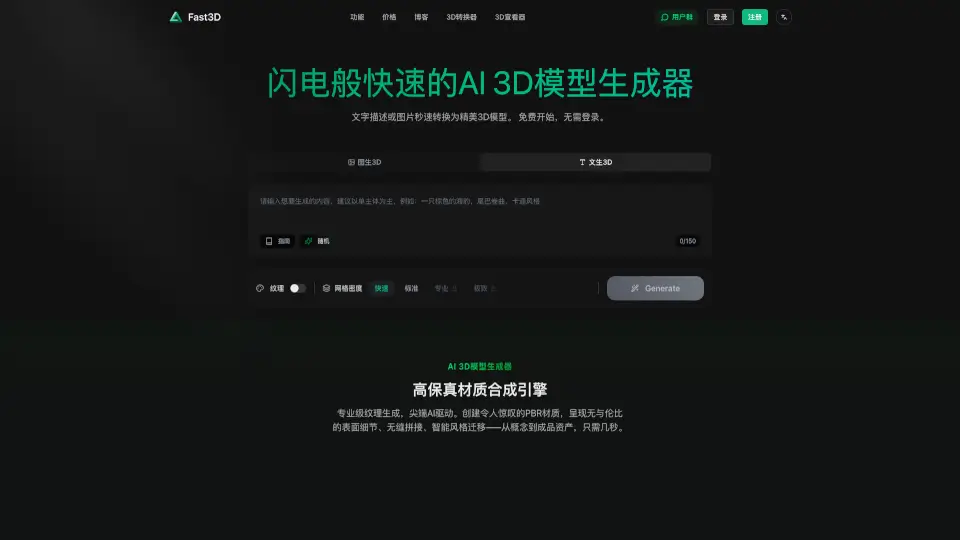
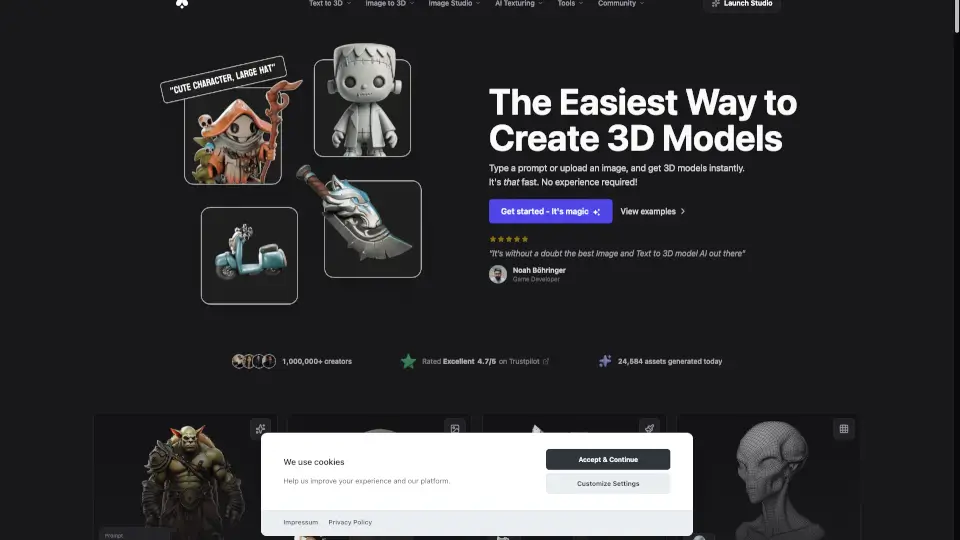
Fast3D is the easiest way to make 3D models—no skills required. Generate high-quality assets for games, printing, or VR in seconds. Try it free today!

US
23.12%
150.1K
5.0
Masterpiece X

Masterpiece X

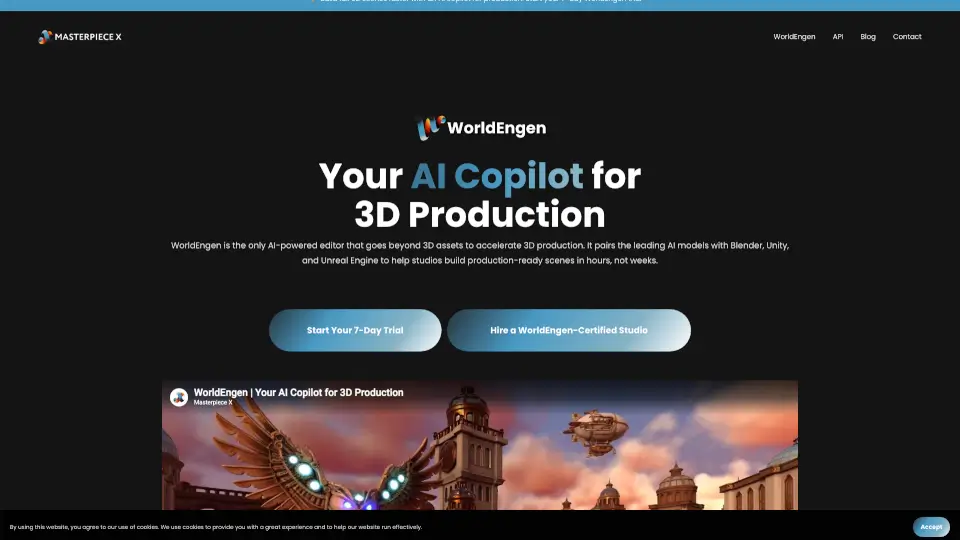
Masterpiece X is a game-changer for 3D content creation, offering a fast, intuitive way to generate fully-textured, export-ready models from text or images.

US
35.14%
16.5K
4.0
Meshy

Meshy

Meshy AI is a powerful, fast, and user-friendly 3D model generator that helps creators bring their ideas to life in seconds. Perfect for game developers, 3D printing enthusiasts, and XR creators.

US
18.82%
25.2M
5.0
Hitem3D

Hitem3D

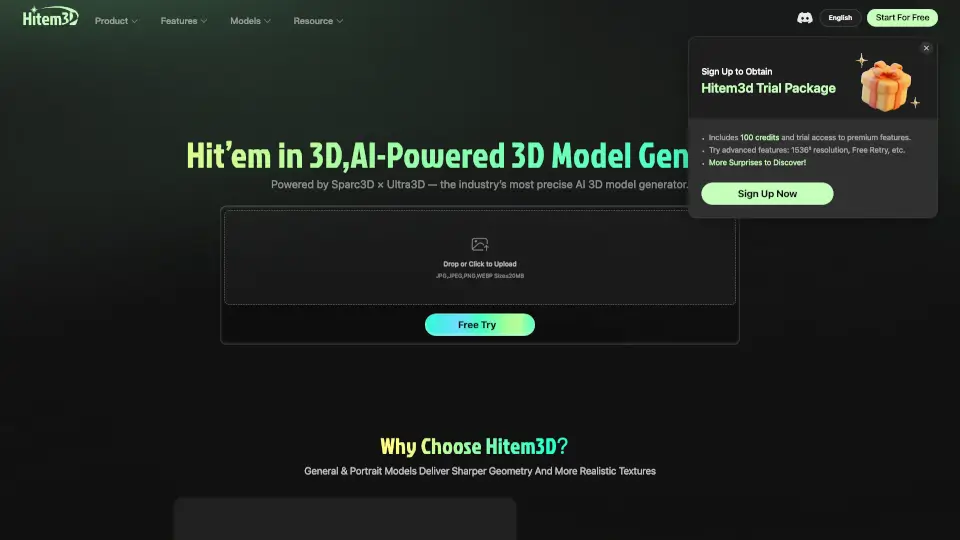
Hitem3D is a fast, easy-to-use AI-powered 3D model generator for students, artists, and businesses. Create, edit, and manage high-quality 3D models in seconds.

JP
12.13%
76.0K
3.0

Tripo3D Studio Related Other Categories

Tripo3D Studio Traffic Analysis

💡 Insights

📈
High Traffic
Over 1M monthly visits. Widely recognized and stable choice.
➡️
Stable
Traffic remains stable, indicating a mature product.
💎
High Stickiness
Low bounce rate (38%) and deep engagement (4.9 pages/visit). Excellent user experience.
🌐
Global Reach
Balanced user distribution worldwide.
  • Monthly Visits

    6.56M

  • Bounce Rate

    38.11%

  • Pages Per Visit

    4.94

  • Visit Duration

    00:05:59

  • Global Rank

    0

  • Country Rank

    0

Visits Over Time

Traffic Sources

Direct27.30%
Social Paid17.08%
Search Paid16.25%
Display Ads14.18%
Search Organic9.39%
Social Organic6.86%
Referrals5.66%
Gen Ai2.19%
Mail1.03%
Affiliate0.06%

Top Keywords

1
tripo ai
CPC$2.25
86.32KTraffic
2
tripo
CPC$2.81
65.36KTraffic
3
meshy ai
CPC$0.92
37.28KTraffic
4
tripo3d
CPC$3.61
22.98KTraffic
5
meshy
CPC$1.29
20.48KTraffic

Top Regions

RegionPercentage
United States
United States
14.62%
Japan
Japan
11.25%
India
India
7.73%
Philippines
Philippines
4.71%
Brazil
Brazil
4.32%
Low
High

Powered by SimilarWeb

Tripo3D Studio FAQ

What file formats does Tripo Studio support?

Tripo Studio supports GLB, OBJ, FBX, and STL file formats, with a maximum size of 50MB and up to 1 million polygons.

Can I upload my own 3D models to Tripo Studio?

Yes, you can upload your own 3D models to the 3D workbench for editing, retopology, and animation.

How do I get started with Tripo Studio?

Is Tripo Studio suitable for beginners?

Absolutely! Tripo Studio is designed to be user-friendly, making it easy for beginners to create and edit 3D models with the help of AI-driven tools.

Can I use Tripo Studio for commercial projects?

Yes, Tripo Studio is suitable for both personal and commercial projects, offering a range of features to meet your needs.

Tripo3D Studio Reviews

0

0

0 Reviews
Sign Into leave a review

Recent Reviews

No reviews yet

Tripo3D Studio Embed

Use website badges to drive community support for SeekTool.ai. They are easy to embed in your homepage or footer.

Light
Dark
Tripo3D Studio - Featured on SeekTool.aiTripo3D Studio - Featured on SeekTool.ai
How to install?