Wave Terminal logo

Wave Terminal

0
5.0
(0 Reviews)
United States18.27%

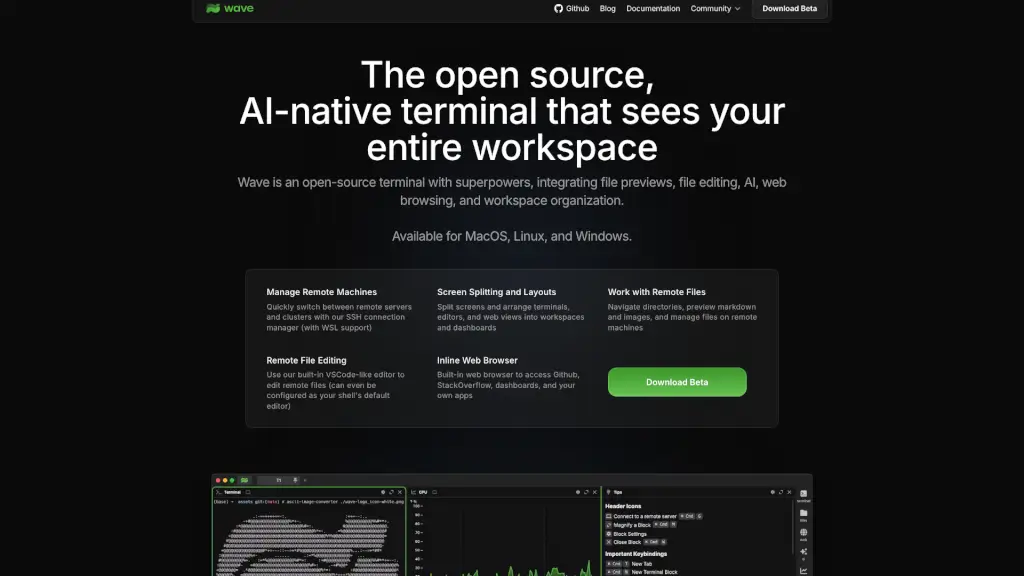
Wave Terminal is an open-source, AI-native terminal that eliminates context switching by integrating file previews, remote editing, web browsing, and customizable dashboards—all in one workspace.

Added on: 2026.05.28 · Updated on: 2026.05.28
Social Media:
Wave Terminal

Wave Terminal Product Information

What is Wave Terminal?

Tired of constantly switching between your terminal, file explorer, browser, and code editor? Meet Wave Terminal—an open-source, AI-native terminal that brings everything you need right into your command line. Designed for developers, sysadmins, and power users, Wave eliminates context switching by integrating file previews, remote editing, web browsing, and workspace dashboards—all in one sleek interface.

Available for macOS, Linux, and Windows, Wave works seamlessly with local and remote environments, including SSH servers and WSL. Whether you're debugging a script, reviewing Markdown docs, or monitoring a live dashboard, Wave keeps your workflow fluid and focused—no more alt-tab chaos.

What are the features of Wave Terminal?

  • Inline File Previews: Instantly preview images, Markdown, CSVs, HTML, audio, and video directly in your terminal—no external apps needed.
  • Remote File Editing: Edit files on remote machines using a built-in VSCode-like editor with syntax highlighting, mouse support, and full copy/paste functionality.
  • Built-in Web Browser: Access GitHub, Stack Overflow, internal dashboards, or any web app without leaving your terminal.
  • SSH Connection Manager: Quickly switch between remote servers and clusters, with full support for WSL on Windows.
  • Custom Dashboards & Widgets: Build interactive workspaces using graphical widgets powered by HTML and CLI data—then share them with your team.
  • Screen Splitting & Layouts: Arrange terminals, editors, and web views into custom layouts tailored to your workflow.
  • 100% Open Source & Local-First: All your data stays on your machine—no accounts, logins, or cloud tracking required.

What are the use cases of Wave Terminal?

  • Debugging a production issue while simultaneously viewing logs, editing config files on a remote server, and checking a monitoring dashboard—all in one window.
  • Writing documentation in Markdown and previewing it instantly without switching to a separate viewer.
  • Managing multiple cloud servers via SSH while editing deployment scripts and referencing a GitHub PR in the built-in browser.
  • Creating a real-time DevOps dashboard that pulls metrics from CLI tools and displays them with custom HTML widgets.
  • Collaborating with teammates by sharing pre-built dashboard layouts for common tasks like CI/CD monitoring or database health checks.
  • Learning a new tool by reading its docs in the inline browser while testing commands in a split terminal pane.

How to use Wave Terminal?

  • Download Wave Terminal for your OS (Mac, Linux, or Windows) from the official site—no signup required.
  • Launch Wave and connect to remote servers using the SSH manager (supports key-based auth and WSL).
  • Use Cmd/Ctrl + ` to toggle file previews for supported formats like images or Markdown.
  • Press Cmd/Ctrl + E to open the built-in editor for any file—local or remote—with full GUI editing features.
  • Create a new dashboard by dragging terminals, editors, or web views into a layout, then save it as a reusable workspace.
  • Build custom widgets using simple HTML and pipe CLI output into them—for example, df -h | wave-widget disk-usage.
Do you like this tool?

Upvote to help others discover it!

Wave Terminal Alternatives

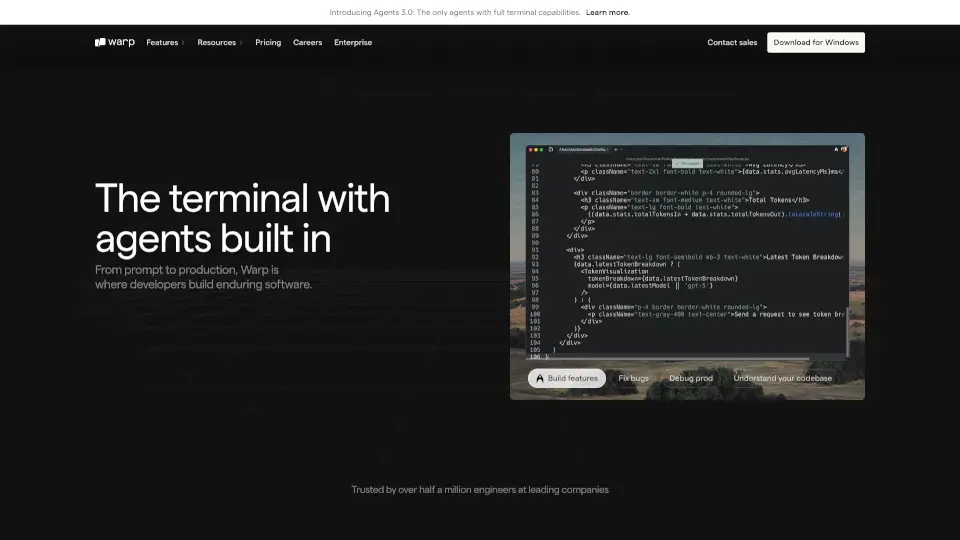
Warp AI

Warp is the intelligent terminal that boosts productivity with AI tools, modern UX, and team collaboration features. Perfect for developers and power users.

US
19.47%
|
1.1M
|
5.0
Windsurf Editor

Windsurf Editor by Codeium is the ultimate AI-powered IDE, offering a seamless and collaborative coding experience.

UZ
17.47%
|
27.5K
|
4.0
Windsurf

Windsurf is the future of coding—an AI editor that keeps you in flow, fixes issues proactively, and turbocharges your productivity.

IN
15.24%
|
1.2M
|
5.0
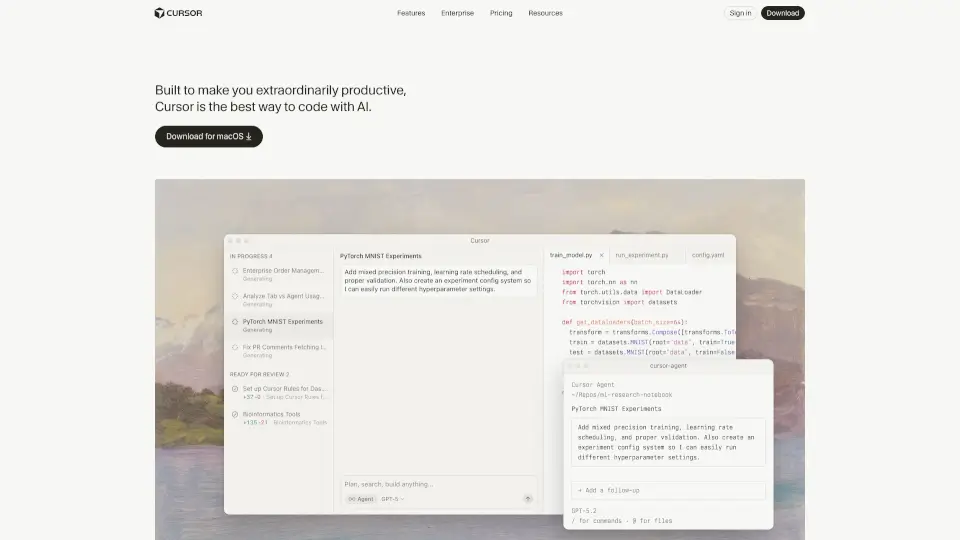
Cursor - The AI-first Code Editor

Cursor is the ultimate AI code editor that enhances your coding experience and productivity.

US
19.93%
|
22.3M
|
5.0
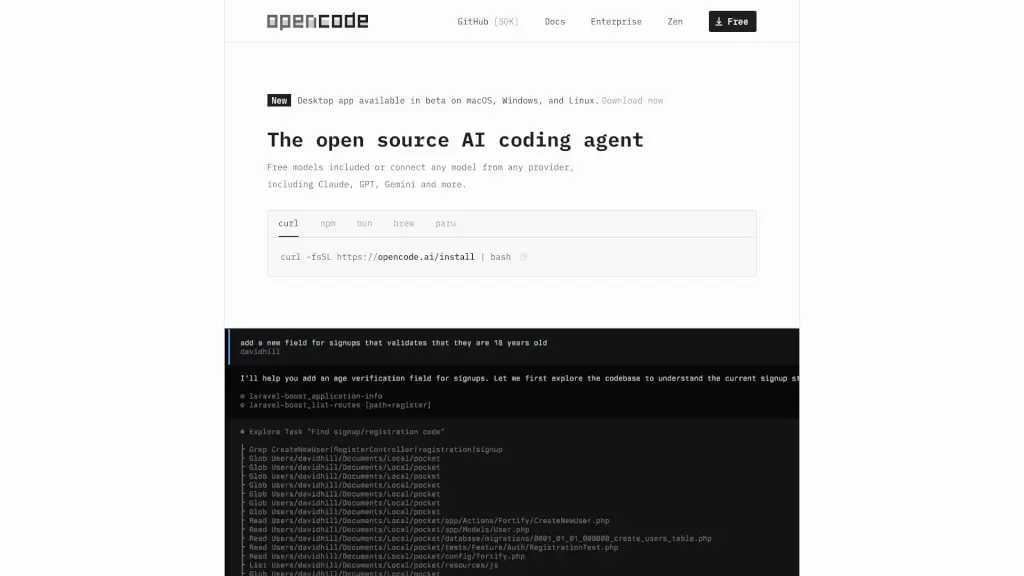
OpenCode

OpenCode is a free, open-source AI coding agent that supports LSP, multi-sessions, and integrates with over 75 LLM providers, making coding more efficient and collaborative.

CN
24.31%
|
10.9M
|
5.0
Claude Code

Claude Code is an AI-powered coding assistant that integrates seamlessly with your terminal, IDE, and other tools, making coding, debugging, and refactoring faster and more efficient.

US
22.56%
|
13.8M
|
5.0
Wave

Wave is the ultimate AI note-taker for effortless recording, transcription, and summarization of audio content. Perfect for meetings, calls, and more.

US
30.02%
|
233.8K
|
5.0
WebWave

WebWave is an AI-powered website builder that makes creating professional websites quick, easy, and affordable. Perfect for businesses, bloggers, and freelancers.

IN
12.71%
|
179.6K
|
5.0
Wave Terminal Related Other Categories

Wave Terminal Traffic Analysis

💡 Insights

🌱
Emerging Tool
10K-100K monthly visits. Niche or new tool with potential unique value.
📉
Traffic Decline
Significant traffic drop recently. Check for alternatives.
👍
Good Experience
Bounce rate of 45%. Users are willing to explore features.
🌐
Global Reach
Balanced user distribution worldwide.
  • Monthly Visits

    98.61K

  • Bounce Rate

    45.40%

  • Pages Per Visit

    1.97

  • Visit Duration

    00:00:49

  • Global Rank

    405044

  • Country Rank

    331947

Visits Over Time

Traffic Sources

SearchOrganic48.73%
Direct28.78%
Referrals16.78%
SocialOrganic2.83%
GenAi2.19%
Mail0.42%
DisplayAds0.27%
SearchPaid0.00%
SocialPaid0.00%
Affiliate0.00%

Top Keywords

1
wave terminal
CPC$3.58
18.43KTraffic
2
waveterm
CPC$3.85
940Traffic
3
wave终端设置默认powershell
390Traffic
4
wave
CPC$1.06
380Traffic
5
waveterminal
380Traffic

Top Regions

RegionPercentage
United States
United States
18.27%
Brazil
Brazil
16.81%
South Korea
South Korea
13.67%
China
China
11.18%
Russia
Russia
3.47%
Low
High

Wave Terminal FAQ

Is Wave Terminal really open source?

Do I need to create an account to use Wave?

Can I edit remote files with Wave?

What file types can I preview inline?

Does Wave support WSL on Windows?

Can I build and share my own dashboards?

Is there an inline web browser?

Wave Terminal Reviews

0

0

0 Reviews
Sign Into leave a review

Recent Reviews

No reviews yet

Wave Terminal Embed

Use website badges to drive community support for SeekTool.ai. They are easy to embed in your homepage or footer.

Light
Dark
Wave Terminal - Featured on SeekTool.aiWave Terminal - Featured on SeekTool.ai
How to install?

Looking for Wave Terminal Alternatives?

Compare top AI tools similar to Wave Terminal. Find the best option for your needs.

View Alternatives

Reviews

0.0

Share your experience with this tool...

Trending

Featured

Subscribe to our AI Newsletter

Get the top AI stories delivered to your inbox weekly.