
What is Warp AI?
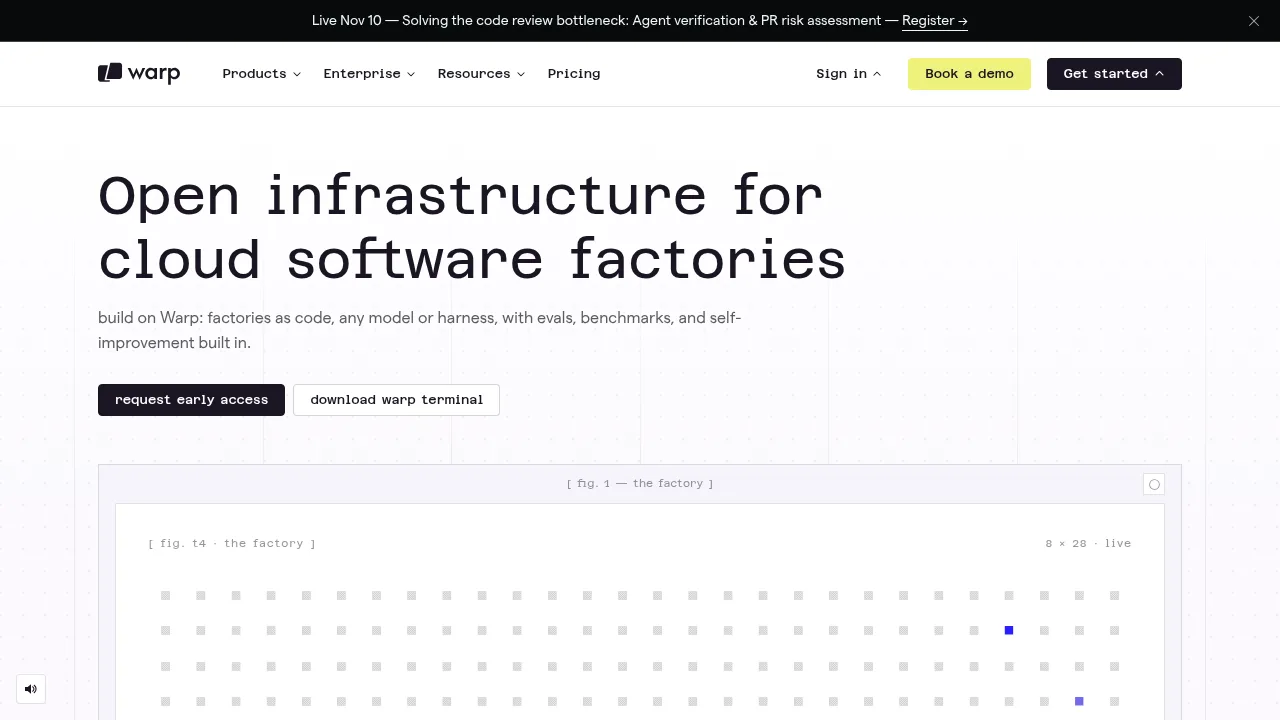
Warp AI provides open infrastructure for building cloud software factories that automate the entire software development lifecycle. It enables teams to define agent workflows, models, and permissions as code, coordinating tasks from issue creation through to a mergeable pull request. Access is provided via web, terminal, or API, with options to use Warp's cloud or self-host within your own VPC.
What are the features of Warp AI?
- Factories-as-codeDefines repositories, agents, models, secrets, and integrations in a
factory.yamlfile, allowing versioned configuration of the automation pipeline. - Agent orchestrationUses a "Foreman" agent to route work to specialized agents for triage, implementation, code review, and prototyping based on triggers like Slack messages or issues.
- Model benchmarkingCompares frontier and open-weight models by replaying team conversations to identify cost-effective configurations for specific engineering tasks.
- Self-improvement loopsObserver agents score completed runs and can open pull requests against the factory configuration to tune prompts and catch regressions automatically.
- Computer-use verificationAgents capture screenshots or videos during execution so humans can verify the work output before shipping a pull request.
- Flexible integrationConnects to existing tools such as Slack, Linear, Jira, GitHub, and GitLab for input, and supports any MCP-capable coding agent or model harness.
What are the use cases of Warp AI?
- Dependency managementTeams start by automating low-risk workflows like dependency bumps or flaky test triage to reduce manual overhead.
- Code review assistanceFactories handle initial triage and implementation steps, producing mergeable PRs that are then reviewed by human engineers.
- Onboarding accelerationOrganizations use shared source-of-truth terminals and automated workflows to streamline repetitive setup tasks for new engineers.
How to use Warp AI?
- Define the factoryCreate a
factory.yamlfile specifying repositories, credentials, integrations (e.g., Slack, Linear), and agent defaults. - Configure runnersSet up compute environments for Mac, Windows, Linux, or self-hosted setups to execute agent tasks.
- Connect work sourcesLink the factory to existing ticketing or chat systems so issues or messages trigger agent workflows.
- Monitor and steerView live agent status, verify outputs via screenshots, and intervene locally using the Warp Terminal or IDE if needed.
- Review improvementsInspect pull requests generated by observer agents that propose configuration changes based on run scores and benchmarks.
Warp AI Pricing Information:
- Usage-based pricingCosts are determined per agent run; no fixed subscription tiers or free plans are explicitly detailed in the source text.