
What is Vimeo?
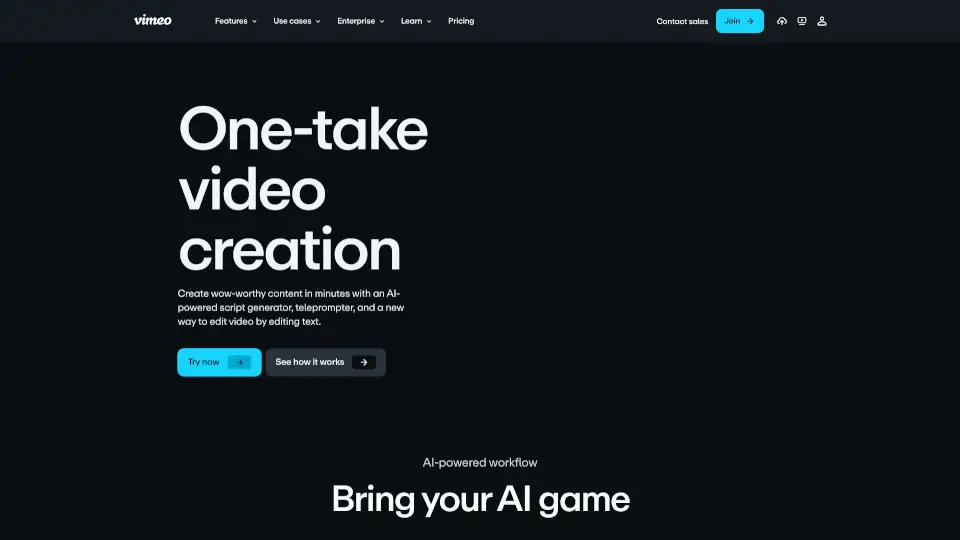
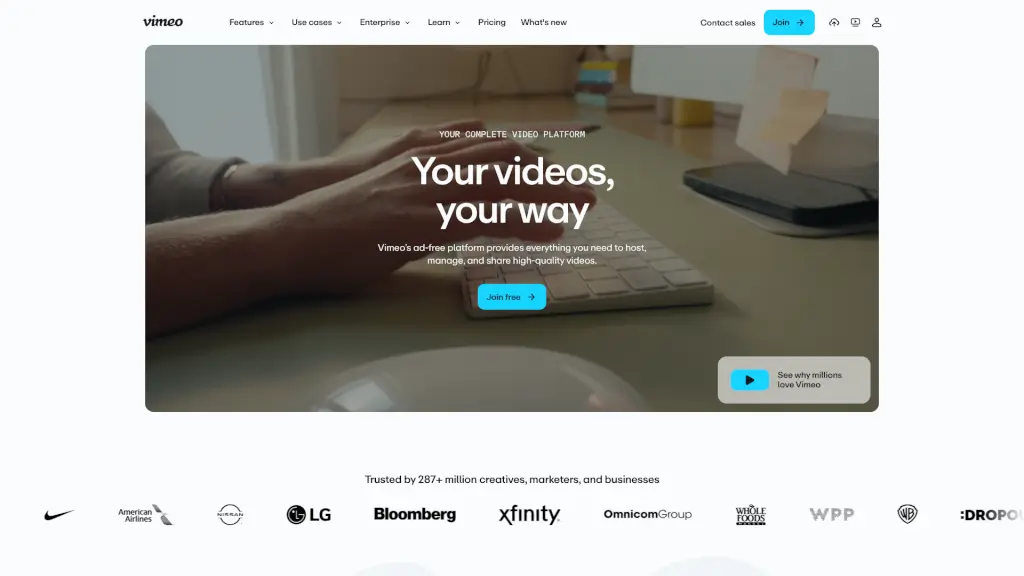
Vimeo is an all-in-one video platform trusted by over 287 million creatives, entrepreneurs, and businesses worldwide. Unlike ad-cluttered alternatives, Vimeo offers a clean, professional environment where your videos stay front and center—no distractions, no random recommendations. Whether you're filming a short film, hosting a webinar, or launching a subscription service, Vimeo gives you full control over quality, privacy, and distribution.
From seamless uploading to AI-powered editing and global monetization, Vimeo combines powerful tools with simplicity. It’s built for everyone—from solo creators to enterprise teams—who want to create, manage, share, and even sell high-quality video content without compromising on security or performance.
What are the features of Vimeo?
- Ad-Free HD Hosting: Host videos in crisp, high-definition with zero ads or competitor suggestions—just your content, exactly as intended.
- Customizable Video Player: Embed your videos anywhere with a sleek, brandable player that matches your website or app.
- In-Browser Video Editor: Trim, cut, and rearrange footage directly in your browser—no software download needed.
- AI-Powered Translation: Instantly translate audio and captions into dozens of languages to reach global audiences faster and cheaper.
- Live Streaming & Webinars: Broadcast live events, host webinars (live or pre-recorded), and engage viewers in real time with reliable, high-quality streams.
- Video Monetization Tools: Sell individual videos via Vimeo On Demand or launch your own subscription streaming service with Vimeo Streaming.
- Secure Collaboration: Share private links, collect time-coded feedback, and manage version history—all within a secure, organized library.
- Advanced Analytics: Track viewer engagement, watch time, and drop-off points to understand what resonates with your audience.
What are the use cases of Vimeo?
- A filmmaker showcases their portfolio to clients using password-protected, ad-free videos and collects precise feedback through time-stamped comments.
- A marketing team embeds branded product demos on their website using Vimeo’s customizable player to boost conversions without third-party distractions.
- An L&D leader creates multilingual training videos with AI translation and shares them securely across global teams via single sign-on (SSO).
- A small business owner launches a paid video course using Vimeo On Demand, handling payments and access control in one place.
- A tech company hosts quarterly investor webinars with live Q&A, recording sessions automatically for on-demand replay.
- Educators use the in-browser editor to quickly trim lecture recordings and add auto-generated captions for accessibility.
- Enterprise organizations centralize internal communications with Vimeo Central, enforcing strict privacy controls and compliance (GDPR, HIPAA, SOC 2).
How to use Vimeo?
- Sign up for free at vimeo.com to start uploading videos instantly—no credit card required.
- Use the Record tool to capture screen or webcam footage directly in your browser and share it with one click.
- Edit videos by modifying the transcript: delete words to cut clips, reorder sentences to rearrange scenes—like editing a document.
- Enable AI translation after upload to generate captions and voiceovers in multiple languages within minutes.
- Set privacy settings (password protection, domain restriction, or private links) before sharing to keep content secure.
- Embed your video on websites or social media using the customizable player—adjust colors, logos, and playback controls to match your brand.