
Videobolt logo

Videobolt

5.0
(0 Reviews)
United States23.00%

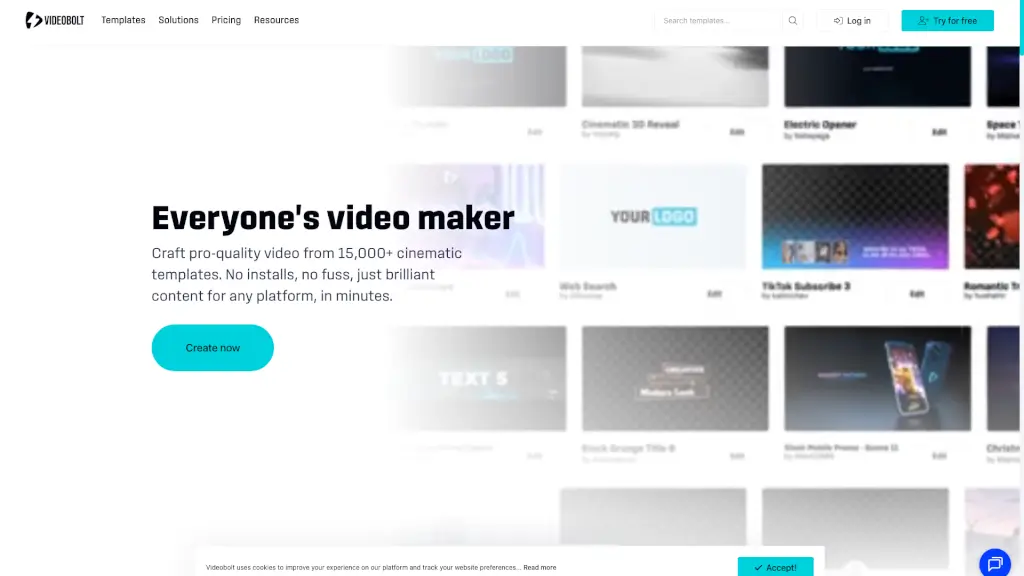
Videobolt.net is your all-in-one online video maker, offering 15,000+ templates to create stunning videos in minutes, no technical skills required.

Verified by SeekTool
Social Media:
Videobolt

Videobolt Product Information

What is Videobolt?

Videobolt.net is your go-to online video maker, perfect for anyone looking to create high-quality videos without the hassle. Whether you're a YouTuber, a small business owner, or a marketer, Videobolt has everything you need to make standout videos in minutes. With over 15,000 professionally designed templates, you can craft intros, slideshows, music visualizers, and more, all from your browser. No need to worry about complex software or steep learning curves—just pick a template, customize it, and export your video in HD or 4K. It's that simple!

What are the features of Videobolt?

  • 15,000+ Pro Video Templates: Choose from a vast library of templates covering every style, from 3D and glitch to minimalism and energy.
  • Total Asset Control: Keep your media, brand kit, and audio organized and easily accessible with Videobolt's Asset Library.
  • No Technical Skills Required: Even if you're a total beginner, Videobolt's intuitive editor makes it easy to drag, drop, and customize your videos.
  • Customizable Templates: Swap logos, change colors, edit text, add audio, and tweak effects to make each video uniquely yours.
  • High-Quality Exports: Export your videos in Full HD, 4K, and ProRes, ready for social media, web, YouTube, and more.

What are the use cases of Videobolt?

  • YouTube Creators: Level up your channel with custom video intros, outros, and music visualizers to grow your subscribers and keep your visuals fresh.
  • Marketing Teams: Quickly produce branded video ads, product launches, and promos that are on time and on message.
  • Musicians & DJs: Transform your tracks into dynamic music visualizers or lyric videos to grab some viral attention.
  • Small Businesses: Create slick video marketing content for social media or your website without breaking the bank.
  • Freelancers: Offer high-end video services to your clients, delivering animated intros, event recaps, and logo reveals with ease.
  • Event Organizers: Turn your event clips into professional highlight reels or teasers in just minutes.

How to use Videobolt?

  • Pick a Template: Browse Videobolt's massive library and choose a template that fits your style and needs.
  • Customize Fast: Drop in your logo, swap out text, change colors, and add your own media and audio.
  • Export & Share: Hit export, download your video in HD or 4K, and share it directly to social media or upload it to YouTube.

Do you like this tool?

Upvote to help others discover it!

Videobolt Alternatives

Videoleap

Videoleap

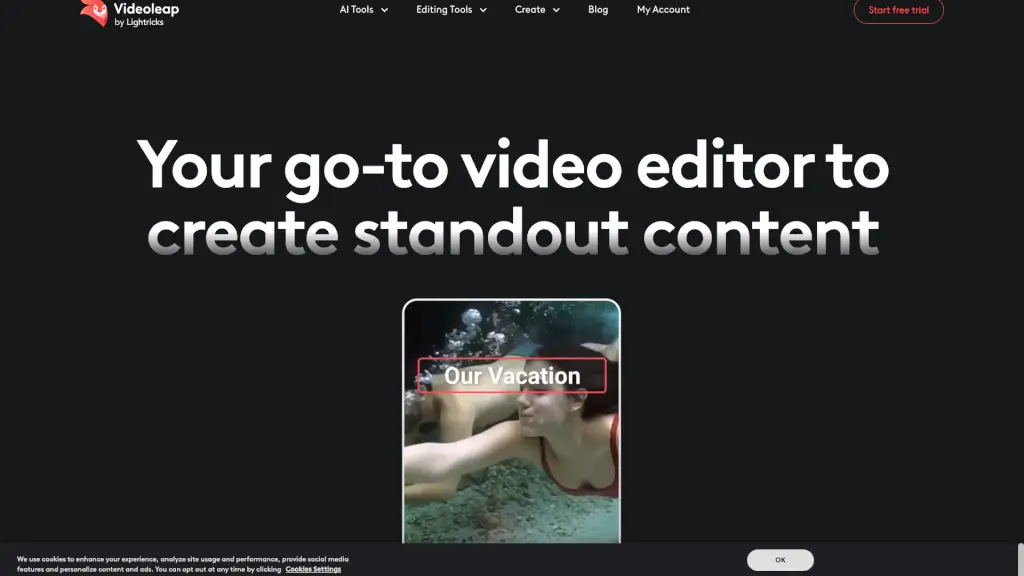
Videoleap is an easy video editor and maker packed with AI tools, templates, and pro features to help anyone create standout social media videos fast.

US
18.21%
92.2K
5.0
Videotok

Videotok

Videotok is the ultimate AI video tool for creators and businesses. From faceless content to high-conversion ads, it’s fast, affordable, and packed with features.

US
16.95%
113.4K
5.0
Mootion

Mootion

Mootion is an AI-driven content creation platform that turns your ideas into engaging visual stories, perfect for social media, education, and marketing.

MX
6.83%
296.5K
5.0
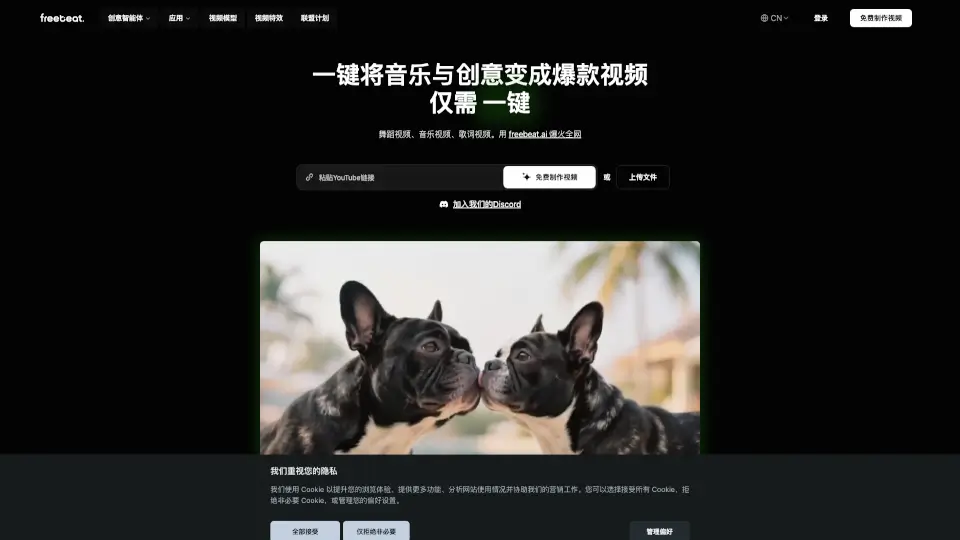
freebeat AI

freebeat AI

freebeat AI Music Video Generator lets anyone create viral-ready dance, lyric, or music videos in one click—no skills needed.

US
24.96%
806.8K
5.0
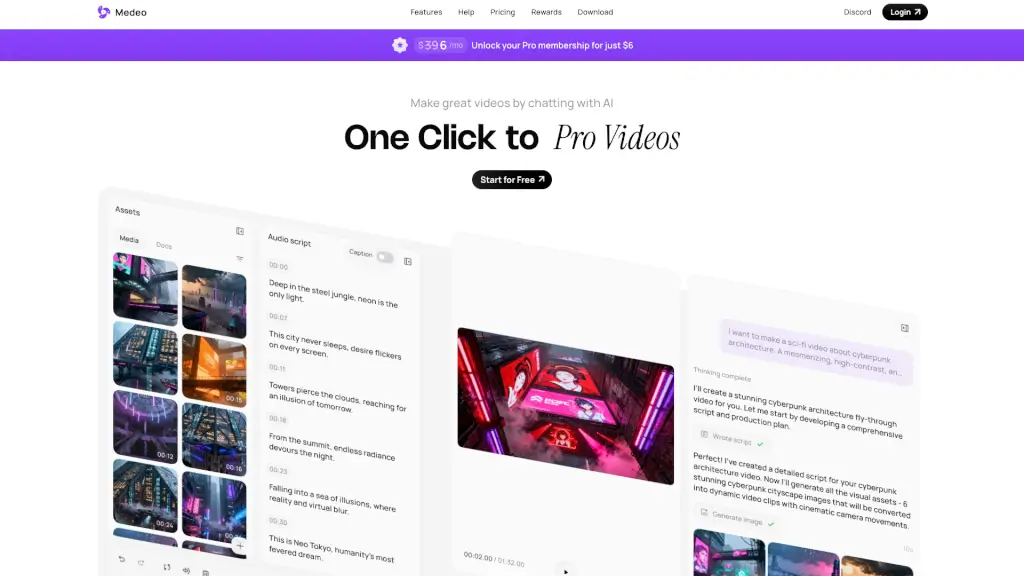
Medeo

Medeo

Medeo is an AI video generator that turns your ideas into professional videos with just a few chats, making video creation easy and accessible for everyone.

US
17.66%
236.2K
5.0
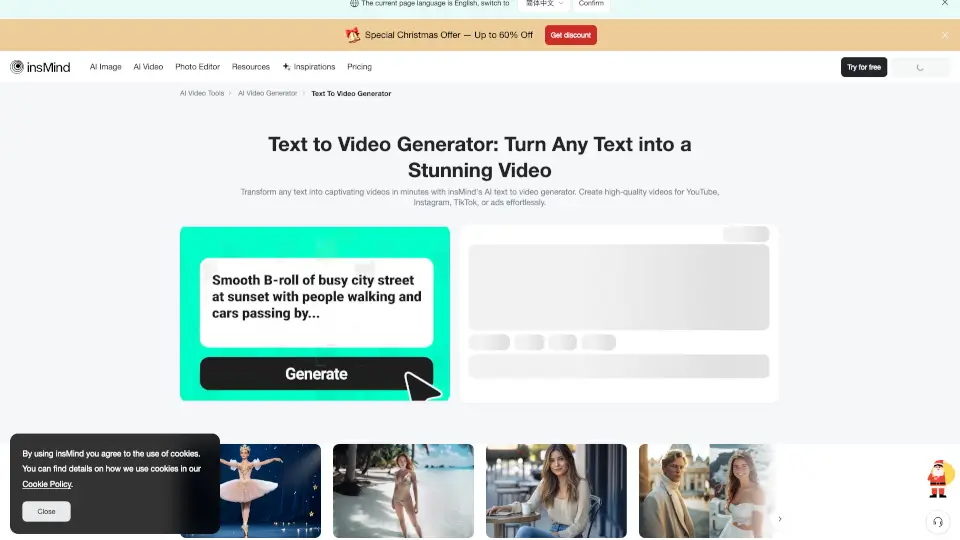
insMind Text to Video Generator

insMind Text to Video Generator

Turn any text into stunning videos instantly with insMind’s free AI text-to-video generator. No editing skills needed—just type, generate, and share.

RU
15.43%
674.4K
5.0
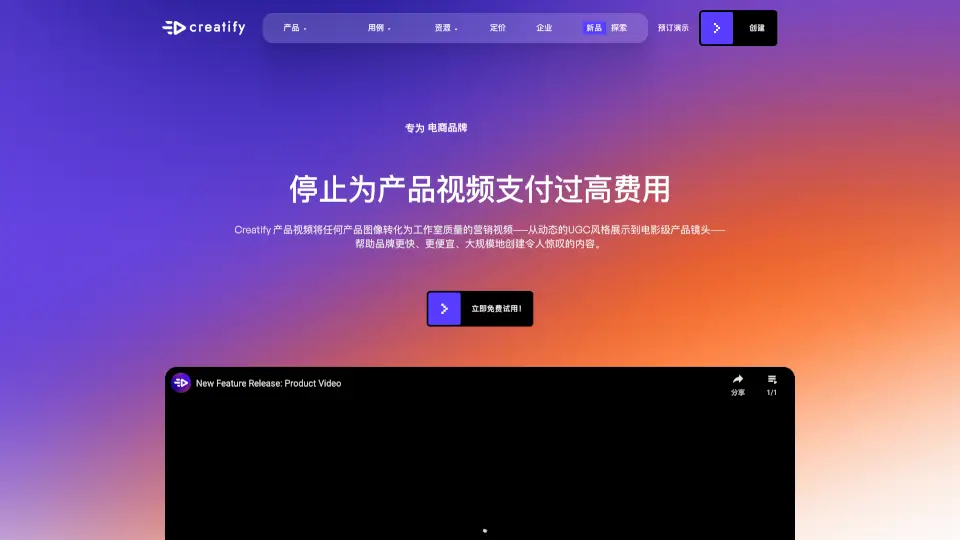
Creatify AI Product Video Generator

Creatify AI Product Video Generator

Creatify’s AI turns product images into pro videos fast & cheap, perfect for e-commerce and ads.

US
19.85%
823.4K
5.0
VideoTube

VideoTube

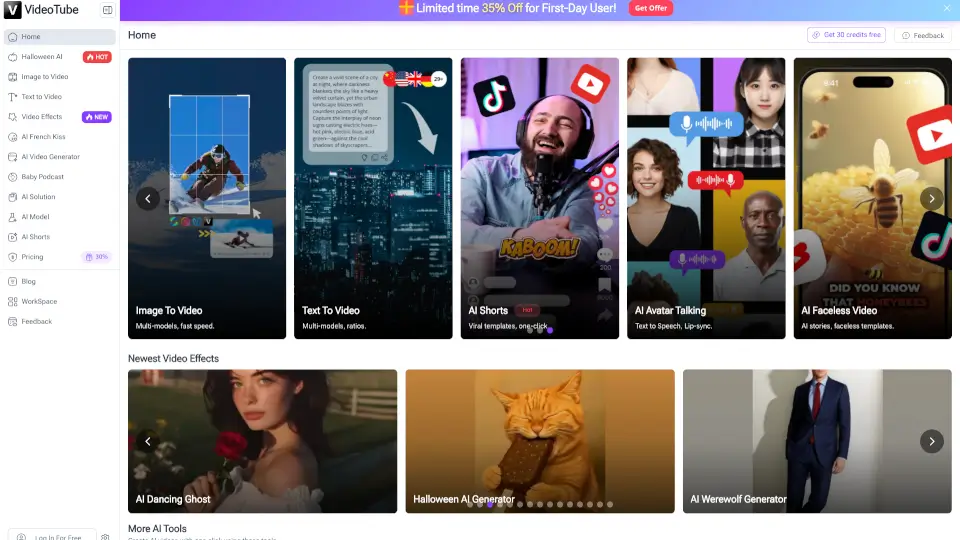
VideoTube is the easiest way to create AI-powered videos for YouTube, TikTok, or business. No skills needed—just creativity!

US
45.49%
11.2K
4.0

Videobolt Related Other Categories

Videobolt Traffic Analysis

💡 Insights

Medium Scale
100K-1M monthly visits. Growing tool with active development.
➡️
Stable
Traffic remains stable, indicating a mature product.
💎
High Stickiness
Low bounce rate (36%) and deep engagement (4.9 pages/visit). Excellent user experience.
  • Monthly Visits

    942.04K

  • Bounce Rate

    35.51%

  • Pages Per Visit

    4.87

  • Visit Duration

    00:03:40

  • Global Rank

    47460

  • Country Rank

    46936

Visits Over Time

Traffic Sources

Search Organic49.80%
Direct29.72%
Search Paid9.15%
Social Organic5.89%
Referrals3.14%
Gen Ai0.79%
Mail0.76%
Display Ads0.67%
Social Paid0.09%
Affiliate0.00%

Top Keywords

1
reverse video
CPC$1.10
9.89KTraffic
2
videobolt
CPC$3.43
5.88KTraffic
3
rotate video
CPC$0.77
4.02KTraffic
4
compress video
CPC$0.16
3.31KTraffic
5
merge videos
CPC$0.33
2.73KTraffic

Top Regions

RegionPercentage
United States
United States
23.00%
India
India
10.90%
Germany
Germany
7.90%
United Kingdom
United Kingdom
2.88%
Brazil
Brazil
2.79%
Low
High

Powered by SimilarWeb

Videobolt FAQ

How do I create a video online?

Just pick a Videobolt template, customize your text and visuals, then export. Everything happens right in your browser, no software installs or editing skills needed.

Can I use video templates in professional projects?

Definitely. Videobolt's high-quality templates are made by industry pros, and you can export broadcast-ready videos for commercial, web, or big-screen use.

Do I need design skills to make a video?

Nope! Videobolt is made for everyone. The editor is as easy as filling out a form, so anyone can make pro-level videos, even total beginners.

How long does making a video take?

With Videobolt, most users finish a custom video in under 10 minutes, thanks to ready-made templates and fast online rendering.

How customizable are the video designs?

Videobolt templates are fully customizable. You can swap logos, change colors, edit text, add audio, and tweak effects to get the look you want.

What file formats can I export my video in?

Videobolt lets you export video in Full HD, 4K, and ProRes. These files work for social media, web, YouTube, and more.

Is the music in videos royalty-free?

Yes. All music, effects, and assets included in Videobolt templates are royalty-free. You can use your finished video anywhere without worrying about licenses.

How do I keep my brand consistent across videos?

Use Videobolt's Brand Kit and Asset Library to save your logo, fonts, and colors, then apply them to every video in a couple of clicks.

Videobolt Reviews

0

0

0 Reviews
Sign Into leave a review

Recent Reviews

No reviews yet

Videobolt Embed

Use website badges to drive community support for SeekTool.ai. They are easy to embed in your homepage or footer.

Light
Dark
Videobolt - Featured on SeekTool.aiVideobolt - Featured on SeekTool.ai
How to install?

Category Rankings

Ranked by monthly traffic