
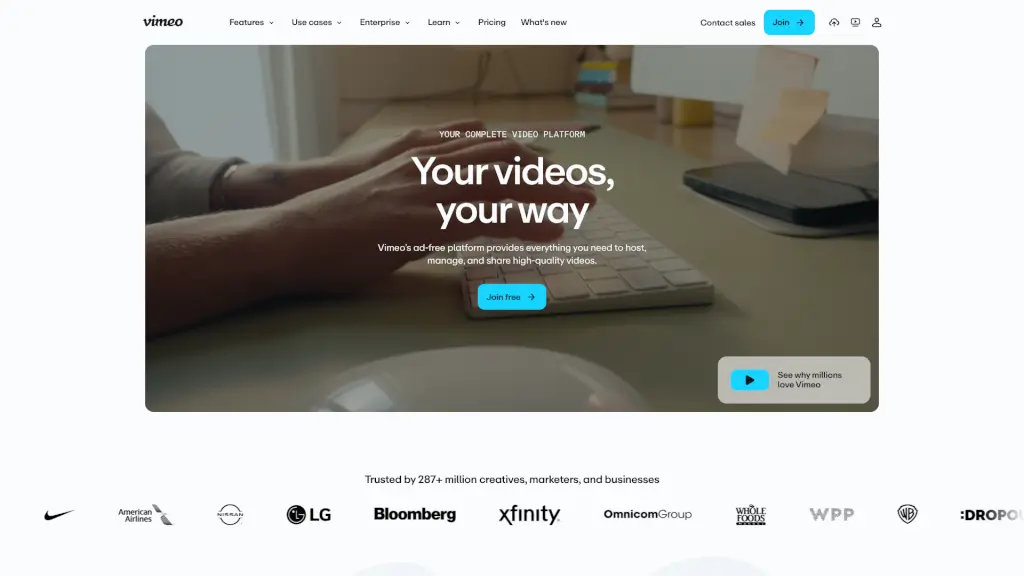
Vimeo is a professional, ad-free all-in-one video platform for creating, hosting, sharing, and monetizing high-quality videos with powerful AI tools and enterprise-grade security.

Social Media:
Vimeo

Vimeo Product Information

What is Vimeo?

Vimeo is an all-in-one video platform trusted by over 287 million creatives, entrepreneurs, and businesses worldwide. Unlike ad-cluttered alternatives, Vimeo offers a clean, professional environment where your videos stay front and center—no distractions, no random recommendations. Whether you're filming a short film, hosting a webinar, or launching a subscription service, Vimeo gives you full control over quality, privacy, and distribution.

From seamless uploading to AI-powered editing and global monetization, Vimeo combines powerful tools with simplicity. It’s built for everyone—from solo creators to enterprise teams—who want to create, manage, share, and even sell high-quality video content without compromising on security or performance.

What are the features of Vimeo?

  • Ad-Free HD Hosting
    Host videos in crisp, high-definition with zero ads or competitor suggestions—just your content, exactly as intended.
  • Customizable Video Player
    Embed your videos anywhere with a sleek, brandable player that matches your website or app.
  • In-Browser Video Editor
    Trim, cut, and rearrange footage directly in your browser—no software download needed.
  • AI-Powered Translation
    Instantly translate audio and captions into dozens of languages to reach global audiences faster and cheaper.
  • Live Streaming & Webinars
    Broadcast live events, host webinars (live or pre-recorded), and engage viewers in real time with reliable, high-quality streams.
  • Video Monetization Tools
    Sell individual videos via Vimeo On Demand or launch your own subscription streaming service with Vimeo Streaming.
  • Secure Collaboration
    Share private links, collect time-coded feedback, and manage version history—all within a secure, organized library.
  • Advanced Analytics
    Track viewer engagement, watch time, and drop-off points to understand what resonates with your audience.

What are the use cases of Vimeo?

  • A filmmaker showcases their portfolio to clients using password-protected, ad-free videos and collects precise feedback through time-stamped comments.
  • A marketing team embeds branded product demos on their website using Vimeo’s customizable player to boost conversions without third-party distractions.
  • An L&D leader creates multilingual training videos with AI translation and shares them securely across global teams via single sign-on (SSO).
  • A small business owner launches a paid video course using Vimeo On Demand, handling payments and access control in one place.
  • A tech company hosts quarterly investor webinars with live Q&A, recording sessions automatically for on-demand replay.
  • Educators use the in-browser editor to quickly trim lecture recordings and add auto-generated captions for accessibility.
  • Enterprise organizations centralize internal communications with Vimeo Central, enforcing strict privacy controls and compliance (GDPR, HIPAA, SOC 2).

How to use Vimeo?

  • Sign up for free
    at vimeo.com to start uploading videos instantly—no credit card required.
  • Use the Record tool to capture screen or webcam footage directly in your browser and share it with one click.
  • Edit videos by modifying the transcript: delete words to cut clips, reorder sentences to rearrange scenes—like editing a document.
  • Enable AI translation after upload to generate captions and voiceovers in multiple languages within minutes.
  • Set privacy settings (password protection, domain restriction, or private links) before sharing to keep content secure.
  • Embed your video on websites or social media using the customizable player—adjust colors, logos, and playback controls to match your brand.

Do you like this tool?

Upvote to help others discover it!

Vimeo Alternatives

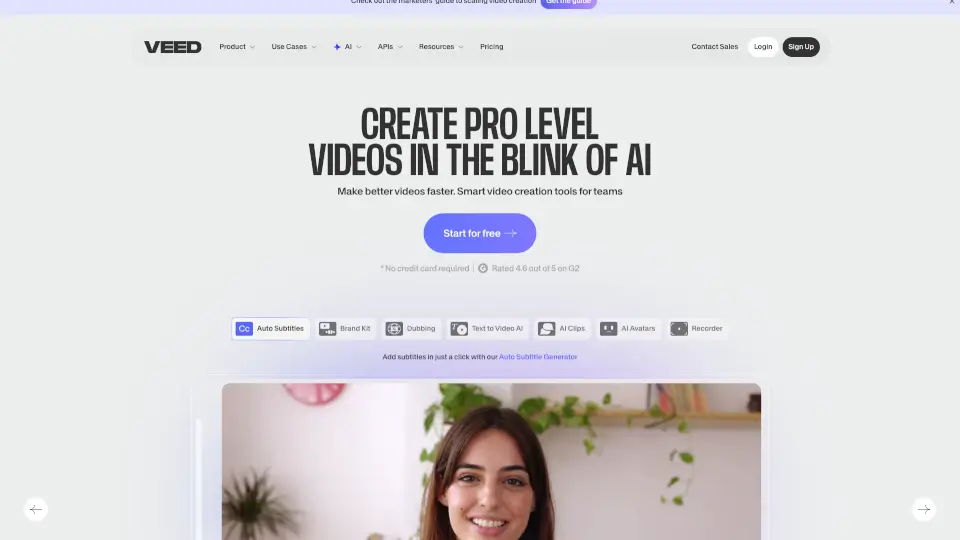
Veed.io

Veed.io

VEED is an all-in-one AI video creation platform that turns ideas into branded, engaging videos with auto-subtitles, dubbing, and editing—perfect for marketers and solopreneurs.

IN
15.02%
7.9M
0
Synthesia

Synthesia

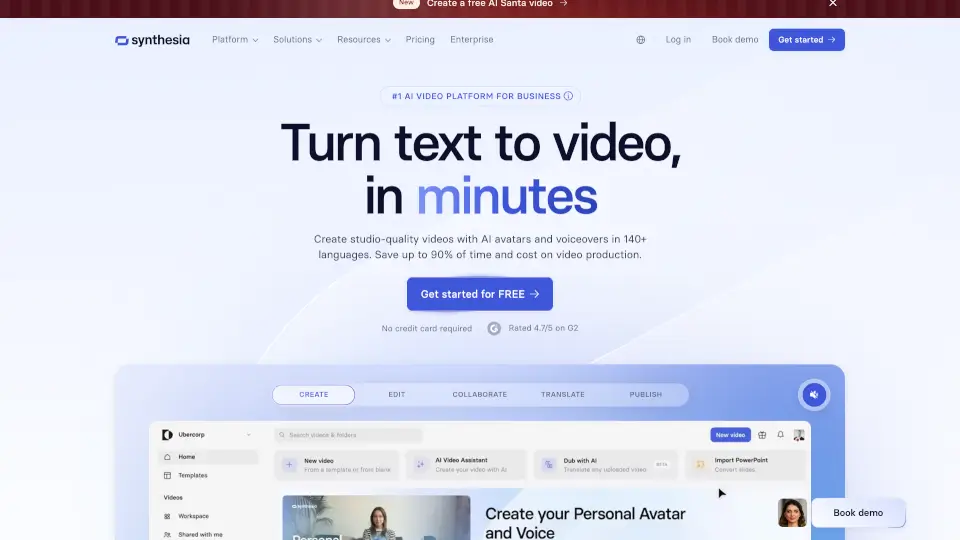
Synthesia is the #1 AI video platform for businesses, enabling the creation of professional videos in minutes with AI avatars and voiceovers in 160+ languages.

US
23.93%
1.7M
0
Translate.video

Translate.video

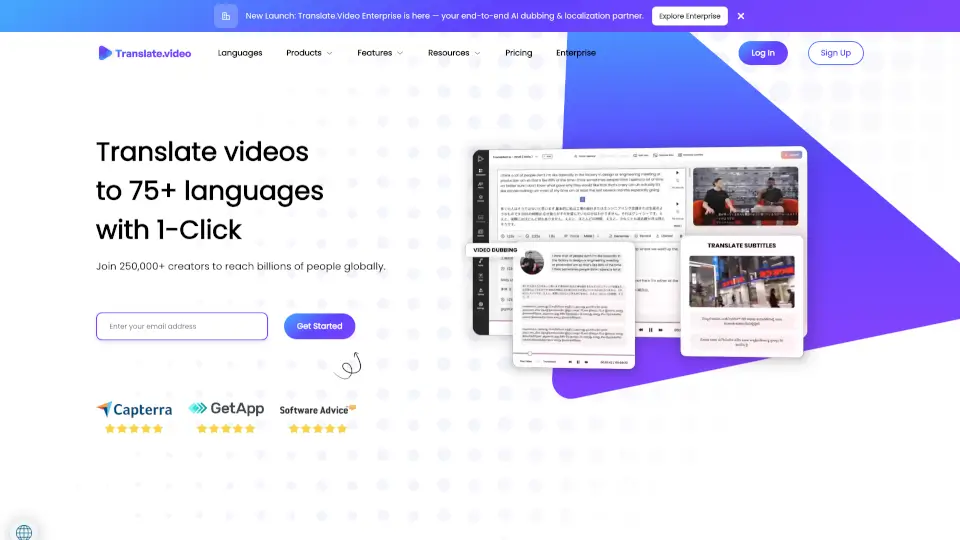
Translate.Video uses AI to instantly dub, subtitle, and translate videos into 75+ languages with studio-quality results—all in one app.

US
27.48%
23.1K
0
Diffusion Studio

Diffusion Studio

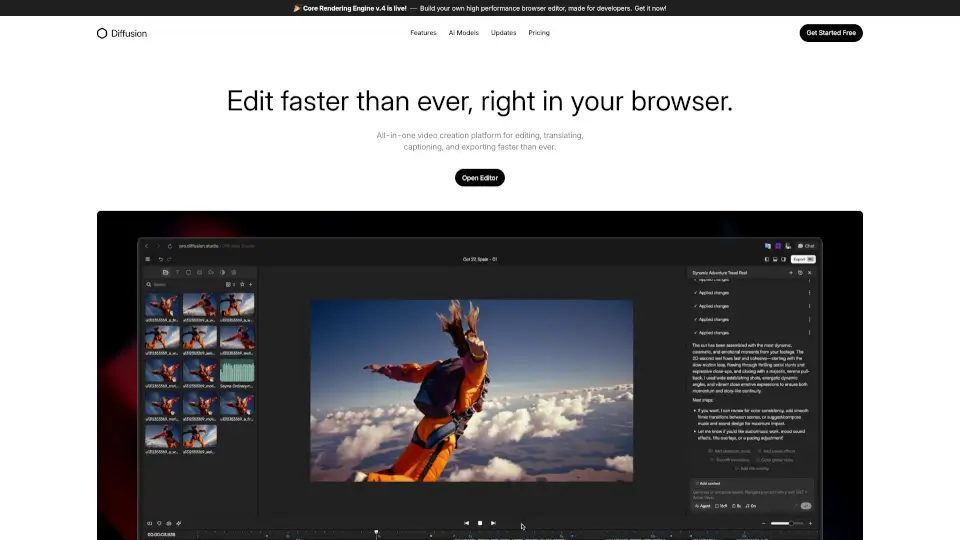
Diffusion Studio is an all-in-one online video editor that lets you create, edit, and export professional videos in your browser, with AI-assisted features and no installations required.

US
29.63%
55.6K
0
HitPaw Edimakor

HitPaw Edimakor

HitPaw Edimakor is an intuitive AI video editor that transforms ideas into professional-quality videos fast—perfect for creators, educators, and businesses.

US
19.94%
762.8K
0
Videobolt

Videobolt

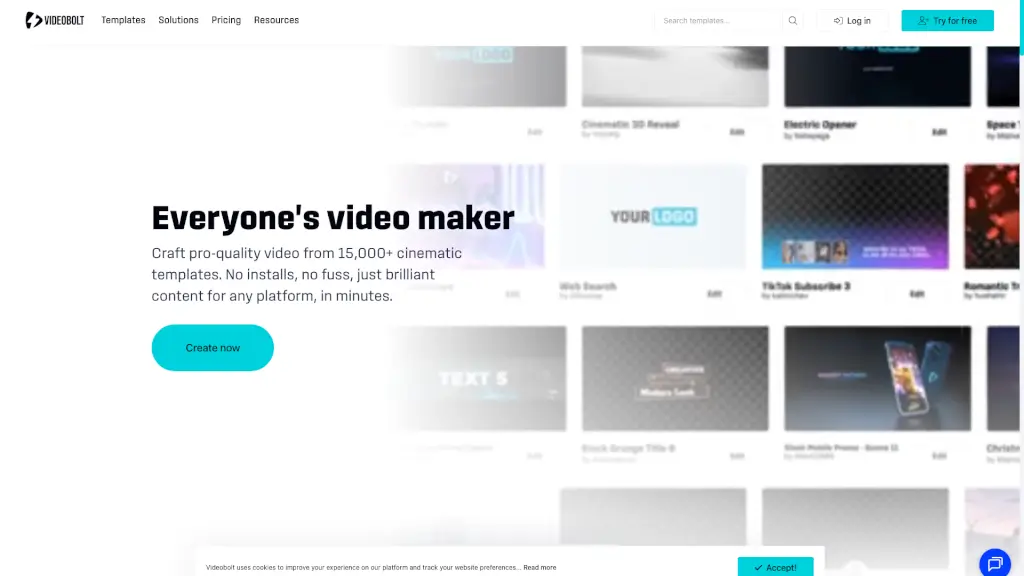
Videobolt.net is your all-in-one online video maker, offering 15,000+ templates to create stunning videos in minutes, no technical skills required.

US
23.64%
909.6K
0
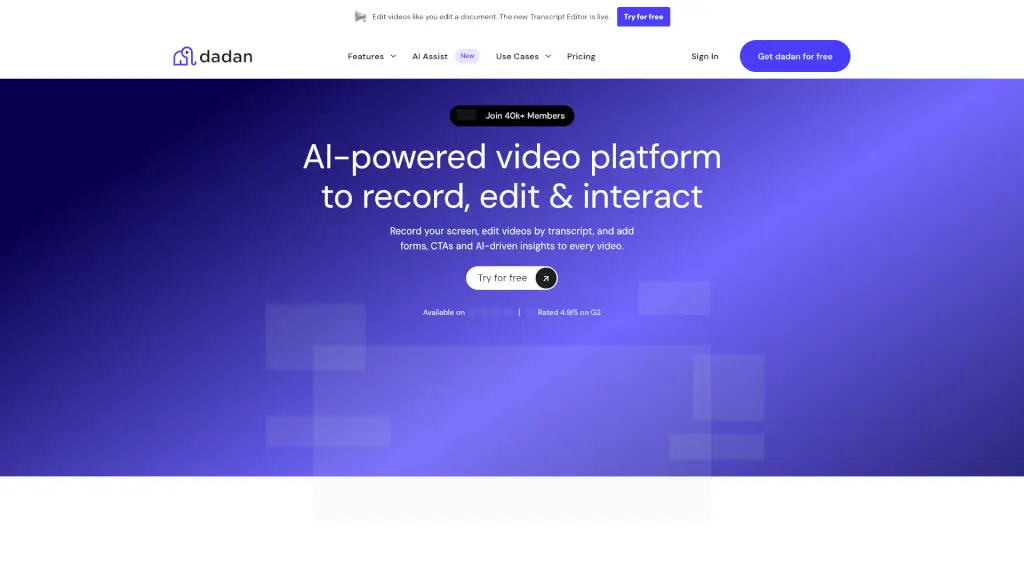
dadan.io

dadan.io

Dadan is an AI-powered video creation platform that makes it easy to record, edit, and share high-quality videos, perfect for education, remote teams, and content creators.

US
44.26%
73.7K
0
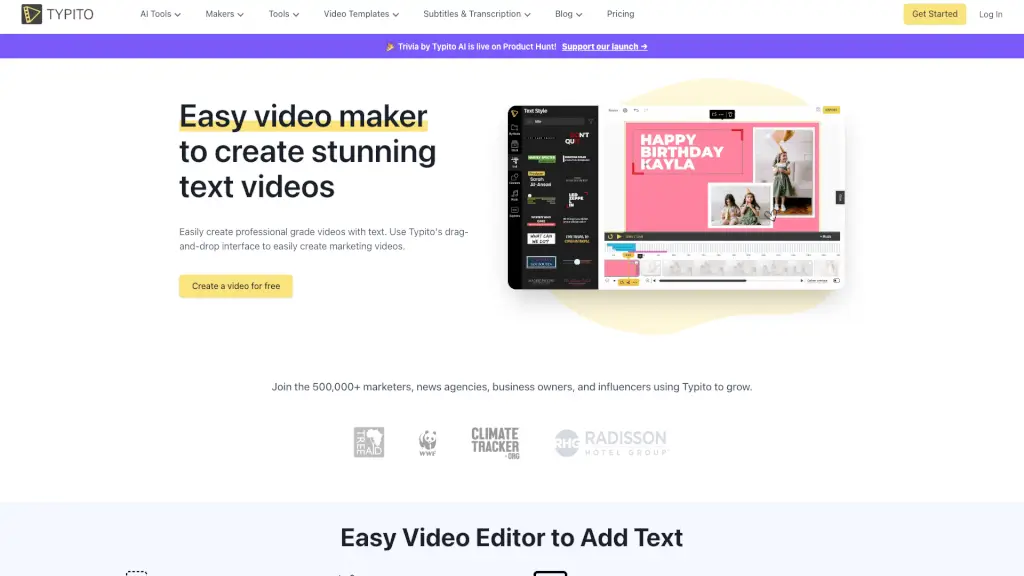
Typito

Typito

Typito is a user-friendly online video editor that makes it simple to create stunning text videos with a drag-and-drop interface, AI captions, and 500+ free templates.

US
15.42%
126.7K
0

Vimeo Related Other Categories

Vimeo Traffic Analysis

Website traffic estimates for vimeo.com. Visits are not unique users or product usage.

💡 Insights

🚀
Super High Traffic
Over 10M monthly visits. A market leader with extremely high user trust.
➡️
Stable
Traffic remains stable, indicating a mature product.
👍
Good Experience
Bounce rate of 54%. Users are willing to explore features.
🎯
Strong Brand
53% direct traffic. High user loyalty.
  • Monthly Visits

    53.24M

  • Bounce Rate

    53.75%

  • Pages Per Visit

    3.33

  • Visit Duration

    00:03:22

  • Global Rank

    845

  • Country Rank

    522

Visits Over Time

Traffic Sources

Direct53.41%
Search Organic19.62%
Referrals13.55%
Social Organic7.07%
Mail3.86%
Gen Ai0.84%
Social Paid0.67%
Display Ads0.58%
Search Paid0.30%
Affiliate0.11%

Top Keywords

1
vimeo
CPC$1.84
963.68KTraffic
2
moviesda
CPC$0.43
436.16KTraffic
3
movies da
CPC$0.43
19.89KTraffic
4
vimeo login
CPC$0.35
19.61KTraffic
5
video
CPC$0.30
17.55KTraffic

Top Regions

RegionPercentage
United States
United States
39.69%
United Kingdom
United Kingdom
5.78%
Japan
Japan
4.94%
Canada
Canada
3.99%
Australia
Australia
3.13%
Low
High

Powered by SimilarWeb

Vimeo FAQ

Is Vimeo really ad-free?

Yes! Vimeo doesn’t show ads before, during, or after your videos—ever. Your audience sees only your content, with no distractions or competitor suggestions.

Can I monetize my videos on Vimeo?

Absolutely. With Vimeo On Demand, you can sell individual videos or rent them. With Vimeo Streaming, you can build your own Netflix-style subscription service—complete with billing, user management, and analytics.

Does Vimeo support live streaming?

Yes. Vimeo offers professional-grade live streaming for webinars, virtual events, and broadcasts. You can stream live or upload pre-recorded videos as “simulated live” events.

How does Vimeo’s AI help with video editing?

Vimeo AI lets you edit by text—just change the transcript to cut or rearrange clips. It also auto-generates SEO-friendly titles, descriptions, chapters, and tags, plus translates audio and captions into dozens of languages.

Is Vimeo secure for business use?

Very. Vimeo meets top security standards including SOC 2 Type II, GDPR, HIPAA, and ISO 27001/27701. Features like password protection, domain restrictions, SSO, and AES-256 encryption keep your content safe.

Can I collaborate with team members on Vimeo?

Yes. Share private review links, collect time-coded comments, compare versions, and manage feedback—all inside Vimeo’s organized video library.

Do I need video editing experience to use Vimeo?

Not at all. The in-browser video maker and editor are designed for beginners—drag, drop, trim, and publish without any prior skills.

Vimeo Reviews

0
0 Reviews
Sign Into leave a review

Recent Reviews

No reviews yet

Vimeo Embed

Use website badges to drive community support for SeekTool.ai. They are easy to embed in your homepage or footer.

Light
Dark
Vimeo - Featured on SeekTool.aiVimeo - Featured on SeekTool.ai
How to install?