
What is Upkeep?
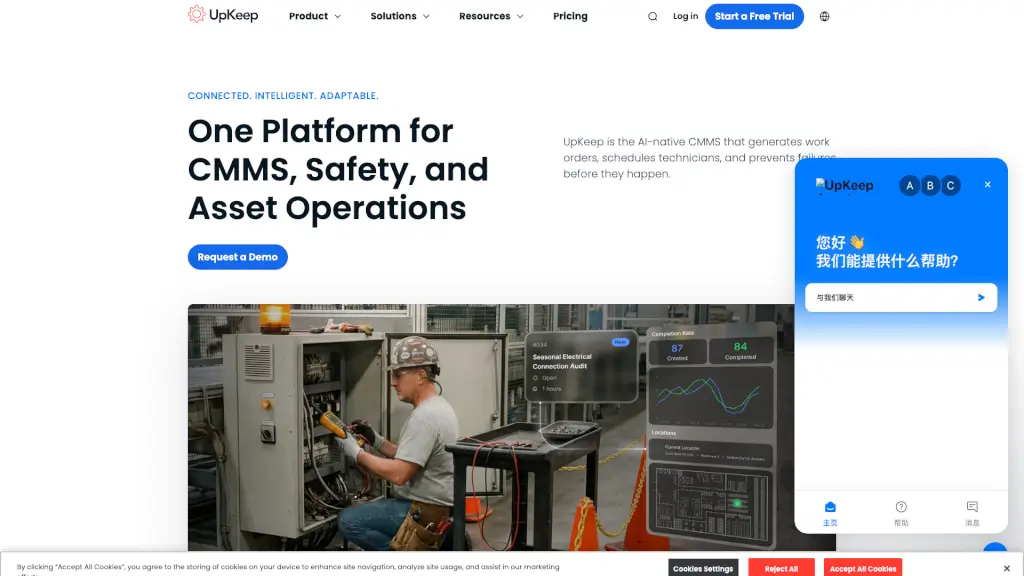
UpKeep is an AI-powered CMMS (Computerized Maintenance Management System) designed to help maintenance teams ditch paper logs and spreadsheets for good. Built with frontline technicians in mind, it lets you create work orders, track assets, schedule preventive maintenance, and manage safety tasks—all from your phone, tablet, or computer.
What sets UpKeep apart is its built-in AI assistant, Nova, which automates routine tasks like generating work orders from sensor data or turning safety reports into preventive actions. Whether you're a small shop running your first digital system or a multi-site enterprise managing thousands of assets, UpKeep scales with you—keeping everyone on the same page without adding complexity.
What are the features of Upkeep?
- AI Automation (Nova): Automatically creates work orders, optimizes technician schedules, and surfaces insights from asset data—reducing manual work and missed tasks.
- Mobile-First Work Orders: Create, update, and close work orders instantly from any device, even offline. Add photos, checklists, and real-time notes on the go.
- Preventive Maintenance Scheduling: Set up automated PMs based on time or actual equipment usage to reduce unexpected breakdowns and extend asset life.
- Unified Asset Operations Platform: Combines maintenance, safety, fleet, IoT sensors, and training in one system—so data isn’t siloed across tools.
- UpKeep Edge (IoT Integration): Plug-and-play wireless sensors monitor equipment 24/7 and auto-trigger work orders when conditions change—no wiring or data scientists needed.
- Safety & Compliance Tools: Report incidents via QR code or voice-to-text, auto-generate OSHA logs, and get AI-powered corrective actions to prevent repeat issues.
- No-Code Custom Apps (Studio): Build custom workflows or install ready-made apps without IT support—all using your existing UpKeep data and permissions.
What are the use cases of Upkeep?
- A restaurant chain uses UpKeep to cut equipment downtime by 50% by switching from paper logs to mobile work orders and automated PMs.
- Field technicians at a farming operation track harvesters and submit repairs from remote locations—even without Wi-Fi—thanks to offline mobile mode.
- A car wash company scales maintenance across 44+ locations by centralizing asset records, parts inventory, and service history in one platform.
- Facility managers automate safety incident follow-ups: a QR code scan turns a near-miss report into a preventive work order within minutes.
- Fleet managers connect telematics data to UpKeep to auto-schedule vehicle maintenance based on mileage or engine hours.
- Maintenance supervisors use Nova AI to predict failures before they happen by analyzing patterns across thousands of work orders and sensor readings.
How to use Upkeep?
- Start with a free trial—no credit card needed—and set up your first work order in under a minute using the mobile app.
- Attach QR codes to equipment so anyone can report issues instantly by scanning (no login required).
- Enable preventive maintenance schedules based on meter readings (like runtime hours) instead of just calendar dates for smarter upkeep.
- Use UpKeep Edge sensors on critical machines to get automatic alerts when vibration, temperature, or humidity hits warning levels.
- Build custom checklists in Studio for complex tasks like HVAC servicing or forklift inspections—then assign them to work orders with one click.
- Invite external vendors through the Service Provider Marketplace to quote, schedule, and complete work without leaving UpKeep.