What is TranscriptFetch?
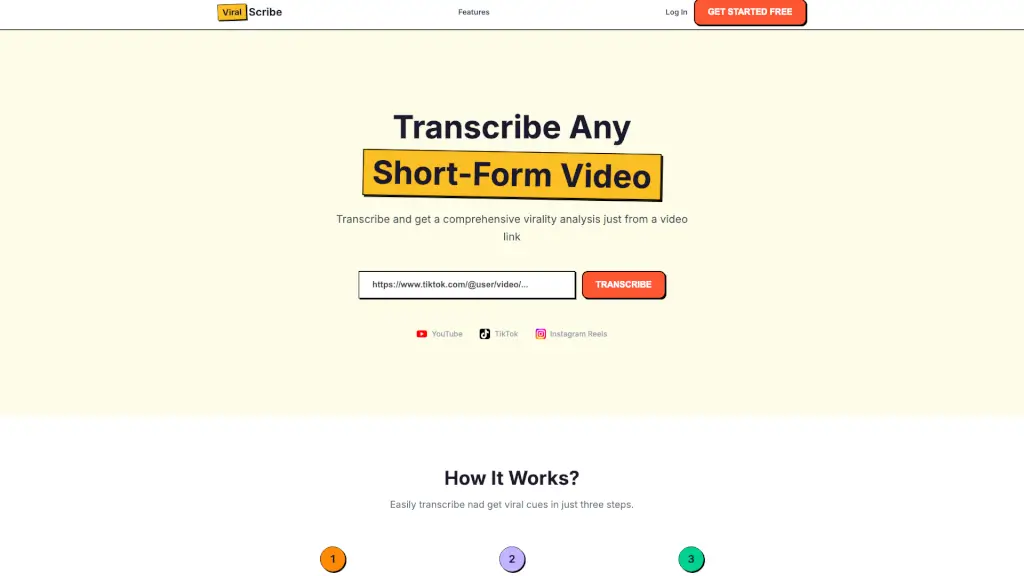
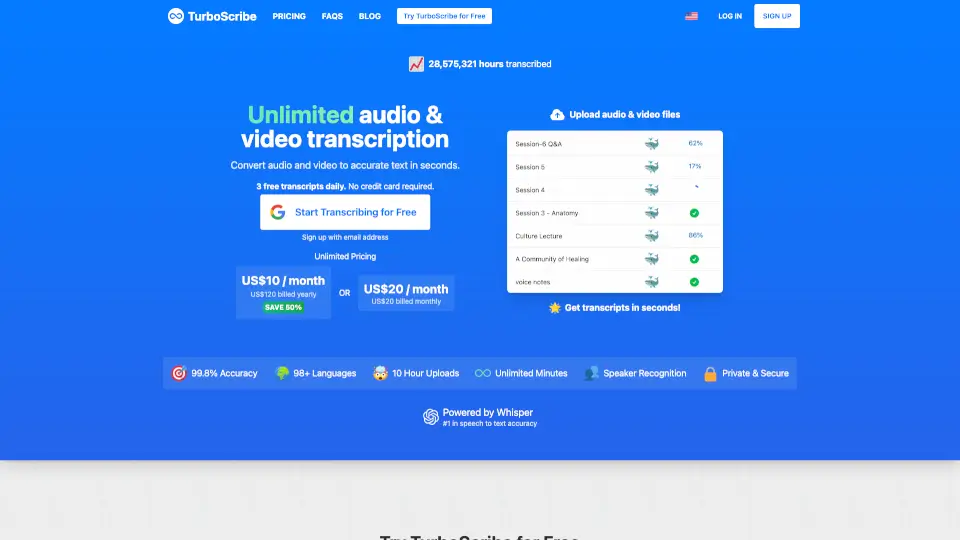
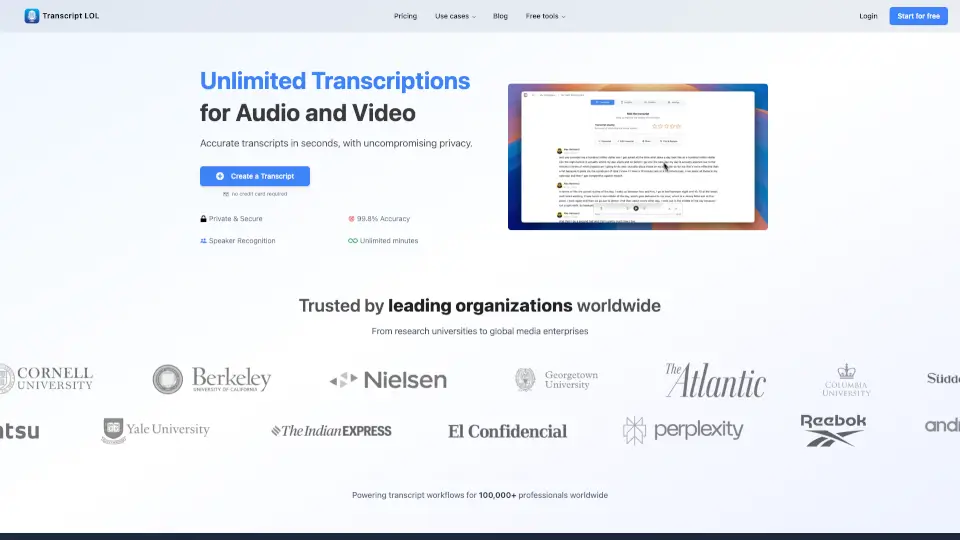
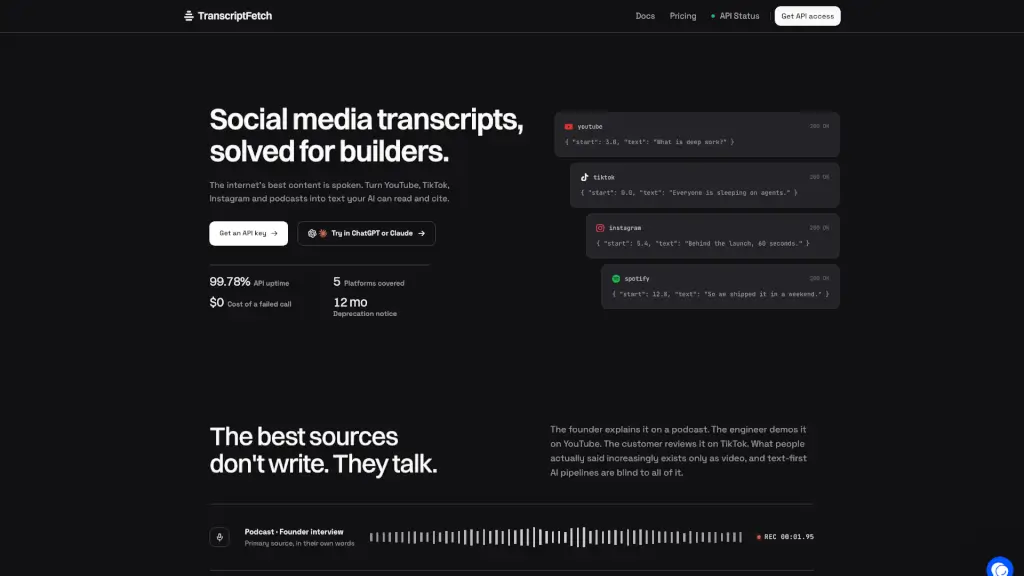
TranscriptFetch is a transcript API for AI pipelines that extracts timestamped text from YouTube, TikTok, Instagram, and podcasts. It fills a gap where valuable spoken content exists only as video, giving RAG systems and agents a reliable way to pull quotes. Developers can use it to feed transcripts into LLMs, knowledge bases, or automation tools without dealing with platform scrapers.
What are the features of TranscriptFetch?
- Multi-Platform Transcripts: Returns timestamped segments from YouTube, TikTok, Instagram, Spotify, Apple Podcasts, and RSS feeds in one consistent response shape.
- AI Transcription Fallback: When a video lacks captions, the audio is transcribed automatically so you get text for approximately 96% of URLs instead of empty results.
- Channel & Playlist Listing: Resolve a YouTube channel or playlist into a paginated video list, polling with
since_video_idto track new content. - Agent-Ready MCP Server: A hosted Model Context Protocol server lets Claude, ChatGPT, Cursor, and other agents fetch transcripts directly with no glue code.
- Batch & Concurrent Jobs: Pro and Mega plans support concurrent batch fetches and whole-channel workloads, with unused credits rolling over each month.
- Prebuilt Integrations: Native nodes for n8n, Make, Zapier, and VS Code Copilot let you plug transcripts into existing workflows without custom scripting.
What are the use cases of TranscriptFetch?
- AI agent developers feed real-time video transcripts into RAG pipelines for more accurate, citation-aware answers.
- Content researchers extract spoken quotes from founder interviews, product demos, or customer reviews across YouTube, TikTok, and podcasts.
- Automation builders set up n8n or Zapier workflows that trigger transcript pulls whenever a new video is posted to a channel.
- Podcast analysts transcribe Spotify or Apple Podcast episodes into searchable text for sentiment analysis or topic tagging.
How to use TranscriptFetch?
- Sign up for a free account to receive 100 monthly credits (no card required).
- Get an API key and call
POST /api/v1/transcripts/videowith a supported video URL. - For channel monitoring, use
POST /api/v1/transcripts/channeland pass asince_video_idto get new videos only. - Connect the MCP server (
transcriptfetch.com/mcp) to Claude, ChatGPT, or Cursor for agent-driven transcript fetching. - Review the API reference for rate limits, batch endpoints, and error codes before building production pipelines.