TransDuck

5.0
(0 Reviews)
Vietnam21.47%

Transduck is an AI transcription and translation tool that converts audio and video files into accurate, editable text with multi-language support, perfect for podcasts, interviews, and meetings.

Verified by SeekTool
TransDuck

TransDuck Product Information

What is TransDuck?

Transduck is an AI-powered transcription and translation tool that turns your audio and video files into accurate text in minutes. Whether you’re a journalist, student, or content creator, it helps you save hours of manual typing – and even supports multiple languages for global reach.

What are the features of TransDuck?

  • High-Accuracy Speech Recognition: Automatically transcribe recordings with up to 99% accuracy, even with background noise or multiple speakers.
  • Multi-Language Translation: Translate transcripts into dozens of languages while preserving the original meaning and timing.
  • Speaker Diarization: Automatically label who said what in meetings, interviews, or podcasts – no manual tagging needed.
  • Export in Multiple Formats: Download your transcripts as TXT, SRT (subtitles), DOCX, or PDF, ready for editing or publishing.
  • Cloud-Based & Secure: All files are encrypted and processed in the cloud, so you can access your work from any device.
  • Custom Vocabulary: Add industry-specific terms or names to improve recognition accuracy for your niche projects.

What are the use cases of TransDuck?

  • Journalists & Podcasters: Quickly transcribe interviews and generate subtitles for video episodes.
  • Students & Researchers: Convert lecture recordings or research interviews into searchable notes.
  • Business Professionals: Automate meeting minutes and translate client conversations for international teams.
  • Content Creators: Create accurate captions for YouTube videos or social media clips to boost engagement.
  • Legal & Medical Fields: Transcribe depositions, patient notes, or consultations with high precision.
  • Language Learners: Compare original audio with translated transcripts to improve listening comprehension.

How to use TransDuck?

  • Upload Your File: Drag and drop an audio or video file (MP3, MP4, WAV, etc.) onto the Transduck dashboard.
  • Select Language & Settings: Choose the source language, enable speaker labels, or add custom vocabulary.
  • Start Transcription: Click “Transcribe” and wait a few minutes – the AI processes your file in the background.
  • Review & Edit: View the generated transcript with timestamps. Use the built-in editor to correct any errors.
  • Export or Translate: Download the transcript in your preferred format, or click “Translate” to get a version in another language.
  • Share or Download: Share a link with collaborators or save the file locally.

TransDuck Contact Email:

support@transduck.com

Do you like this tool?

Upvote to help others discover it!

TransDuck Alternatives

Transkriptor

Transkriptor

Transkriptor is a fast, accurate AI transcription tool that converts audio and video to text in 100+ languages, with smart features like meeting summaries, speaker identification, and searchable insights.

BR
9.23%
820.0K
5.0
TranscribeToText.AI

TranscribeToText.AI

TranscribeToText.AI offers fast, accurate, and unlimited AI-powered transcription for audio and video files in over 117 languages, perfect for students, professionals, and content creators.

US
61.95%
127.8K
5.0
TurboScribe

TurboScribe

TurboScribe is a lightning-fast, highly accurate AI transcription tool that converts audio and video to text in 98+ languages with unlimited minutes for paid users.

BR
12.78%
27.3M
5.0
Transcri.io

Transcri.io

Transcri is an AI-powered transcription and subtitle generator that supports 50+ languages, offering fast, accurate, and secure solutions for audio and video files.

FR
13.25%
252.1K
5.0
AccurateScribe.ai

AccurateScribe.ai

AccurateScribe.ai provides fast, accurate, and secure transcription for audio and video in over 134 languages, perfect for professionals, students, and content creators.

ES
12.54%
230.2K
5.0
SpeechText.AI

SpeechText.AI

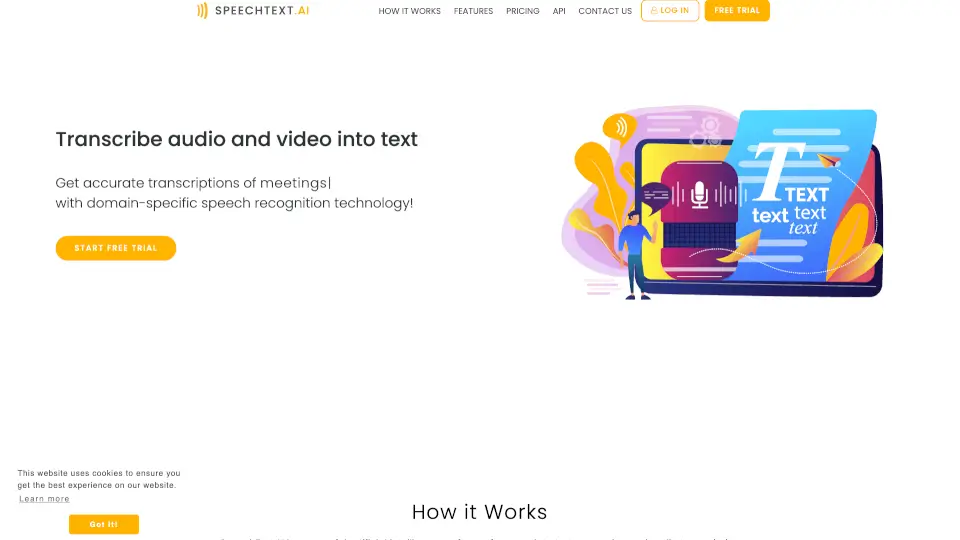
SpeechText.AI delivers fast, accurate audio-to-text transcription using domain-specific AI models for professionals who need reliable results in 50+ languages.

RU
8.99%
114.7K
5.0
AI Transcription by Riverside

AI Transcription by Riverside

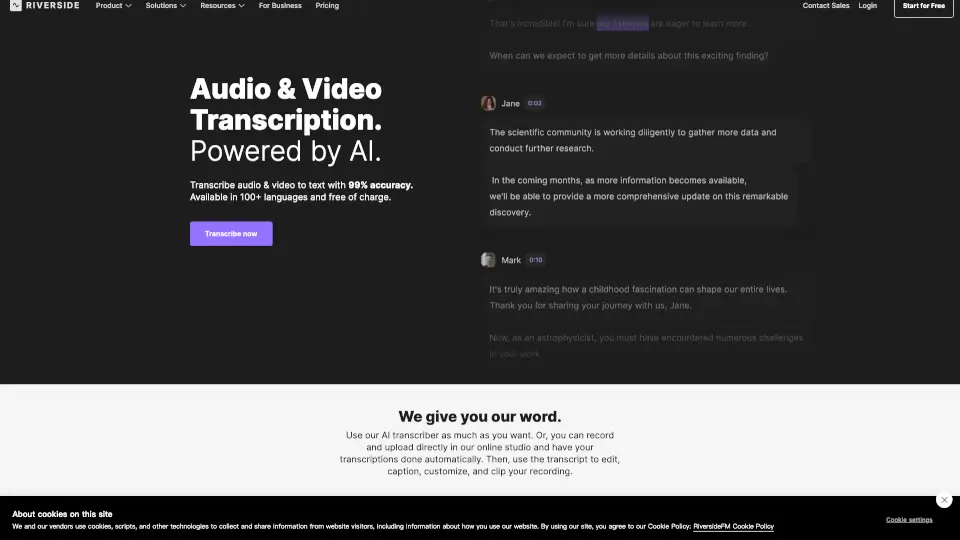
Riverside offers free, 99% accurate AI transcription for audio and video in 100+ languages with instant downloads in TXT or SRT format.

US
52.80%
73.2K
5.0
GPTScribe

GPTScribe

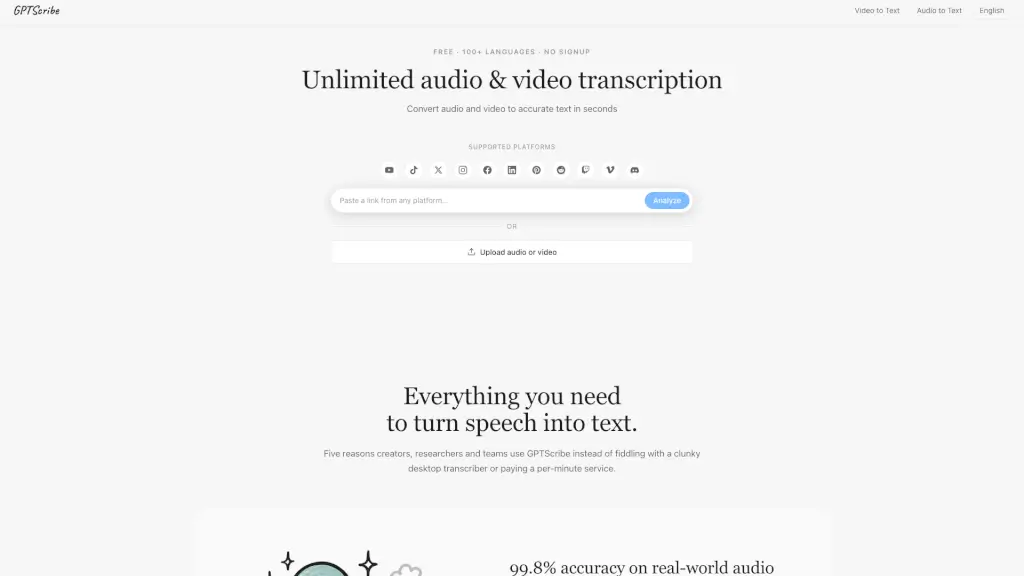
GPTScribe is a free, no-signup AI tool that transcribes audio and video to text with 99.8% accuracy in 100+ languages and exports subtitles instantly.

MX
100.00%
303
3.0

TransDuck Related Other Categories

TransDuck Traffic Analysis

💡 Insights

Medium Scale
100K-1M monthly visits. Growing tool with active development.
➡️
Stable
Traffic remains stable, indicating a mature product.
👍
Good Experience
Bounce rate of 52%. Users are willing to explore features.
  • Monthly Visits

    160.52K

  • Bounce Rate

    51.75%

  • Pages Per Visit

    2.21

  • Visit Duration

    00:01:36

  • Global Rank

    266541

  • Country Rank

    15115

Visits Over Time

Traffic Sources

Social Organic59.19%
Direct32.35%
Referrals4.19%
Search Organic3.96%
Mail0.23%
Gen Ai0.07%
Display Ads0.01%
Search Paid0.00%
Social Paid0.00%
Affiliate0.00%

Top Keywords

1
youtube dubbing
CPC$0.12
100Traffic
2
fydub
0Traffic
3
youtube dubbing – translate & dub
0Traffic
4
yt dubbing
0Traffic
5
youtube indir dubbed
0Traffic

Top Regions

RegionPercentage
Vietnam
Vietnam
21.47%
Russia
Russia
14.63%
United States
United States
10.69%
China
China
9.76%
Brazil
Brazil
6.88%
Low
High

Powered by SimilarWeb

TransDuck FAQ

What file formats does Transduck support?

It supports common audio and video formats like MP3, MP4, WAV, M4A, MOV, and AAC. If you have a rare format, try converting it first.

How long does it take to transcribe a 1-hour file?

Usually between 5 and 15 minutes, depending on file size and server load. Longer files may take a bit more time.

Can I translate the transcript after it’s done?

Yes! After transcription, you can translate the entire text into over 50 languages with one click. The translation preserves timestamps, so it works great for subtitles.

Is my data private and secure?

Absolutely. All files are encrypted during upload and storage. Transduck follows GDPR and CCPA guidelines, and you can delete your files anytime.

Do I need to install any software?

No, it’s 100% web-based. Just open the website on any modern browser (Chrome, Firefox, Safari) and start.

How accurate is the transcription for accented speech?

The AI handles a wide range of accents fairly well, but accuracy can drop with heavy regional dialects. You can improve results by adding custom vocabulary or using the “Enhance” feature.

Can I edit the transcript directly in the tool?

Yes, there’s a built-in editor where you can click any word and correct it. You can also adjust timestamps or add speaker names.

Is there a free trial?

Transduck offers a free trial with limited minutes so you can test the quality before buying a plan. Check their pricing page for details.

TransDuck Reviews

0

0

0 Reviews
Sign Into leave a review

Recent Reviews

No reviews yet

TransDuck Embed

Use website badges to drive community support for SeekTool.ai. They are easy to embed in your homepage or footer.

Light
Dark
TransDuck - Featured on SeekTool.aiTransDuck - Featured on SeekTool.ai
How to install?