Pixelmator Pro logo

Pixelmator Pro

0
5.0
(0 Reviews)
United States22.88%

Pixelmator Pro is a powerful, easy-to-use image editor that brings professional tools and AI features to everyone across Mac and iPad.

Added on: 2026.04.26 · Updated on: 2026.04.26
Social Media:
Visit Site
View Alternatives
Pixelmator Pro

Pixelmator Pro Product Information

What is Pixelmator Pro?

Pixelmator Pro is a top-notch, user-friendly image editor that brings professional-grade tools and powerful AI features to both Mac and iPad. Whether you're a seasoned pro or just starting out, Pixelmator Pro makes it easy to edit images, create stunning graphics, and bring your creative visions to life. With its intuitive interface and advanced features, you can dive into projects with confidence, knowing you have the best tools at your fingertips.

What are the features of Pixelmator Pro?

  • Creative Imaging: Explore new ways to express yourself with a wide range of creative effects, adjustments, and tools. Layering and nondestructive editing give you endless possibilities.
  • Intelligent Features: Built-in AI helps handle time-consuming tasks, like scaling up resolution, removing backgrounds, and auto-enhancing photos, so you can focus on your creativity.
  • Design Templates: Jump-start your projects with professionally designed, fully customizable templates. These templates make it easy to get started and help you visualize your designs in real-life scenarios.
  • Vector Graphics: Create and edit scalable vector graphics with a vast collection of powerful tools. Pixelmator Pro supports popular vector file formats, making it versatile for any project.
  • Round-trip Compatibility: Seamlessly switch between working on Mac and iPad, with every edit synced across devices. This feature ensures you can work on the go without missing a beat.

What are the use cases of Pixelmator Pro?

  • Photo Editing: Perfect for enhancing and retouching photos, whether you're fixing blemishes, adjusting colors, or adding creative effects.
  • Graphic Design: Ideal for creating eye-catching graphics, logos, and social media content. The layer-based editing and vector tools give you the precision and flexibility you need.
  • Video Retouching: Easily mask, crop, and adjust colors in video layers, making it simple to integrate video into your projects.
  • Web and Print Design: Use the broad file support and design templates to create visuals for websites, print materials, and more.
  • Artistic Projects: Experiment with creative imaging tools to produce unique and expressive artwork, from digital paintings to photo collages.

How to use Pixelmator Pro?

  • Start with a Template: Choose a template that fits your project needs to get a head start.
  • Use Layers: Organize your work into layers for easier editing and nondestructive changes.
  • Apply Intelligent Features: Utilize AI tools like Super Resolution and Auto Enhance to save time and improve your images.
  • Customize Your Workspace: Adjust the layout and tools to suit your workflow and preferences.
  • Sync Across Devices: Use Universal Control and Universal Clipboard to copy and paste layers between Mac and iPad for seamless editing.

Do you like this tool?

Upvote to help others discover it!

Pixelmator Pro Alternatives

Pixelcut

Pixelcut is a free AI photo editor that makes photo editing simple and fun. With tools like Background Remover, Image Upscaler, and Magic Eraser, you can create stunning photos in minutes. Perfect for e-commerce, social media, and personal projects.

ID
42.03%
|
20.0K
|
4.0
Pixelcut AI

Pixelcut is a free, easy-to-use AI photo editor that helps you create and edit professional-looking photos and videos, perfect for small businesses, creatives, and anyone who wants to enhance their visual content.

US
8.38%
|
1.9M
|
5.0
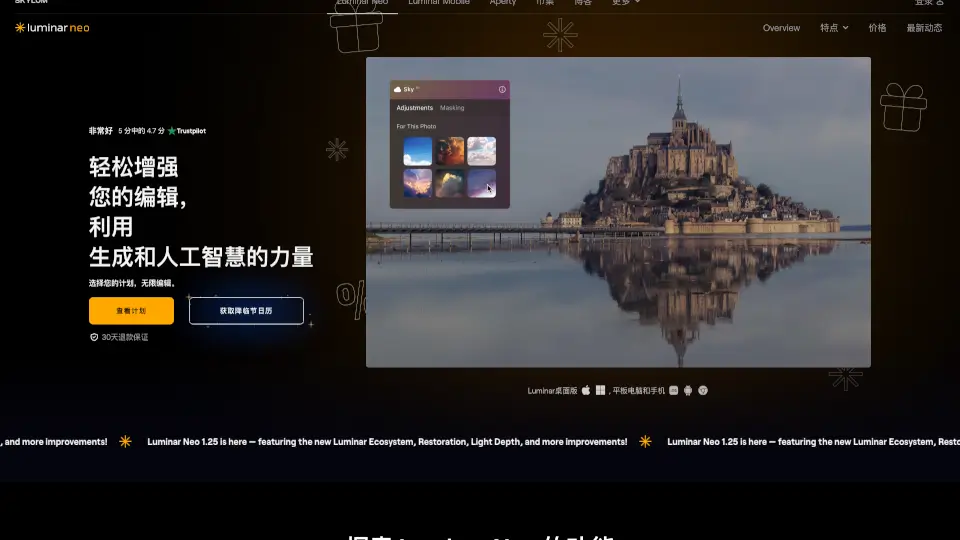
Luminar Neo

Luminar Neo is an intuitive photo editor packed with AI tools for quick, professional results. Enhance, retouch, and get creative on Mac or PC with ease.

US
19.47%
|
1.3M
|
5.0
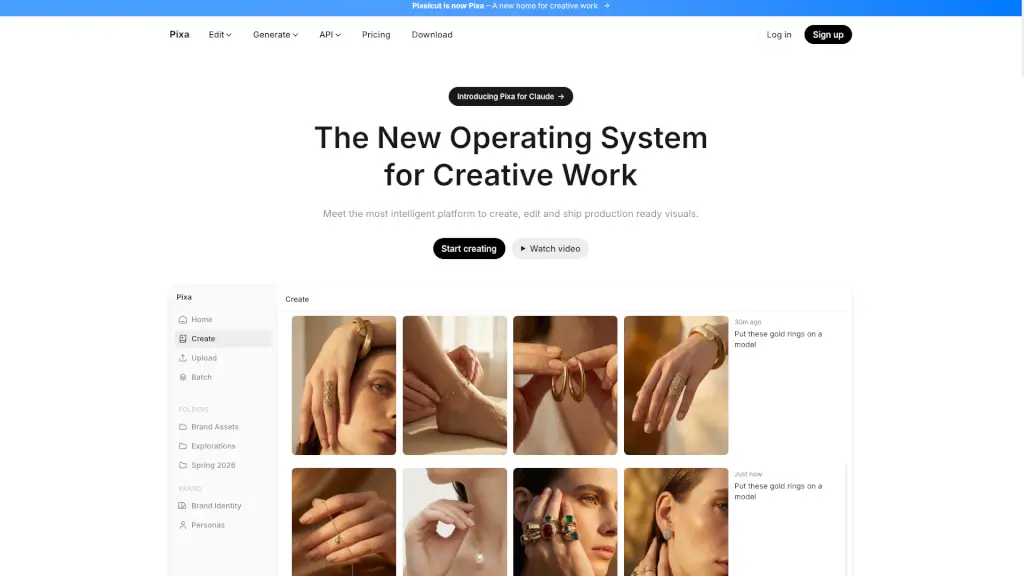
Pixa

Pixa, the free AI photo editor, offers powerful and easy-to-use tools for creating, editing, and sharing high-quality visuals, making it perfect for small businesses and creatives alike.

IN
19.84%
|
10.3M
|
5.0
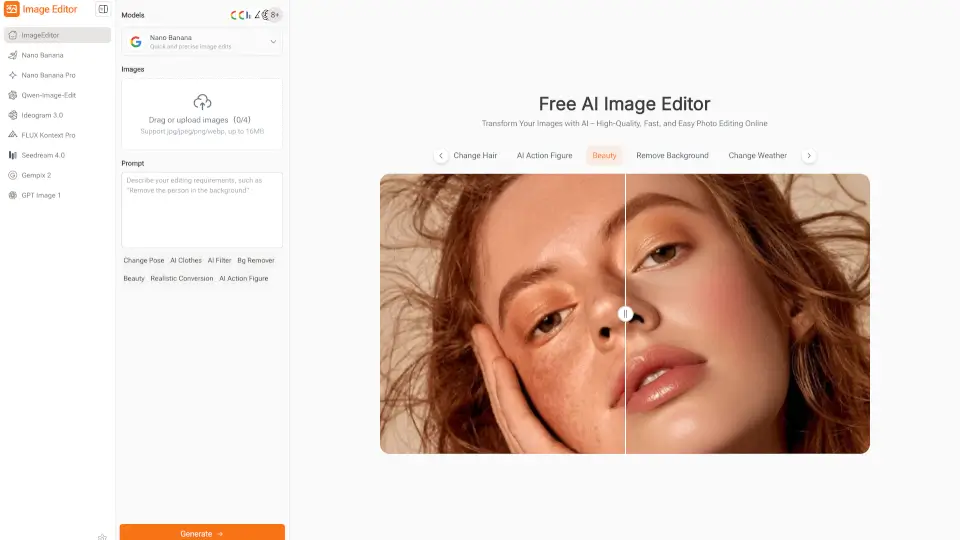
Imageeditor.ai

ImageEditor.AI is a versatile, user-friendly platform for AI-driven image editing and creation, perfect for both personal and professional use.

RU
29.44%
|
23.6K
|
4.0
Image Editor

Image Editor is a free, browser-based AI photo editor that makes enhancing, transforming, and downloading high-quality images quick and easy—no sign-up required.

IN
21.06%
|
121.8K
|
5.0
Pixlr: AI-Powered Editor

Pixlr is a versatile, free online photo editor and AI design tool perfect for both casual users and professionals. With its intuitive interface and powerful features, it’s the ultimate solution for all your creative needs.

US
25.19%
|
10.4M
|
5.0
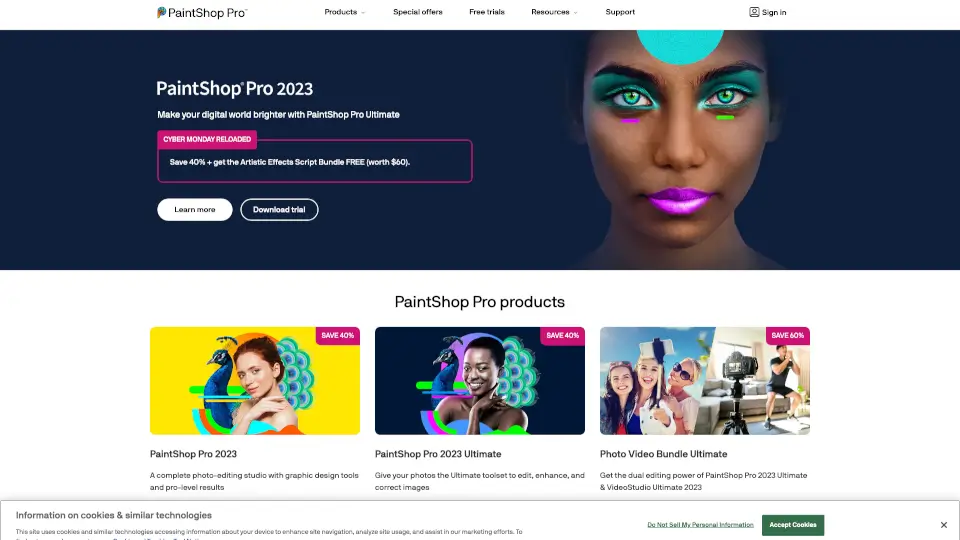
PaintShop Pro

PaintShop Pro is a versatile photo editing software that combines ease of use with powerful features, making it ideal for both personal and professional use.

US
33.46%
|
133.2K
|
5.0
Pixelmator Pro Related Other Categories

Pixelmator Pro Traffic Analysis

💡 Insights

🌱
Emerging Tool
10K-100K monthly visits. Niche or new tool with potential unique value.
📉
Traffic Decline
Significant traffic drop recently. Check for alternatives.
👍
Good Experience
Bounce rate of 45%. Users are willing to explore features.
  • Monthly Visits

    73.07K

  • Bounce Rate

    44.55%

  • Pages Per Visit

    1.66

  • Visit Duration

    00:00:24

  • Global Rank

    520267

  • Country Rank

    496639

Visits Over Time

Traffic Sources

Search49.39%
Direct39.73%
Referrals7.24%
Social2.59%
Paid0.89%
Mail0.10%

Top Keywords

1
photomator
CPC$1.71
8.17KTraffic
2
pixelmator
CPC$1.38
690Traffic
3
pixelmator pro
CPC$1.57
630Traffic
4
photomater
310Traffic
5
photomator windows
160Traffic

Top Regions

RegionPercentage
United States
United States
22.88%
Germany
Germany
5.67%
Canada
Canada
3.87%
United Kingdom
United Kingdom
3.79%
India
India
3.57%
Low
High

Pixelmator Pro FAQ

What is Apple Creator Studio?

What is the difference between the subscription version and a one-time purchase of Pixelmator Pro?

How much does Pixelmator Pro cost?

Where can I learn how to use Pixelmator Pro?

Where can I get Photomator?

How does Pixelmator Pro compare to Pixelmator Classic for iPad?

Which hardware and software do I need to use Pixelmator Pro?

Pixelmator Pro Reviews

0

0

0 Reviews

Write a Review

0

Login to leave a review
Sign In

Recent Reviews

No reviews yet

Pixelmator Pro Embed

Use website badges to drive community support for SeekTool.ai. They are easy to embed in your homepage or footer.

Light
Dark
Pixelmator Pro - Featured on SeekTool.aiPixelmator Pro - Featured on SeekTool.ai
How to install?

Looking for Pixelmator Pro Alternatives?

Compare top AI tools similar to Pixelmator Pro. Find the best option for your needs.

View Alternatives

Reviews

0.0

Share your experience with this tool...

Trending

Featured

Subscribe to our AI Newsletter

Get the top AI stories delivered to your inbox weekly.