
What is Luminar Neo?
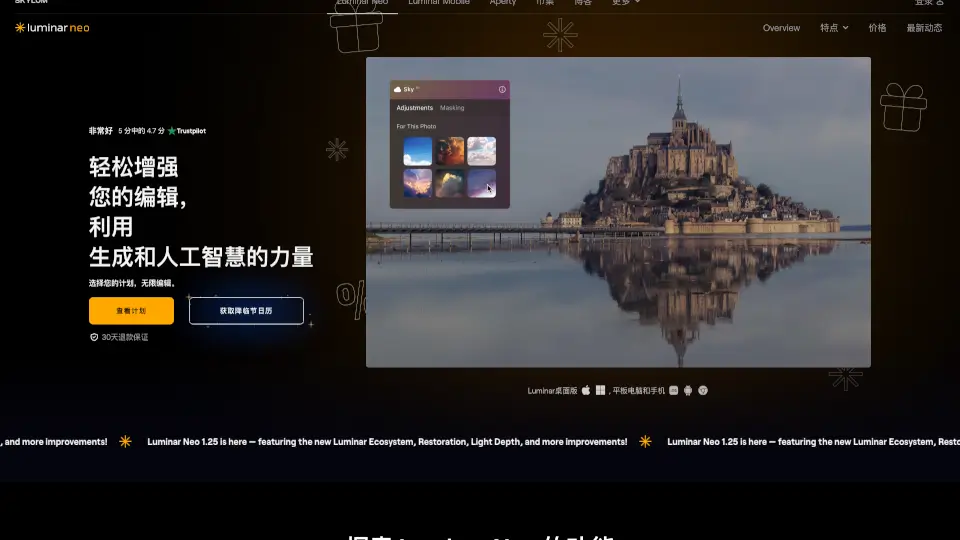
Luminar Neo is a powerful and easy-to-use photo editor for Mac and PC. With its smart AI tools, you can enhance photos in seconds, remove distractions, swap skies, and get creative with just a few clicks. Whether you’re a beginner or a pro, Luminar Neo helps you turn ordinary photos into stunning works of art.
What are the features of Luminar Neo?
- AI Photo Enhancement: Instantly improve your photos with one slider.
- Sky Replacement: Swap out dull skies for dramatic ones in seconds.
- AI Eraser: Remove unwanted objects or distractions with a single click.
- Portrait Tools: Smooth skin, enhance faces, and even change backgrounds.
- Batch Editing: Apply edits to multiple photos at once to save time.
- RAW Editing: Supports over 1000 camera models and major file formats.
- HDR Merge & Panorama Stitching: Combine exposures and create wide-angle scenes.
- Layer & Mask Support: Get creative with overlays, textures, and precise adjustments.
- Generative AI Tools: Expand images, swap objects, and erase elements seamlessly.
- Plugin Support: Works with Lightroom and Photoshop for flexible workflows.
What are the use cases of Luminar Neo?
- Landscape Photography: Enhance skies, add fog, and bring out hidden details.
- Portrait Retouching: Smooth skin, adjust lighting, and sculpt body shapes.
- Wedding & Family Photos: Batch edit and apply presets for a consistent look.
- Real Estate & E-commerce: Remove backgrounds and sharpen images for listings.
- Food & Drone Photography: Boost colors and textures for eye-catching results.
- Creative Projects: Add neon, glow, and cinematic effects for unique styles.
How to use Luminar Neo?
- Step 1: Open your photo in Luminar Neo.
- Step 2: Use AI tools like Enhance, Sky Replacement, or Skin Retouching.
- Step 3: Fine-tune with layers, masks, and creative effects.
- Step 4: Save or export your edited photo in your preferred format.
- Tip: Use batch editing to apply the same look to multiple photos at once.