

What is Luminar AI?
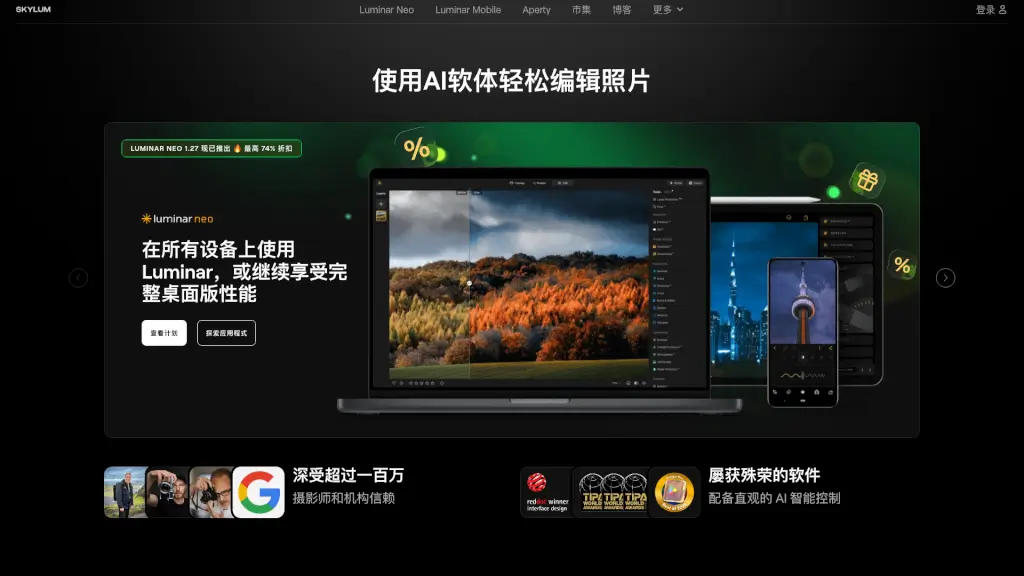
Luminar Neo is your go-to AI-powered photo editing software for both macOS and Windows. Whether you're a beginner or a pro, this standalone and plugin tool offers over 20 unique photo effects and editing features to transform your images effortlessly.
What are the features of Luminar AI?
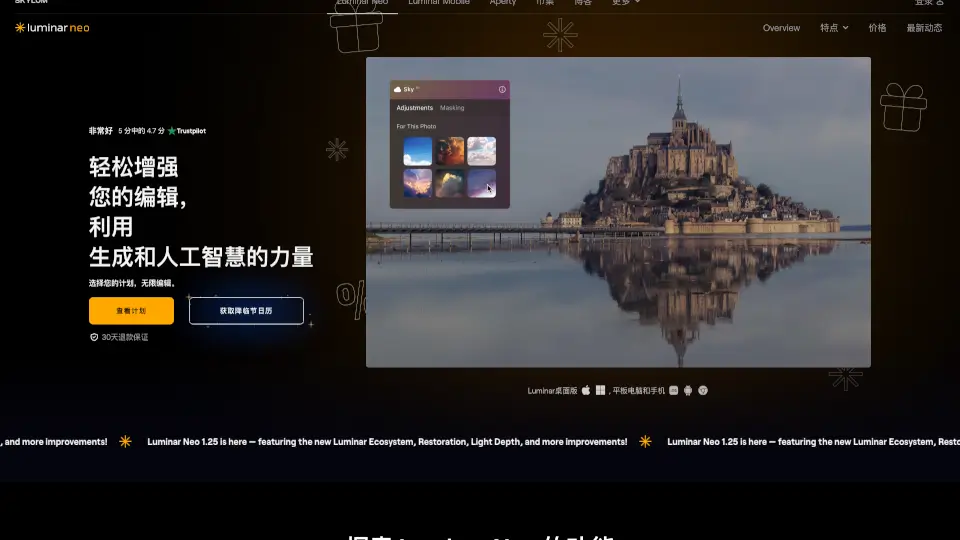
- SkyAI: Seamlessly replace skies and add realistic reflections with just one click.
- AccentAI: Adjust multiple controls like shadows, highlights, and contrast with a single slider.
- RelightAI: Fix backlit photos by adjusting lighting and exposure based on depth.
- Portrait Bokeh AI: Create stunning out-of-focus backgrounds without expensive lenses.
- SkinAI: Automatically retouch skin and remove imperfections in seconds.
What are the use cases of Luminar AI?
- Landscape Photography: Enhance natural scenes with SkyAI and Atmosphere AI.
- Portrait Photography: Perfect skin tones and backgrounds with SkinAI and Portrait Bokeh AI.
- Wedding Photography: Quickly edit and retouch wedding photos for a polished look.
- Real Estate Photography: Improve property images with RelightAI and SkyAI.
- Drone Photography: Add dramatic skies and enhance details in aerial shots.
How to use Luminar AI?
- Install Luminar Neo on your macOS or Windows device.
- Open your photo in the software.
- Select AI tools like SkyAI or SkinAI to apply edits.
- Adjust sliders to fine-tune the effects.
- Save and export your edited image.