
Что такое Skylum Luminar Neo?
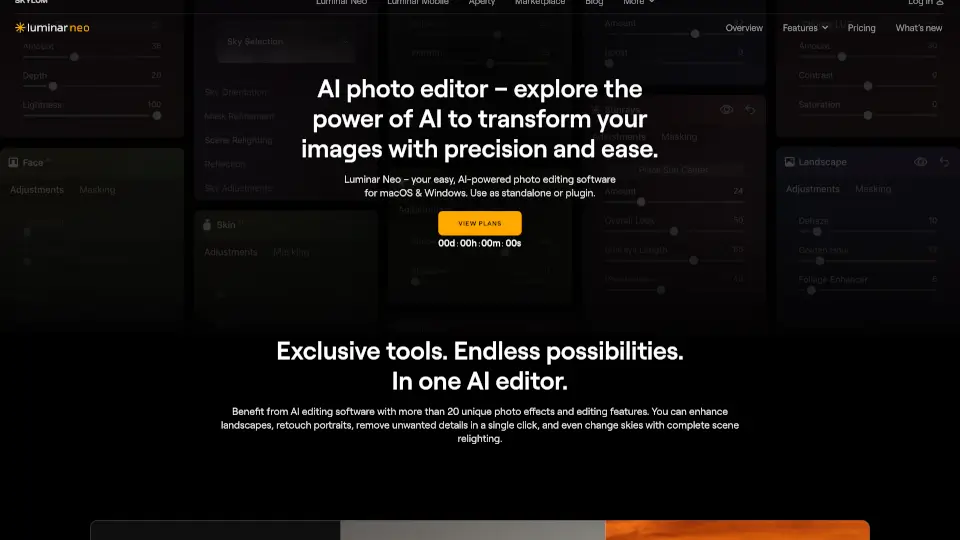
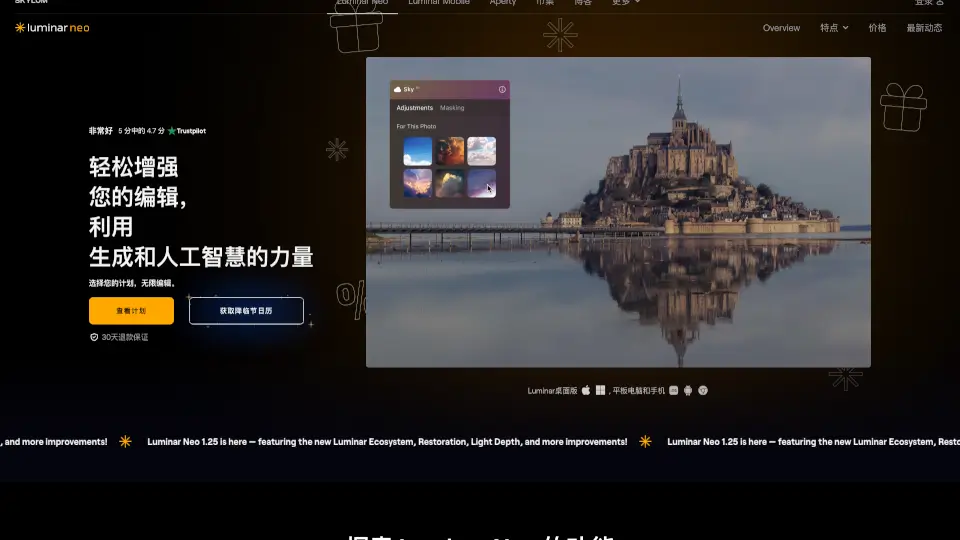
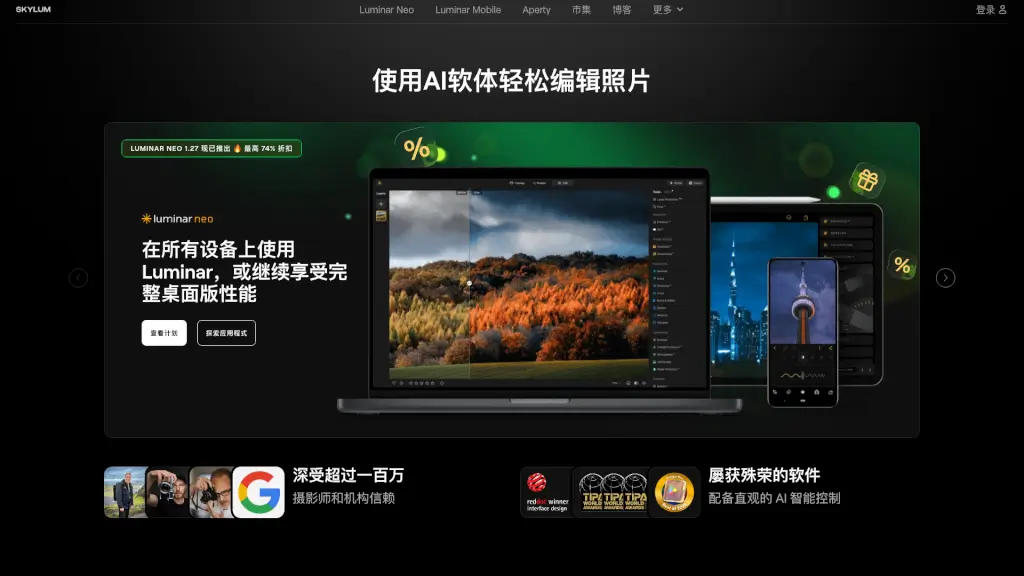
Luminar Neo — это мощный и интуитивно понятный редактор фотографий, который подходит как для начинающих, так и для опытных фотографов. С помощью Luminar Neo вы можете легко улучшать свои снимки, используя множество инструментов, включая AI-технологии, которые автоматически улучшают изображения. Программа предлагает широкий спектр функций, от простого улучшения яркости и контраста до сложных операций, таких как замена неба и удаление фонов. Luminar Neo также поддерживает работу на различных устройствах, что делает его идеальным решением для тех, кто хочет всегда иметь доступ к своим проектам.
Какие особенности у Skylum Luminar Neo?
- Accent AI: Интеллектуальный инструмент, который автоматически балансирует тон, насыщенность, высветления, контраст и детали.
- Sky Replacement: Быстро и легко заменяет небо на ваших фотографиях, создавая потрясающие эффекты.
- Background Removal: Удаляет фон с фотографий, позволяя вам сосредоточиться на главном объекте.
- AI Noiseless: Эффективно устраняет шум на фотографиях, сохраняя детали.
- AI HDR Merge: Объединяет несколько снимков с разной экспозицией, создавая детализированные HDR-изображения.
- Magic Light: Добавляет волшебные световые эффекты, придавая фотографиям уникальный вид.
- Focus Stacking: Объединяет несколько снимков с разной глубиной резкости, создавая изображения с полной резкостью.
Какие случаи использования Skylum Luminar Neo?
- Пейзажная фотография: Используйте Accent AI и Sky Replacement для создания захватывающих пейзажных снимков.
- Портретная фотография: Используйте Background Removal и Skin Retouching для профессионального редактирования портретов.
- Фотография недвижимости: AI HDR Merge и Magic Light помогут вам создать привлекательные и детализированные изображения недвижимости.
- Макрофотография: Focus Stacking позволит вам создавать изображения с полной резкостью, даже на макросъемке.
- Свадебная фотография: Используйте AI Noiseless и Accent AI для улучшения качества свадебных фотографий.
Как использовать Skylum Luminar Neo?
- Откройте Luminar Neo и загрузите фотографию, которую хотите отредактировать.
- Используйте Accent AI, чтобы автоматически улучшить основные параметры изображения.
- Если нужно заменить небо, перейдите к инструменту Sky Replacement и выберите подходящий вариант.
- Для удаления фона воспользуйтесь инструментом Background Removal.
- Примените AI Noiseless, чтобы убрать шум на фотографии.
- Сохраните отредактированное изображение в нужном формате.