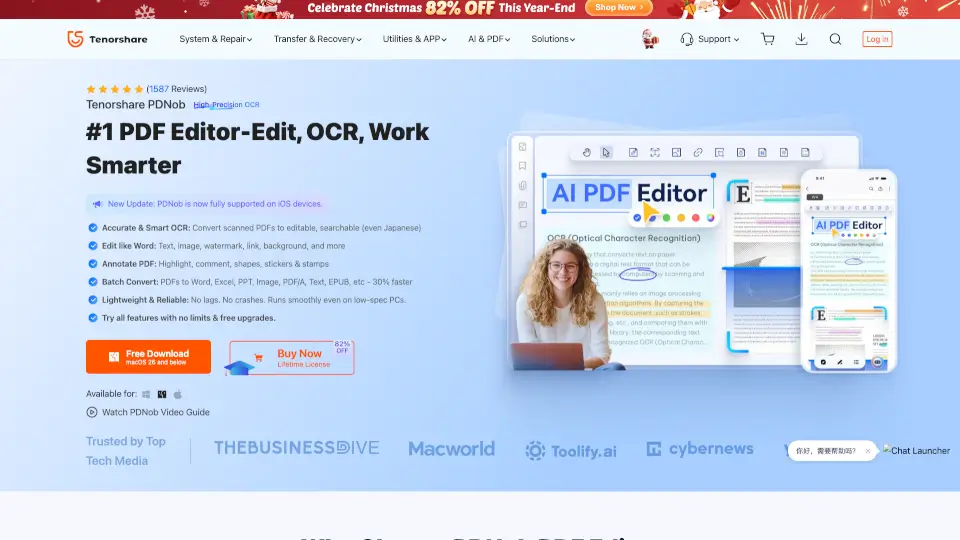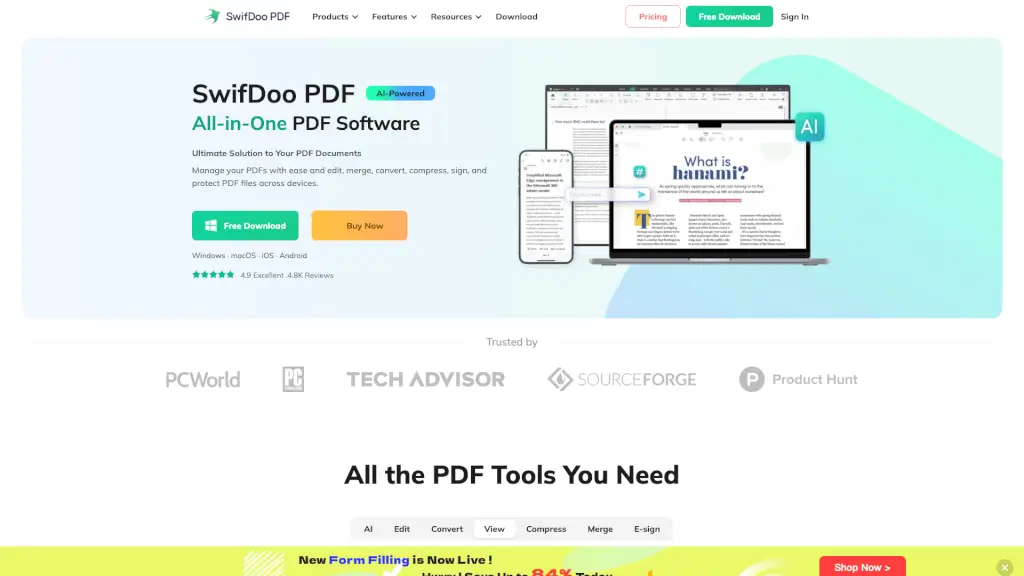
What is PDNob Online?
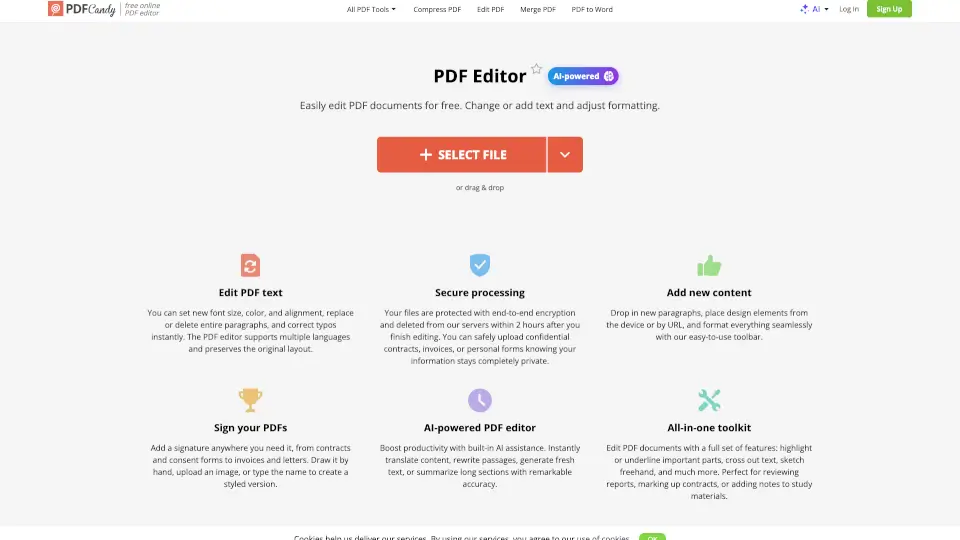
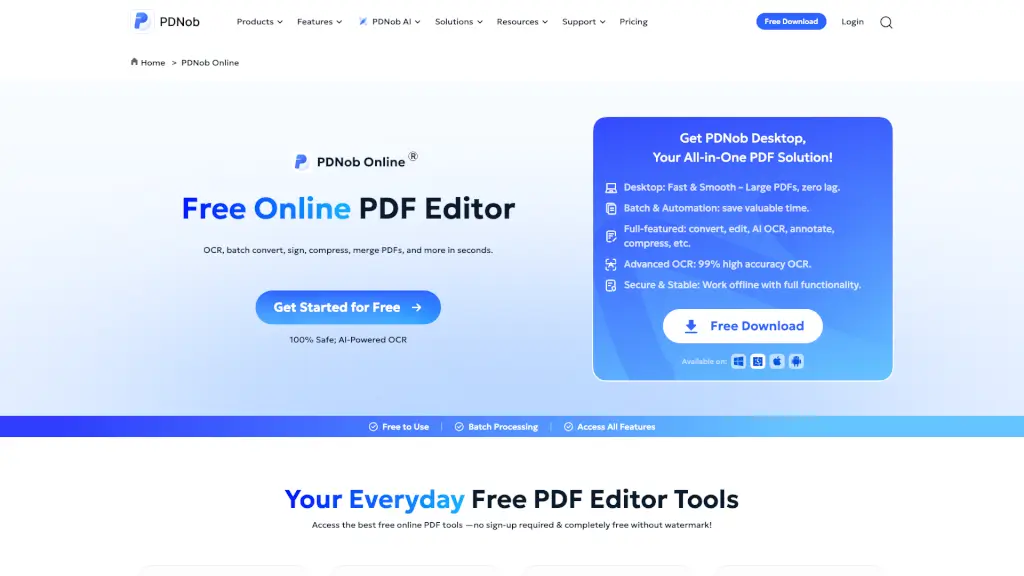
PDNob Online is a free online PDF editor that lets you edit, convert, sign, and compress PDFs right in your browser. No sign-ups, no hidden fees, and no watermarks. Whether you need to turn a scanned document into editable text, merge multiple files into one, or add a legally binding signature, PDNob handles it all in seconds. It's built for anyone who needs to work with PDFs fast—students, professionals, and everyday users alike.
What are the features of PDNob Online?
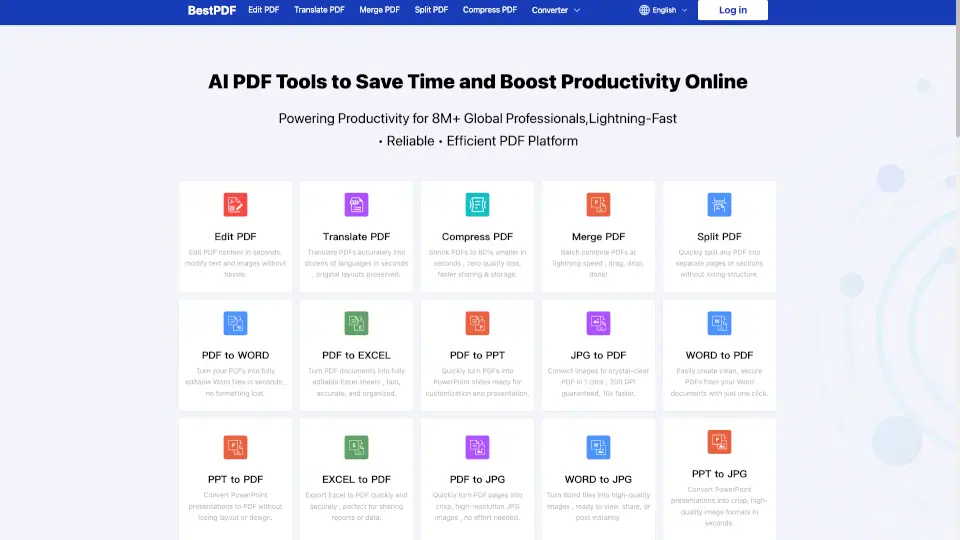
- OCR PDF (Powered by Abbyy): Turn scanned documents and even handwritten notes into editable, searchable text with high accuracy. Supports 16+ languages.
- PDF to Word/Excel/PPT: Convert PDFs into editable Office files with perfect formatting. Complex tables, graphics, and fonts stay intact.
- Sign PDF: Add legally binding e-signatures in under 60 seconds. No software download needed. Compliant with eIDAS and global e-signature laws.
- Merge PDF: Combine 100+ files (PDFs, images, Office docs) into one organized document. Auto-optimizes page orientation and size.
- Compress PDF: Shrink large PDFs from 200MB down to 2MB without noticeable quality loss. Patented algorithm keeps text sharp.
- Protect PDF: Encrypt your PDF with a password to keep sensitive information safe from unauthorized access.
- PDF Translator: Translate entire PDF documents instantly while preserving the original layout and formatting using AI.
- Add/Remove Watermark: Easily add custom watermarks for branding or remove unwanted ones from existing PDFs.
What are the use cases of PDNob Online?
- Digitizing Paper Records: Scan old receipts, contracts, or handwritten notes and use OCR to turn them into editable digital text instantly.
- Sending Large Files via Email: Compress a 200MB PDF report down to just a few MB without losing quality, so it fits in any email attachment.
- Merging Contract Proposals: Combine multiple signed documents, images, and Word files into one single, organized PDF for client review.
- Signing Documents Remotely: Add a legally binding e-signature to a contract in under a minute without printing, scanning, or mailing anything.
- Converting PDFs for Editing: Convert a PDF to Word or Excel to make quick edits, fix typos, or analyze data in spreadsheets without losing formatting.
- Protecting Confidential Files: Password-protect a PDF containing sensitive financial or legal information before sharing it with others.
How to use PDNob Online?
- Step 1: Go to the PDNob Online website. No registration or account creation is needed.
- Step 2: Choose the tool you need from the homepage (e.g., "OCR PDF", "Compress PDF", "Sign PDF").
- Step 3: Upload your PDF file by dragging and dropping it into the upload area or clicking the "Upload" button.
- Step 4: Select your desired settings (e.g., compression level, output format, or signature placement).
- Step 5: Click "Start" or "Apply" to process your file. The tool will work in seconds.
- Step 6: Download your finished PDF directly to your computer. All files are automatically deleted from PDNob's servers within two hours for your privacy.