
MailMaestro logo

MailMaestro

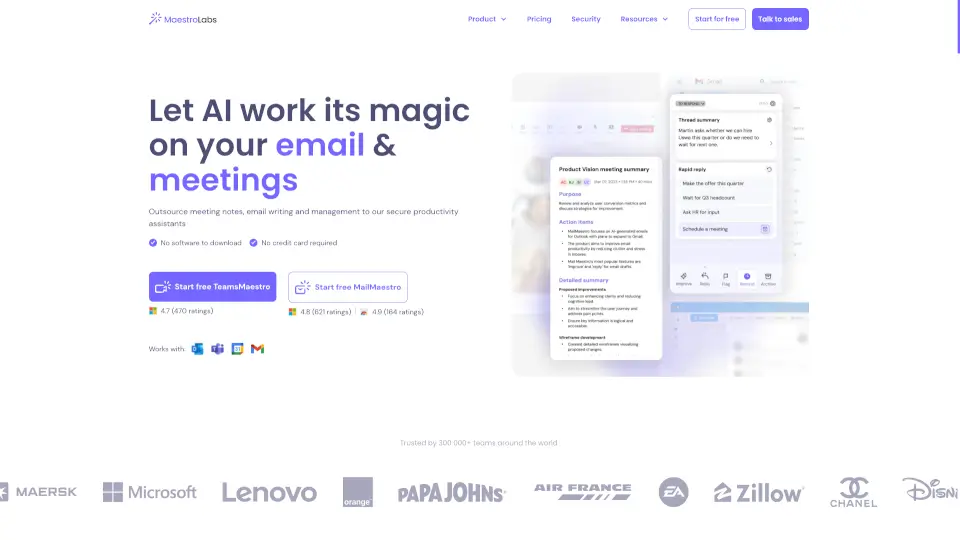
Maestro Labs offers secure, native AI tools for Outlook, Gmail, and Teams that automate email writing, meeting notes, and calendar management to save professionals 8+ hours weekly.

Social Media:
MailMaestro

MailMaestro Product Information

What is MailMaestro?

Tired of drowning in emails and messy meeting notes? Maestro Labs builds smart AI tools that work right inside Outlook, Gmail, and Microsoft Teams—so you can write emails faster, capture clear meeting summaries, and manage your calendar without ever switching tabs. Designed for busy professionals, their suite includes MailMaestro for email magic and TeamsMaestro for meeting clarity.

Best of all, it’s free to start, requires no downloads or credit card, and integrates seamlessly into your existing workflow. Whether you’re juggling 100+ emails a day or back-to-back calls, Maestro Labs helps you save 8+ hours a week while keeping your data secure with enterprise-grade protection.

What are the features of MailMaestro?

  • AI Email Writer
    Generate three polished email drafts from a short prompt—choose tone, length, and language (20+ supported).
  • Smart Email Summaries
    Instantly condense long email threads into clear overviews with ready-to-send response options.
  • AI Meeting Note Taker
    Automatically joins Teams meetings, captures conversations, and delivers structured notes with action items.
  • Action Item Detection
    Identifies deadlines and tasks in emails and meetings, then sends automatic reminders.
  • Smart Inbox Organization
    Uses AI to tag and filter emails by priority and intent, cutting clutter and saving up to 2 hours daily.
  • Native Integration
    Works directly in Outlook (web & desktop), Gmail (via Chrome extension), and Microsoft Teams—no tab switching needed.
  • Enterprise-Grade Security
    SOC 2 Type II, GDPR, and HIPAA compliant with encryption, PII obfuscation, and zero-data retention options.
  • Custom Branding & Vocabulary
    Personalize your AI bot’s name/avatar and teach it company-specific terms for better accuracy.

What are the use cases of MailMaestro?

  • A sales rep quickly drafts personalized client follow-ups after a call using MailMaestro’s “Reply” feature.
  • A project manager uses TeamsMaestro to auto-generate meeting recaps with assigned action items for team members.
  • An executive overwhelmed by 200+ daily emails uses smart labels to prioritize urgent messages and reach inbox zero faster.
  • A non-native English speaker writes professional, error-free emails in their preferred language with tone control.
  • A remote team running multilingual meetings gets accurate summaries in Spanish, French, or German automatically.
  • A customer support agent uses keyword shortcuts to insert LinkedIn profiles, phone numbers, or standard responses in seconds.
  • A busy founder outsources note-taking for all calendar-scheduled Teams calls and receives digests via email post-meeting.

How to use MailMaestro?

  • In Outlook: Click the MailMaestro icon in the top-right ribbon, then choose “Compose,” “Improve,” or “Reply” to generate drafts.
  • In Gmail: Install the Chrome extension, then use the sidebar button when composing or viewing emails to activate AI tools.
  • For Teams meetings: Add TeamsMaestro from the Teams app store—it auto-joins scheduled calls or can be manually invited via teams@maestrolabs.com.
  • Customize your experience by setting preferred tone (friendly, formal, concise) and summary length before generating content.
  • Access past meeting notes anytime in the TeamsMaestro tab inside Microsoft Teams or via emailed recaps.
  • Use “Magic Templates” to combine reusable email structures with AI writing for even faster drafting of repetitive messages.
Do you like this tool?

Upvote to help others discover it!

MailMaestro Alternatives

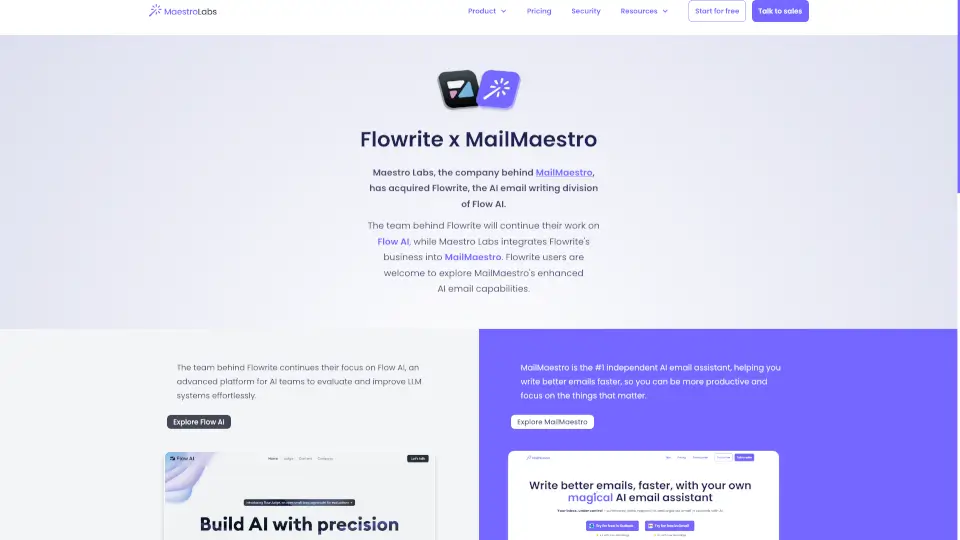
Flowrite

Flowrite

MailMaestro is the ultimate AI email assistant, helping you write, manage, and respond to emails faster and more efficiently.

US
22.67%
50.8K
0
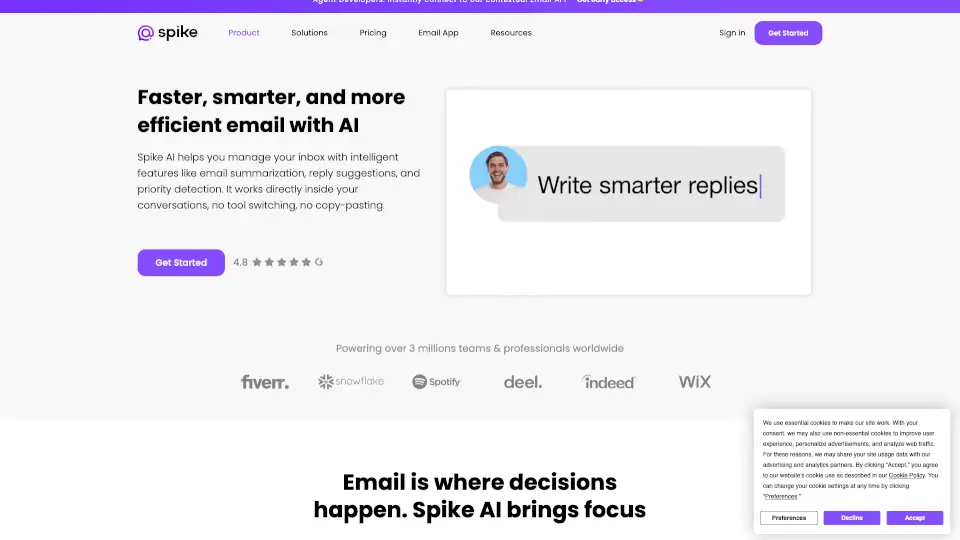
MagicAI by Spike

MagicAI by Spike

Spike AI boosts productivity by turning your email into an intelligent, all-in-one workspace with AI-powered writing, summarization, and team collaboration.

US
37.44%
127.4K
0
Mailbutler AI

Mailbutler AI

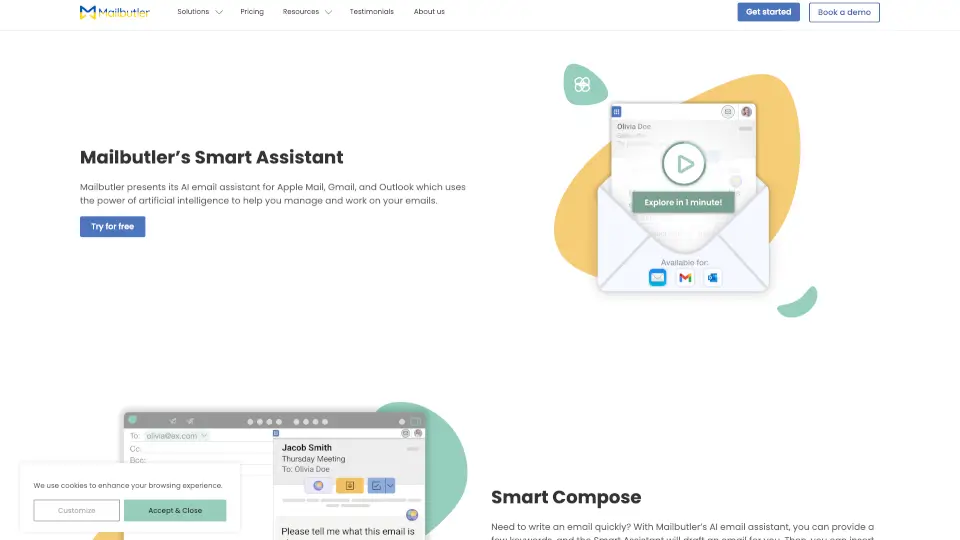
Mailbutler’s Smart Assistant is an AI-powered tool that simplifies email management, saving you time and effort. Try it today!

US
29.62%
51.7K
0
Noota | Free Meeting Recorder & AI-Generated Notes

Noota | Free Meeting Recorder & AI-Generated Notes

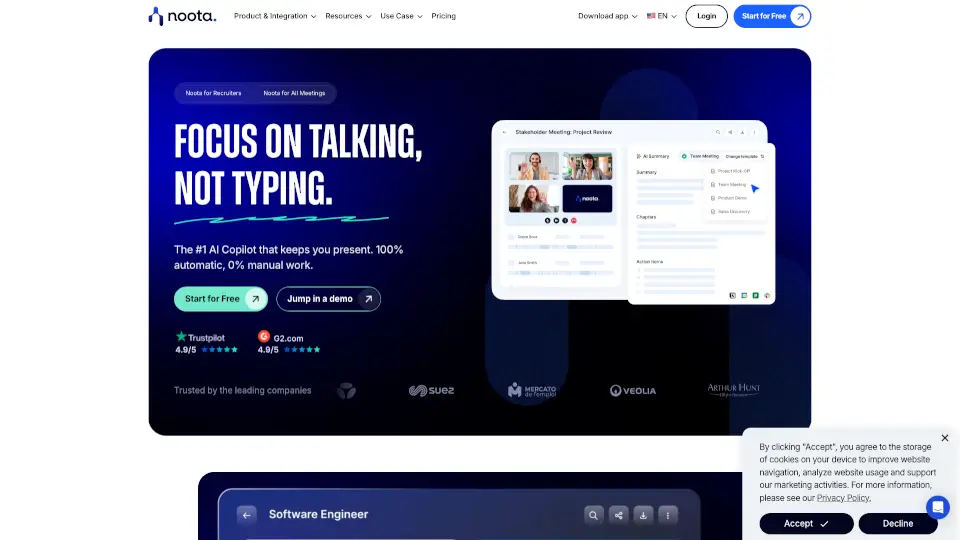
Noota is an AI productivity tool that turns meetings, calls, and emails into automated notes, follow-ups, and actionable insights, saving teams hours of manual work.

FR
53.78%
274.5K
0
Meeting.ai

Meeting.ai

Meeting.ai saves you time by capturing, transcribing, and organizing your meetings with AI. Focus on conversations while it handles the notes.

ID
47.58%
119.0K
0
Superhuman

Superhuman

Superhuman is the most productive email app ever made, offering AI-powered features to save time, improve collaboration, and streamline email management.

US
54.22%
6.0M
0
Sembly AI

Sembly AI

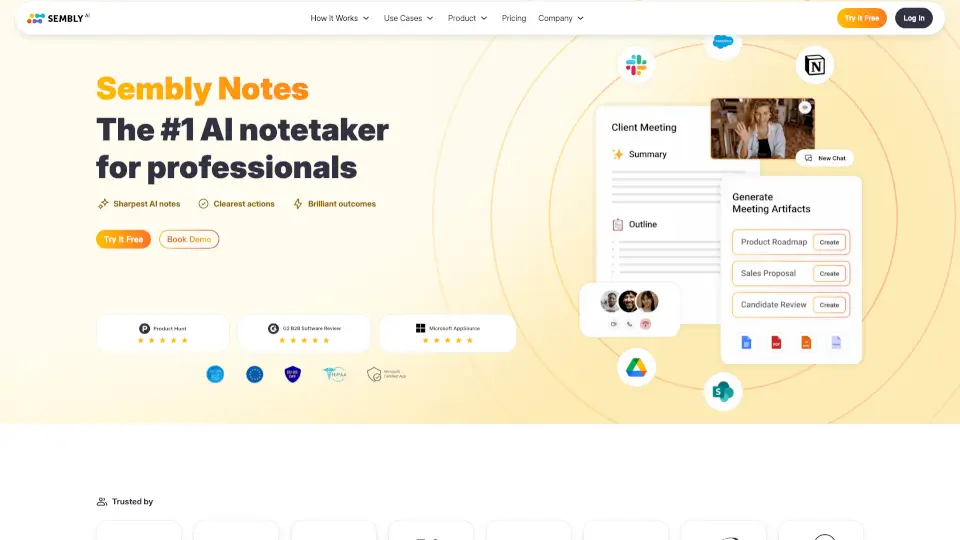
Sembly AI transforms meetings into actionable insights with AI-generated notes, tasks, and summaries. Perfect for teams and professionals.

MX
35.87%
107.6K
0
Lindy AI

Lindy AI

Lindy is an AI executive assistant that saves professionals 2 hours daily by automating email, calendar, and meeting tasks with human-like intelligence and enterprise security.

US
29.02%
324.0K
0

MailMaestro Related Other Categories

MailMaestro Traffic Analysis

Website traffic estimates for maestrolabs.com. Visits are not unique users or product usage.

💡 Insights

🌱
Emerging Tool
10K-100K monthly visits. Niche or new tool with potential unique value.
➡️
Stable
Traffic remains stable, indicating a mature product.
👍
Good Experience
Bounce rate of 39%. Users are willing to explore features.
  • Monthly Visits

    50.79K

  • Bounce Rate

    39.23%

  • Pages Per Visit

    2.67

  • Visit Duration

    00:00:15

  • Global Rank

    582335

  • Country Rank

    372156

Visits Over Time

Traffic Sources

Search Organic37.02%
Direct36.53%
Referrals16.25%
Mail8.47%
Display Ads0.63%
Social Organic0.63%
Gen Ai0.48%
Search Paid0.00%
Social Paid0.00%
Affiliate0.00%

Top Keywords

1
mailmaestro
CPC$1.36
470Traffic
2
asking for a reference email example libary
250Traffic
3
teams maestro
CPC$6.55
220Traffic
4
teamsmaestro
CPC$0.82
170Traffic
5
how to politely introduce oneself in email
170Traffic

Top Regions

RegionPercentage
United States
United States
22.67%
India
India
7.04%
Brazil
Brazil
6.59%
United Kingdom
United Kingdom
6.56%
Philippines
Philippines
4.39%
Low
High

Powered by SimilarWeb

MailMaestro FAQ

What is an AI email assistant?

An AI email assistant is a tool that integrates into your email client (like Outlook or Gmail) to help you write better emails faster, manage your inbox, summarize threads, and reduce time spent on repetitive tasks.

What technology powers MailMaestro's AI Email Assistant?

MailMaestro uses advanced language models from OpenAI and Anthropic, giving it strong natural language understanding to draft, summarize, translate, and refine emails accurately.

Is MailMaestro's AI Email Assistant available for Microsoft Outlook?

Yes! It works with Outlook Web, New Outlook, and Legacy Outlook—fully integrated into the interface with no extra steps.

Is MailMaestro's AI Email Assistant available for Gmail?

Yes, via a free Chrome extension. Just install it from the Chrome Web Store to start using AI features in Gmail.

Who is MailMaestro designed for?

Professionals who send or receive dozens of emails daily—especially those spending 2–3 hours per day on email and wanting to write more clearly, respond faster, and reduce inbox stress.

How does MailMaestro protect my data?

It’s SOC 2 Type II, GDPR, and HIPAA compliant (with BAA available), uses end-to-end encryption, undergoes regular penetration testing, and offers zero-day data retention for enterprise clients.

Can AI manage my emails?

Yes—AI can summarize threads, suggest smart replies, detect action items, auto-tag messages by priority, and even draft new emails based on your prompts and style.

Is TeamsMaestro AI Note Taker free?

Yes! The free plan includes 10 meeting notes per month, plus a 2-week Pro trial. After that, you keep free access or upgrade for unlimited notes and advanced features.

MailMaestro Reviews

0
0 Reviews
Sign Into leave a review

Recent Reviews

No reviews yet

MailMaestro Embed

Use website badges to drive community support for SeekTool.ai. They are easy to embed in your homepage or footer.

Light
Dark
MailMaestro - Featured on SeekTool.aiMailMaestro - Featured on SeekTool.ai
How to install?